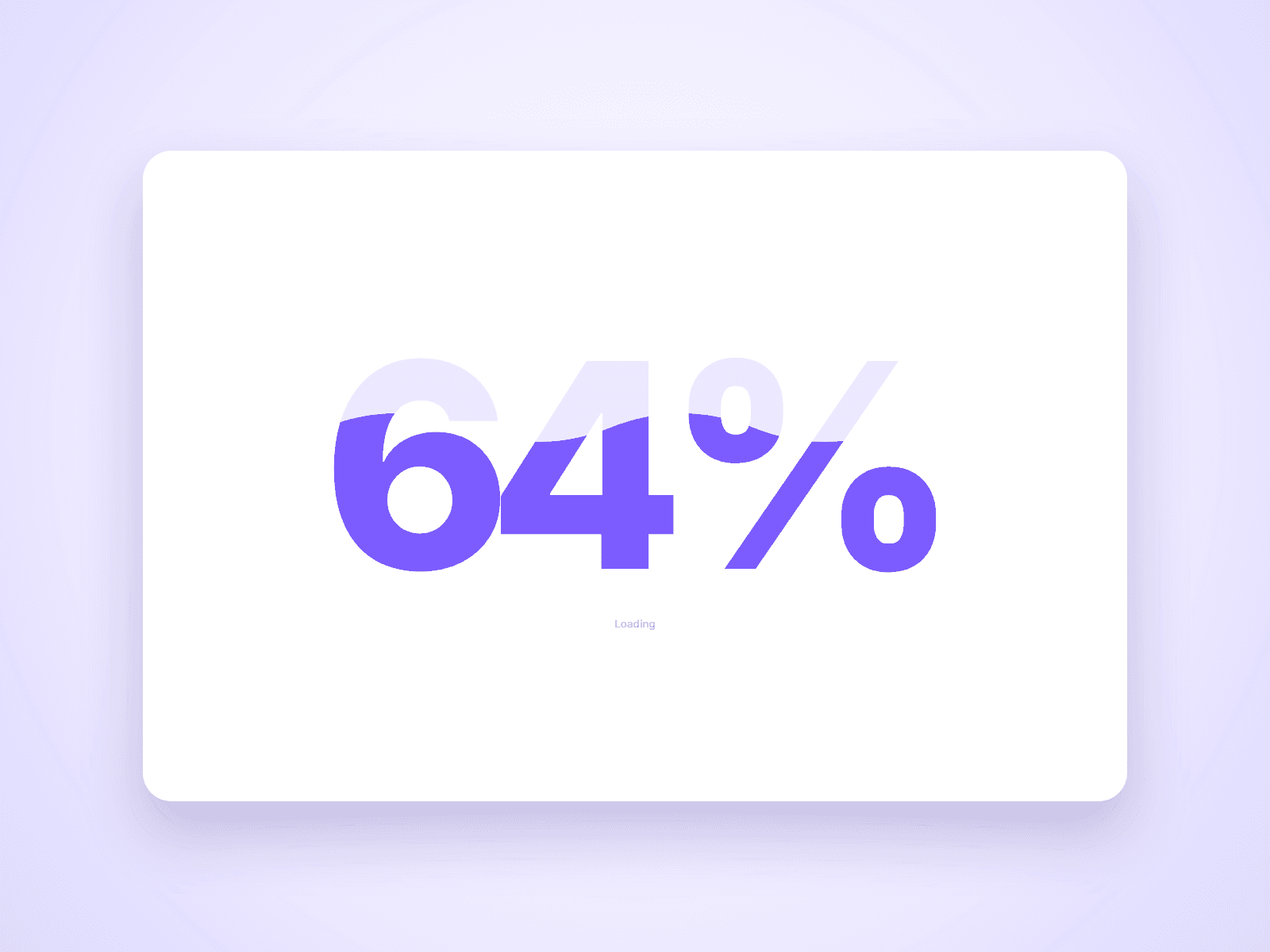
About Liquid Preloader
A loading screen where a liquid wave rises inside a big percentage counter, then slides away to reveal your site. It follows the real page load, starts counting from the first frame, and returning visitors skip it.
Three styles
- Number: a large counter filled by a moving wave
- Logo: your logo fills with the same wave
- Bar: a slim progress bar with a counter
Customize from the property panel
- Position: bottom left, bottom right or center
- Wave height, number size or logo size
- Show: every load, once per visit or first visit only
- Minimum time and exit time
- Exit: slide up, slide down, fade or circle
- Status text, colors and font
Details
- Waits for the page to finish loading, and closes after a few seconds if loading takes too long.
- Counts from the first frame with pure CSS, so the site never flashes underneath.
- Returning visitors skip it: it fades away as soon as the page is ready.
- The page cannot scroll while it shows, and is clickable again as soon as it closes.
- Moving between pages does not show it again.
- Respects reduced motion: the wave stays still and it fades out.
- If scripts fail to load, it removes itself after 10 seconds.
How to use
Add it to your page and set Position to Fixed, Width to 100% and Height to 100vh. On the canvas it is drawn inside its own frame, and Canvas % sets how full the preview is. Set On Canvas to Hide while you design the rest of the page. For many pages, add it to each page or a shared layout.
This is a code component. The source cannot be viewed or edited. Updates arrive through the Update button in your Assets panel.
Support: joviseo1106@gmail.com. More components at https://joviseo.vercel.app