About Liquid Side Menu
A menu at the edge of the page
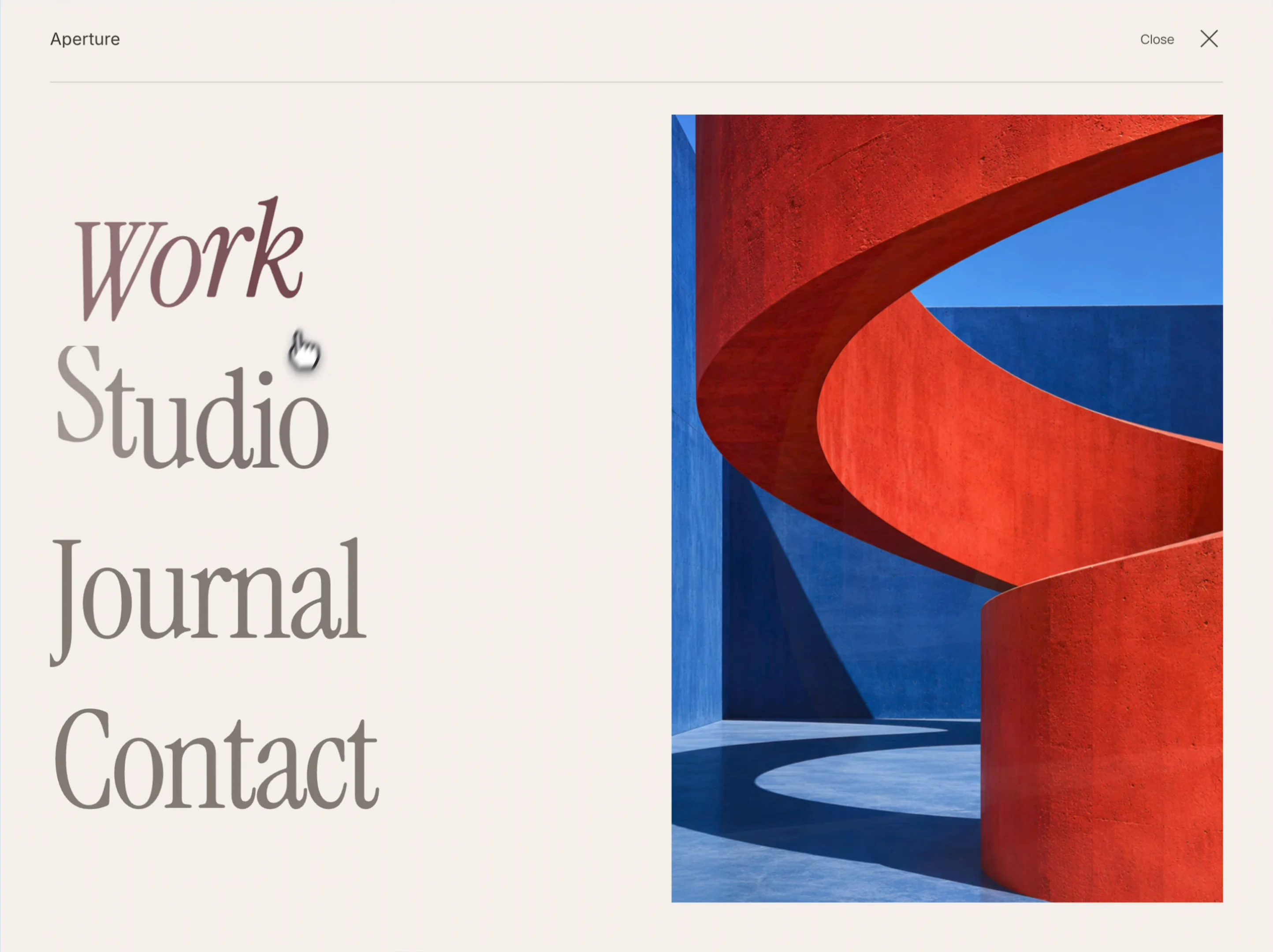
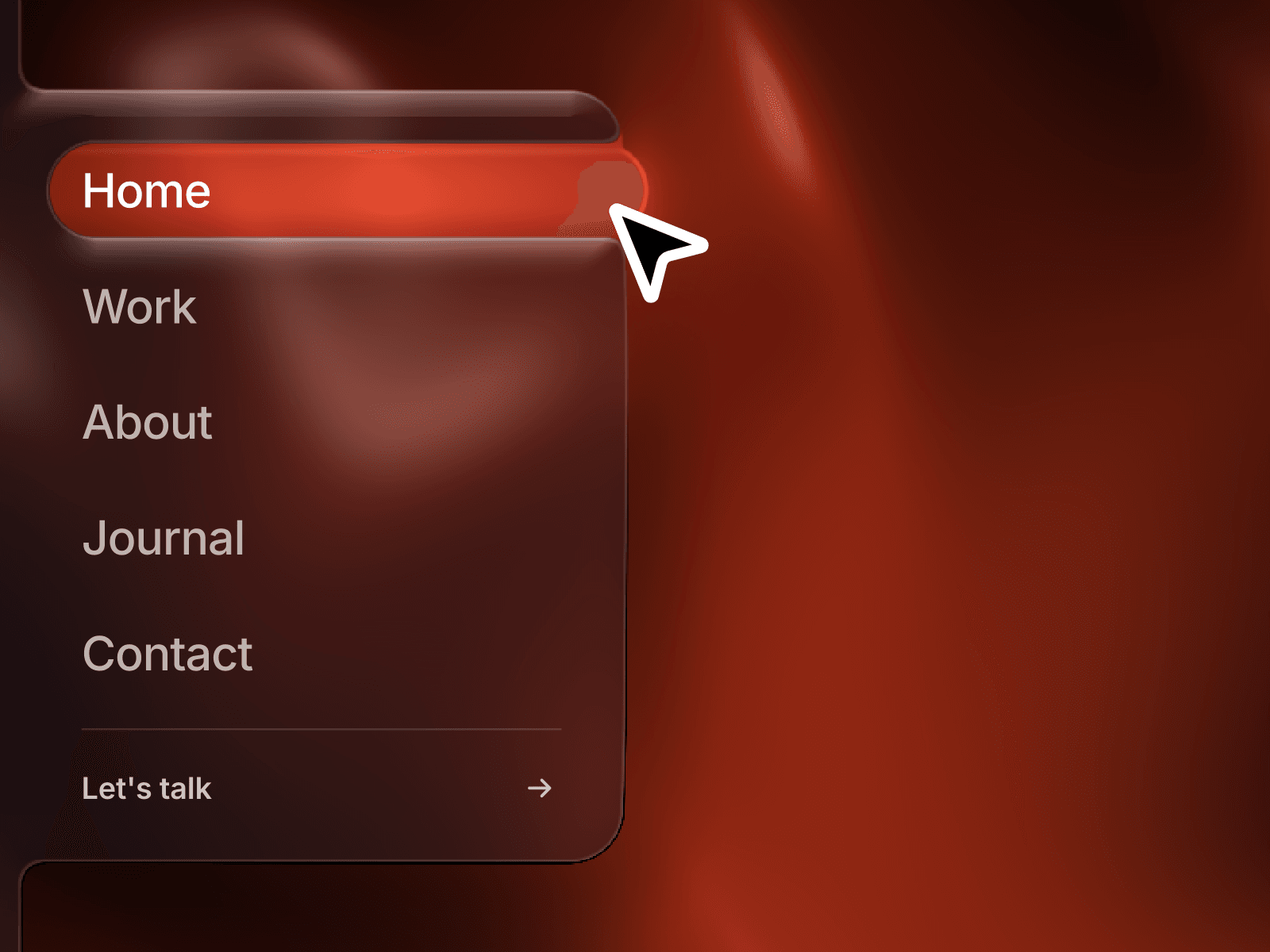
Liquid Side Menu is a glass side navigation menu for Framer. A compact edge tab opens into a frosted panel with a fluid outline, leaving the page in view behind it. It keeps the header clear without hiding the destinations visitors need. Give each link its own accent color so the panel can change tone as people explore it.
Open it your way
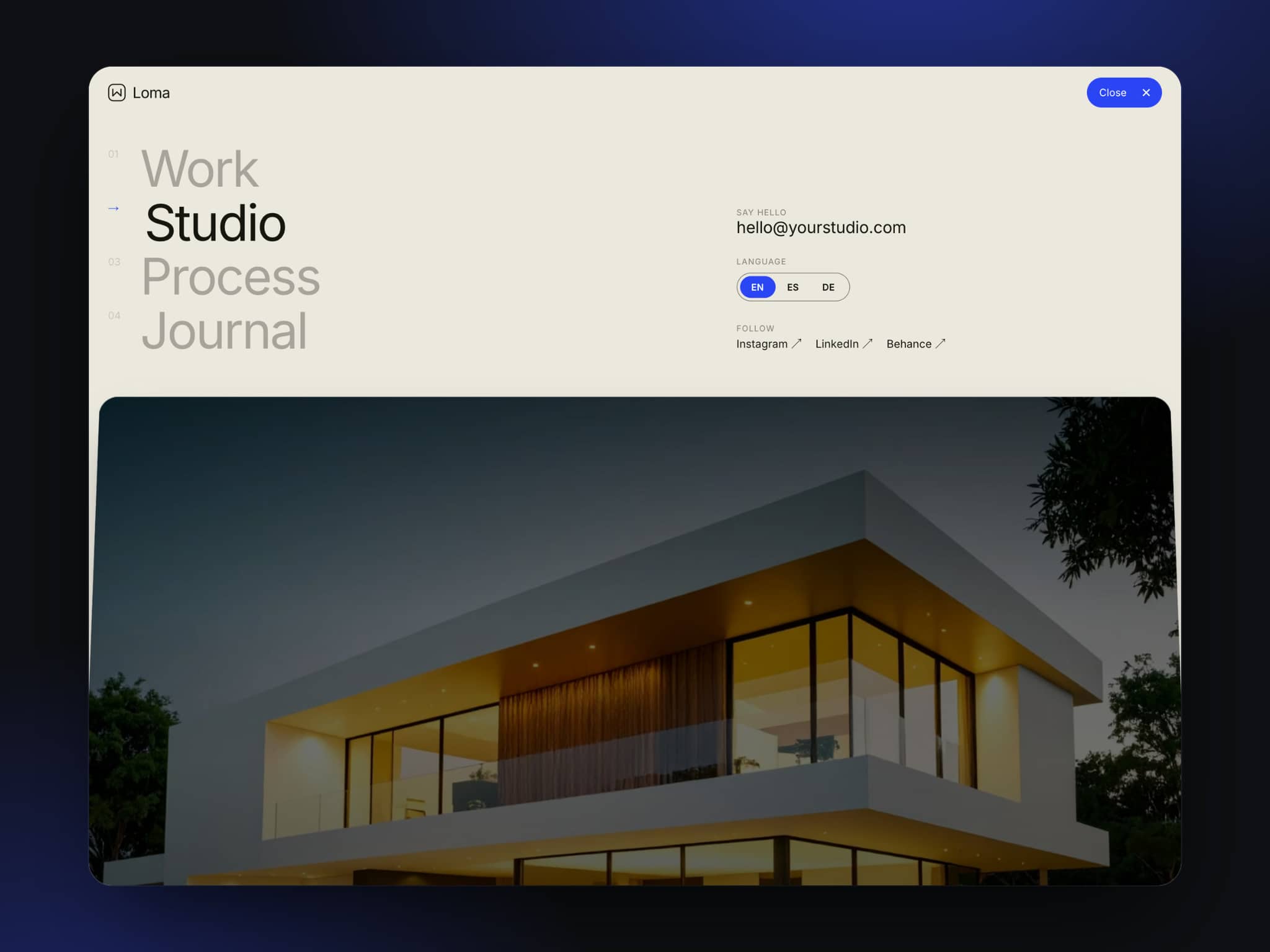
Use click for a deliberate open and close, or choose hover for a desktop menu that reveals itself as visitors approach the tab. Touch visitors can tap the trigger. Escape and an outside click dismiss the menu. Choose a starting active item and use a custom tab label, or leave it blank to display the active item. Add an optional extra link for a destination you want to keep separate, such as Contact or Book a call.
Shape the glass and the motion
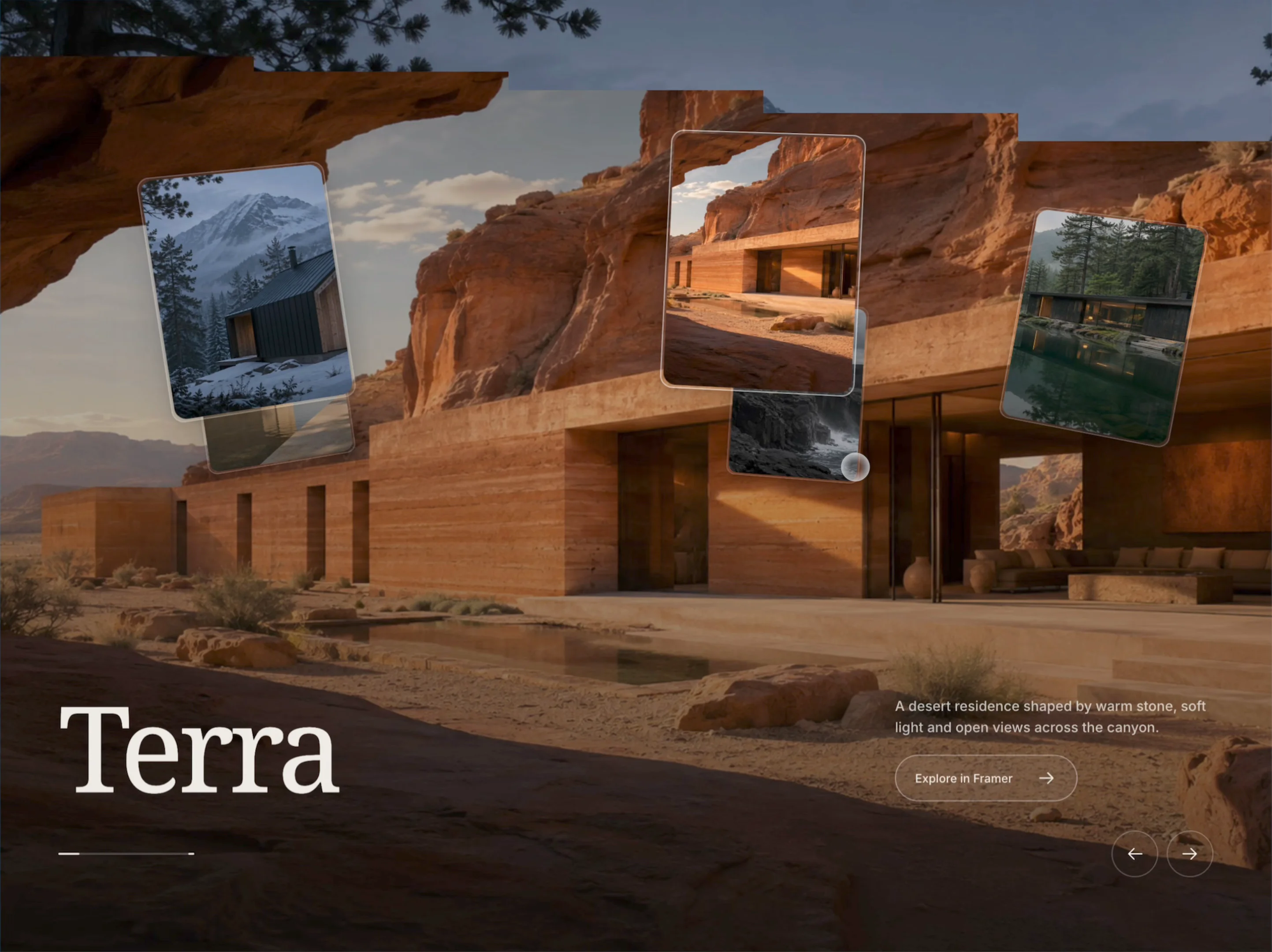
Match the panel to your site with controls for tint, frost, refraction, edge color and type. Adjust panel and rail width, corner radius, item padding and the tab’s position. Dial down the wobble for a more restrained edge or increase it when motion is part of the design. Adjust the speed of the reveal and tune the optional shader background separately. Try the glass over a photo or a gradient, where the blur and bend have more detail to work with.
Organize up to nine destinations with editable labels, links, accent colors and individual new-tab settings. Preview the open or closed state on the Framer canvas while you match the component to the rest of the page.
Good places to use it
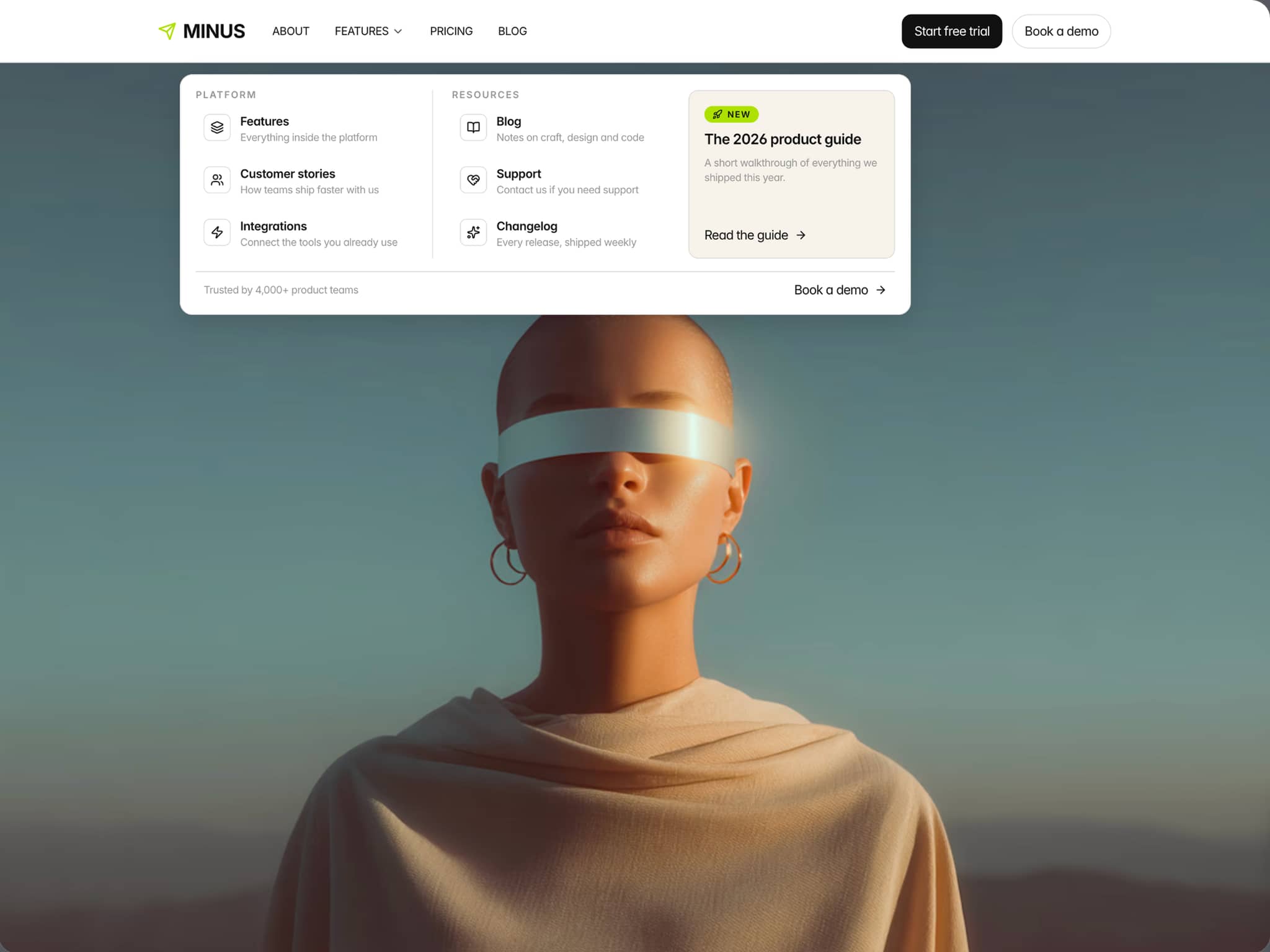
Keep work, studio and contact links together on a portfolio. Use it as a section index on a photography site, a navigation drawer for an editorial project or a compact menu for an agency landing page where a full-width navbar would compete with the hero.