About Logo Cloud Motion
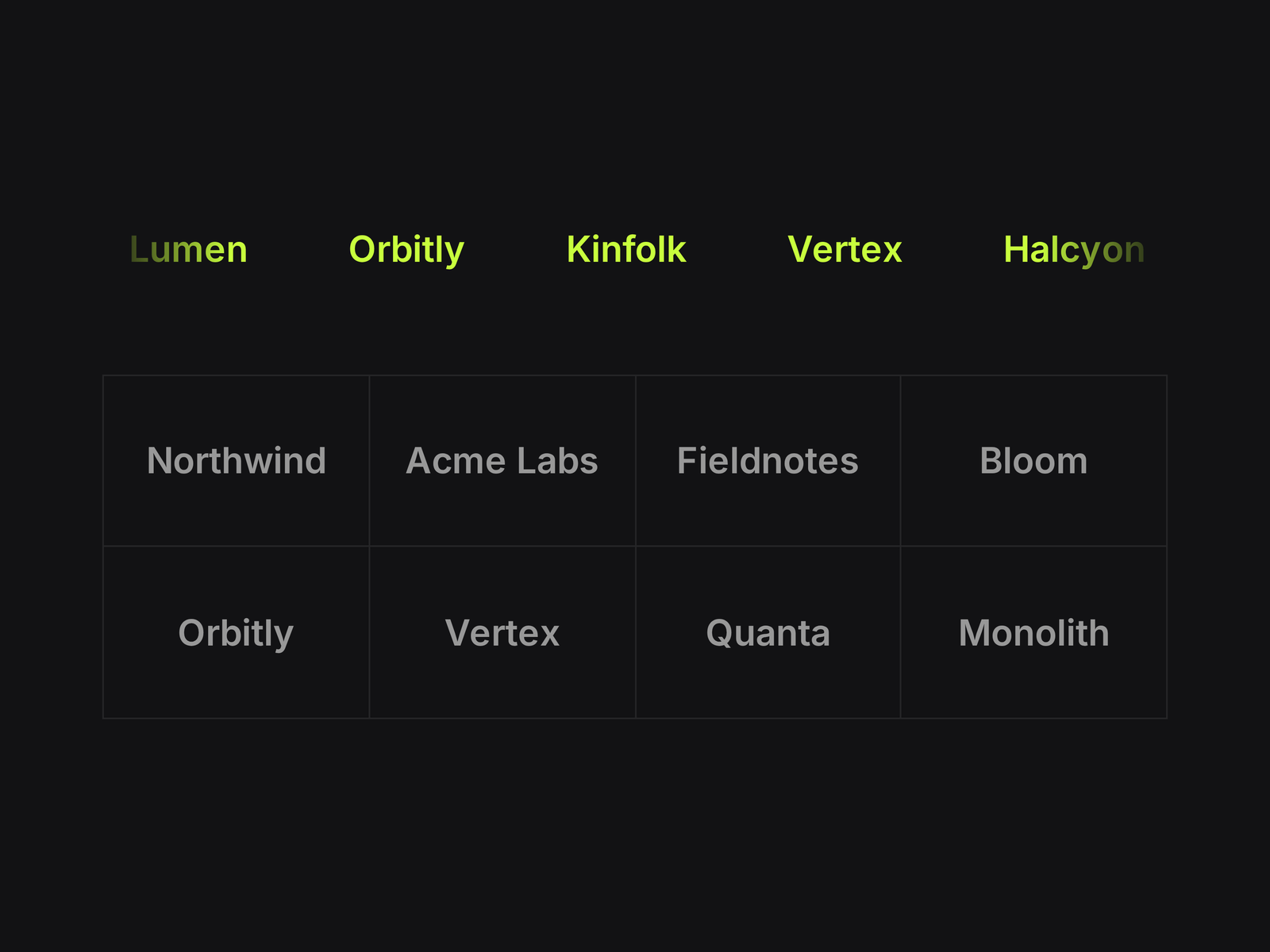
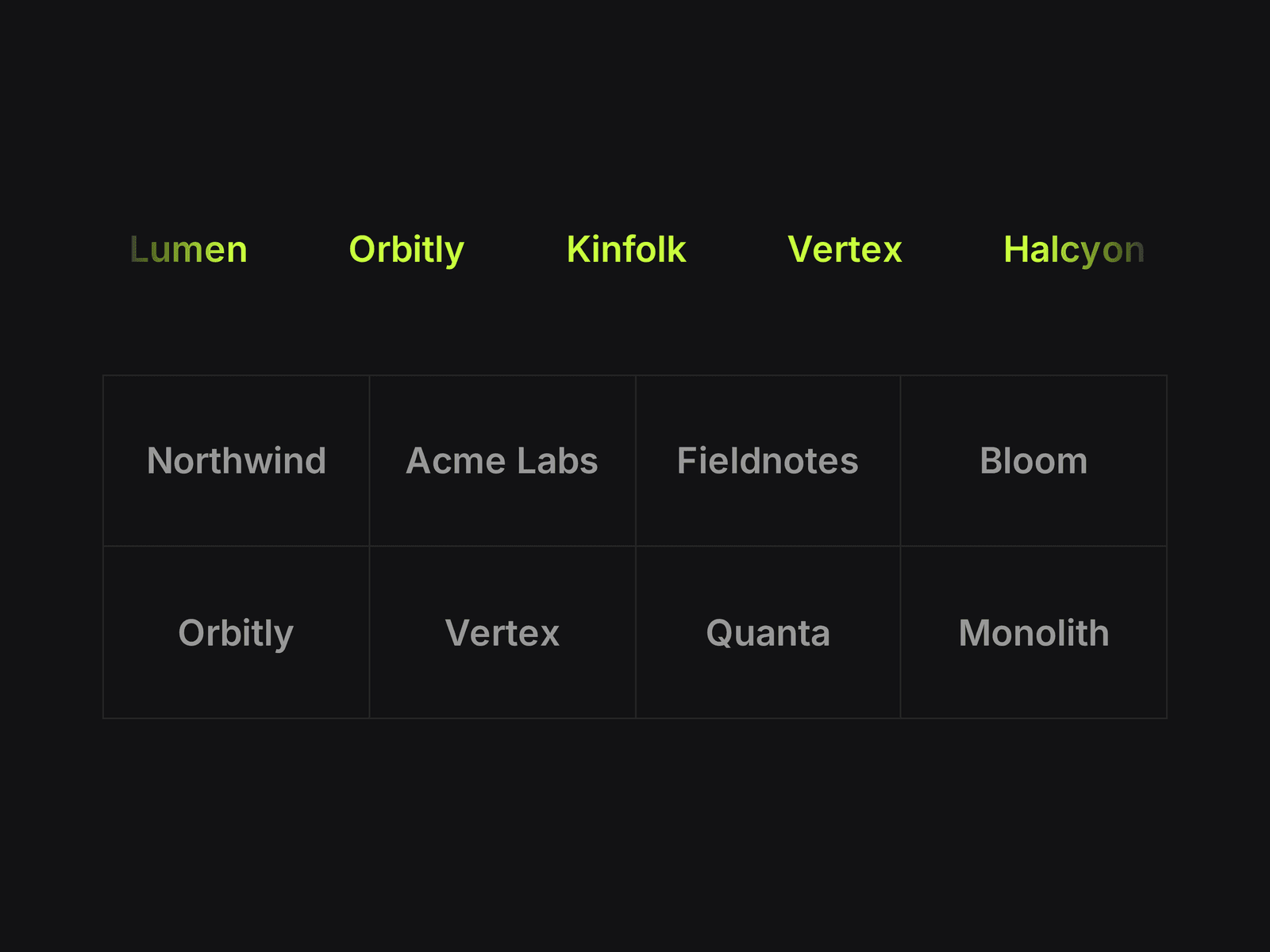
One logo cloud, three moods.
Logo Cloud Motion gives your social proof the motion it deserves: a seamless infinite marquee, two rows drifting in opposite directions, or a calm bordered grid where logos quietly swap places. Use images, auto-generated wordmarks or your own logo components. It runs on a single CSS animation and pauses on hover and focus. Free, by Pixlify.
Key features
3 modes: Marquee, Dual Rows, Swap Grid
Swap Grid adapts to your logo count: with more logos than cells, one cell at a time crossfades to a hidden logo; when every logo fits, two logos trade places on each swap, so the grid never sits still
Seamless loop: copies are calculated from the container width - no gaps, ever
Images (SVG/PNG), wordmark fallback, or Custom Logos slot for components
Grayscale + resting opacity with Hover Reveal
Soft edge fade mask
Speed in px/s, direction, pause on hover
Mobile overrides: speed, logo height, grid columns
Accessible: alt text, pause on hover/focus (WCAG 2.2.2), reduced-motion static cloud
Use cases
"Trusted by" strips under hero sections
Client lists for agencies and freelancers
Partner / sponsor sections for events
Integration or tech-stack showcases
Press "As seen in" bars
How to use
Insert - Drag Logo Cloud Motion from Assets and set width to Fill. Height is automatic.
Add logos - In Logos add an Image (SVG or transparent PNG works best), a Name (alt text - or the wordmark shown when there is no image) and an optional Link (max 40).
Custom logos (slot) - Connect your own logo components to Custom Logos. When filled it replaces Logos.
Pick a mode - Mode: Marquee, Dual Rows or Swap Grid.
Look - Logo Height, Gap, Wordmark colour, Grayscale, Opacity, Hover Reveal, Edge Fade and Fade Size.
Motion - Speed (px/s), Direction, Pause on Hover; for Swap Grid set Grid Columns, Grid Rows and Swap Every.