About Scroll Story Pro
Tell your process like a product launch.
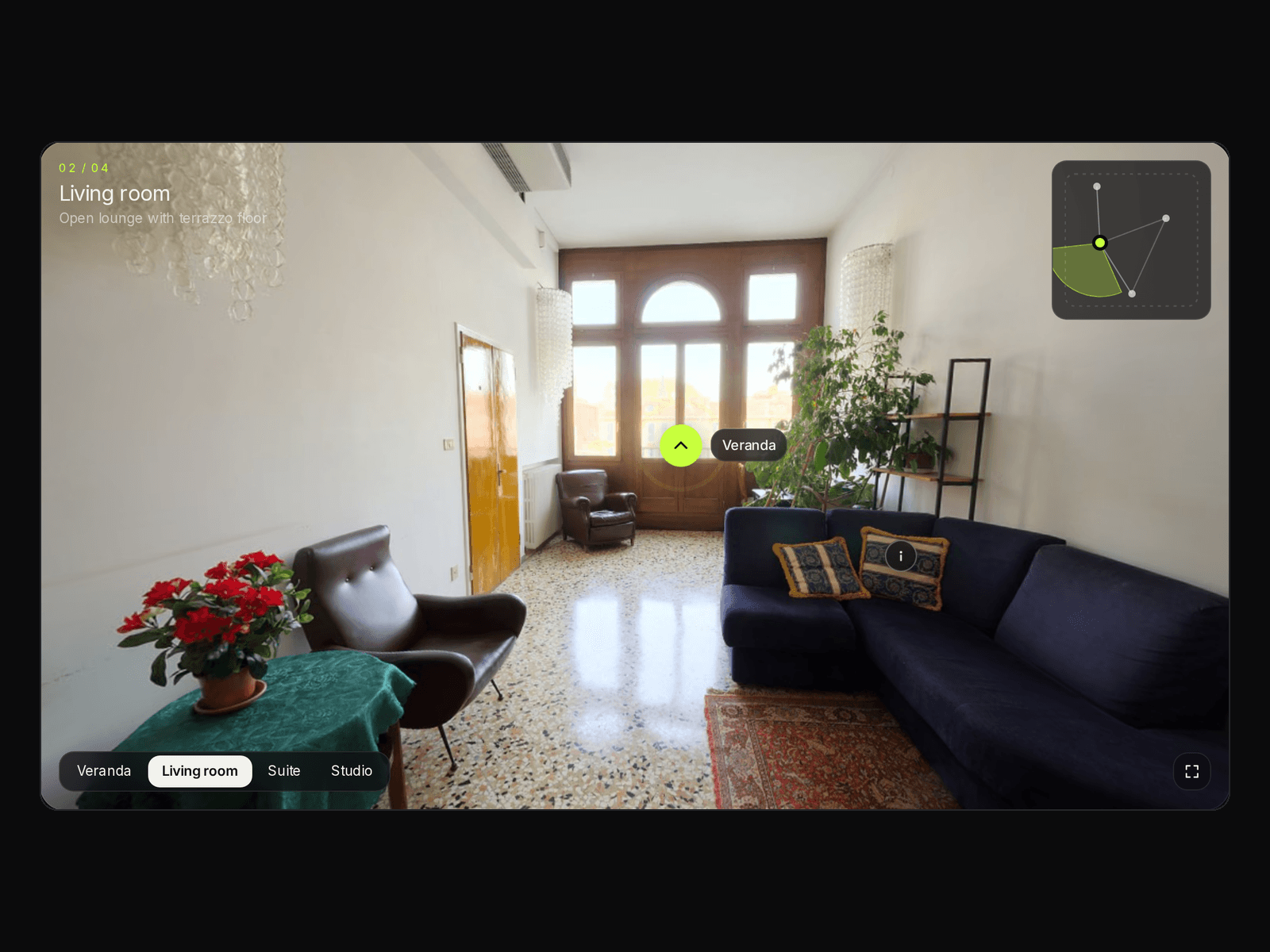
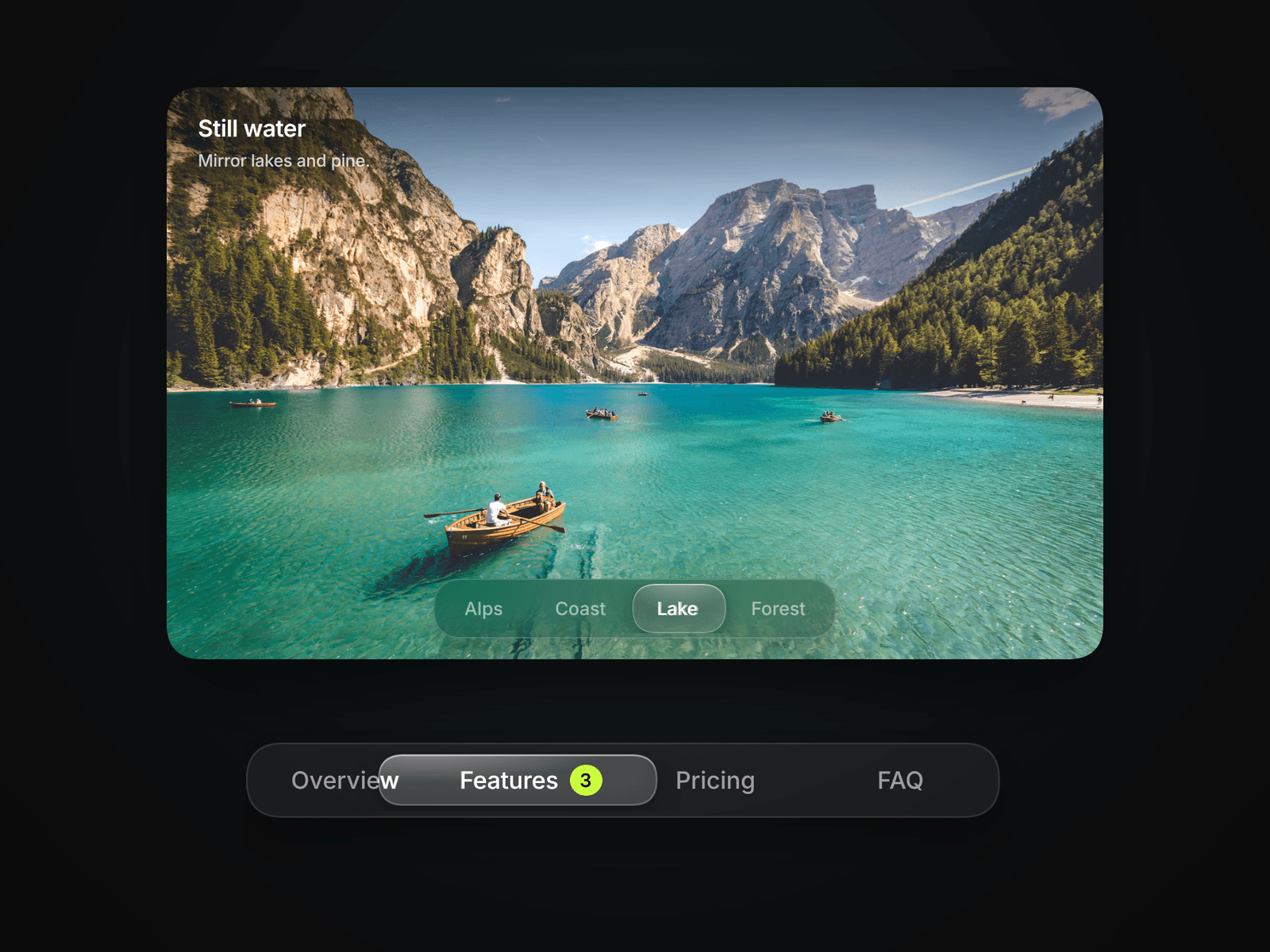
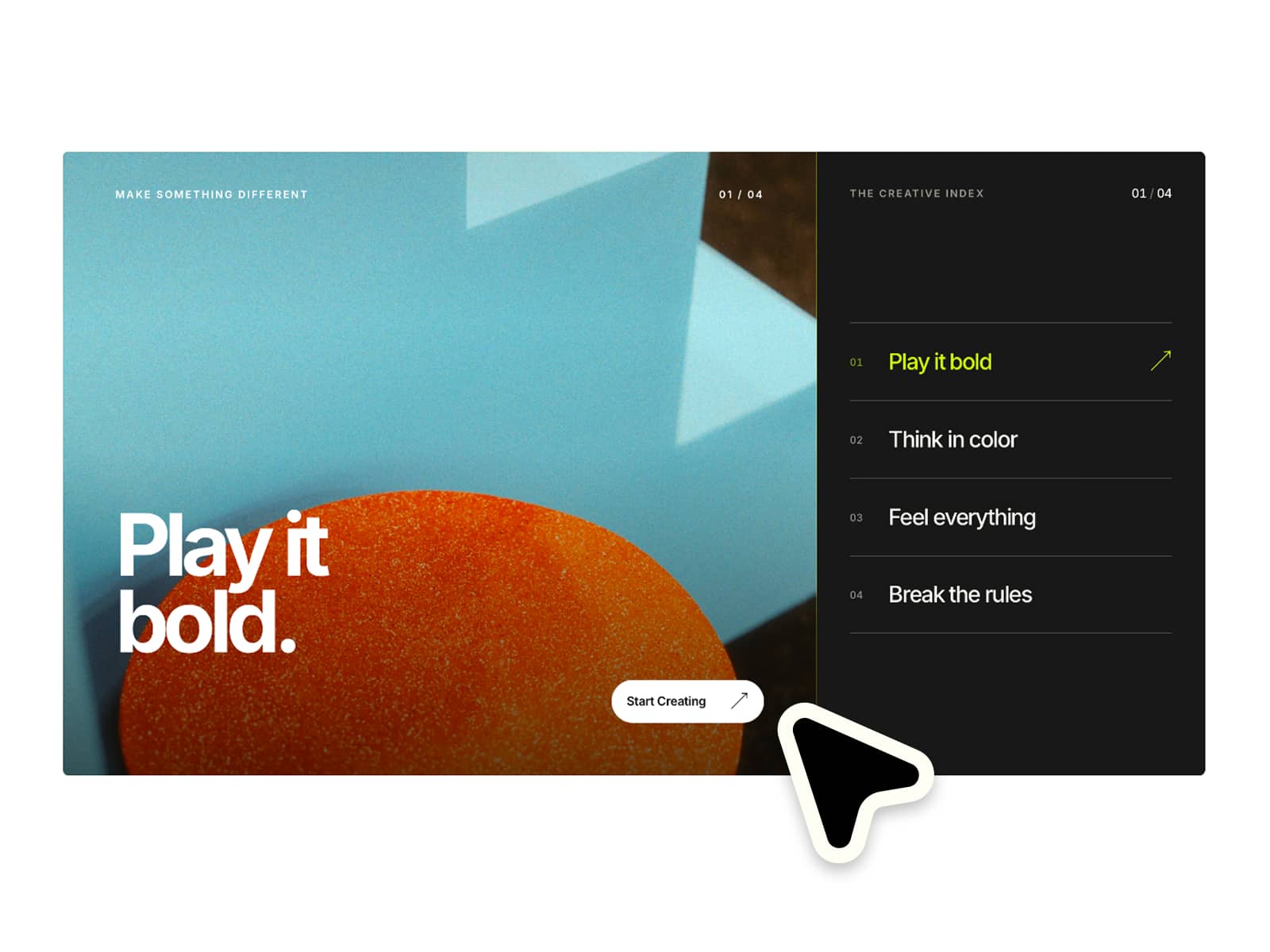
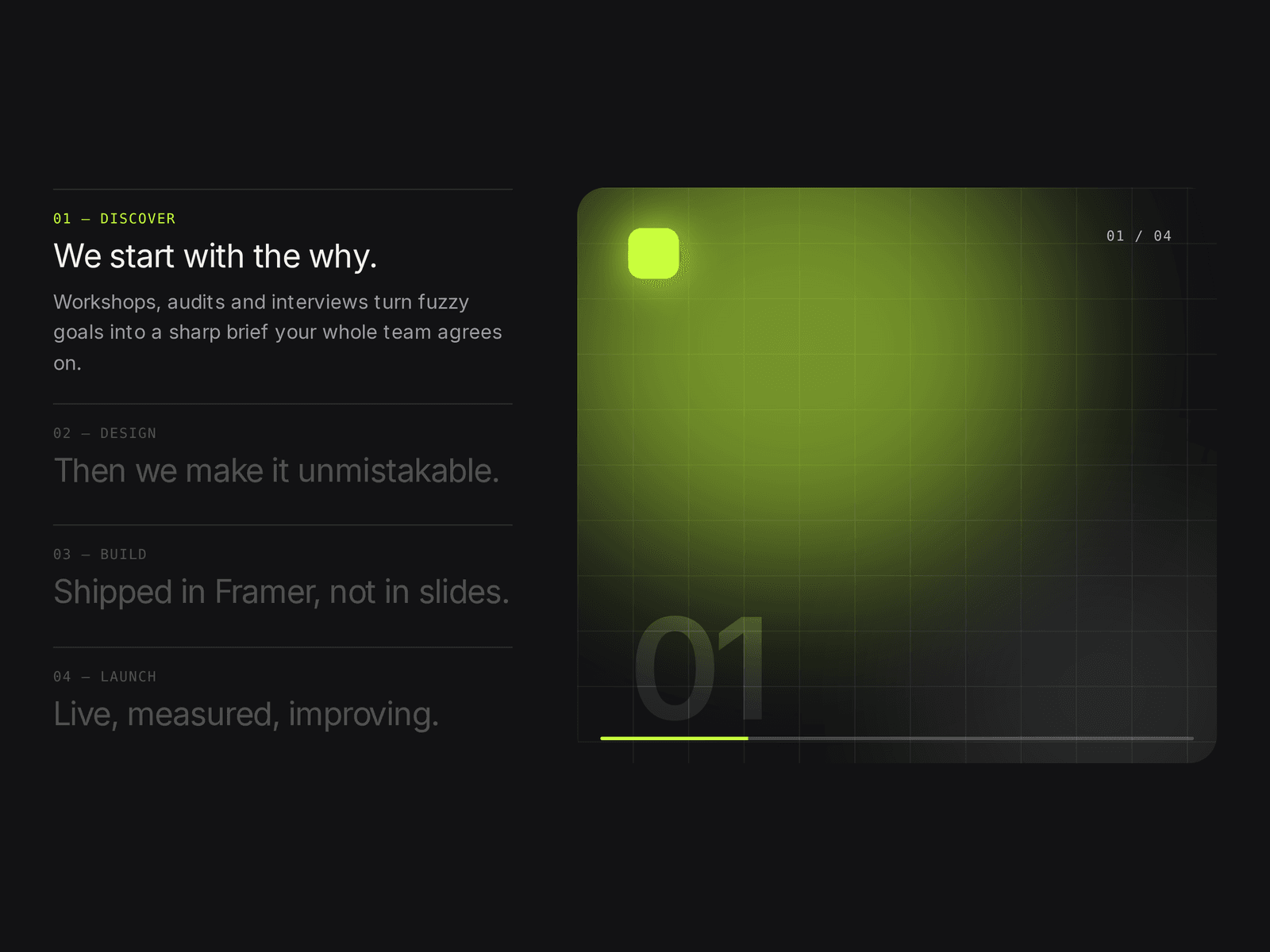
Scroll Story turns a list of steps into a cinematic, Apple-style story section. Use it as an auto-playing tab showcase with a progress bar, or as true sticky scrollytelling where the media stays pinned and swaps while visitors scroll through the text. Four transitions, four progress styles, generative scenes out of the box - or drop in your own images and components. Fully keyboard operable and reduced-motion aware.
Watch demo: https://youtu.be/Rs1-M5SKgWU
Key features
2 modes: Autoplay (tabbed showcase with timed progress) and Scroll (sticky media + scrolling steps)
4 media transitions: Clip Reveal, Fade, Slide, Zoom - with optional subtle Media Drift
4 progress styles: Bar, Dots, Numbers, None, plus Dim Inactive steps
Per-step image or generative colour Scene - looks finished before you add a single asset
Custom Media slot: connect any Framer component (video, Lottie, UI mockup) per step
Media left/right, adjustable split, ratio, radius, sticky offset and step height
Separate Title and Body fonts, full colour control
Mobile layout: media on top, compact step list; scroll mode becomes a clean stacked list
Accessible tabs pattern with arrow-key navigation, pause on hover/focus, reduced-motion support
Use cases
"How we work" / process sections for agencies and studios
Product feature tours ("Plan → Build → Ship")
Onboarding or setup guides in SaaS landing pages
Case-study narratives and project timelines
Travel itineraries, event agendas, course modules