About MDX_DocMenu
MDX_DocMenu
🧭 Apple-Style 3D Dock Navigation for Framer
Bring the iconic macOS dock experience to Framer with a premium navigation system that replaces traditional navbars with a compact, interactive dock.
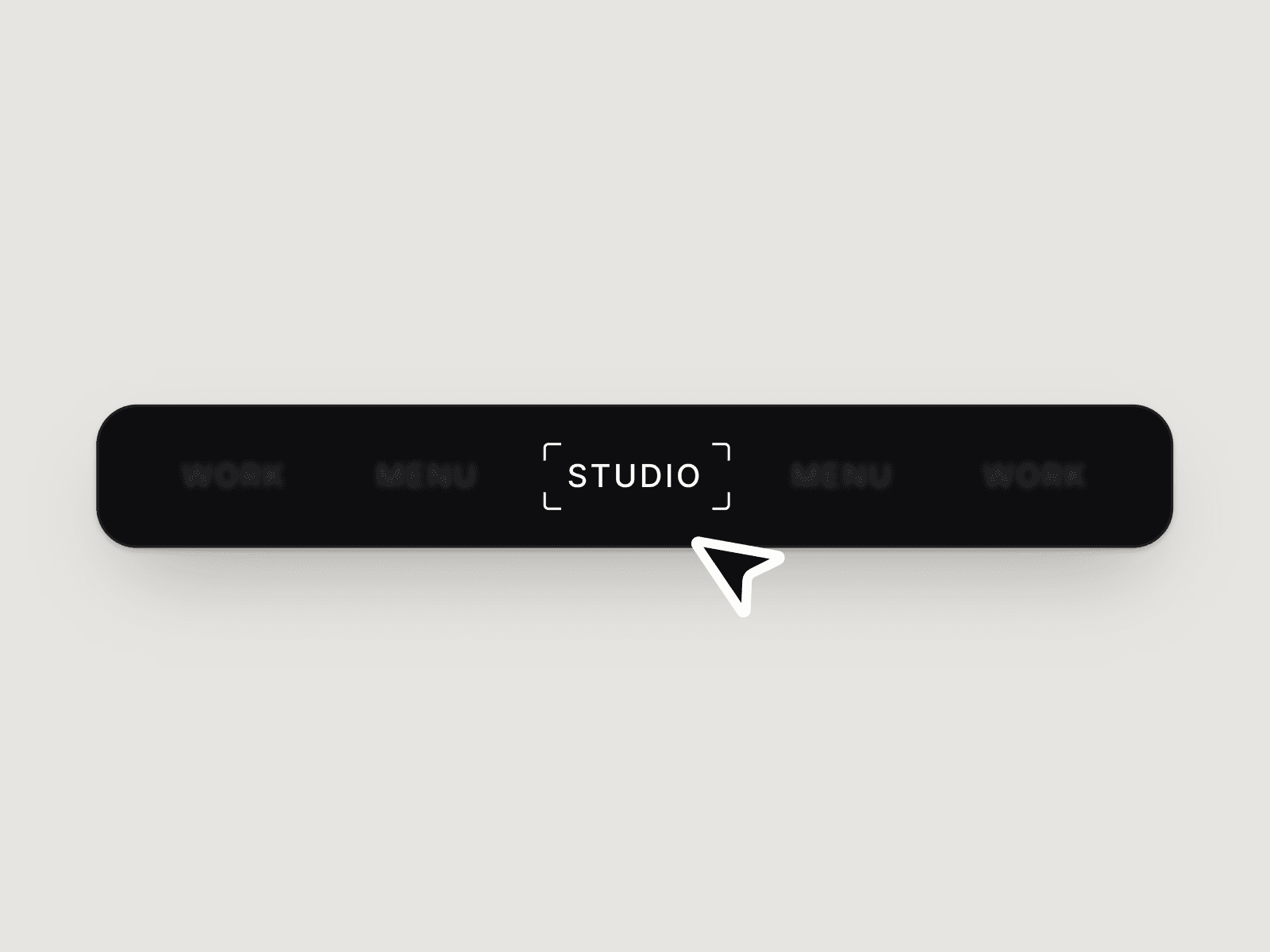
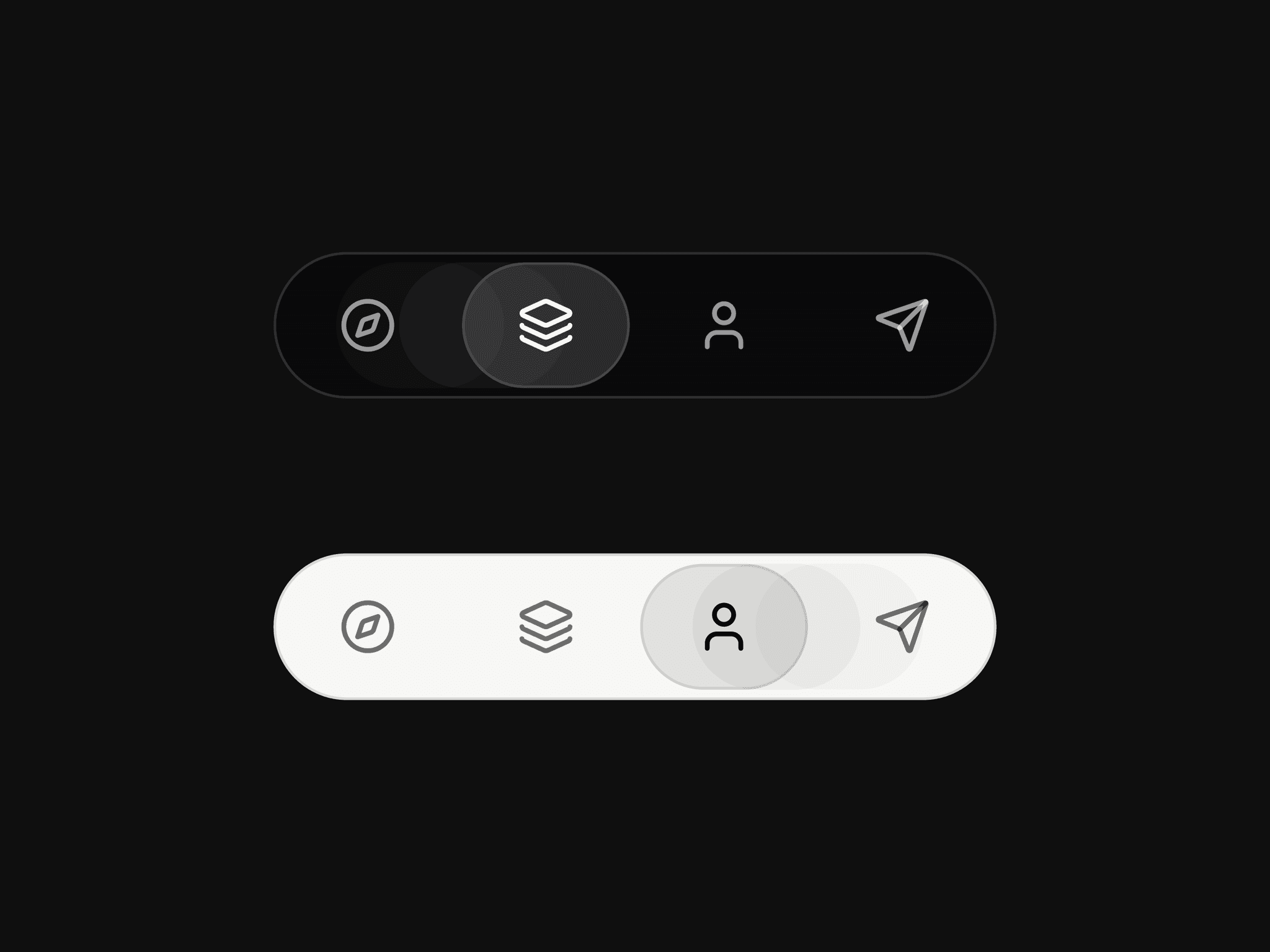
MDX_DocMenu features a glassmorphic 3D prism tray, dynamic icon magnification, smooth section scrolling, and intelligent overflow handling. Whether you're building documentation, portfolios, SaaS products, landing pages, or storytelling experiences, it delivers a polished navigation experience that feels familiar and engaging.
✨ Key Features
🪄 Apple-style icon magnification
🧊 Glassmorphic 3D prism tray
🔗 Internal page, external URL, and section navigation
🎯 Animated active indicator
🪞 Icon reflection effects
📐 Intelligent auto-sizing tray
↔ Smart overflow scrolling
♿ Accessibility-ready structure
⚡ Production-ready performance
🎯 Perfect For
Documentation sites
SaaS products
Portfolios
Agency websites
Landing pages
Storytelling experiences
Educational platforms
Product showcases
🔀 Flexible Navigation
Use MDX_DocMenu as a full site navigation system or a page-section controller.
Each item can:
Navigate to Framer pages
Open external links
Smoothly scroll to page sections
💎 Why Choose MDX_DocMenu?
Traditional navbars consume valuable screen space and often feel disconnected from the experience. MDX_DocMenu transforms navigation into an interactive element that is visually engaging, space-efficient, and easy to configure.
With premium animations, responsive behavior, and a refined visual aesthetic, it helps your Framer projects feel more polished while improving navigation clarity.
🔗 Live Demo & Documentation
Explore MDX_DocMenu in action, view implementation examples, and read the complete documentation:https://modax.framer.website/mdx-components/mdx-dock-menu
MODAX Premium UI Library