About Media Runway
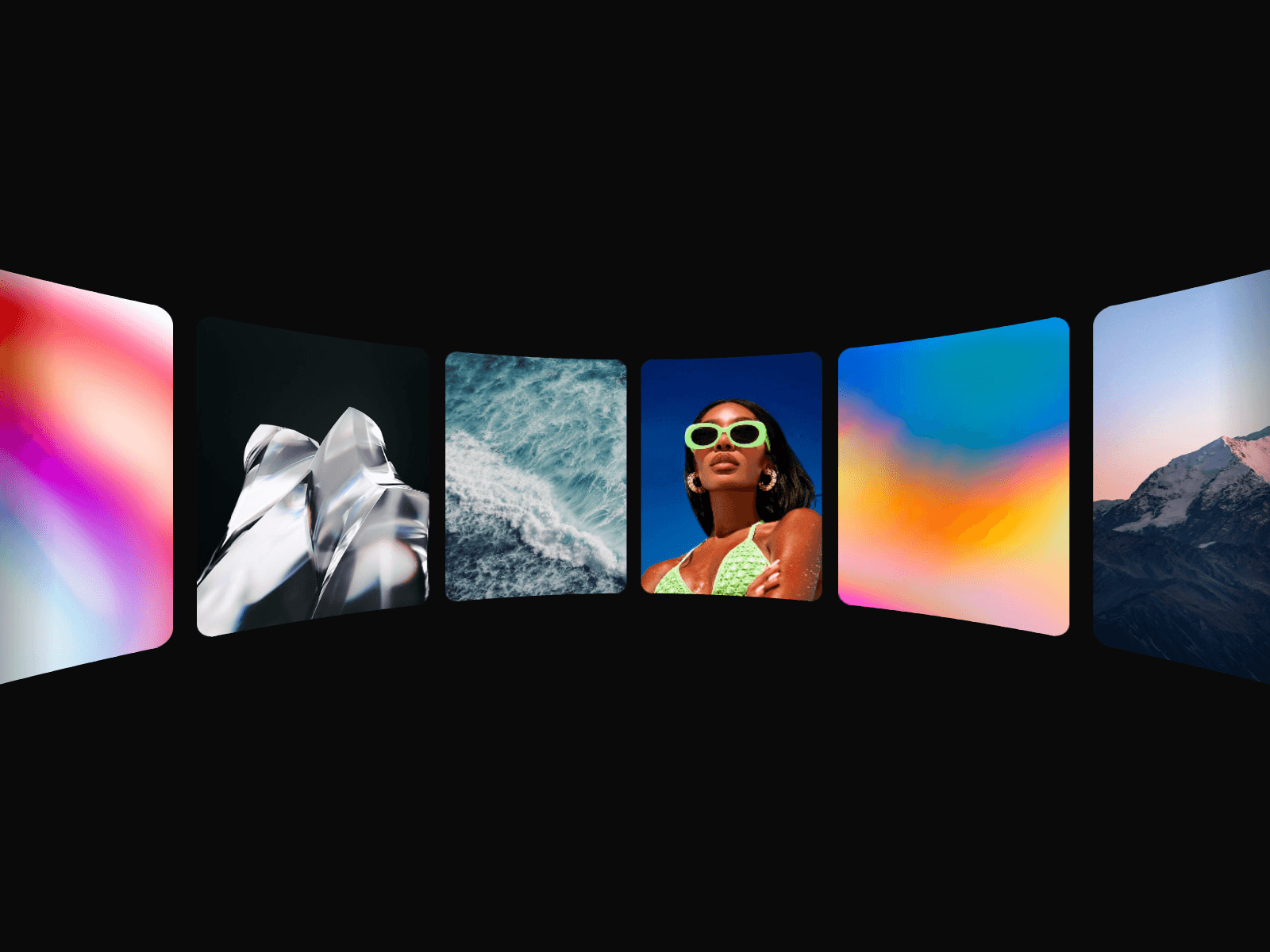
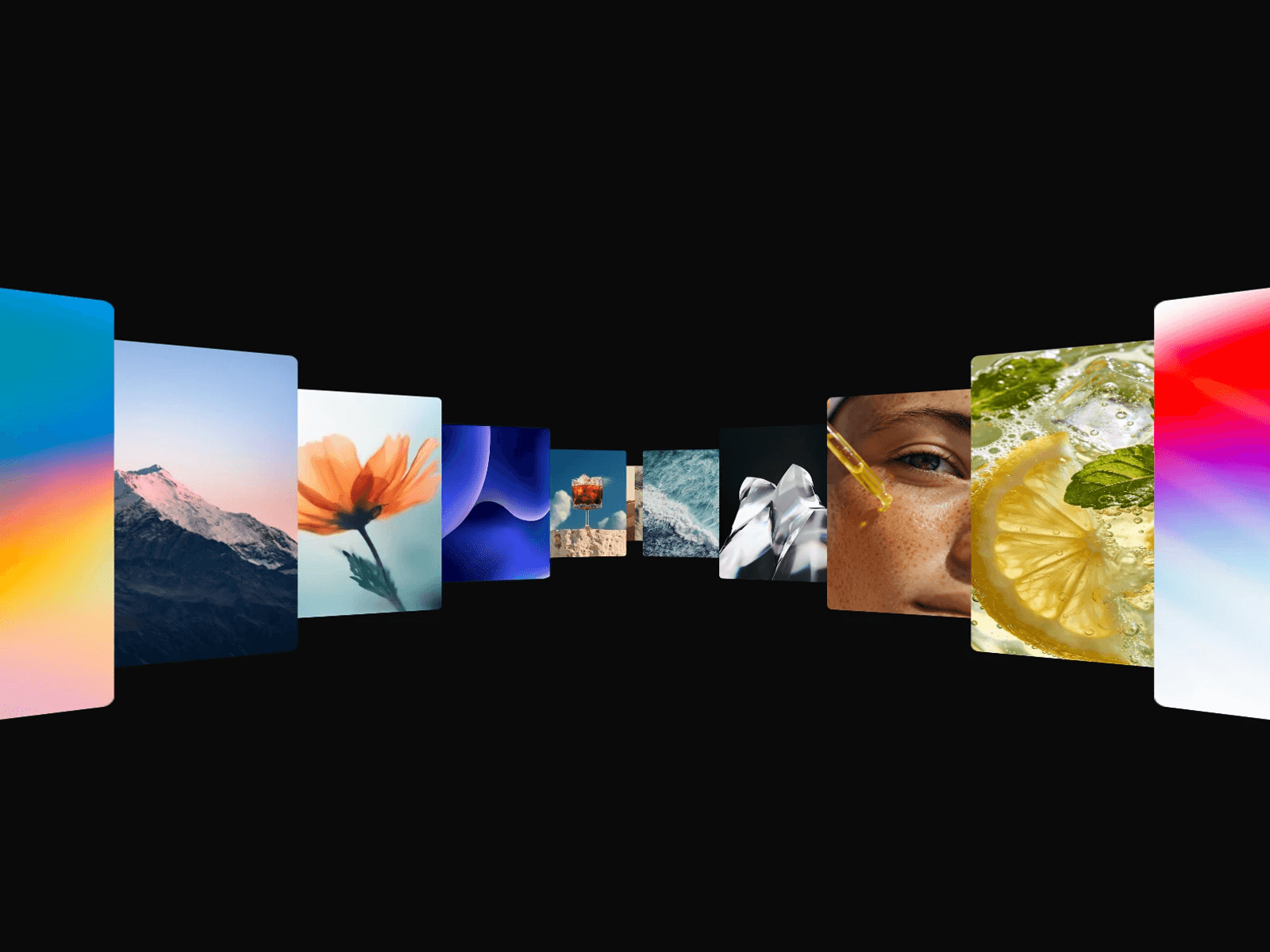
Media Runway sends your images and videos flying toward the viewer on two rails that open from a central vanishing point, like a 3D corridor or tunnel. Cards are born deep in the distance, sweep outward and grow as they rush past, in a seamless loop that never shows a gap.
Made for Hero Sections
Drop it behind a headline and let your work lead. Mirror both sides for a symmetrical stream, or split them to show different media left and right. Scale it, shape it with perspective, spread, curve, and turn, set the card ratio, radius, and fill, and choose how it reacts on hover.
Key Features
Motion
Seamless infinite loop, already full on the first frame
Toward or Away direction, adjustable duration and card count
Intro: once media is loaded, the runway fades in and stretches out of the vanishing point
Optional hover: eases down to the speed you set, or to a full stop
Your whole list streams through, not just the first items
Media
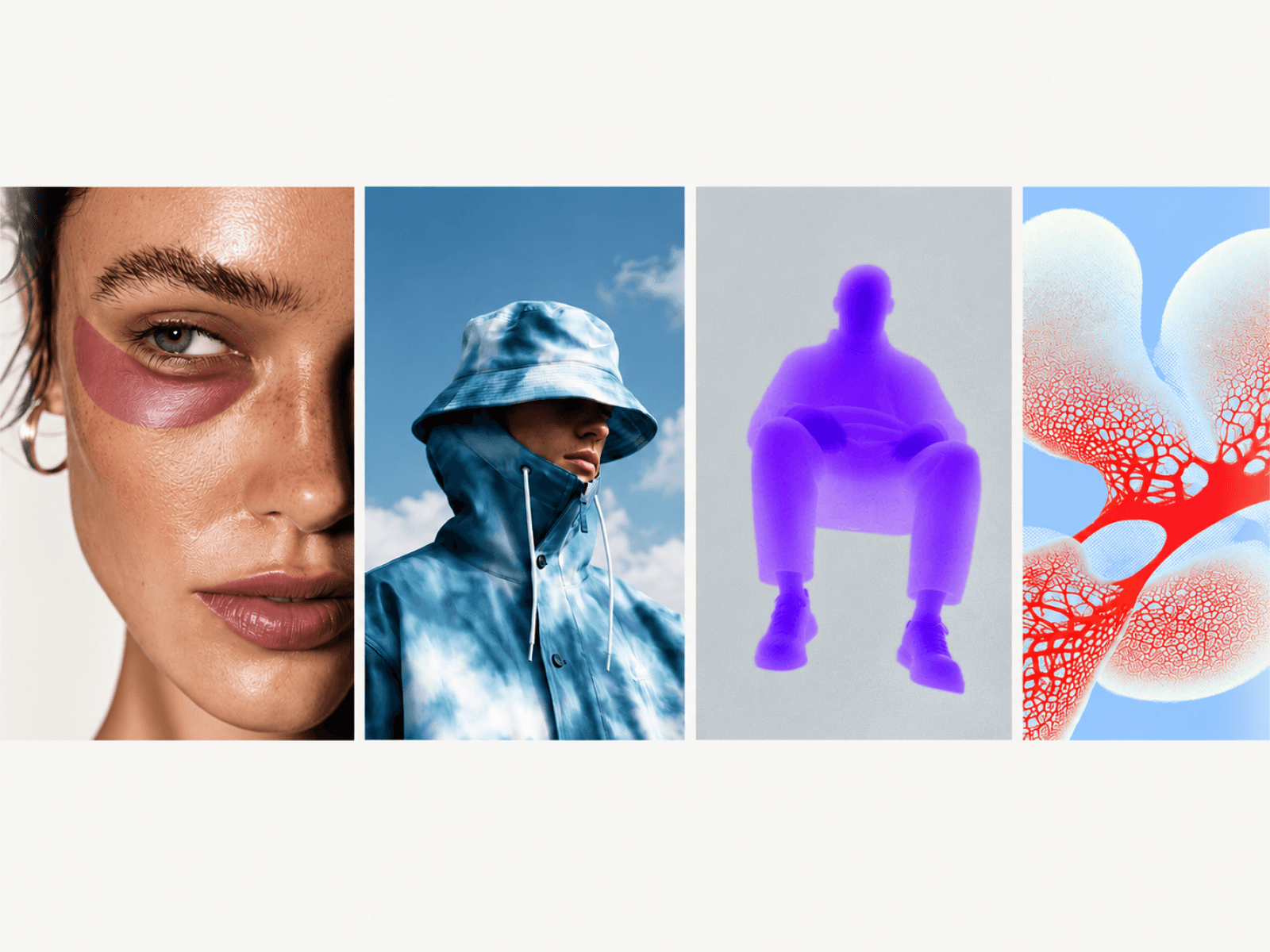
Mix images and videos in one list
Optional poster image per video
Mirror or Split sides, with an optional separate list for the left rail
Layout and Style
Fit height: the component sizes itself to the runway, nothing gets clipped
Scale the whole runway in one move, without changing its shape
Perspective, exit size, spread, curve, and turn controls
Card ratio, native corner radius, and fill color
Transparent background, sits on any section
Performance
Images and posters preload first, so no card ever flies by empty
Videos only load once the runway enters the viewport
Animation and videos pause when scrolled out of view or with Reduced Motion
How to Set Up
Drag Media Runway onto your canvas
Add your images and videos under Media
Pick Mirror or Split, then shape the Runway and Card settings
Publish
Refund Policy
All sales of digital products are final and non-refundable. Questions? Contact hellonostromostudio@gmail.com before purchasing. Enjoy!