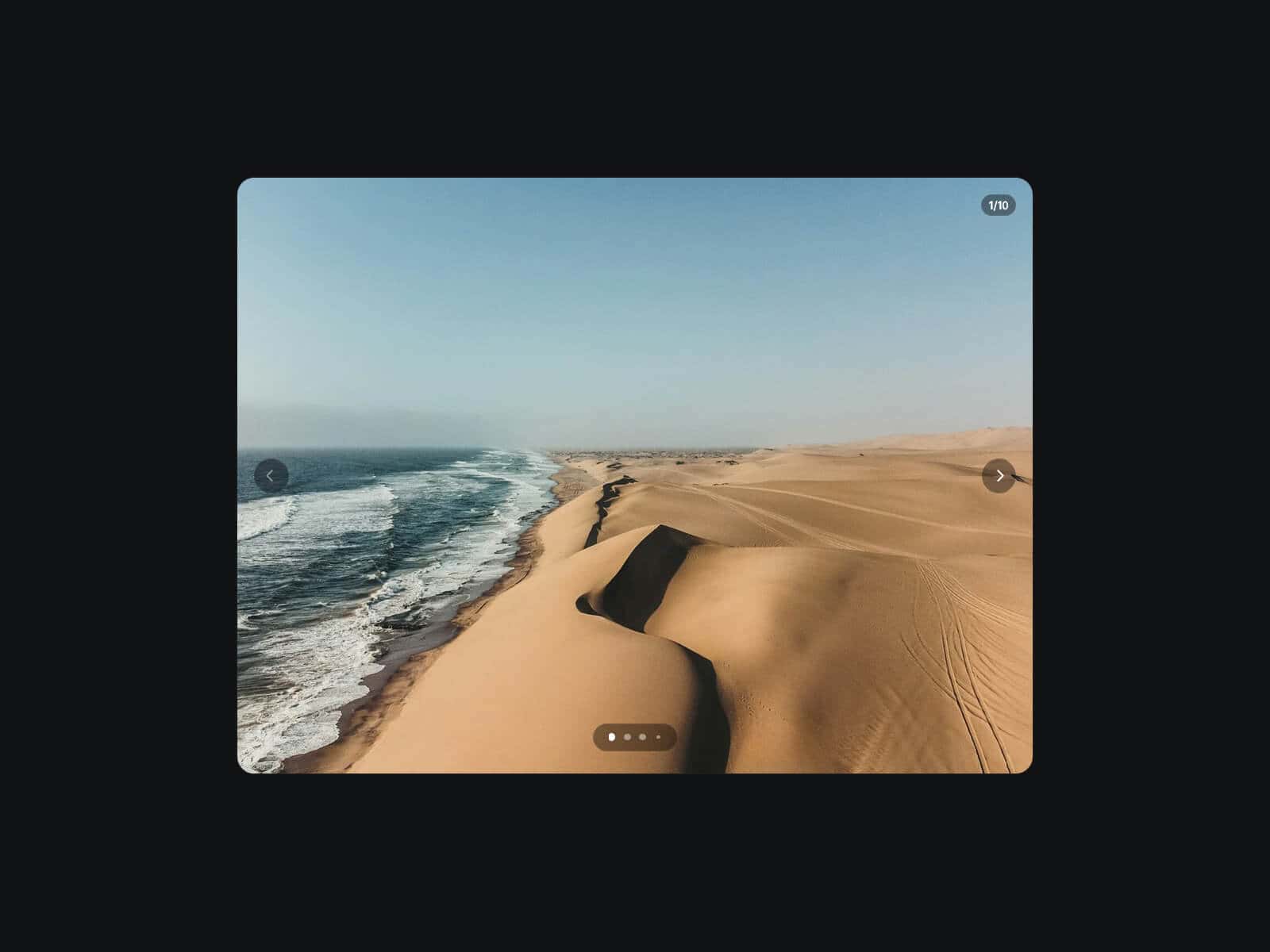
About Panorama Carousel
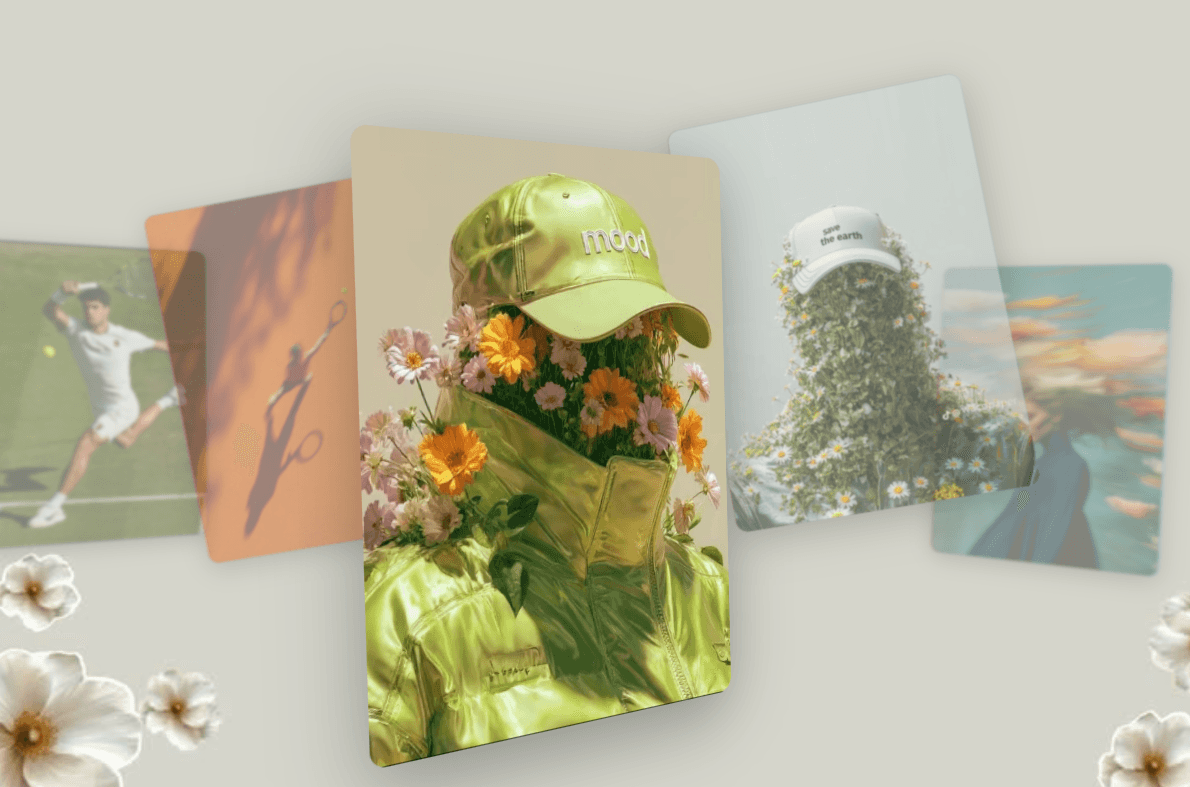
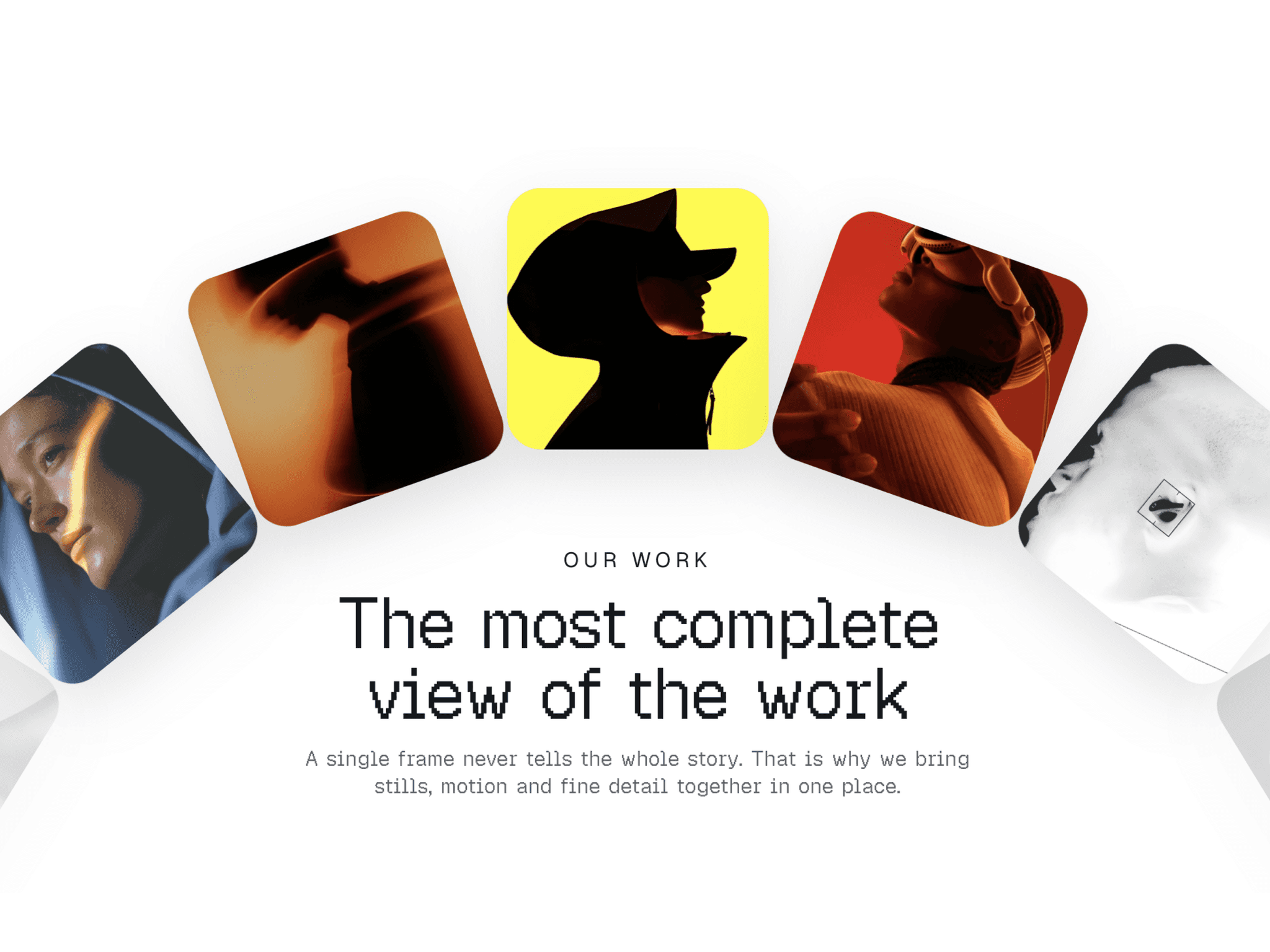
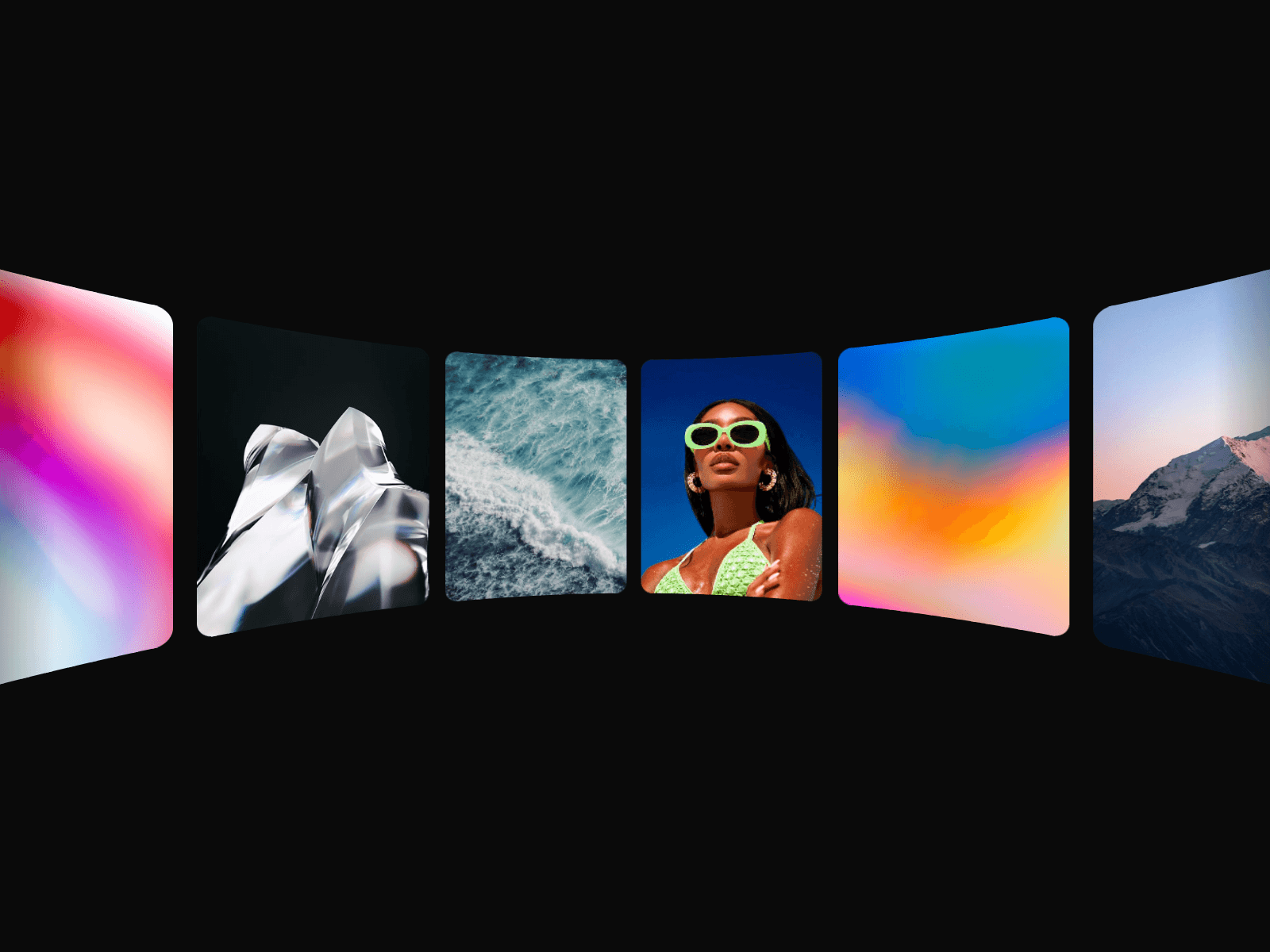
Panorama Carousel wraps a row of images around the inside of a cylinder: the center faces you flat, the ends bend toward the screen and fade softly into the page. The row streams on its own, and visitors can grab it, throw it, or push it along as they scroll.
Made to Be Yours
Panorama Carousel is built for full creative control: set how hard the row bends, the size and ratio of every image, the gap, corner radius, vertical position, and edge fade. Pick the direction and speed, or turn autoplay off and let drag and scroll do the moving.
Key Features
Motion
Seamless auto-scroll, left or right, at the speed you choose
Optional Hover Pause that eases the row to a stop
Autoplay toggle for a row that only moves on interaction
Interaction
Draggable with momentum: grab it, throw it, and watch it glide back into the auto-scroll
Scroll Effect: page scroll pushes the row, always along the direction or following the scroll
Adjustable scroll strength
Vertical swipes still scroll the page on mobile
Style
Curve from subtle to dramatic
Image size, ratio, gap, and per-corner radius
Vertical position and edge fade width
Placeholder color while images load
Performance
Motion runs on the browser’s compositor for smooth playback
Images preload quietly in the background
Pauses automatically when scrolled out of view
Respects reduced motion settings
Responsive: phones still show the neighboring images
How to Set Up
Drag Panorama Carousel onto your canvas
Add your images under Images
Adjust Curve, Size, and Ratio to fit your layout
Publish
Refund Policy
All sales of digital products are final and non-refundable. Questions? Contact hellonostromostudio@gmail.com before purchasing. Enjoy!