About Meltdown
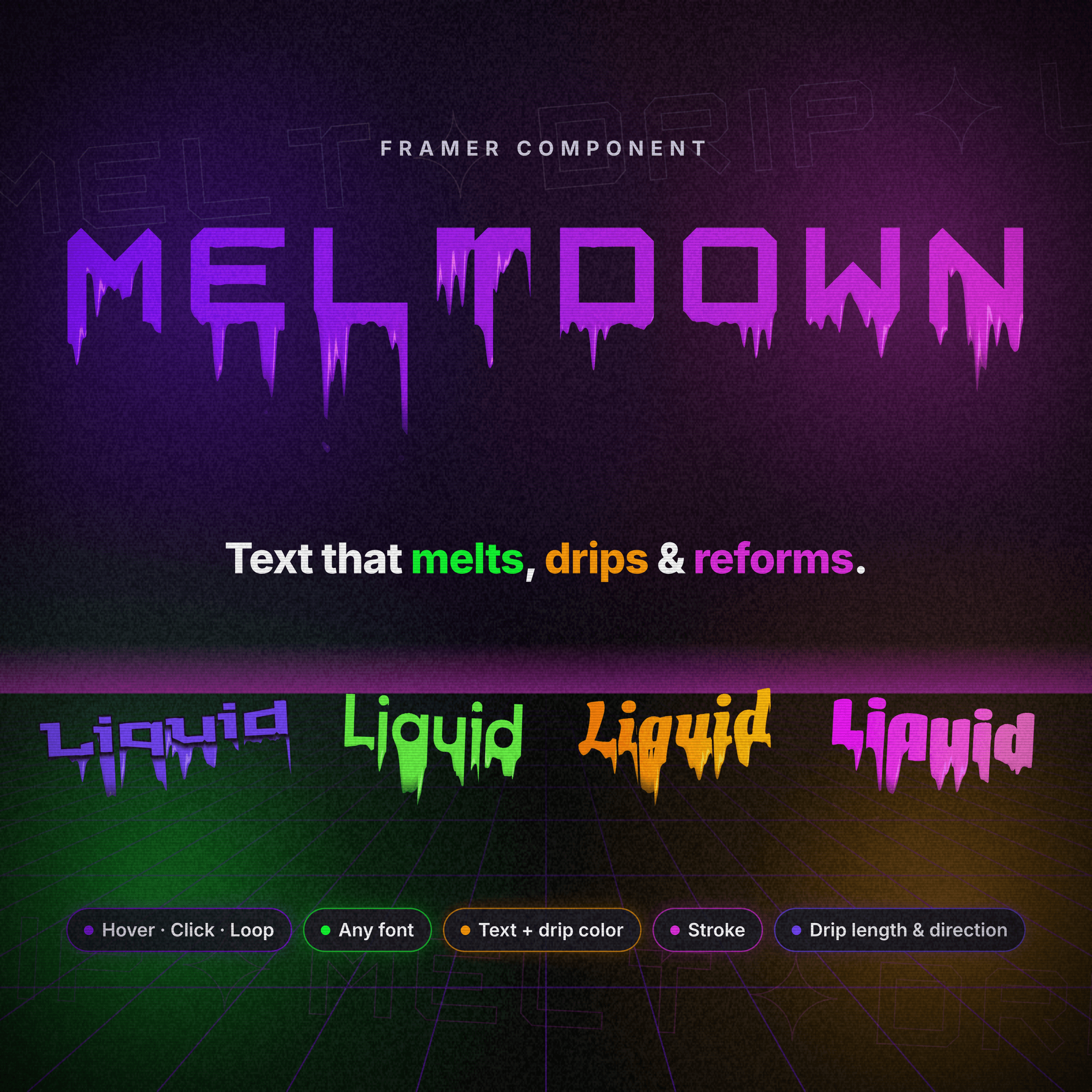
Make any headline melt.
Meltdown turns your text into glossy, liquid drips that run down, break into droplets and flow back into crisp text. It runs
Features
– Play on hover, click or loop: melt when someone hovers, on every click, or on repeat by itself.
– Any font: works with Google Fonts, Framer fonts and your own custom fonts. – Text + drip color: set them separately, or let the drips follow your text color and gradient fill.
– Stroke: turn it on with one toggle, then set the width and color.
– Full drip control: length, size, amount, variation, direction and fade out.
– Liquid details: falling droplets, gloss and a subtle wobble. – Mobile ready: tap to melt on touch devices.
– Performance first: pauses when off-screen, respects reduced-motion settings and falls back to plain text when WebGL isn’t available.
How to use
Add Meltdown to your canvas.
Type your text and pick a font in the right panel.
Choose Play On (Hover, Click or Loop) and adjust the drips.
Tip: drips extend below the text, so keep the parent frame’s Overflow set to Visible.