About MorphingMenuPro
About
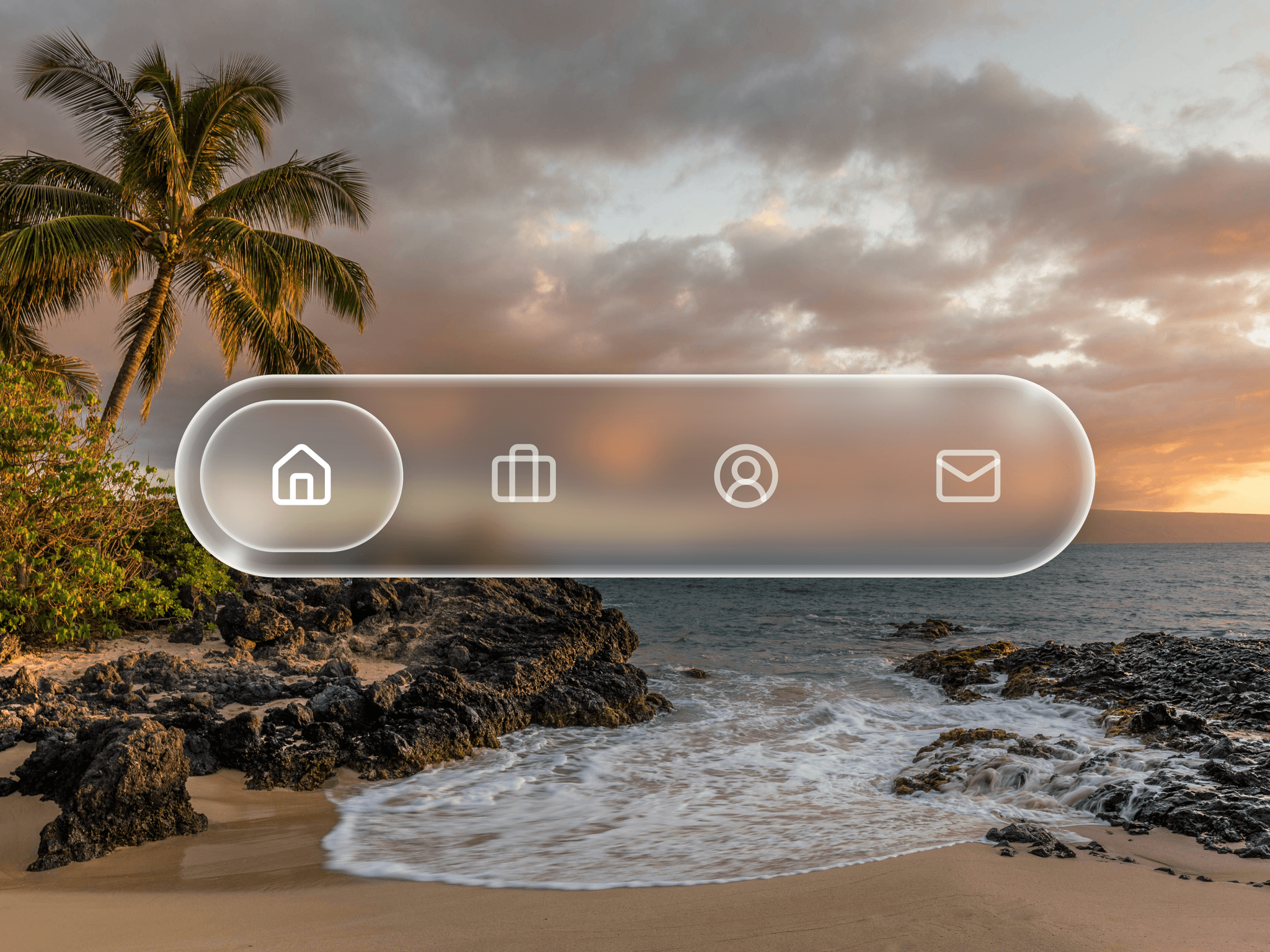
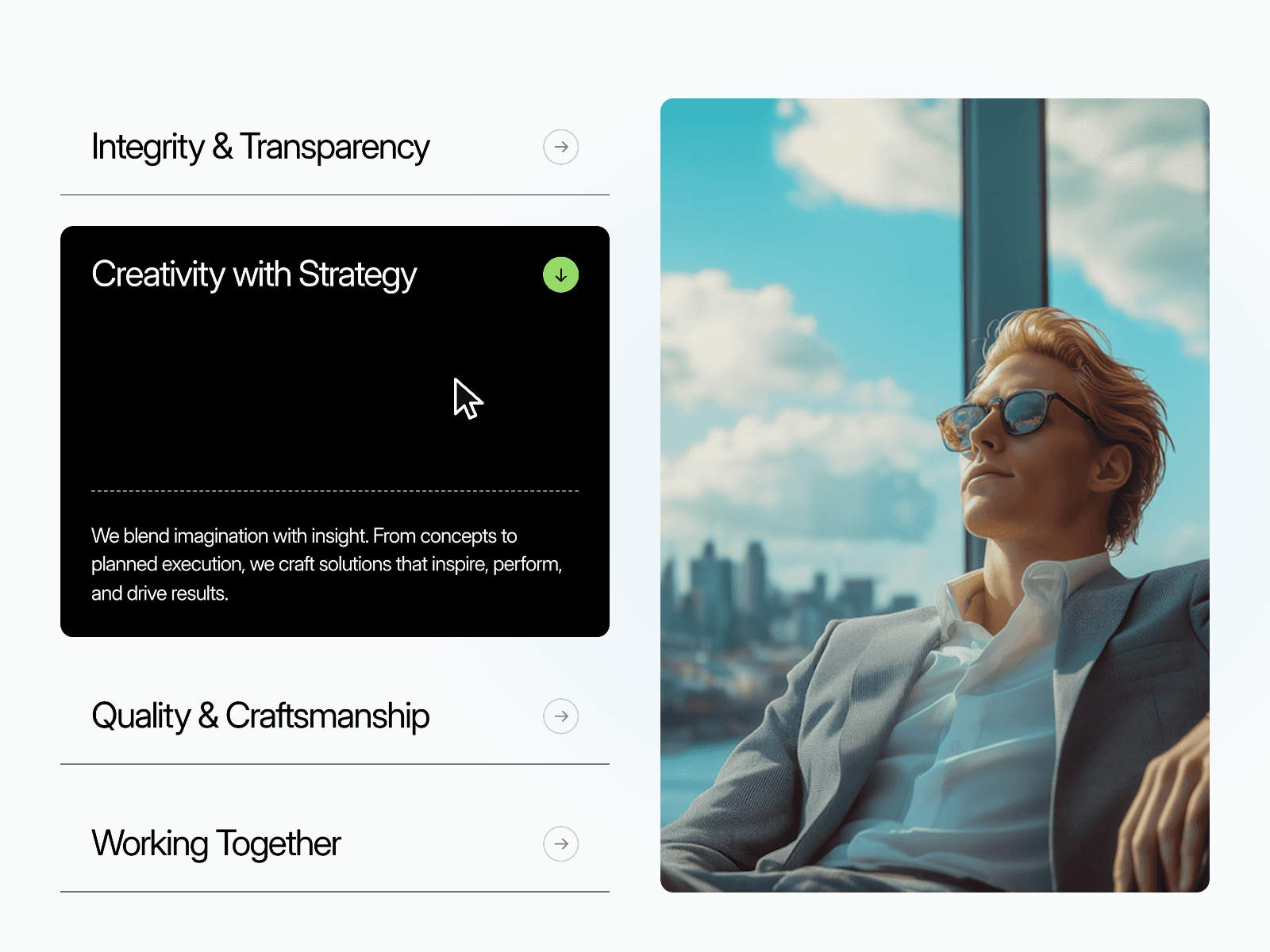
MorphShift Menu adds a highly dynamic, fluid transitioning navigation menu to your Framer projects. Drop it into your header, a sticky nav bar, or a mobile overlay and let your visitors experience smooth, engaging layout transitions as they browse your site. It is fully responsive, adapts perfectly to any screen size, and is built to feel incredibly snappy on both desktop and mobile devices.
What it does
It renders a sleek menu button that morphs into a clean navigation layout when clicked. It handles open and closed states effortlessly, manages multiple links with custom spacing, and lets you toggle branding elements or call to action buttons instantly.
What you can customize
Menu Settings: Toggle the preview state (Open or Closed), set the exact animation speed, choose the menu position (Left, Right, Top, or Bottom), and control the overall menu width, padding, and item spacing.
Branding & Logo: Show or hide your logo, select the type (Image Only, Text Only, or both), type out your custom logo text, and style it with your preferred font and color.
Navigation & Colors: Set individual colors for the main button, menu background, icons, and menu text to match your brand style guide.
Call to Action: Toggle a dedicated CTA button on or off, edit the CTA label text, drop in your custom link, and style its background, text color, typography font, and corner radius.
Overlay Effect: Turn the background page overlay on or off and pick a custom color or opacity to create the perfect contrast.
Great for
Modern portfolio and agency websites
SaaS and product landing pages
Mobile responsive navigation bars
Minimalist layouts that need a hidden menu
Creative landing pages looking for smooth interactions
Need help?
Questions or feedback? Reach me anytime: dulajdilshan766@gmail.com or on X @Dulajweb