About Numbered Plus Toggle
Numbered Plus Toggle – A Numbered Toggle List Over a Background Image
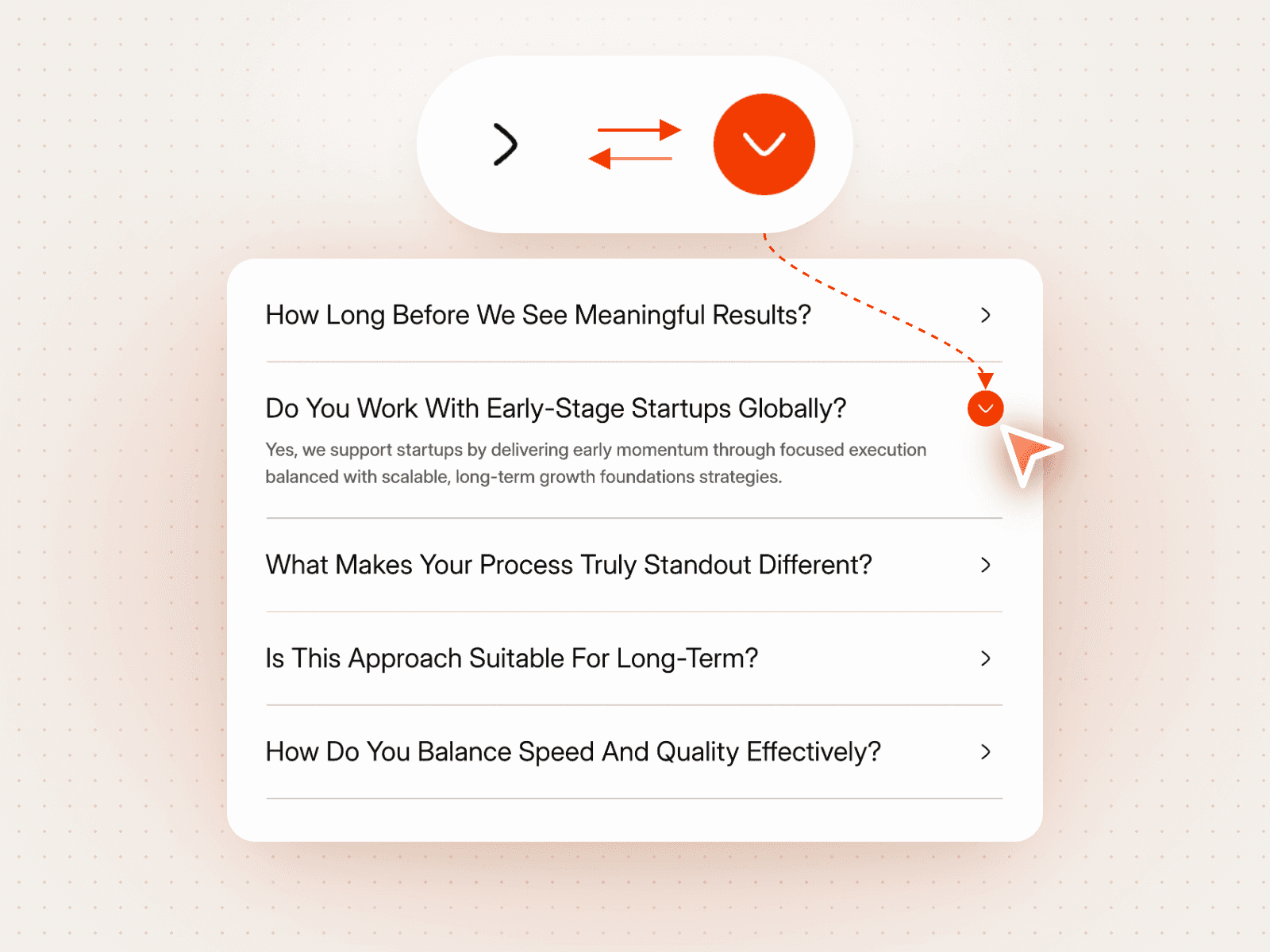
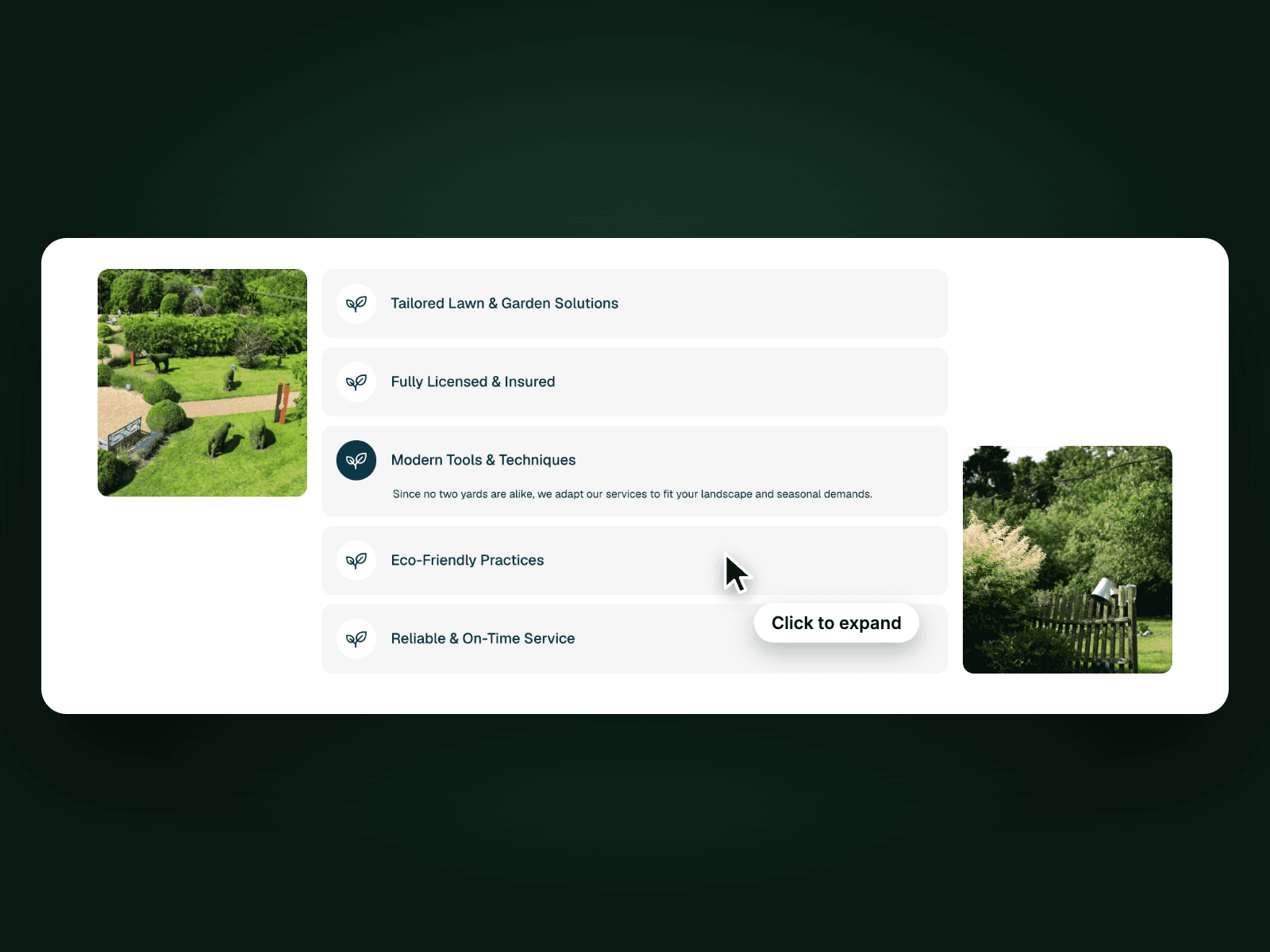
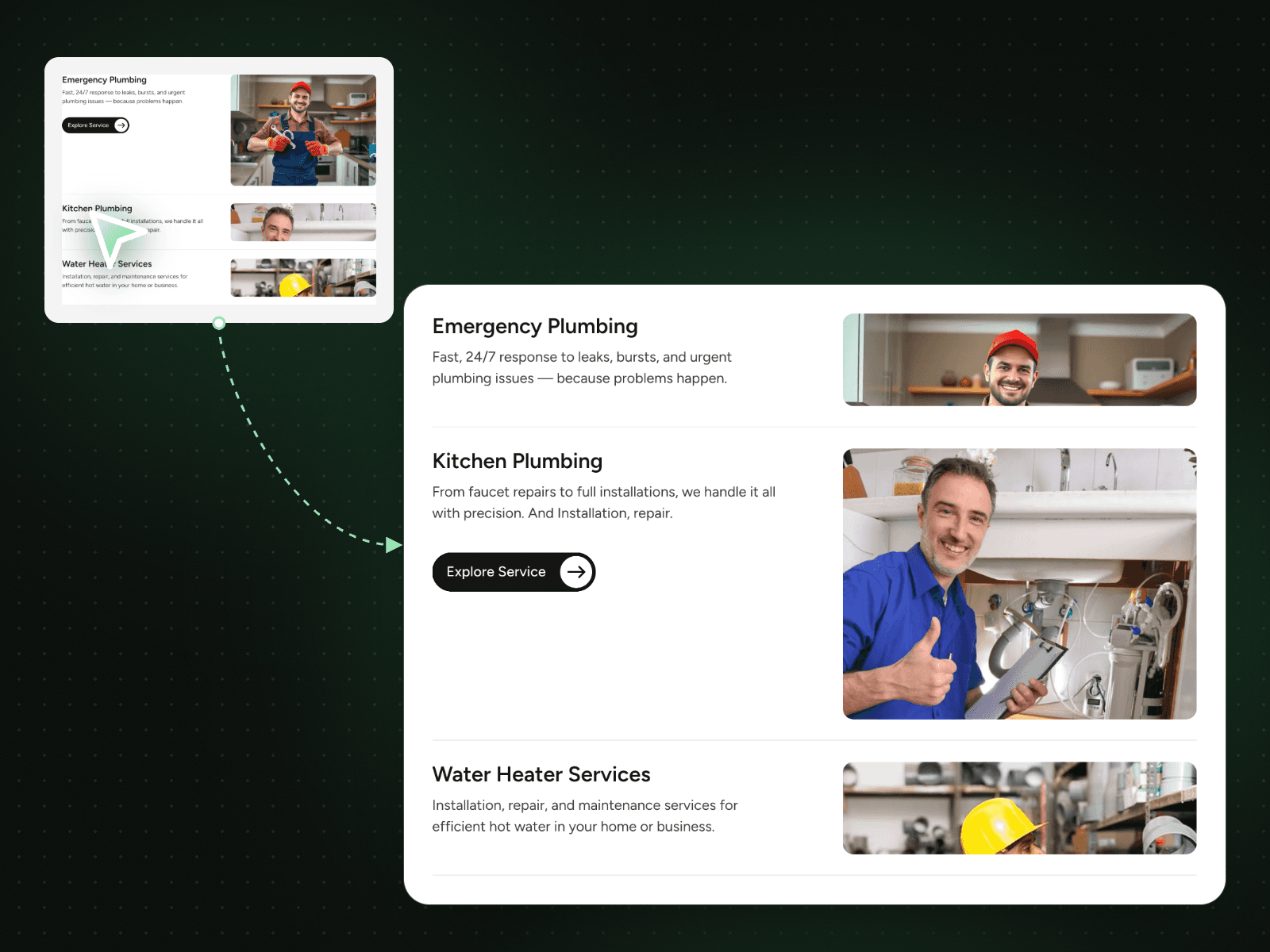
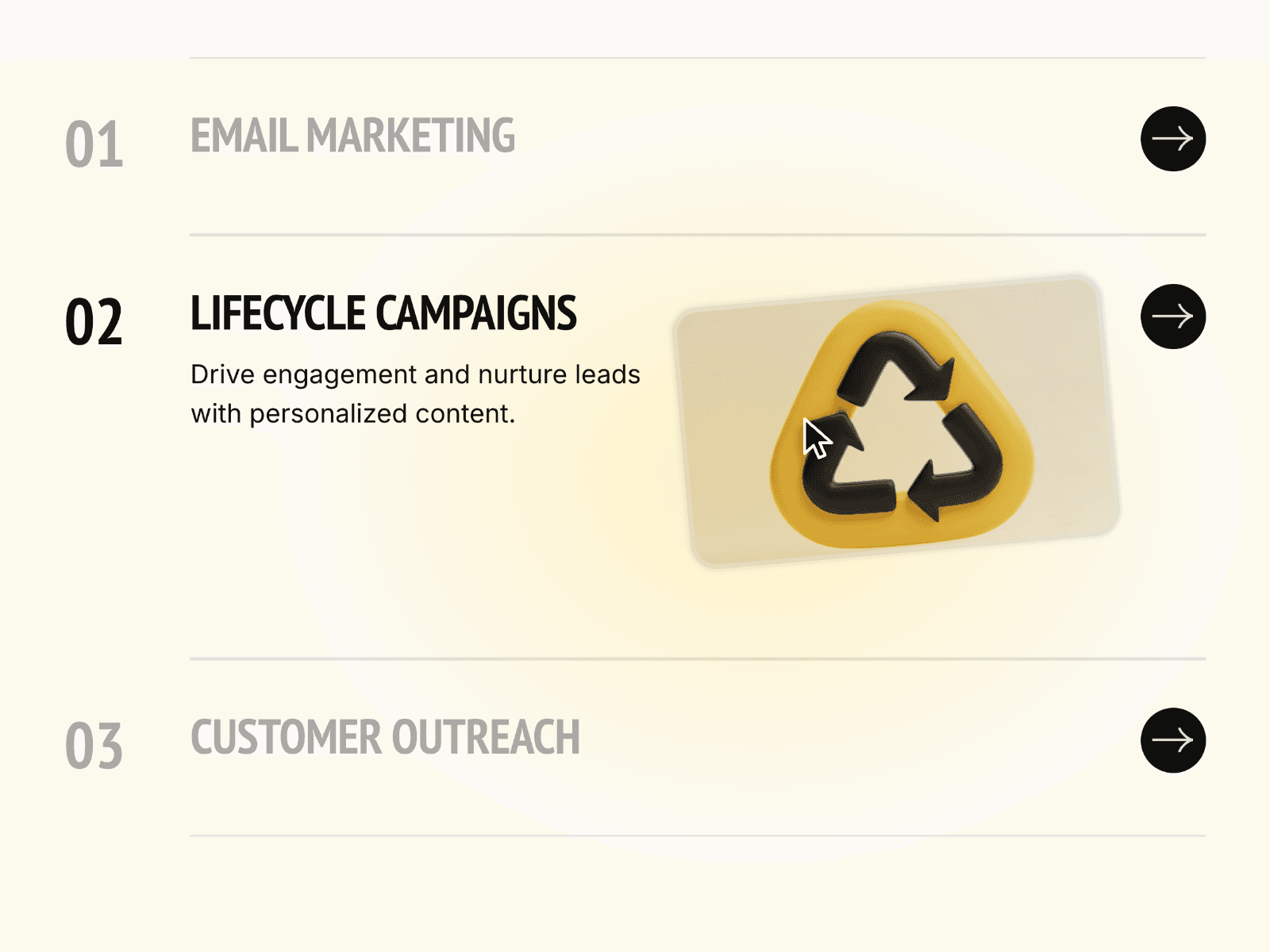
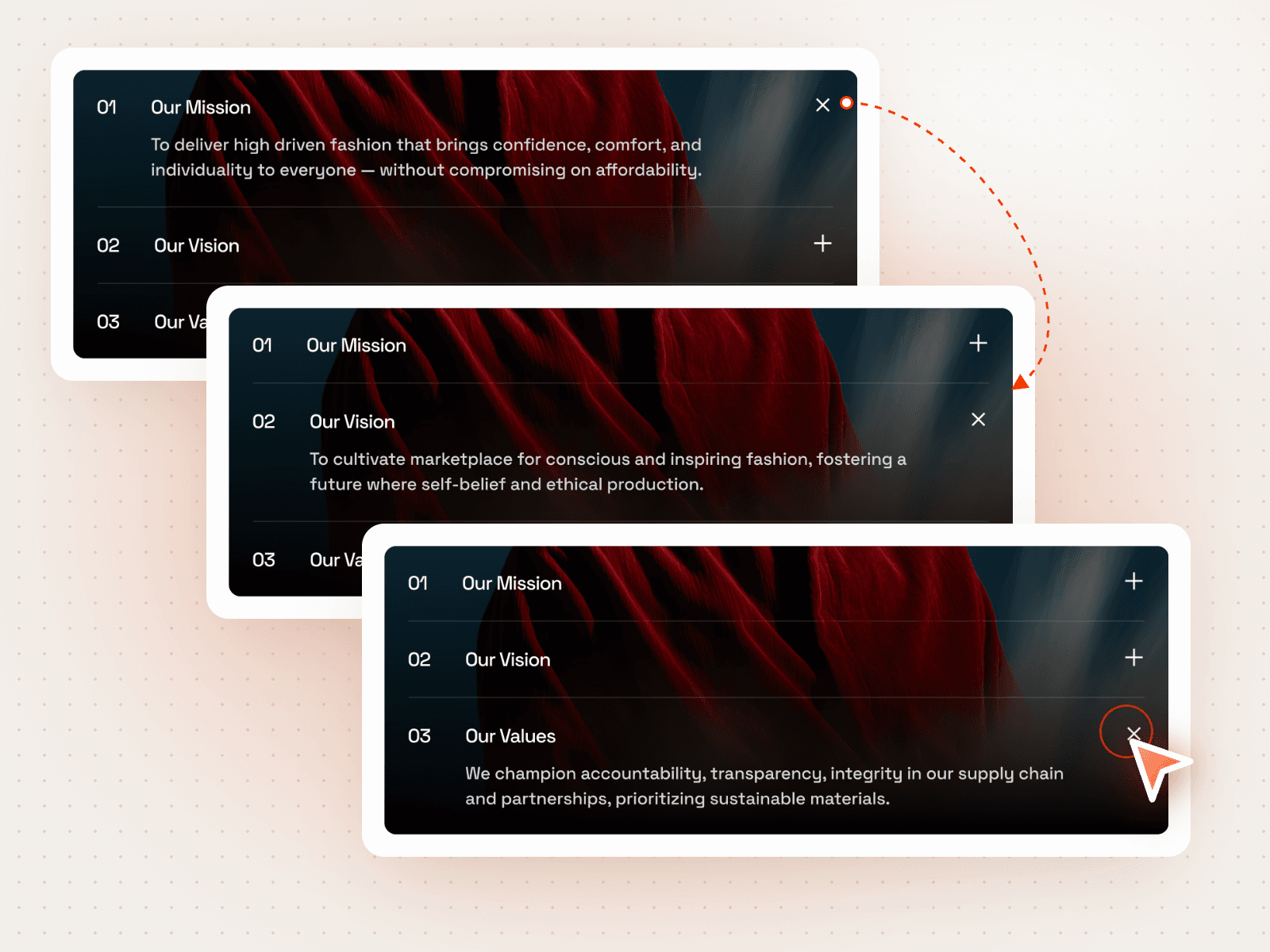
Numbered Plus Toggle shows three numbered rows over a background image. Click a row and its text opens while the plus turns into a close icon; the other rows close. It fits a mission, vision and values block or a short FAQ.
How it works
Three numbered rows, the first open on load.
Click a row to open it; only one stays open.
The plus icon turns into a close icon on the open row.
Includes a Mobile variant.
Easy to customize
Edit the three numbers, titles and texts.
Swap the background image.
Drop it into any Framer page and edit it from the properties panel or with your AI agent.