About Open-Now Action Bar
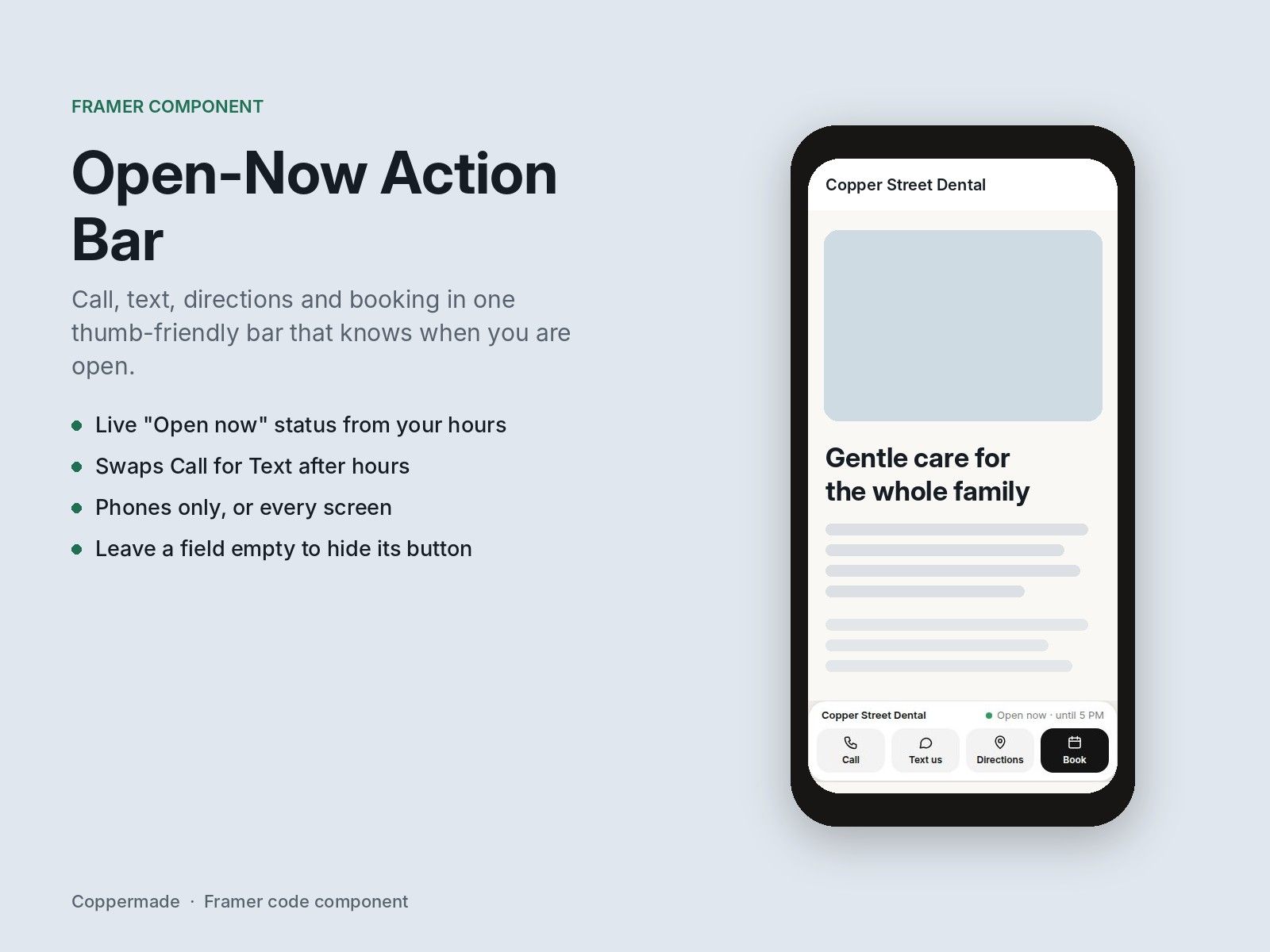
Local businesses get most of their visits on phones, and those visitors want to call, text, get directions or book. Open-Now Action Bar puts all four in one bar at the bottom of the screen. It knows your opening hours, so it says "Open now · until 5 PM" or "Closed · opens tomorrow 8 AM", and after hours it can swap Call for Text so you don't get calls you can't answer. Set it to show on phones only and it stays out of the way on desktop.
What's included:
Call, Text, Directions and Book buttons; leave any one empty to hide it
Live open/closed status from your weekly hours, in your time zone
Text after hours: swaps Call for Text when you're closed
Phones only or all screens, with an adjustable cut-off
Your colors, corners and font
How to use it:
Drag the bar onto your page. In the layout panel set its Position to Fixed and pin it to the bottom, with a small margin.
Enter your Business name and pick your Time zone.
Type your hours for each day, for example 8am-5pm, 9-5, or Closed.
Add your Phone, Text number, Address and Booking link. Any field left empty hides its button.
Leave Text after hours on if you'd rather get texts than missed calls outside your hours.
Leave Show on set to Phones only, or switch to All screens.