About Range Estimator
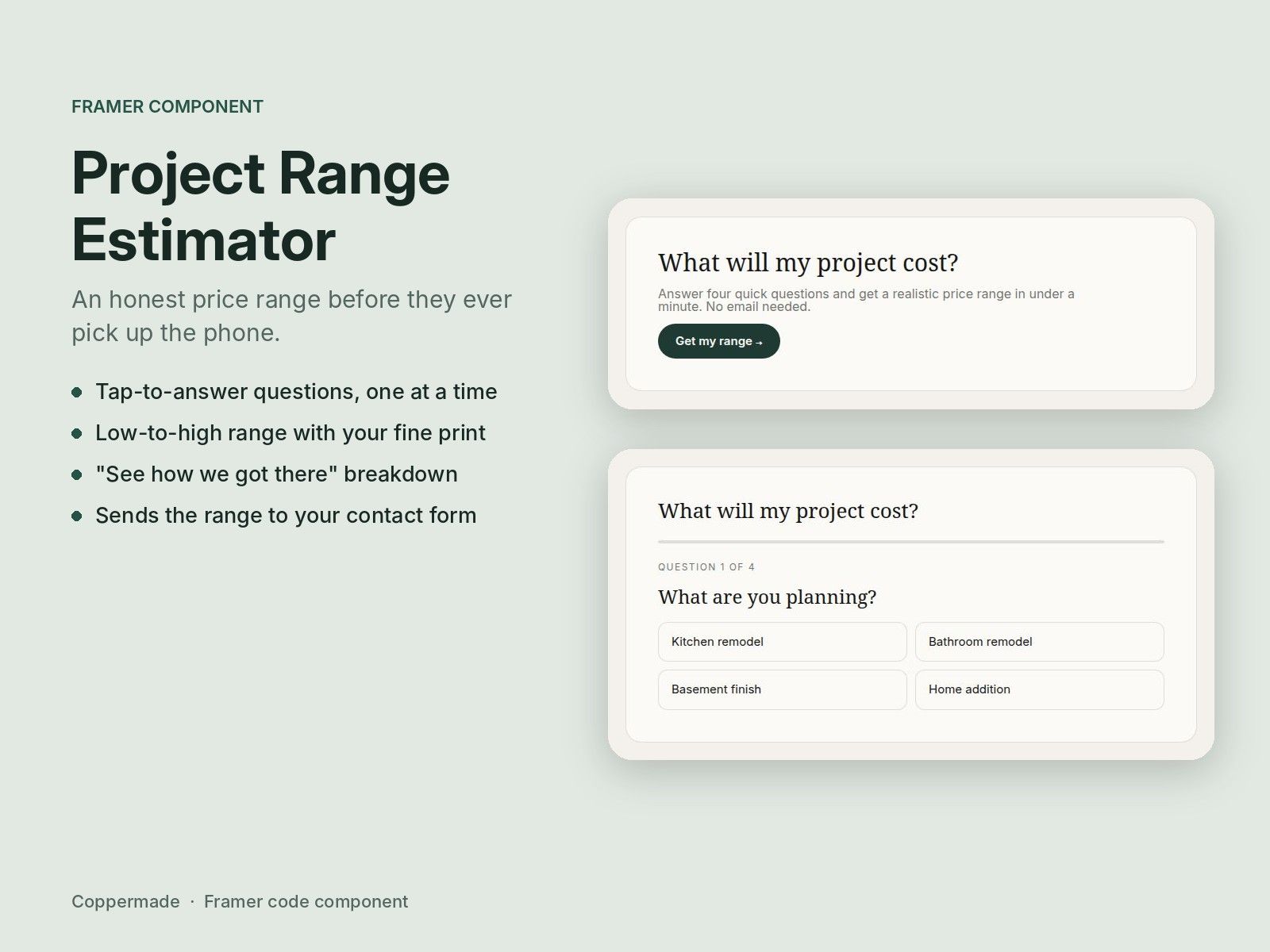
Most service businesses can't put prices on their website, and visitors leave because of it. Project Range Estimator asks a few tap-to-answer questions, one at a time, and shows a realistic low-to-high range with your own fine print. A breakdown shows how the range was reached. The quote button can carry the visitor's answers and range straight into your contact form, so your first call starts informed. Built for contractors, remodelers, landscapers, photographers, designers, cleaners and any business that quotes per job.
What's included:
Step-by-step questions with a progress bar, Back and Start over
Up to 8 questions, each with its own answers and price amounts
Low-to-high range, rounded to whatever you choose
Optional "See how we got there" breakdown
Quote button that can pass the range and answers to your form
Your colors, corners and fonts
How to use it:
Drag the estimator onto a page and set its width.
Edit the Heading, Intro and Start button text.
Under Questions, add each question. In Answers, write one answer per line as: Label | low | high. Example: Large kitchen | 20000 | 45000. Amounts can be written as 20000, $20,000 or 20k. Use 0 | 0 for answers that don't change the price.
Every answer the visitor picks adds its low and high amounts together. Use Starting low and Starting high for a base cost added to every estimate.
Set Round to (1000 shows $54,000 instead of $53,812), the Result line and the Fine print.
Set the Button text and Button link (usually your contact page). Leave Send answers on to add the range and answers to the link so your form can read them.