About Pinwheel Tabs
Full description:
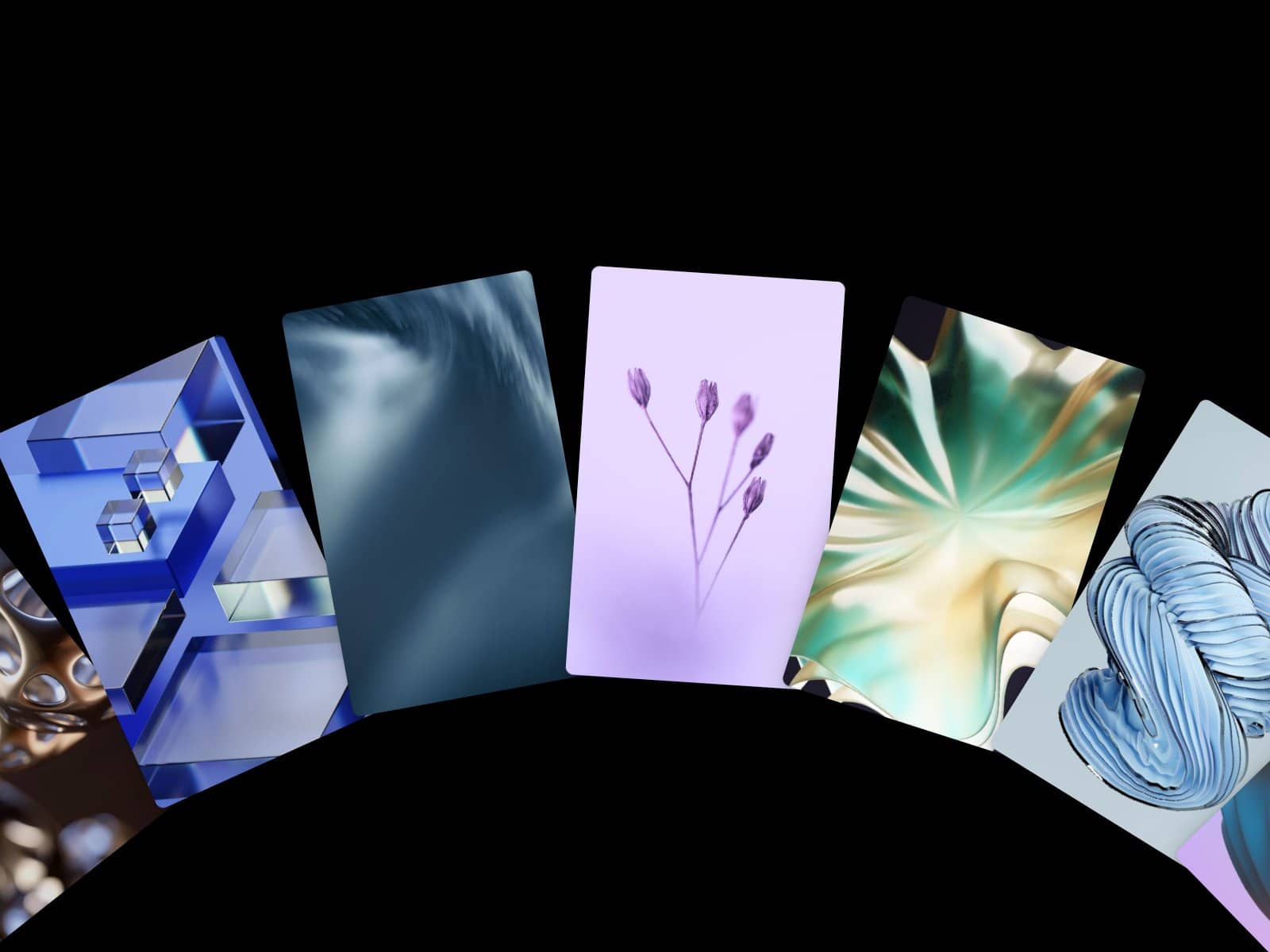
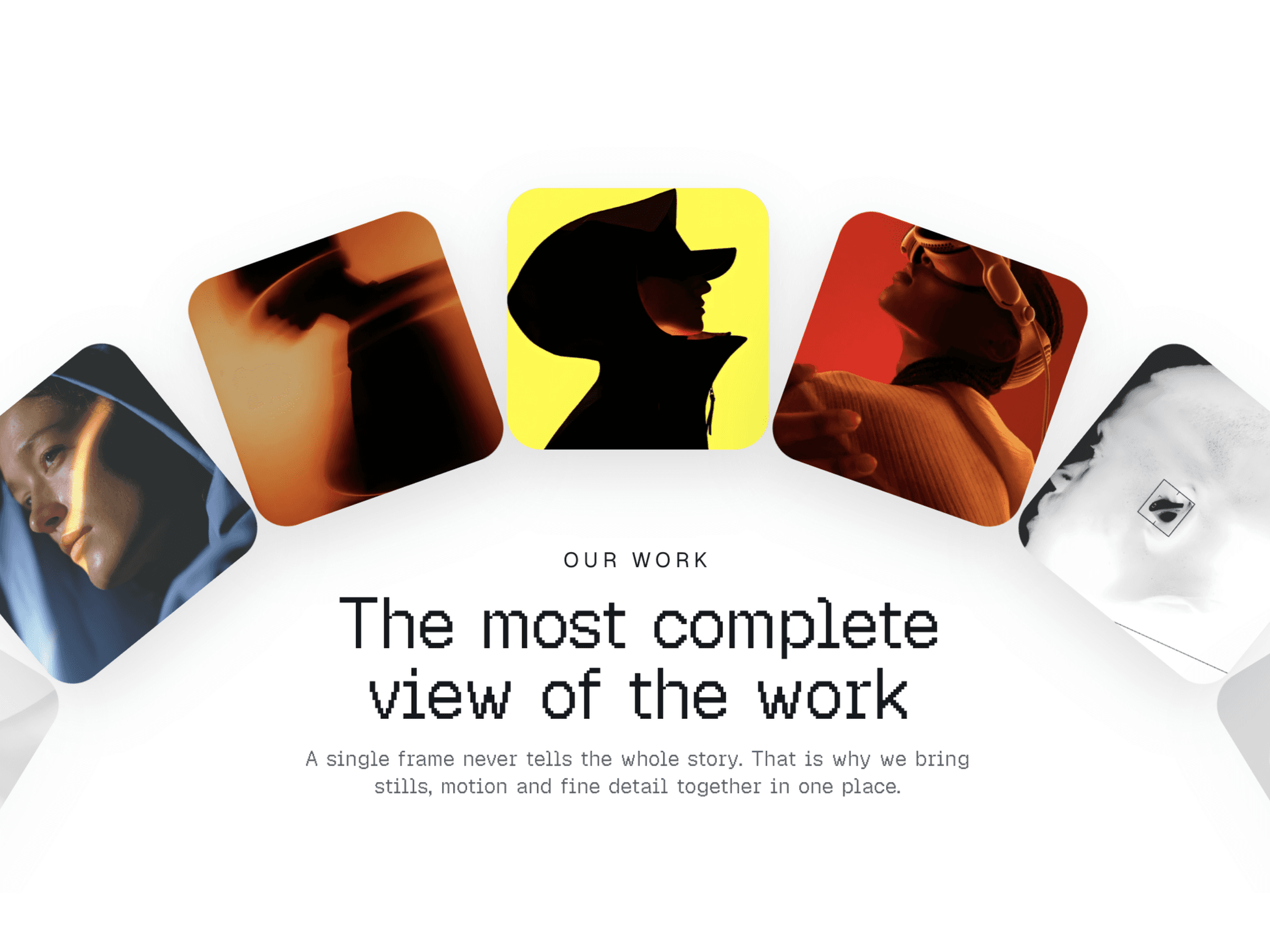
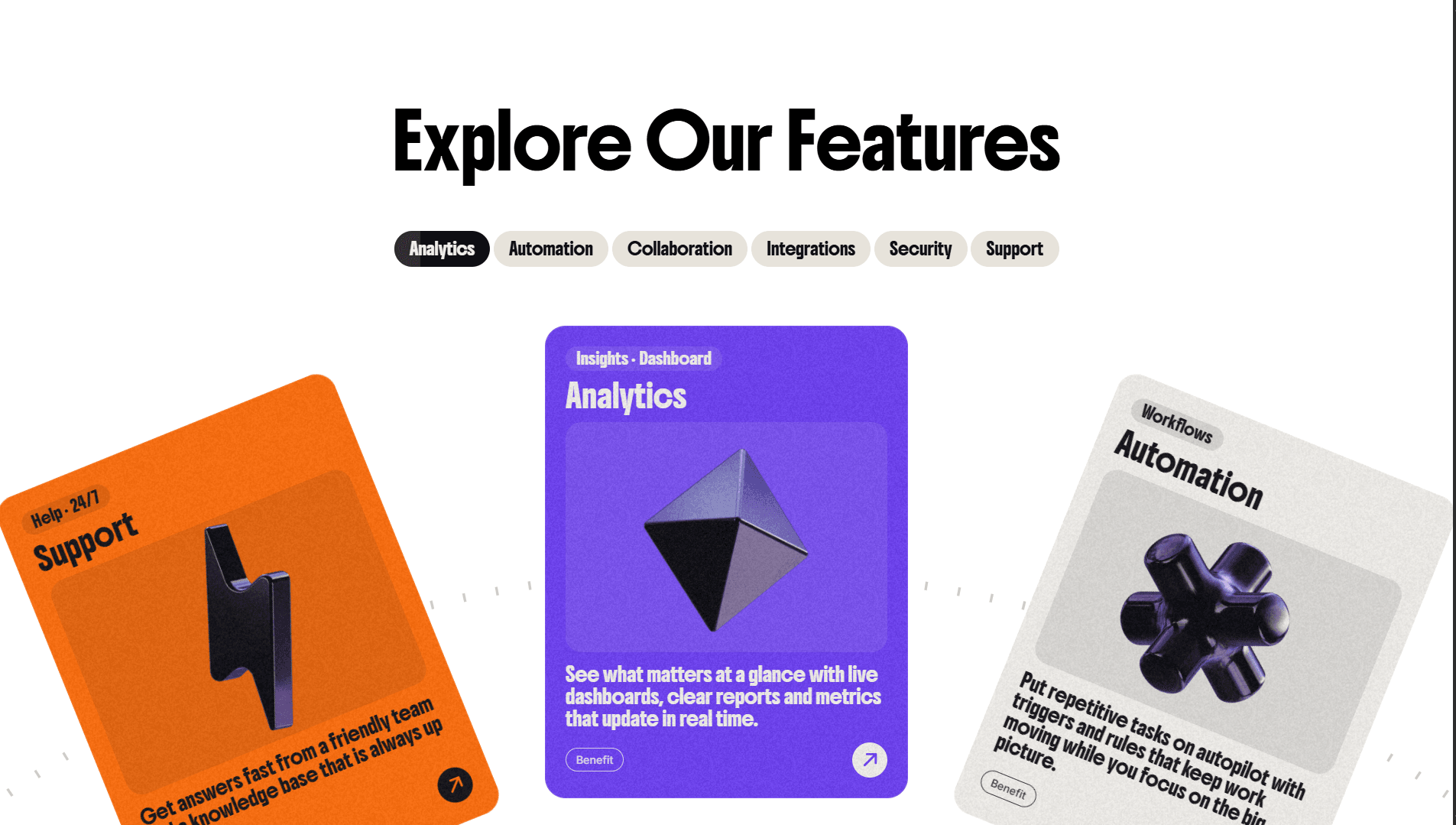
Pinwheel Tabs turns a plain feature section into something people actually want to play with. Cards sit on a rotating wheel, and a tab bar with a sliding indicator and autoplay progress keeps everything in sync.
What you get
Wheel-style card carousel with tabs that slide and fill as autoplay runs
Drag with momentum, click a tab or a side card to jump to it
Horizontal trackpad scroll and keyboard control (← → Home End)
Autoplay with adjustable interval, pause on hover, pause when off-screen or the tab is hidden
Intro animation where the wheel spins in
Pointer parallax on card images, plus an optional custom “Drag” cursor
Optional tick ring, film grain, dimmed inactive cards, tags and arrow button
Fully customizable (no code)
Per-card label, kicker, text, tags, image, background color and text color
Card size in exact pixels (Custom) or by wheel width + ratio (Auto)
Card gap, wheel radius, visible range, padding and corner radius
Image fit, position, width, height and alignment
Tab, Title and Body fonts via Framer’s font picker (any Google or custom font)
Font sizes that scale with the card or use fixed pixels
All colors: background, tabs, active tab, arrow, ticks, hint
onTabChange event to trigger variants or other interactions
One-click Reset Settings
Built to perform
Cards animate with GPU transforms only, off-screen cards are culled
Rotation speed is capped so long jumps stay smooth
Grain is a pre-generated tile, no heavy SVG filters
Static renderer: the editor canvas and exports show the full wheel with no animation, so the editor stays fast
Accessible
Proper tab/tabpanel roles, live announcements, focus styles
Respects prefers-reduced-motion
How to use
Add the component to your canvas
Set a width and height (≈ 1200 × 760 works well)
Edit your cards in the Features control
Pick fonts and colors, then adjust card size and wheel radius
Tips: For best results use images around 800×800 or larger. Turn off Parallax and Grain for the lightest setup.