About Portfolio Pigeonhole
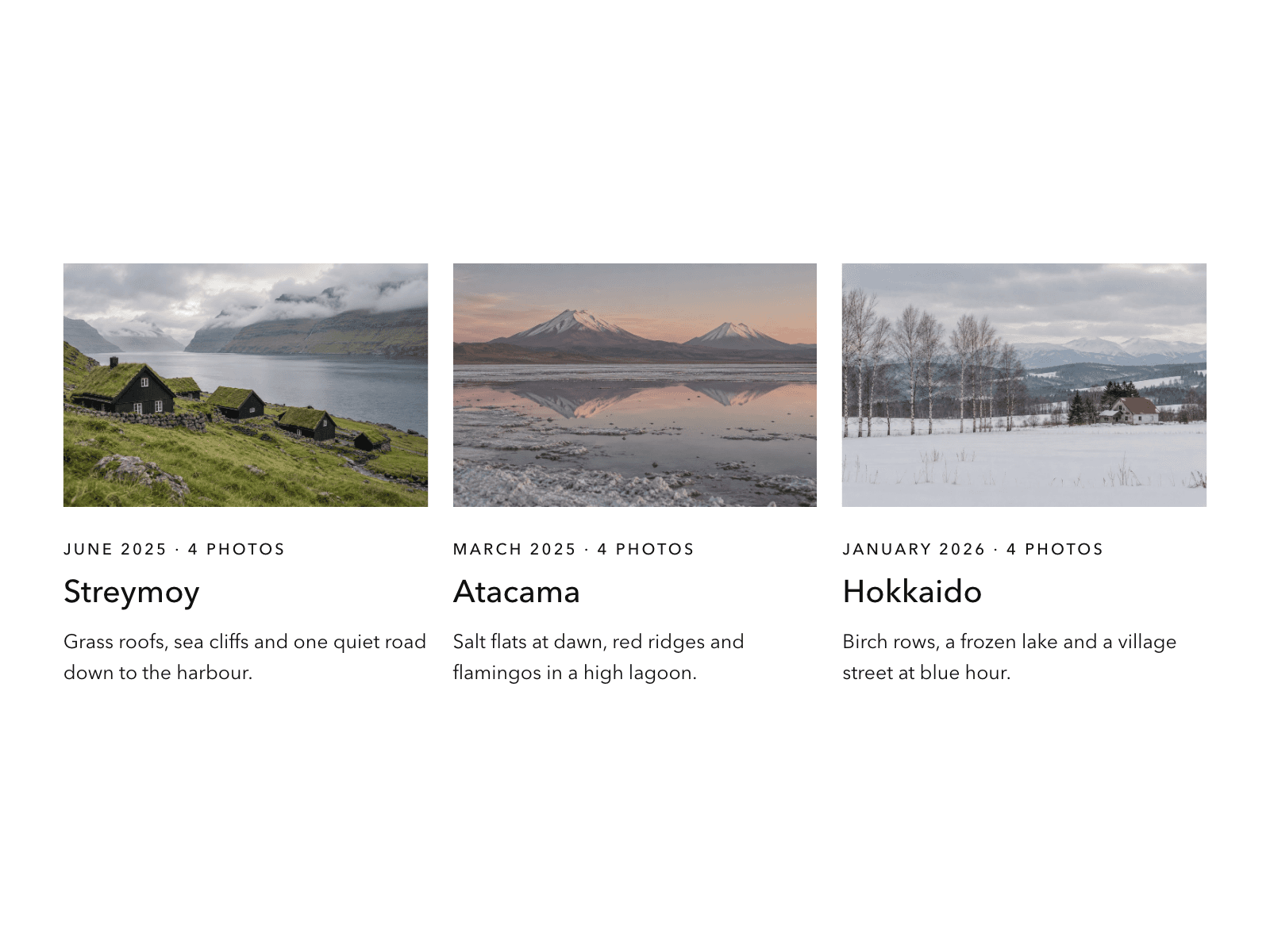
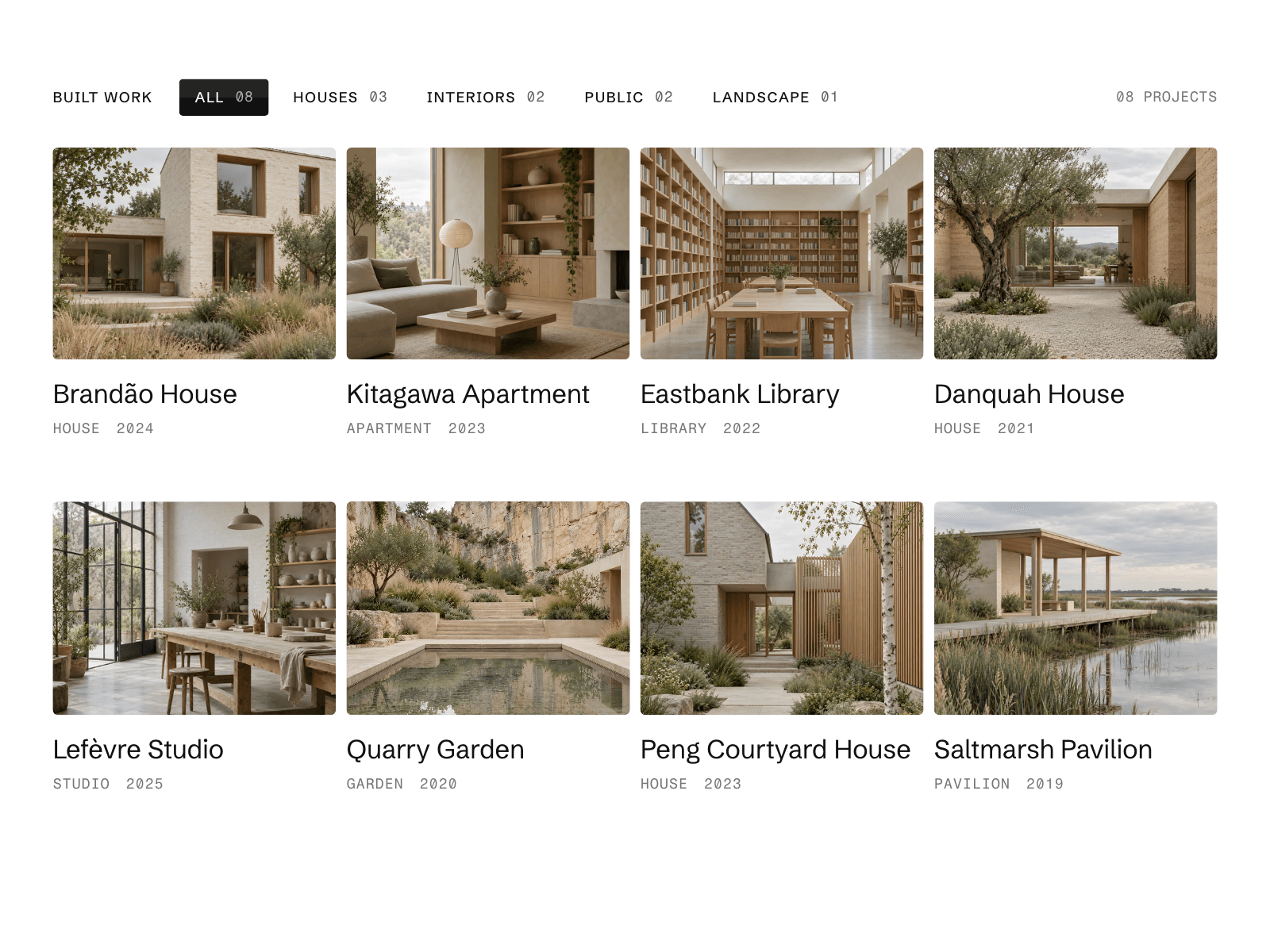
Pigeonhole is a filterable project grid for Framer. Pick a category chip and every cover that changes flips in place like a departure board flap, in a wave across the grid, while the rest keep still. Fill it from your CMS through a slot, or by hand.
What you can customize
Columns, cover ratio, type and year line
Label, chip counts, result count and reset button
Eleven colors, radius, shadow and split chips
Built-in fonts or your own
Flip speed, wave delay, flap shade, flap depth and easing
Perfect for
Architecture and interior studios
Photographer and design portfolios
Agency project archives
Responsive
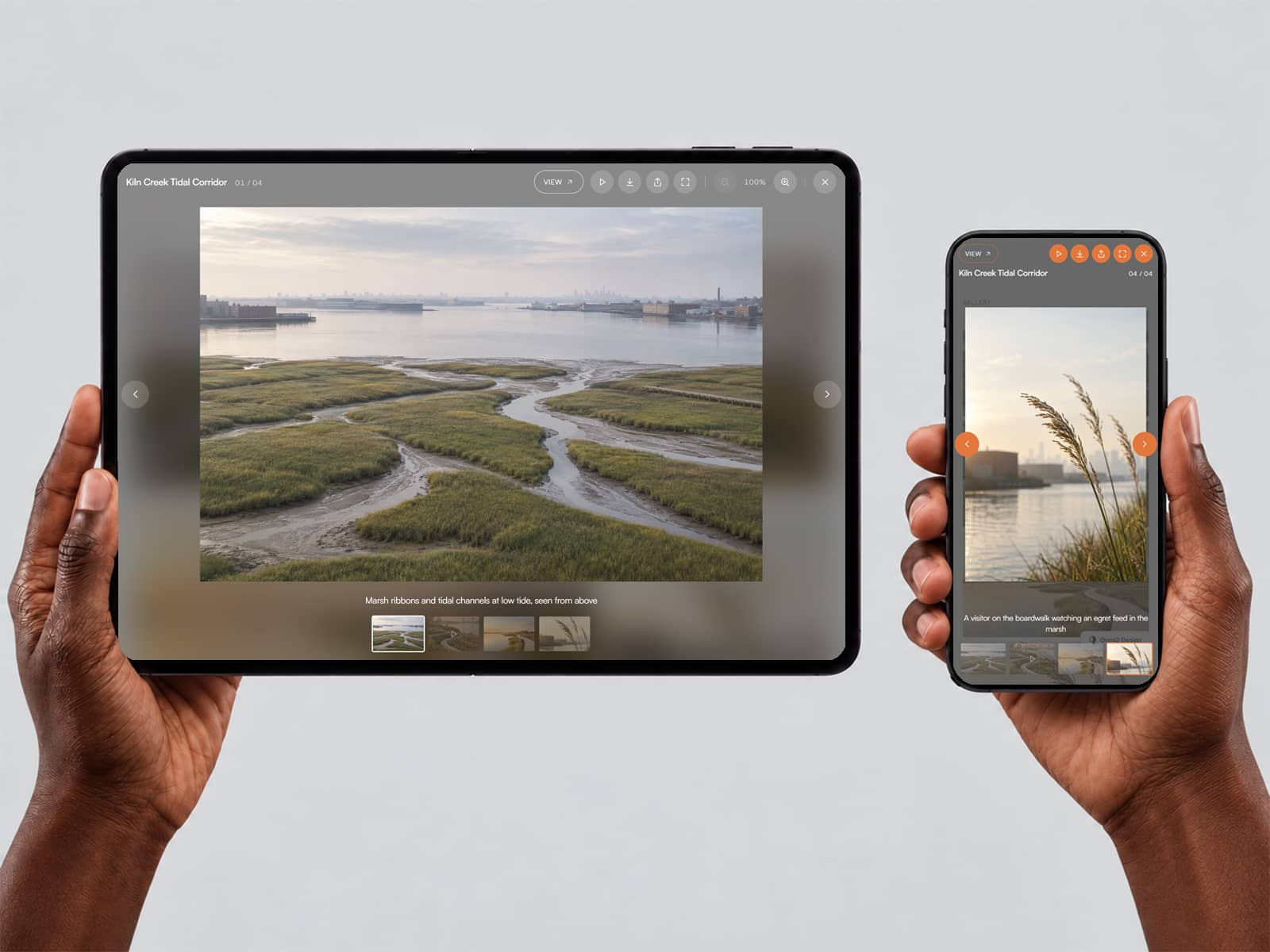
Columns follow the component's own width. Below a width you set it becomes an index list with small covers, or a phone grid, and the chips scroll sideways.
Included interactions
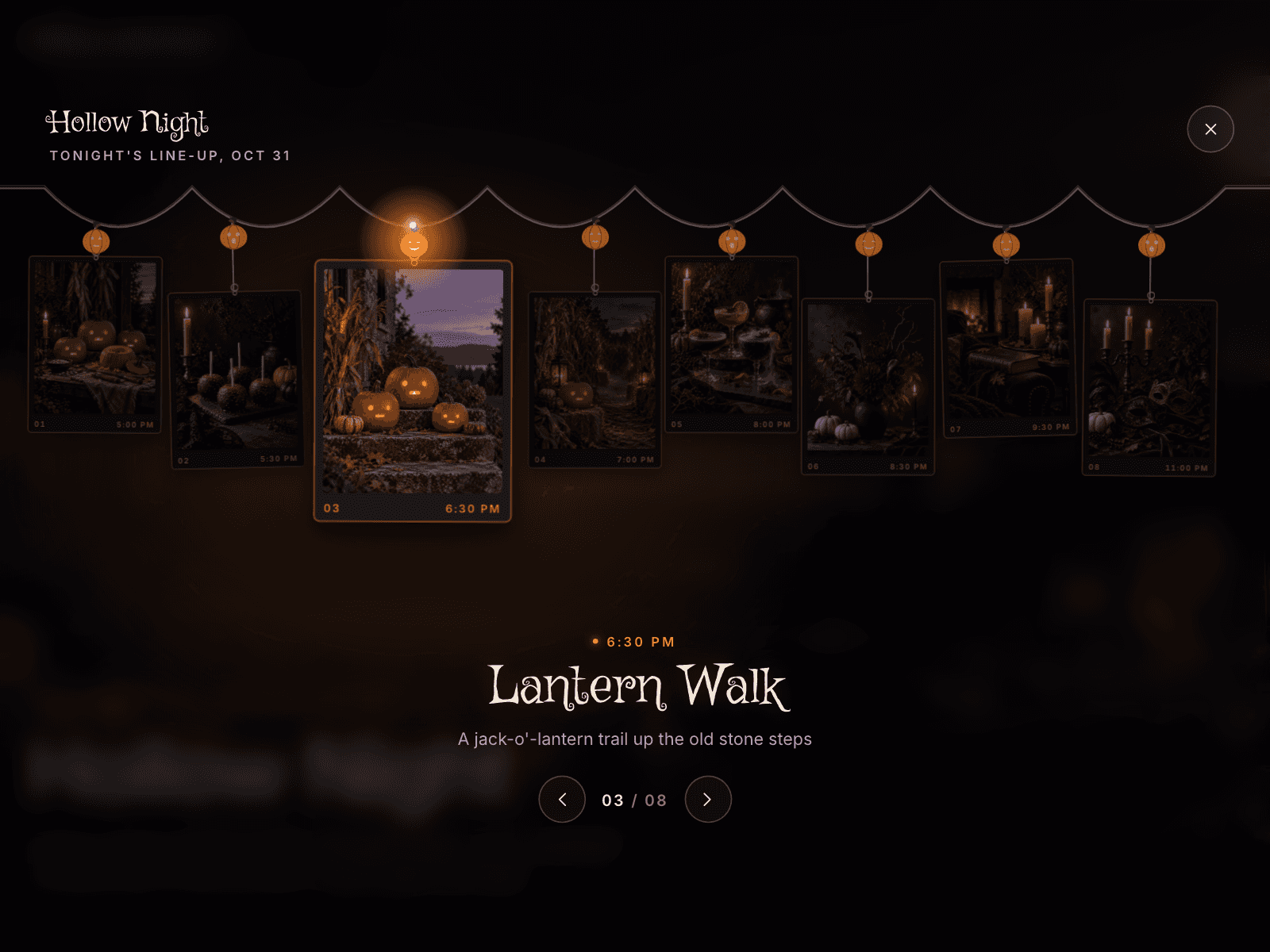
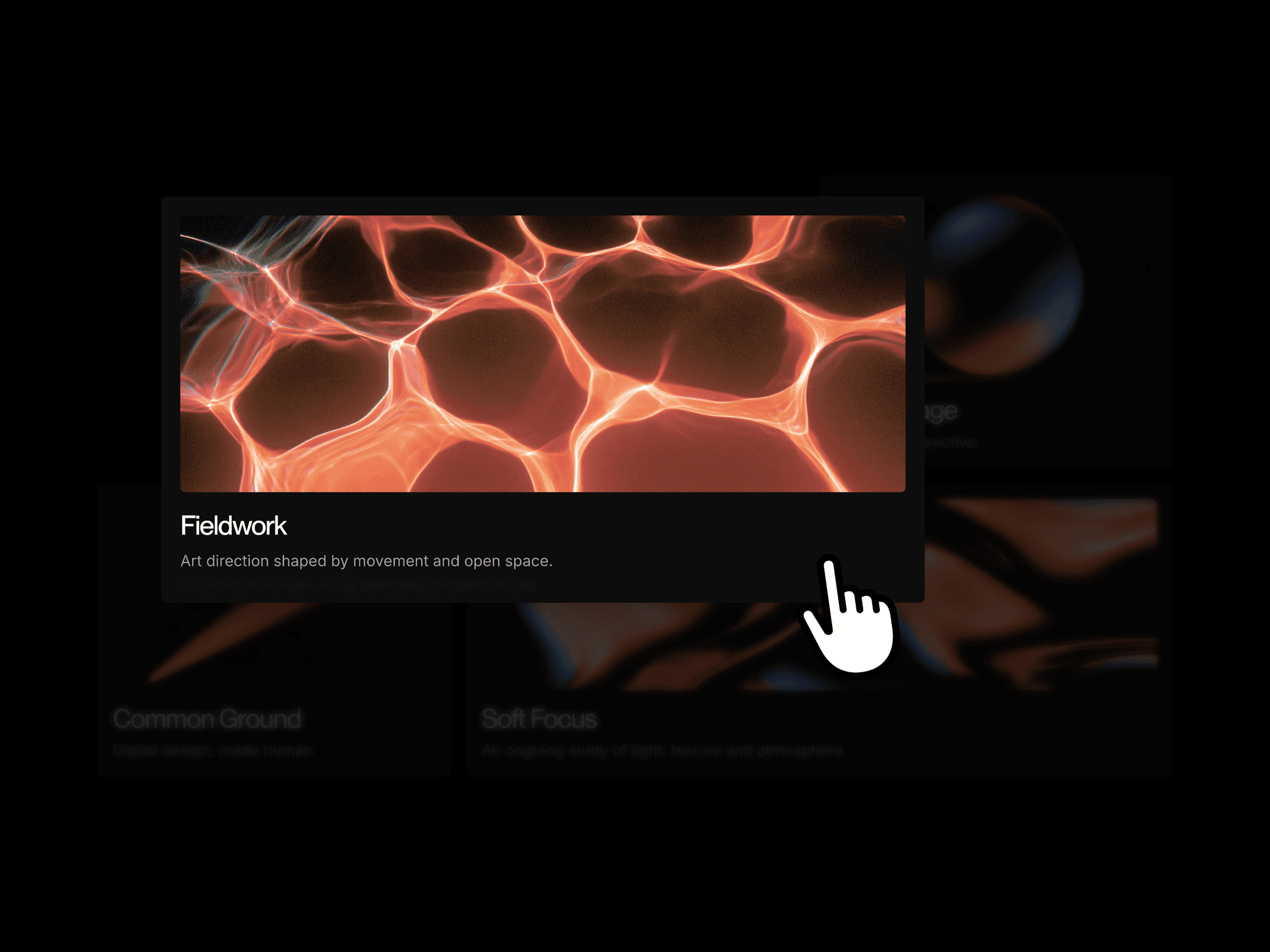
Single or multiple selection with arrow keys. Swipe, drag or a sideways wheel steps through categories, with optional autoplay. A card opens a full screen preview with Previous, Next, swipe and Escape, or goes to its link. The category is kept in the URL. Videos play in view or on hover, and reduced motion is respected.
CMS setup
Add a Collection List, one item per project.
Name the item Card and its layers Image, Title, Subtitle (type), Category and Year. Link and Video are optional.
Separate several categories with commas.
Select Pigeonhole and pick the list in CMS source. Leave it empty to use Projects.
Controls
Content: CMS source, Projects, texts
Layout: Columns, Cover ratio, parts to show, Chip height
Spacing: Padding and seven gaps
Style: colors, Radius, Chip radius, Shadow, Split chips
Typography: Built-in fonts, Uppercase labels, three fonts
Motion: Flip speed, Wave delay, Flap shade, Flap depth, Easing, Opening flip
Interaction: Selection, Arrow keys, Card click, Hover, Swipe and drag, Sideways wheel, Autoplay, Category in URL
Responsive: Tablet below, Tablet columns, Phone below, Phone layout, phone sizes
Media: Video, Loop