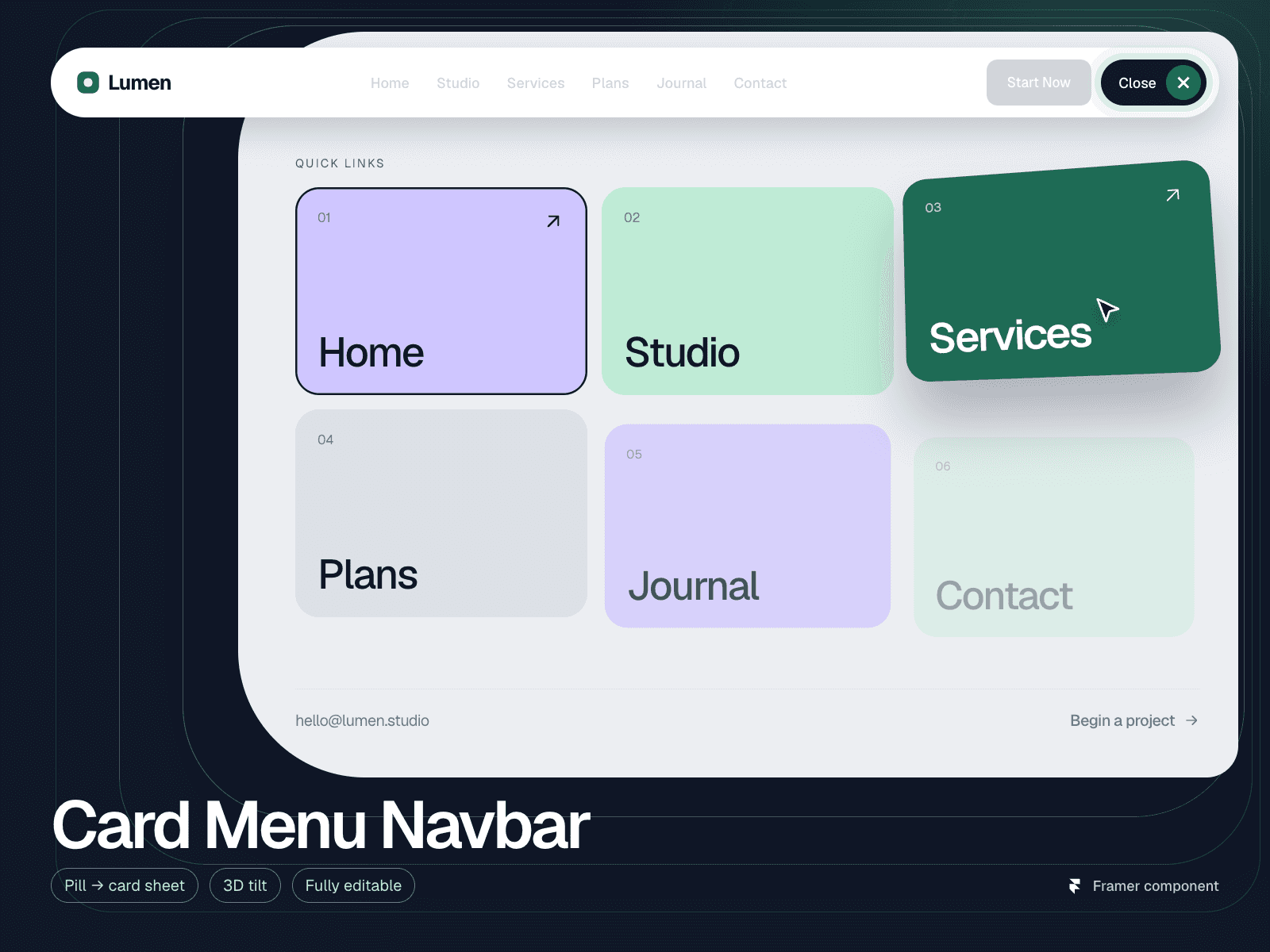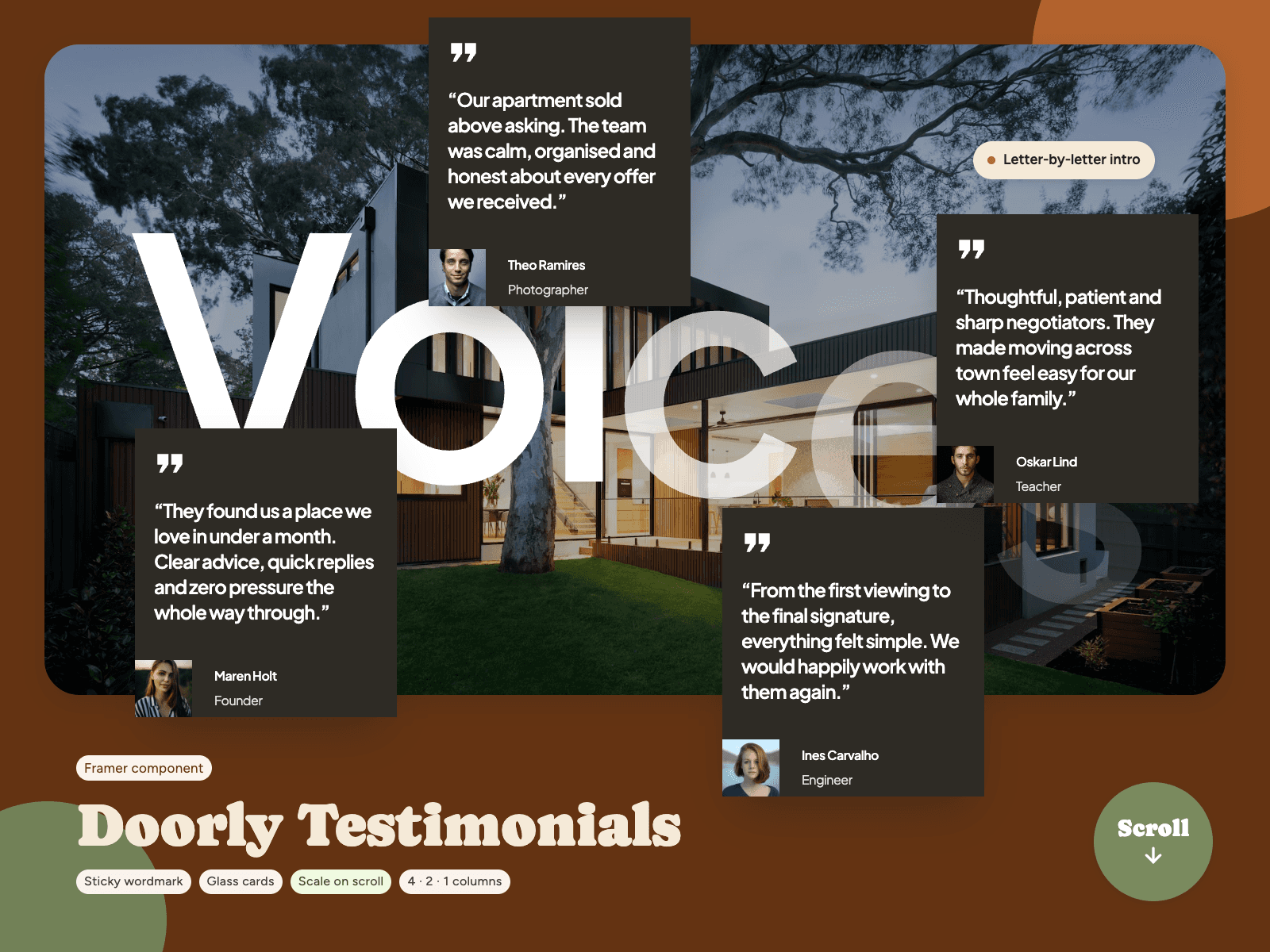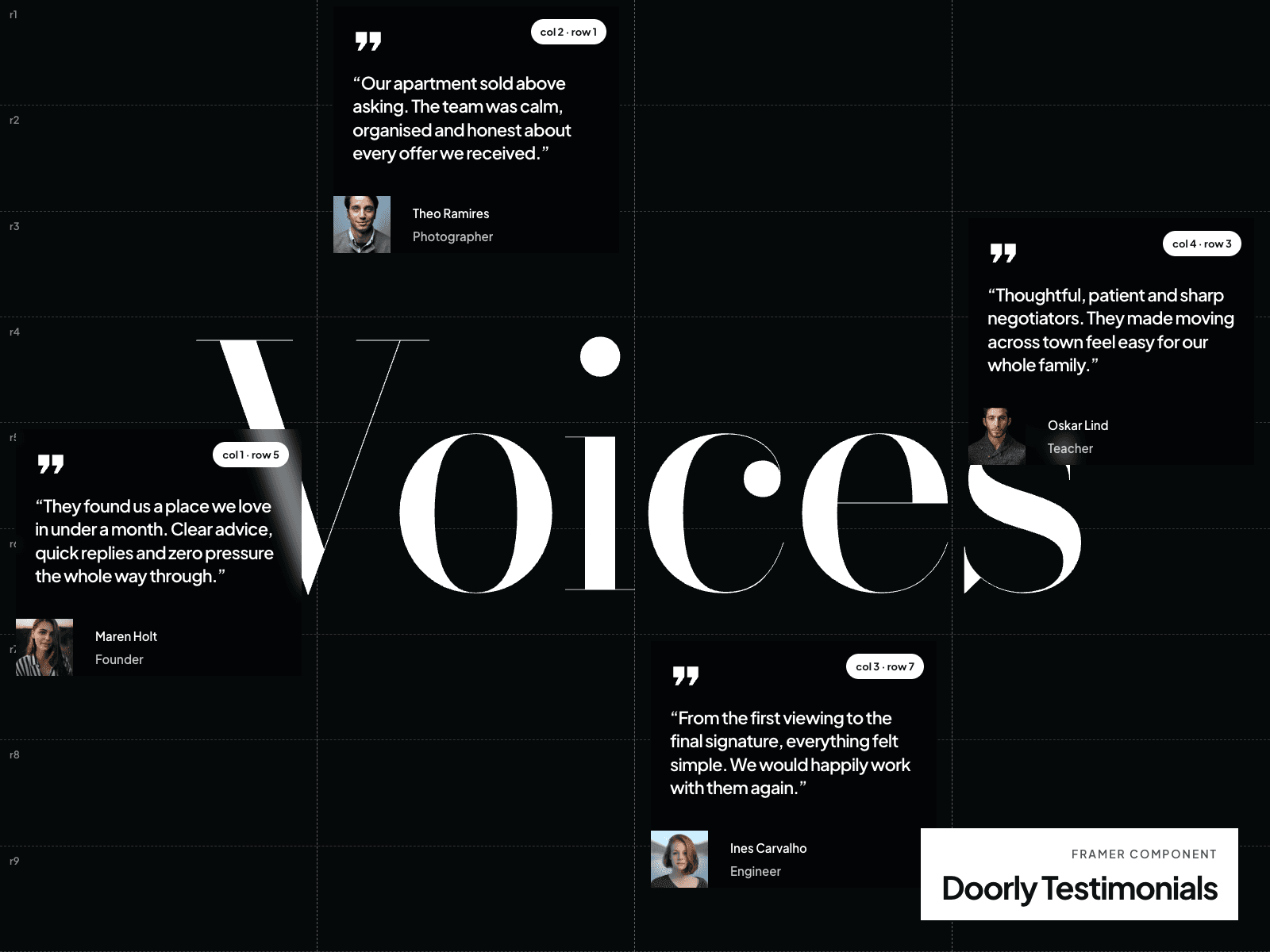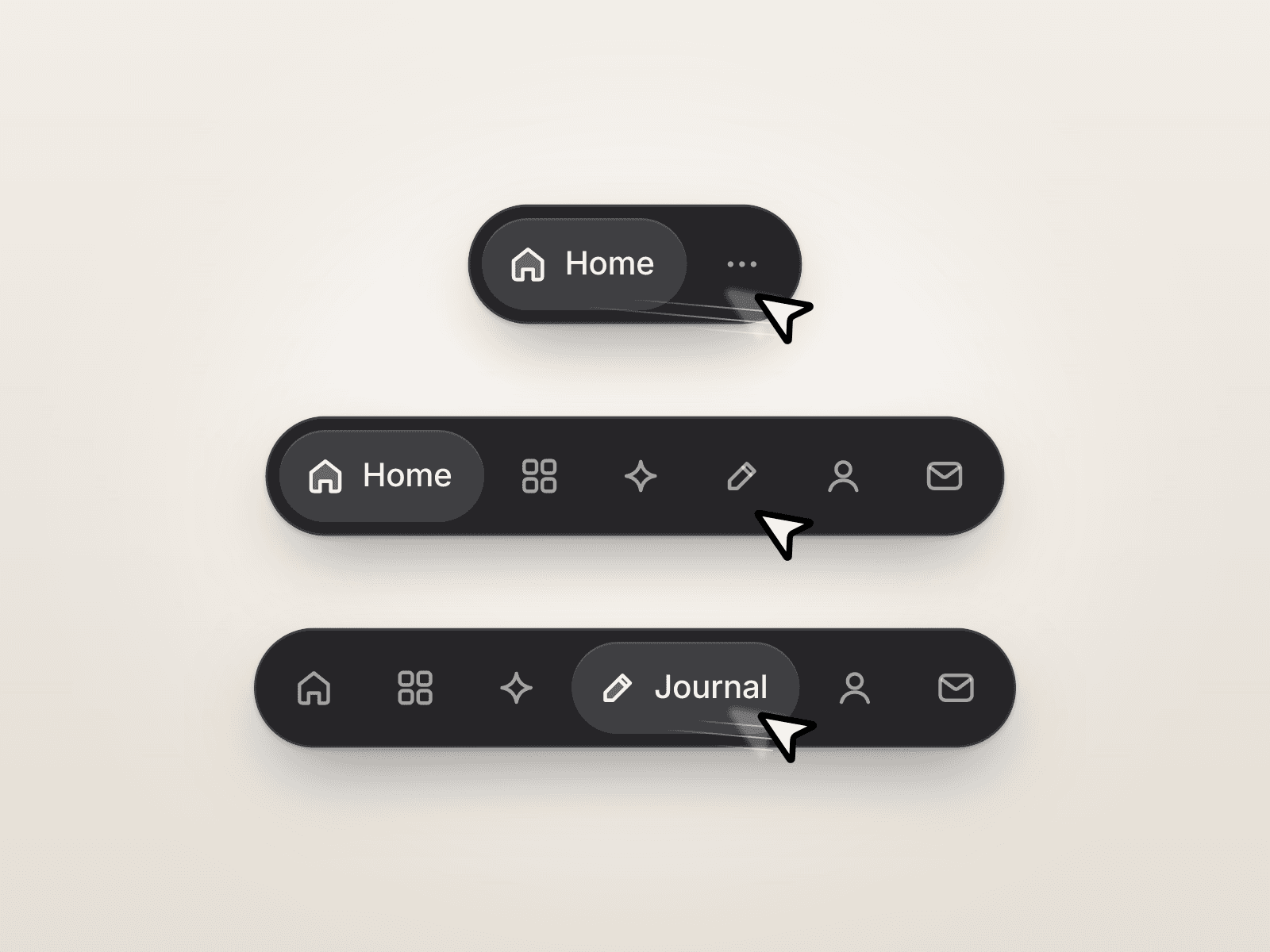
About Push Navbar Overlay
Push Navbar Overlay
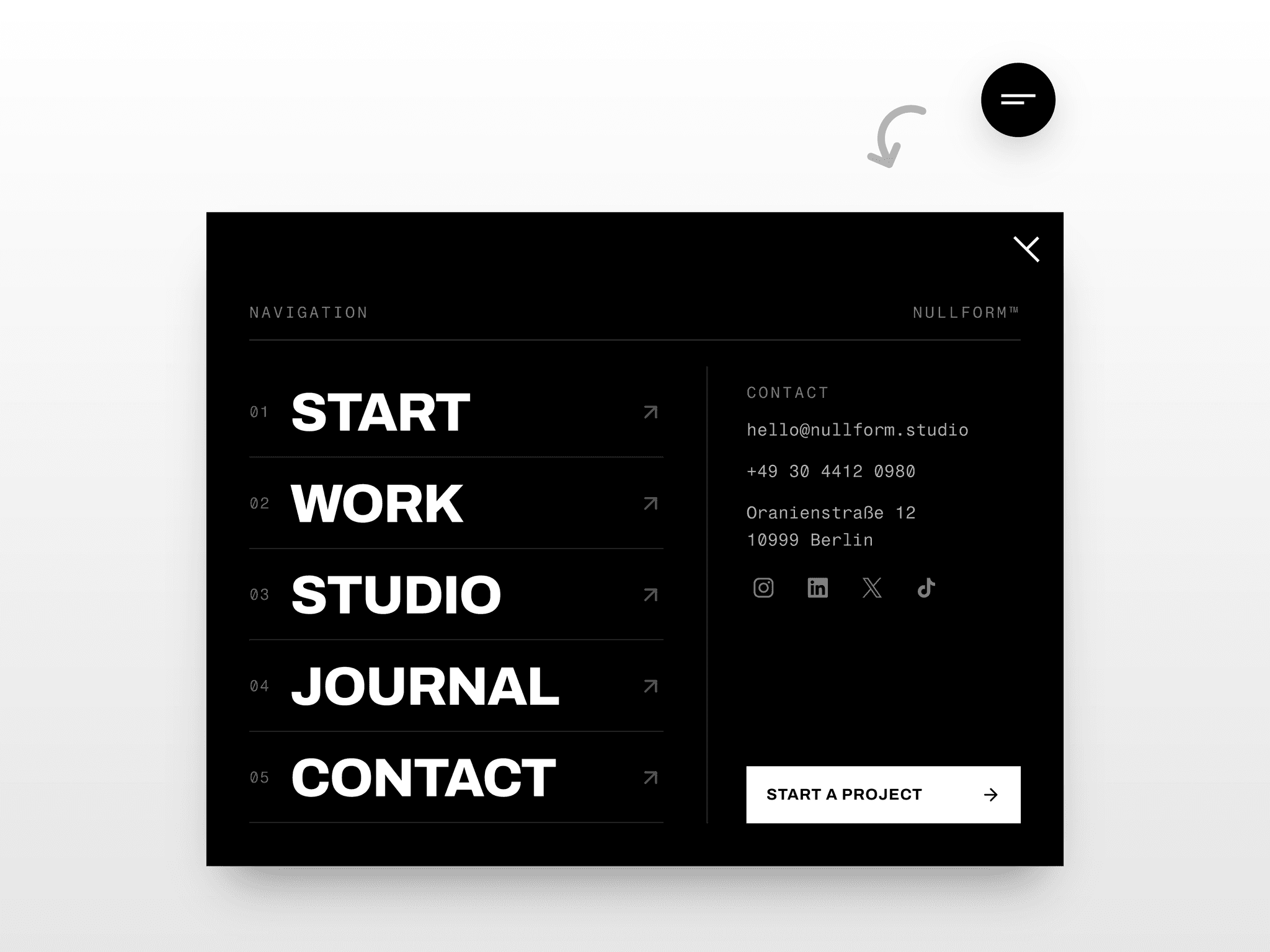
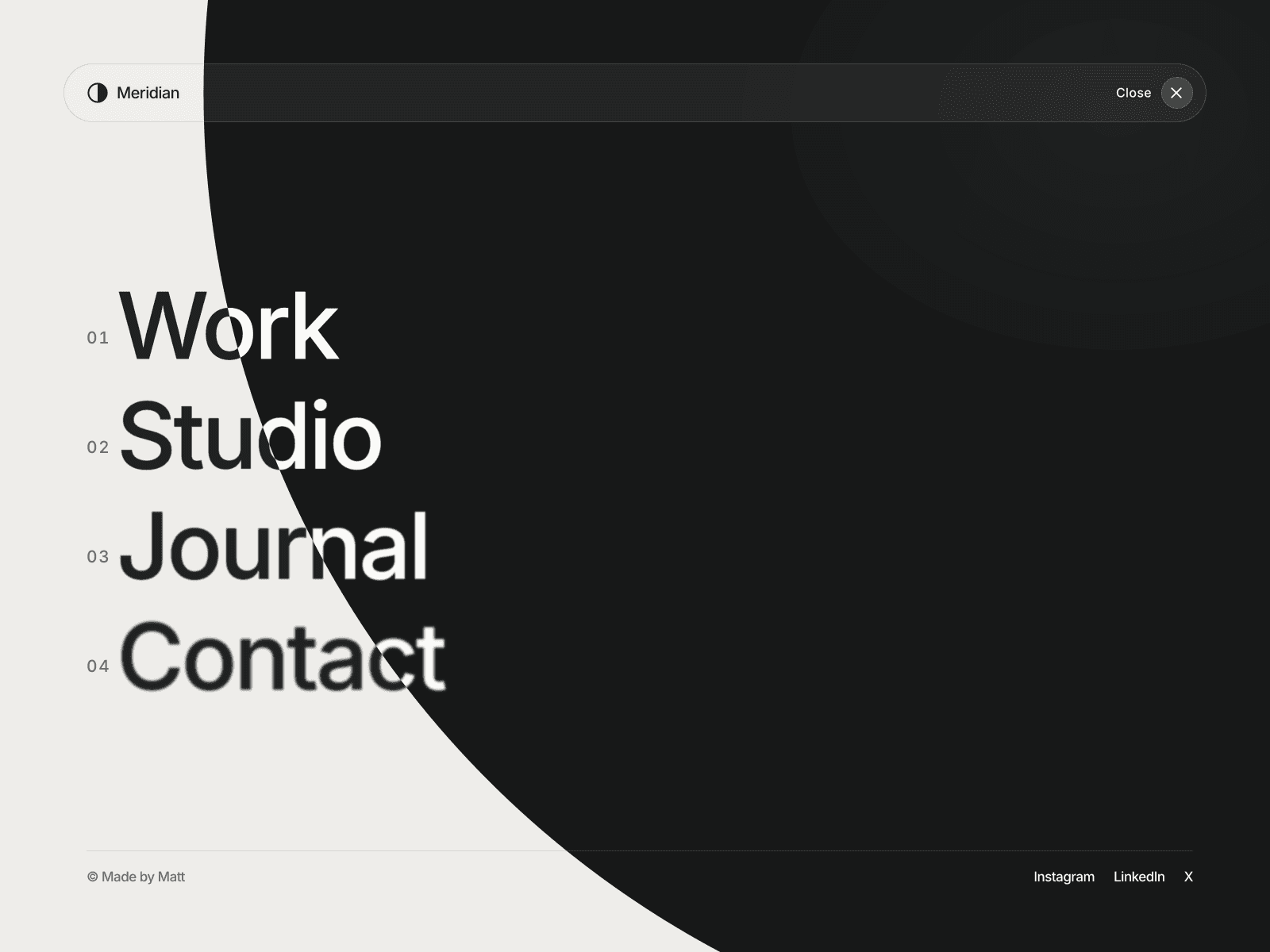
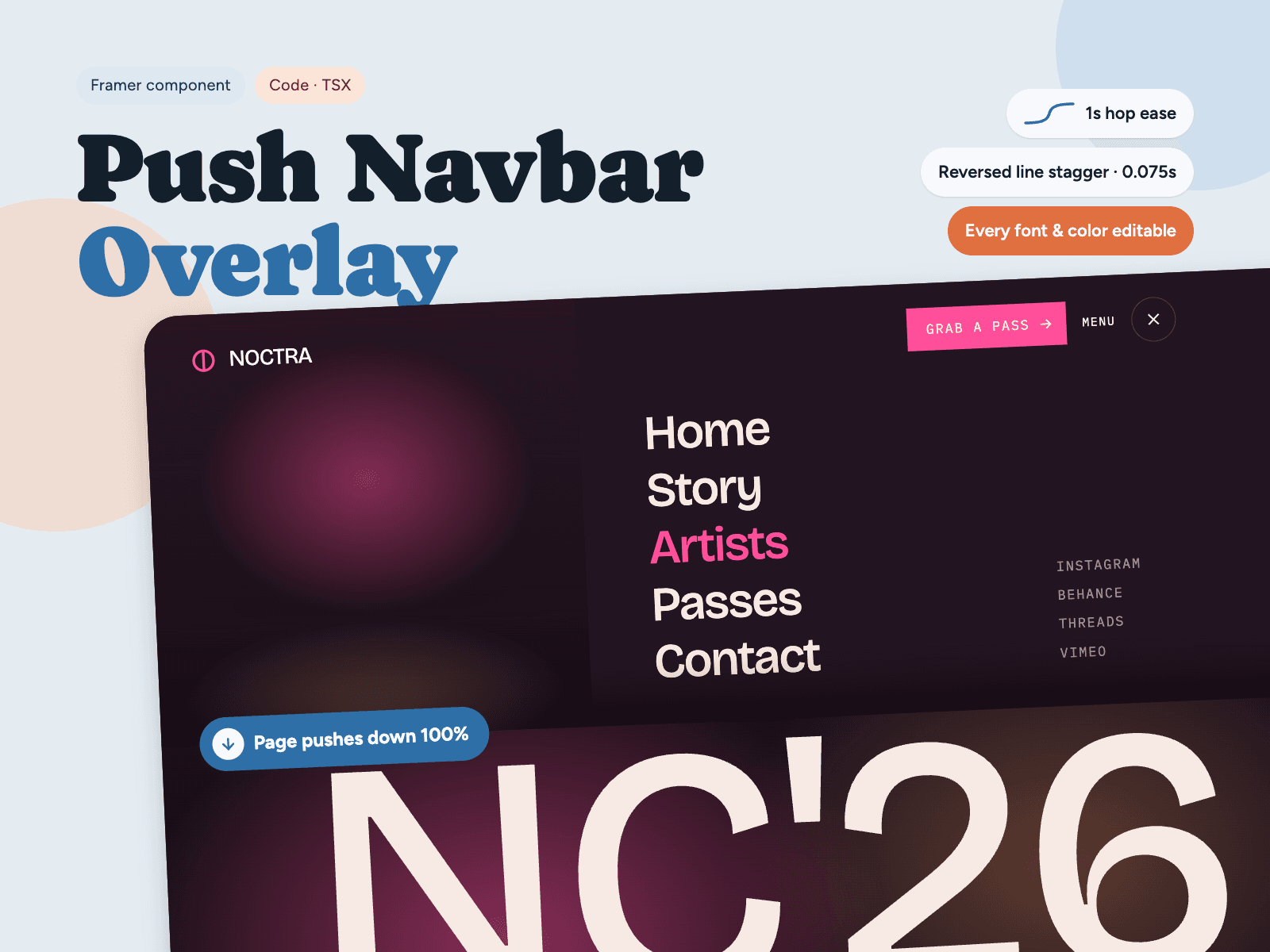
Is an animated fullscreen menu component for Framer. When the menu opens, the entire page slides down to reveal a full-screen navigation panel underneath a smooth push effect seen on award-winning agency and event websites.
Features
Push page transition with a clip-path menu reveal
Staggered line-by-line text reveal for links, social tags and footer info
Animated hamburger toggle with rolling "Menu" label
Menu image fades in for a cinematic finish
Close with the toggle or Escape key; page scroll locks while open
Respects prefers-reduced-motion for accessible animation
Canvas preview toggle to design the open state inside Framer
Fully Customizable
Separate font controls for logo, CTA, label, hero, links, tags and footer (family, weight, size, line height, letter spacing, alignment)
Color controls for every text, icon, border and background
Fluid typography option for hero title and menu links
Editable menu links and social tags with Framer link support
Custom hero image, menu image and CTA button
Responsive
Built with container queries. On tablet and mobile the menu image hides and links stack neatly.
How to Use
Place the component at the top of your page, set width to Fill and height to 100vh, then edit text, links, fonts and colors from the property panel.
Perfect for portfolios, creative agencies, studios, music festivals, event landing pages and personal brand websites.
Keywords: Framer navbar, Framer menu, fullscreen menu, push menu, overlay navigation, animated navbar, hamburger menu, Framer code component, page transition, mobile menu.