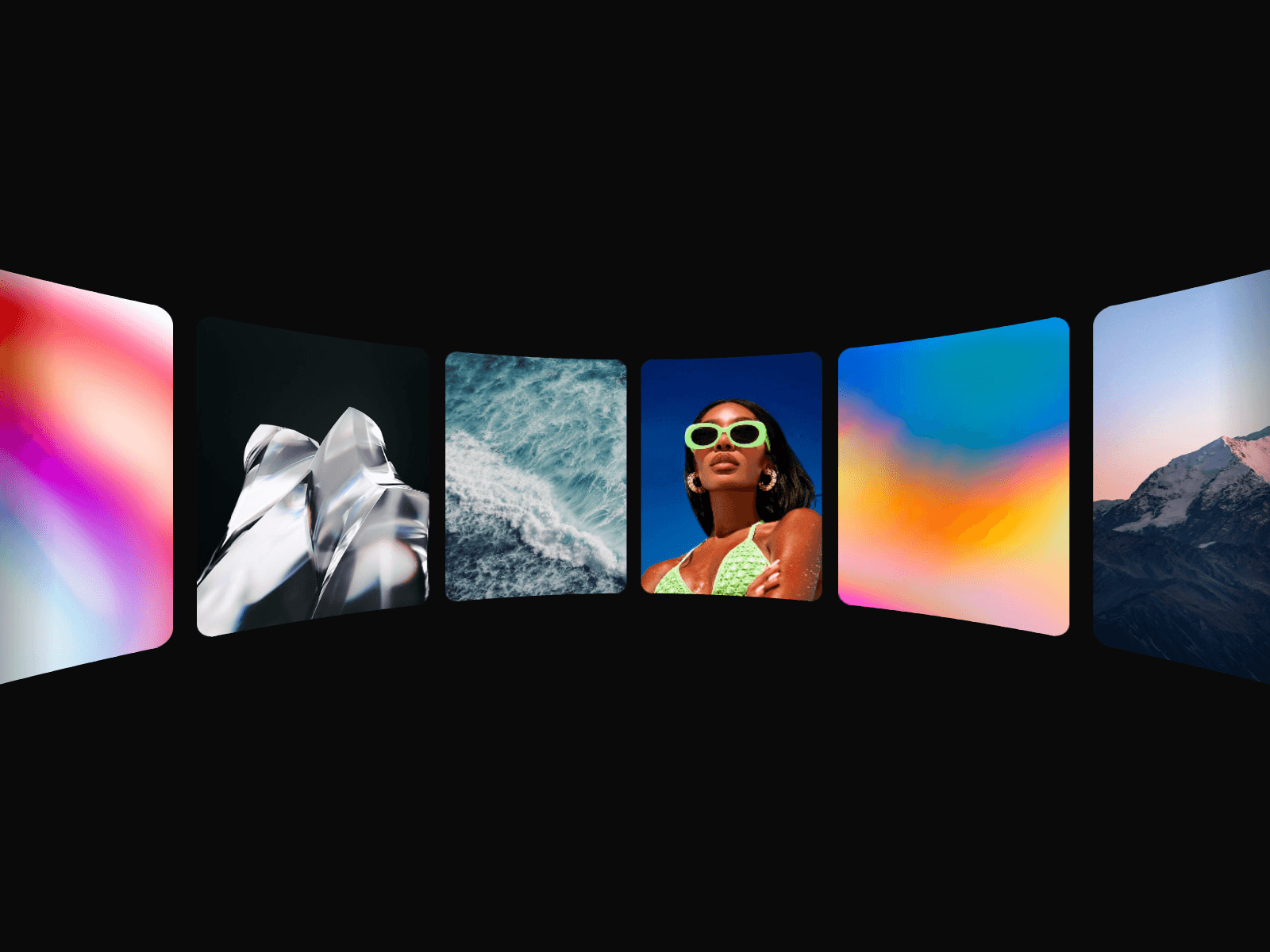
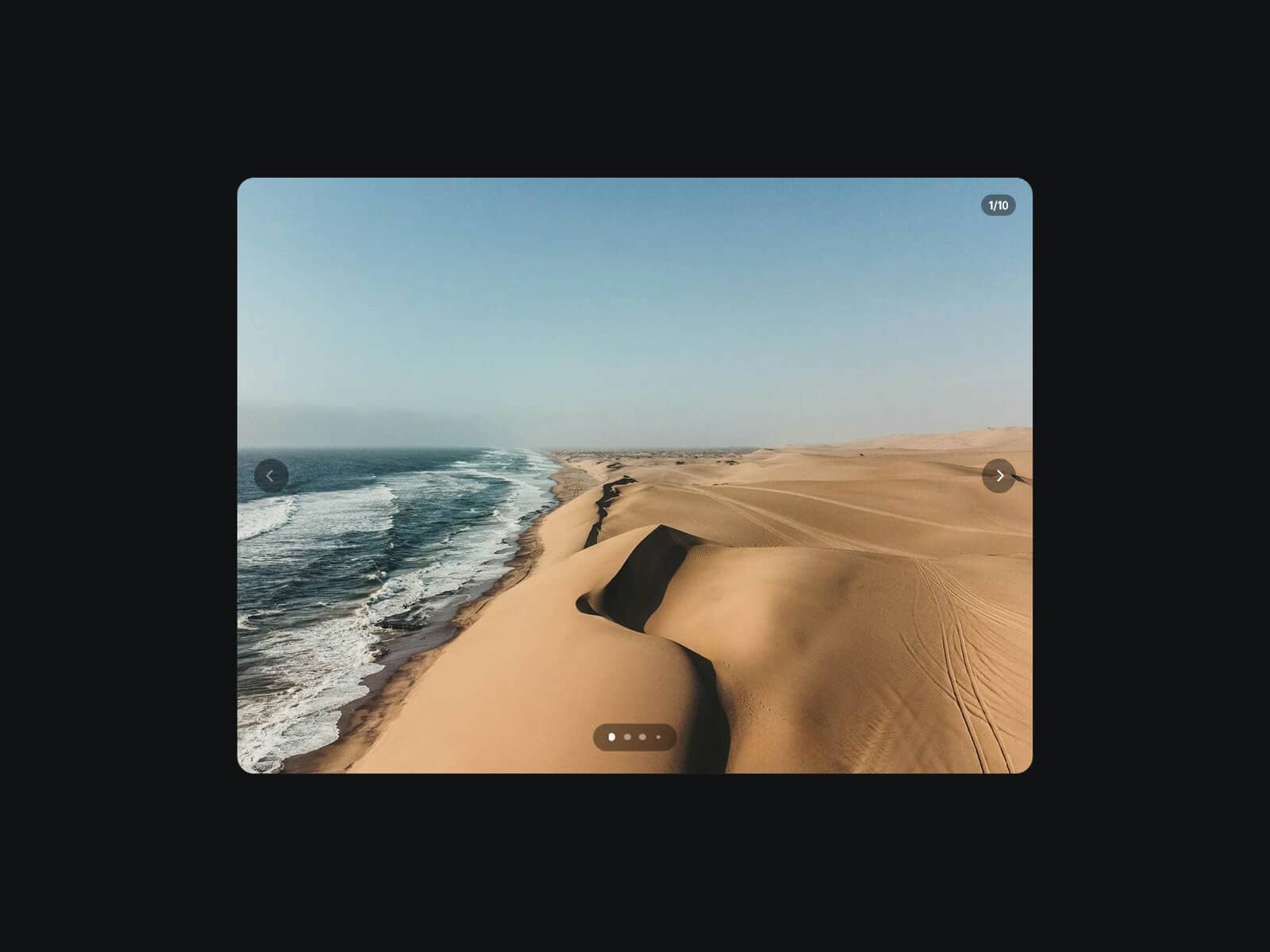
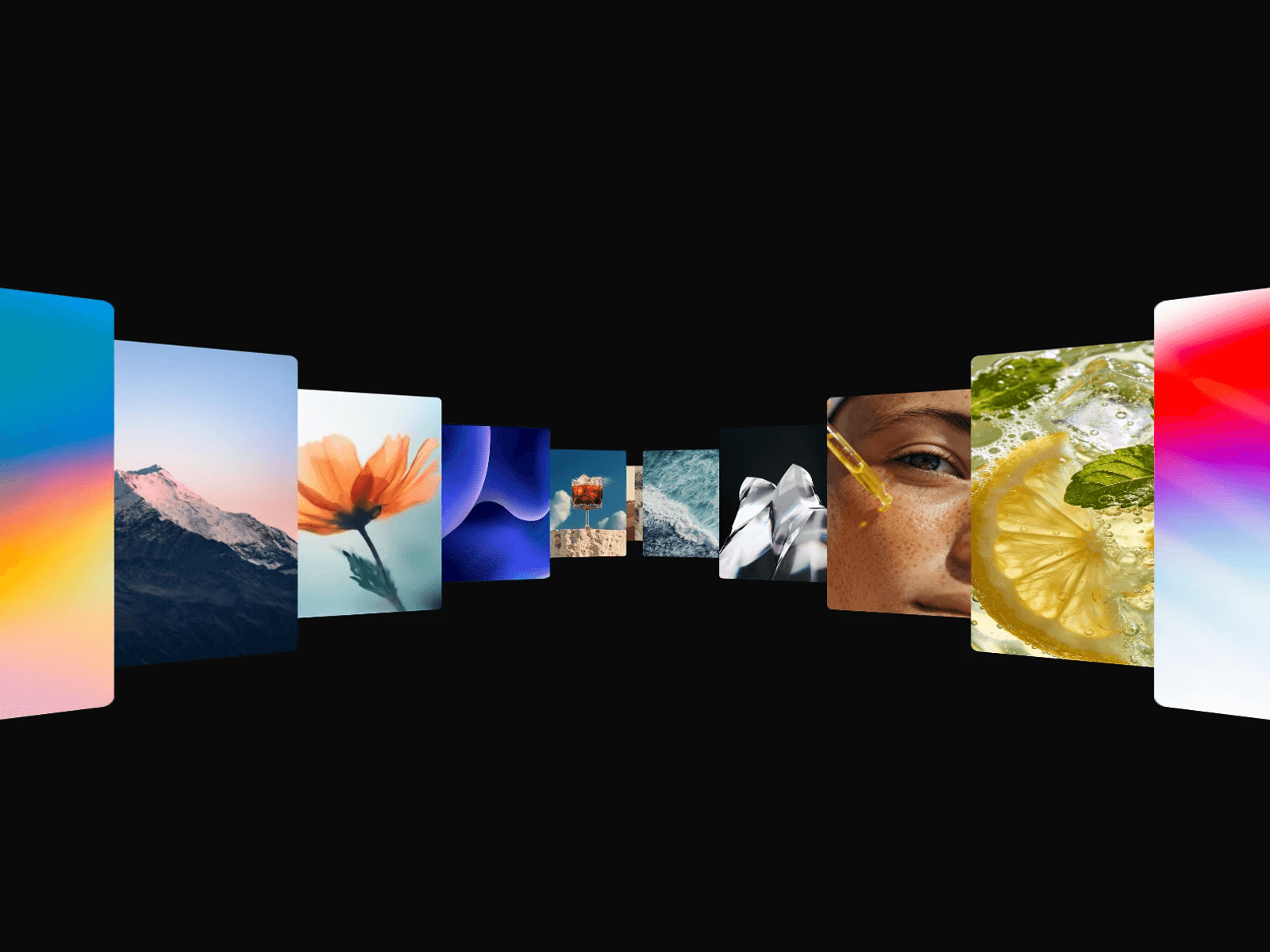
About Scroll Video Slider
About This Component
Scroll Video Slider is a vertical video slider designed to create immersive, reels-style experiences inside your layouts.
It supports both uploaded videos and YouTube links (including Shorts), and now also supports CMS variables, allowing you to connect up to 8 videos dynamically. Automatic URL detection works with both YouTube links and standard video formats.
Updates:
Apr 24, 2026 - Added CMS video support (1–8 items) using CMS variables, with automatic detection for YouTube and standard video formats (.mp4, .mov, etc.)
Demo with default config — Demo with custom controls
What It Does
Scroll Video Slider allows visitors to browse through videos using a simple scroll gesture directly on the component.
It works seamlessly across desktop and mobile devices, providing a natural interaction adapted to each platform.
The component is especially effective for short-form video content, making it ideal for reels-style layouts, product highlights, or immersive storytelling sections.
The result is a familiar, engaging browsing experience that encourages users to keep exploring content.
Key Features
Video Sources
Supports two modes depending on your setup.
CMS Mode Off
Upload videos directly in your project
Use YouTube links (including Shorts)
CMS Mode On
Connect video URLs via CMS variables
Supports YouTube links and direct video URLs (.mp4, .mov, etc.)
Both regular YouTube videos and YouTube Shorts are supported. For vertical sliders, using Shorts or vertically formatted videos is recommended to achieve the best visual result.
Controls
Pagination indicators
Arrow navigation
Volume button
Each control can be enabled or disabled individually, fully customized (icon color, background color), and positioned freely within the layout.
Controls can be placed inside or outside the component, making it easy to create more flexible and styled layouts. You can position each element at the top, bottom, or sides, with left, center, or right alignment, depending on your design needs.
Note: If Outside positioning is enabled, make sure the parent Stack or Frame is not set to Overflow Hidden, otherwise the controls may be clipped and not visible.
Video Display Options
Cover : fills the container, cropped if needed
Contain : fully visible, no cropping
While the slider was primarily designed for vertical videos, there are no limitations on dimensions. You can easily turn it into a landscape or square video slider (4:3, 16:9, 1:1, etc.) by simply adjusting the size of the component.
Playback Behavior
Videos autoplay and loop by default
Optional slider loop (restart from first video) or defined start/end
Global audio control with muted by default option
Users can enable sound via the volume button
Transitions
Smooth animated transitions between videos
Creates a fluid and polished browsing experience
Optimized for performance
How to Set Up
Drag Scroll Video Slider onto your canvas
Choose your video source (uploaded videos or YouTube links)
Adjust the slider size to fit your layout
Customize navigation, pagination, volume button
Publish
Refund Policy
All sales of digital products are final and non-refundable.
If you have any questions about the product, please contact me at hellonostromostudio@gmail.com before completing your purchase. I’m happy to help.
Enjoy!