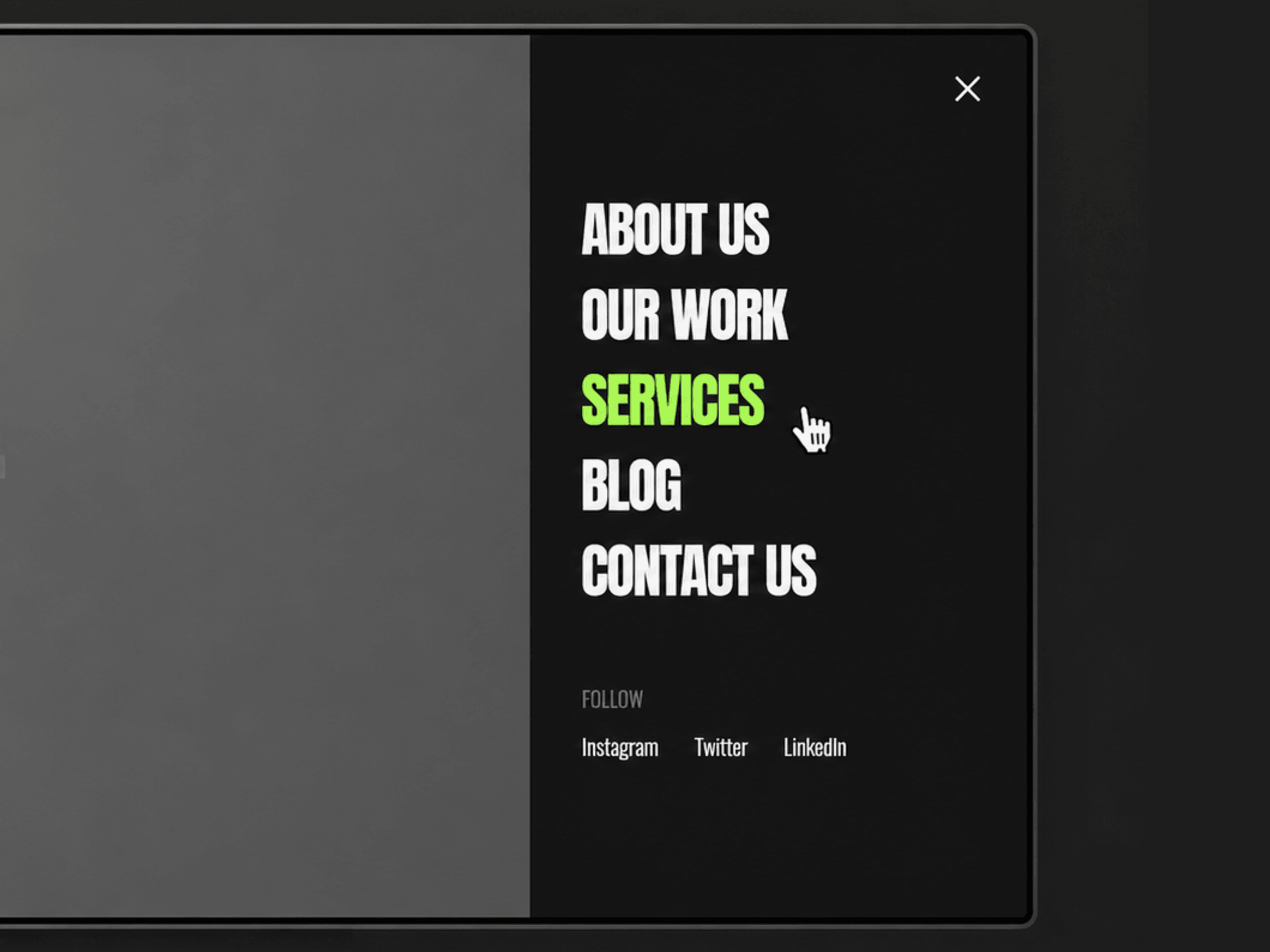
About Side Swipe Menu
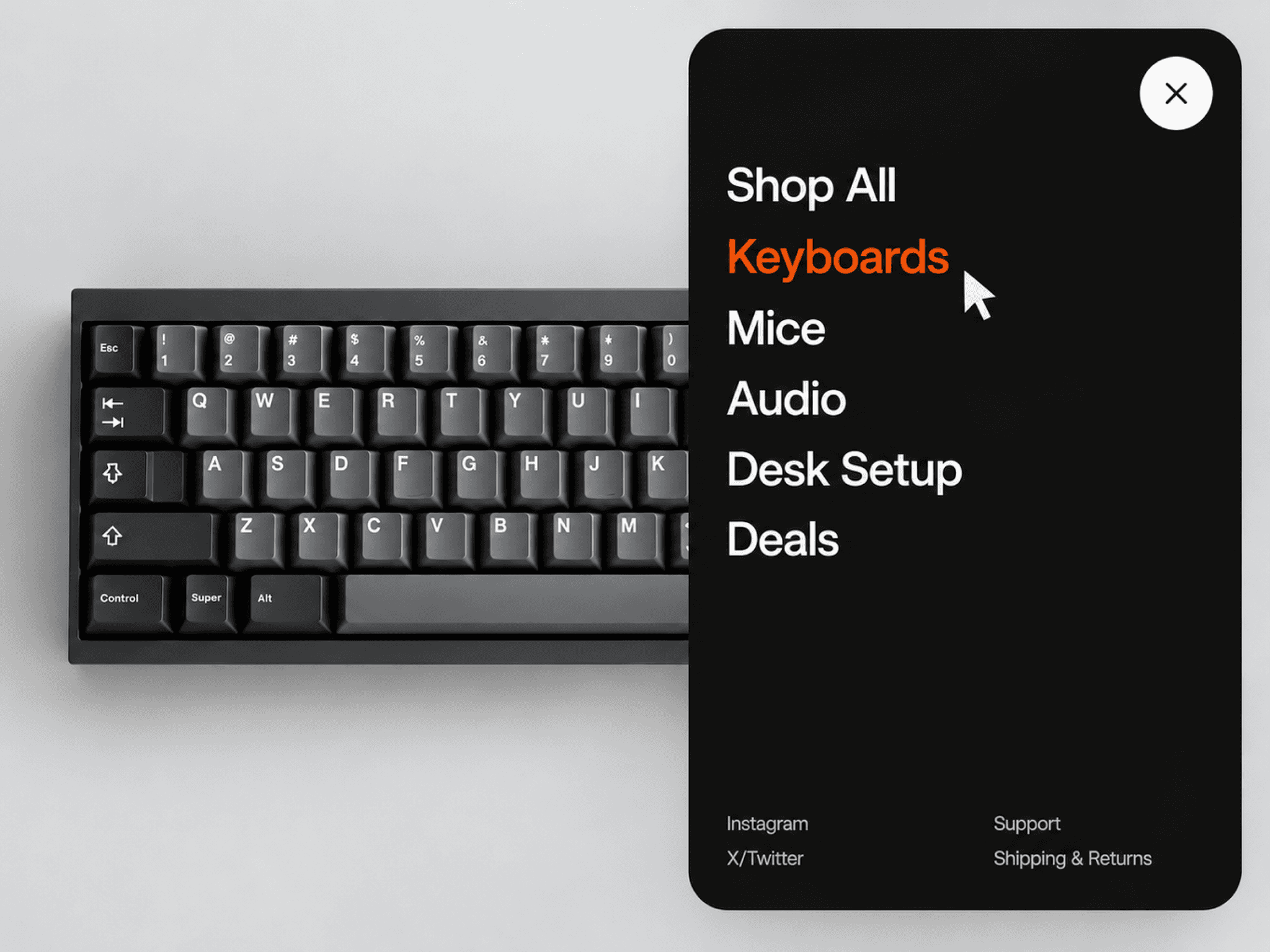
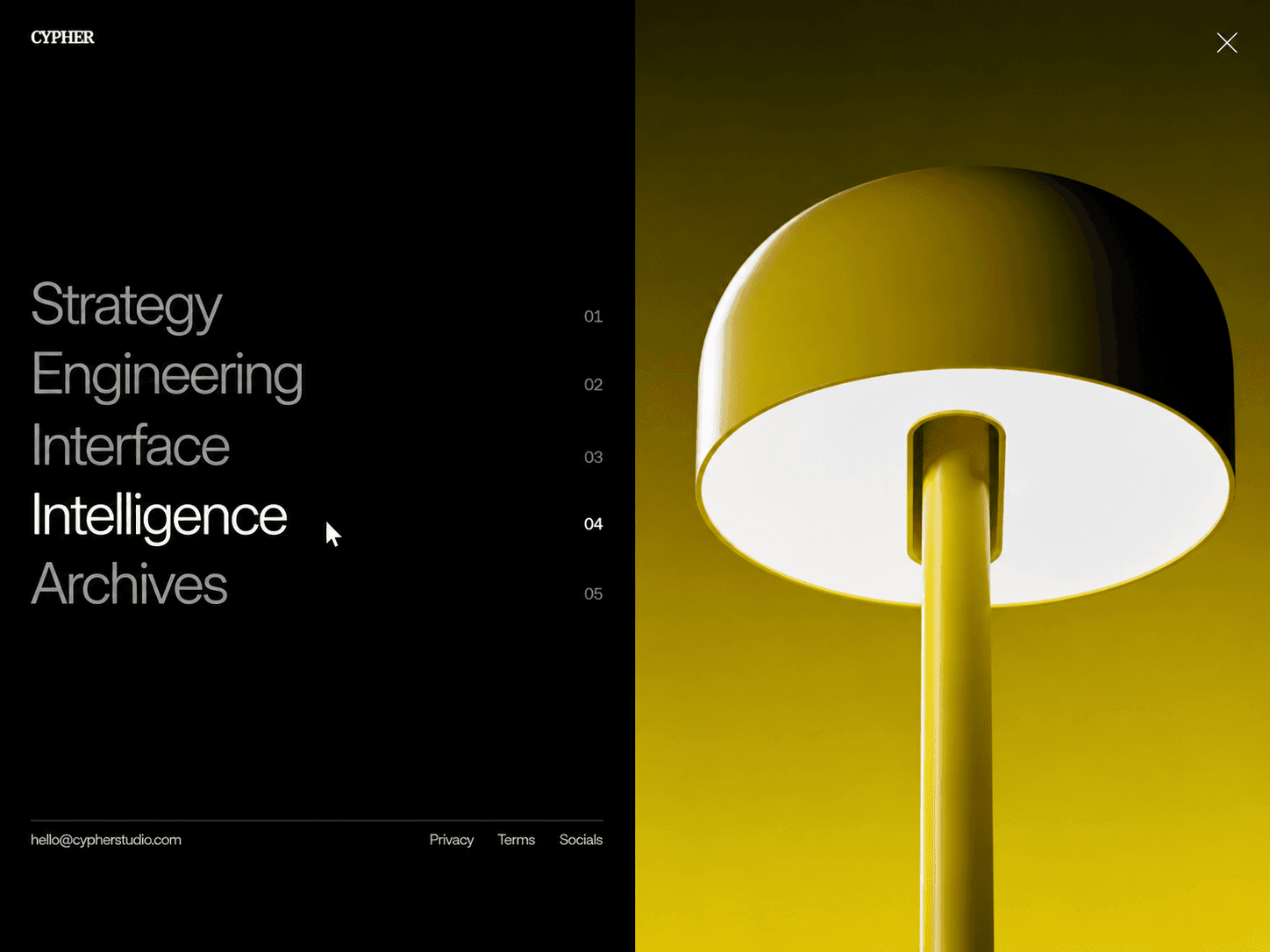
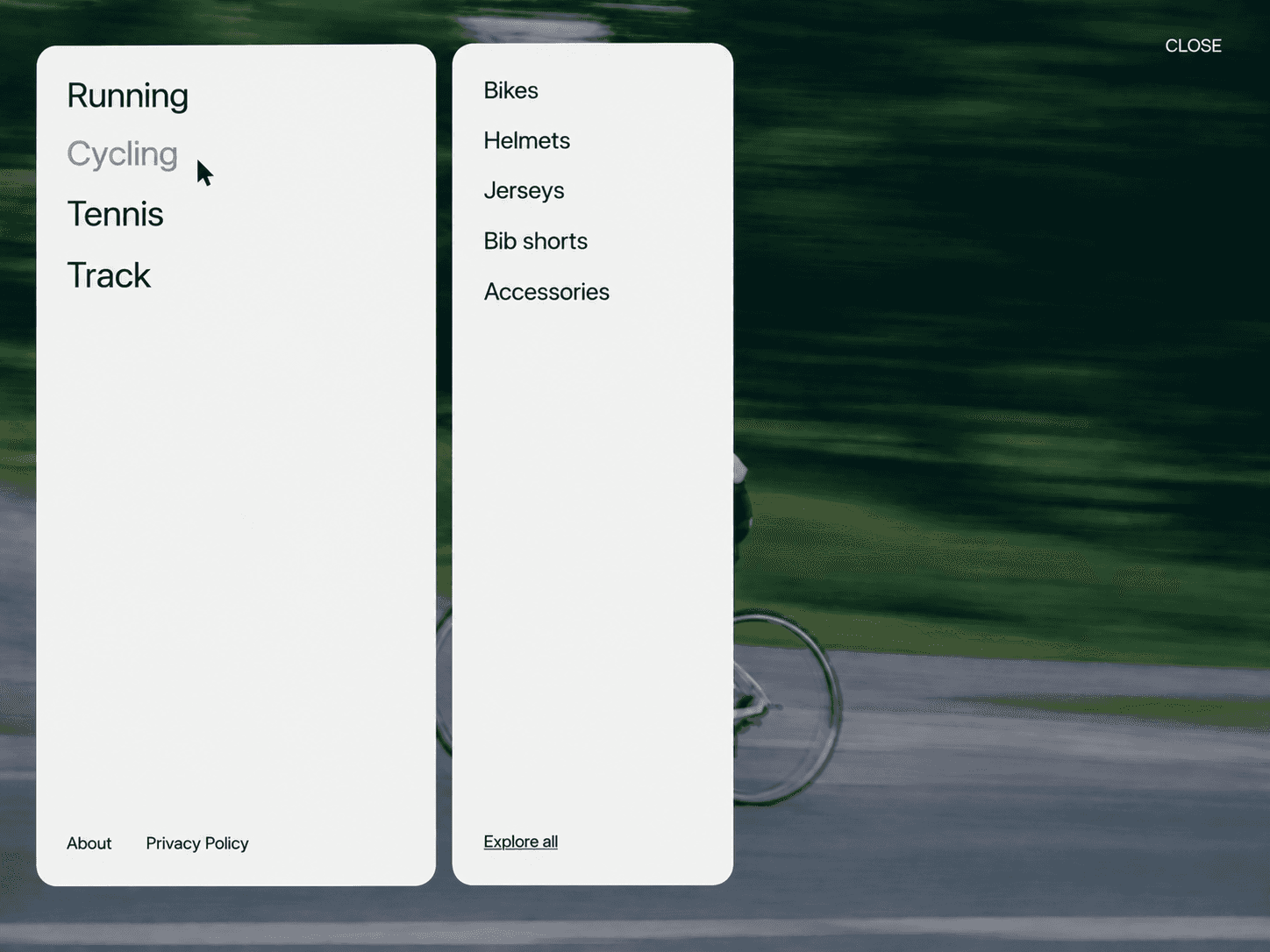
An interactive side menu component with a full-height wipe panel. Click the icon again, the backdrop, or press Esc to close it.
What you get
Full source code (.tsx), ready to paste
Framer remix link with the demo project
README with step-by-step setup
Free lifetime updates
Support within 24 hours
Customizable
Content: menu items and social links with Framer's native Link control (add as many as you need), footer title, and a toggle to show or hide socials
Padding: one padding control that drives the trigger, the links, and the socials together
Trigger: corner (top left, top right, bottom left, bottom right), size, and radius
Panel: width and a dimmed backdrop toggle
Spacing: gap between button and links, link gap, and section gap
Typography: separate font controls for the links, footer title, and footer links
Animation: Framer's Transition control for the panel (tween, spring and more)
How it works
Remix or paste the code into Framer
Drag the component onto your canvas
Edit your links, colors, fonts, and animation directly in the properties panel
Good to know
Code component for Framer, not a standalone download
No external libraries to install
Icon-only trigger: two lines morph smoothly into an X when the menu opens
Pick any of the four corners for the trigger, and the layout adjusts automatically
Set the panel width to 100% for a full-screen menu, or keep it narrow for a classic side drawer
Menu closes when you click a link, click the backdrop, or press Esc
Ships with a dark theme and lime hover colors, ready to use out of the box
Animation and interactions run seamlessly in Preview and on the published site (the canvas shows a static renderer view, with an Open/Closed preview toggle)
License: Unlimited personal and client projects. No resale or redistribution.
Refunds: Not working? Email us first and we'll fix it within 24 hours.
Questions? support@russetsupply.com