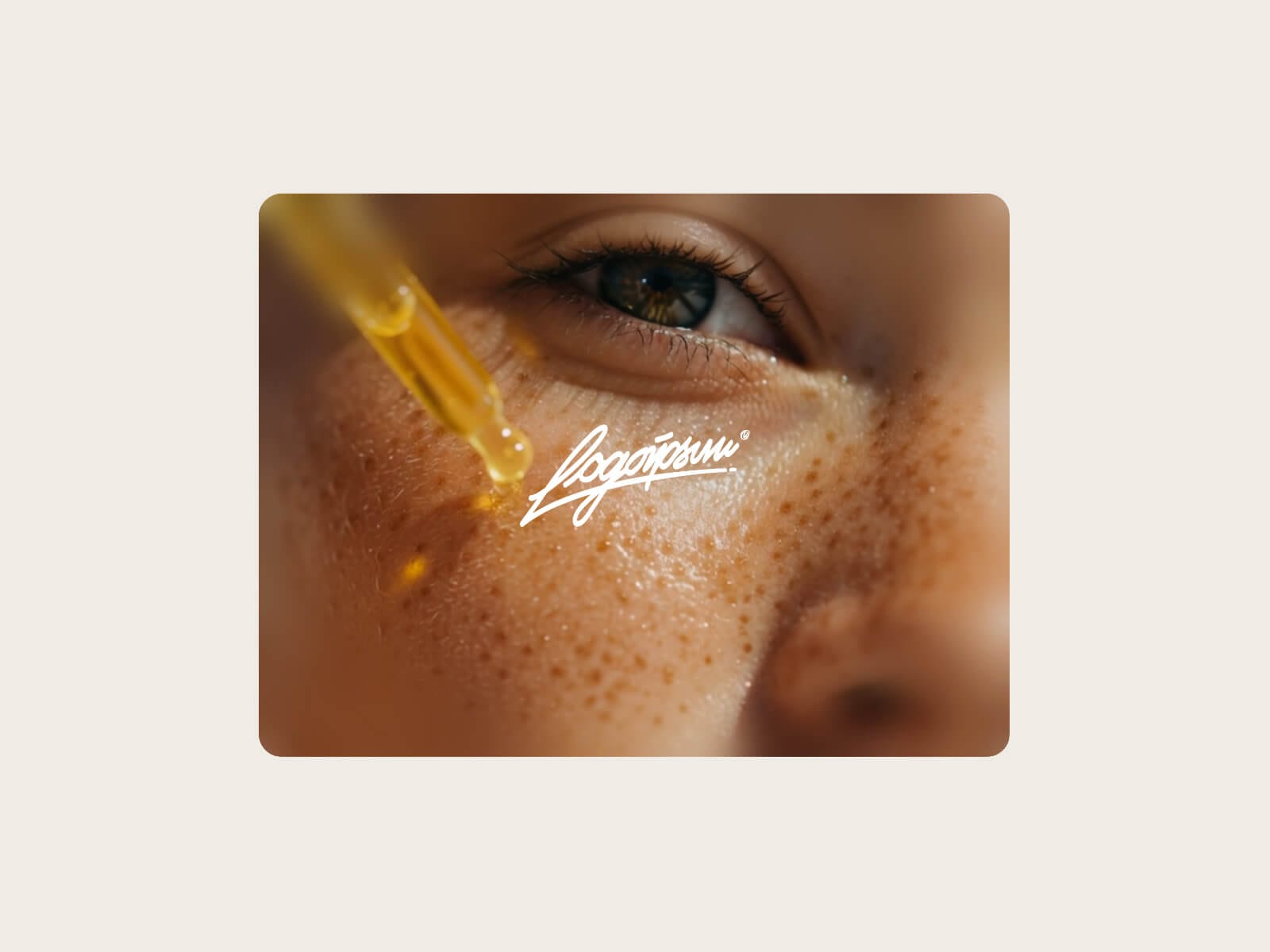
About Soft Focus Card
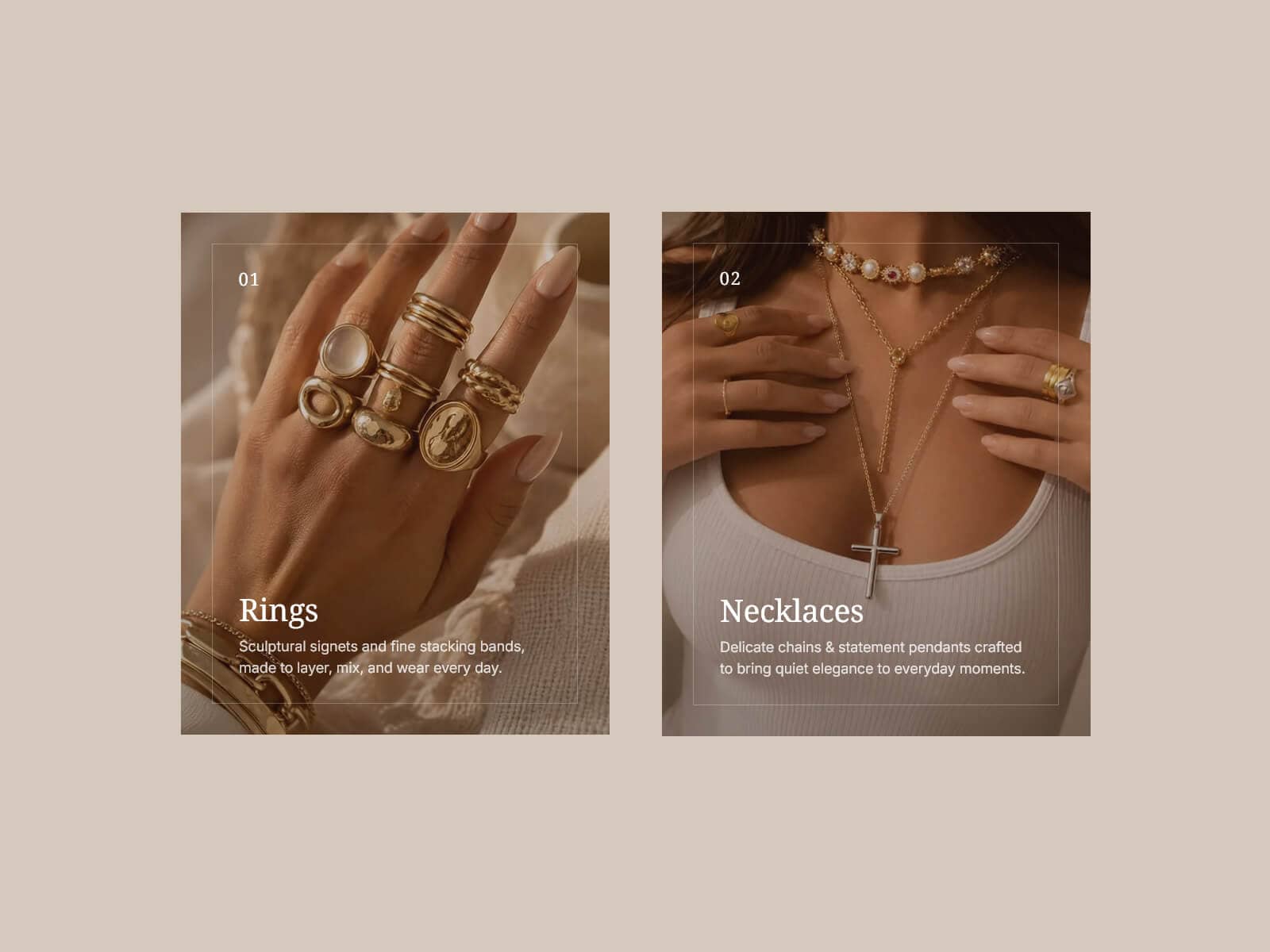
Soft Focus Card turns any image or video into a polished brand card. The media sits under a soft blur — a fade along the bottom, or a vignette that eases the edges out of focus — with your logo centered on top. Hover it and the whole card softens: the media blurs and drifts in as the logo scales down, on one easing you control.
Made to Fit Your Design
Load an image or a video, from an upload or a URL, and set a focal point so the crop sits where you want. Pick the blur shape and strength, tune the hover blur and zoom, and drive every motion with a single Transition. Add an optional color overlay, a keyline frame in any color and weight, and a clean corner radius.
Key Features
Media
Image or Video, each from an upload or a URL
Poster for video, shown on the canvas and while it loads
Focal X / Y to place the crop
Independent sources for the media and the logo
Blur
Bottom fade or edge Vignette, with adjustable blur and reach
Soft, gradual falloff at any size
On hover the media blurs and zooms while the logo scales down
One Transition drives the media zoom, logo zoom and blur together
Video
Autoplay on or off
Play on Hover when autoplay is off, Pause on Hover when it is on
Muted by default, with optional Unmute on Hover
Loops, and pauses when scrolled out of view
Style & Link
Optional color overlay, on or off
Keyline frame: color and weight, plus corner radius
Centered logo with adjustable width, capped so it never overflows
Turn the whole card into a link, with an optional new tab
How to Set Up
Drag Soft Focus Card onto your canvas
Set Media to Image or Video
Add a logo and pick the blur shape
Adjust the hover blur, zoom and transition to taste
Publish
Refund Policy
All sales of digital products are final and non-refundable. Questions? Contact hellonostromostudio@gmail.com before purchasing. Enjoy!