About Splat Stage
**Real 3D captures on your Framer site, no plugin, no viewer chrome.**
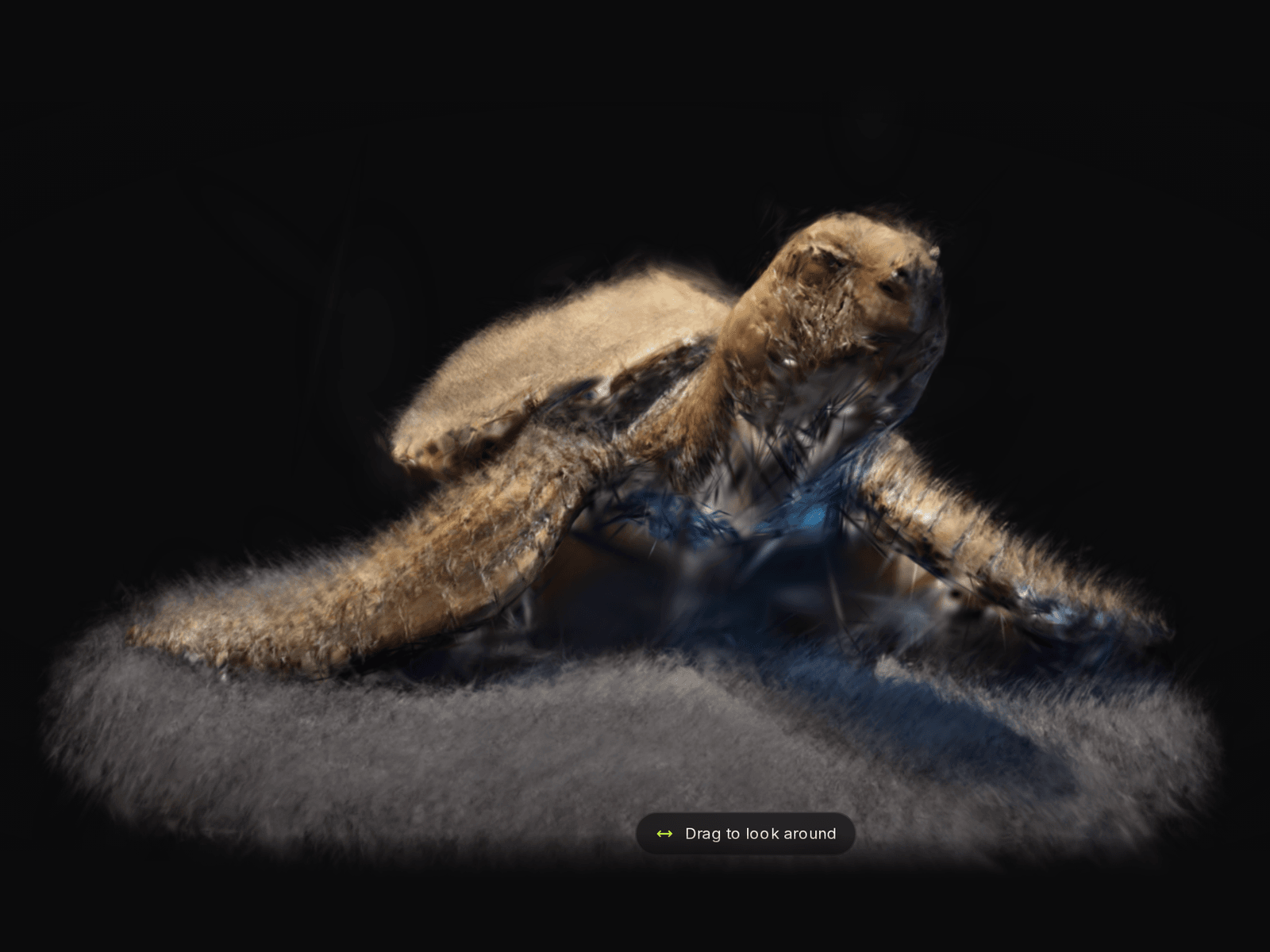
Splat Stage brings photoreal Gaussian splat captures (from Polycam, Luma, Scaniverse, Postshot or any 3DGS pipeline) into Framer as a cinematic, fully art-directed section. Instead of a generic orbit viewer you get a camera that follows your story: it flies along a path while the visitor scrolls, leans with the cursor, slowly orbits like a showroom turntable or holds a composed still frame. Pin 3D hotspots to points in the scene, show a poster while the file streams and let weak devices opt in. The editor canvas shows a light static preview, so your project stays fast.
## Key features
- Loads **.ply, .spz, .splat and .ksplat** Gaussian splats, from an upload or a URL
- 4 camera modes: **Scroll path**, **Cursor parallax**, **Orbit** and **Static**
- Camera path with yaw, pitch, distance, lens and look-at, plus a **dolly-in intro**
- Up to **12 3D hotspots** with cards and links that stick to the model
- **Poster** image for loading, the editor canvas and weak devices
- Separate **Mobile URL** for a lighter file on phones, capped pixel ratio
- Adaptive quality, pause offscreen, lazy loading of the renderer
## Use cases
- Product pages with a real 3D capture of the product
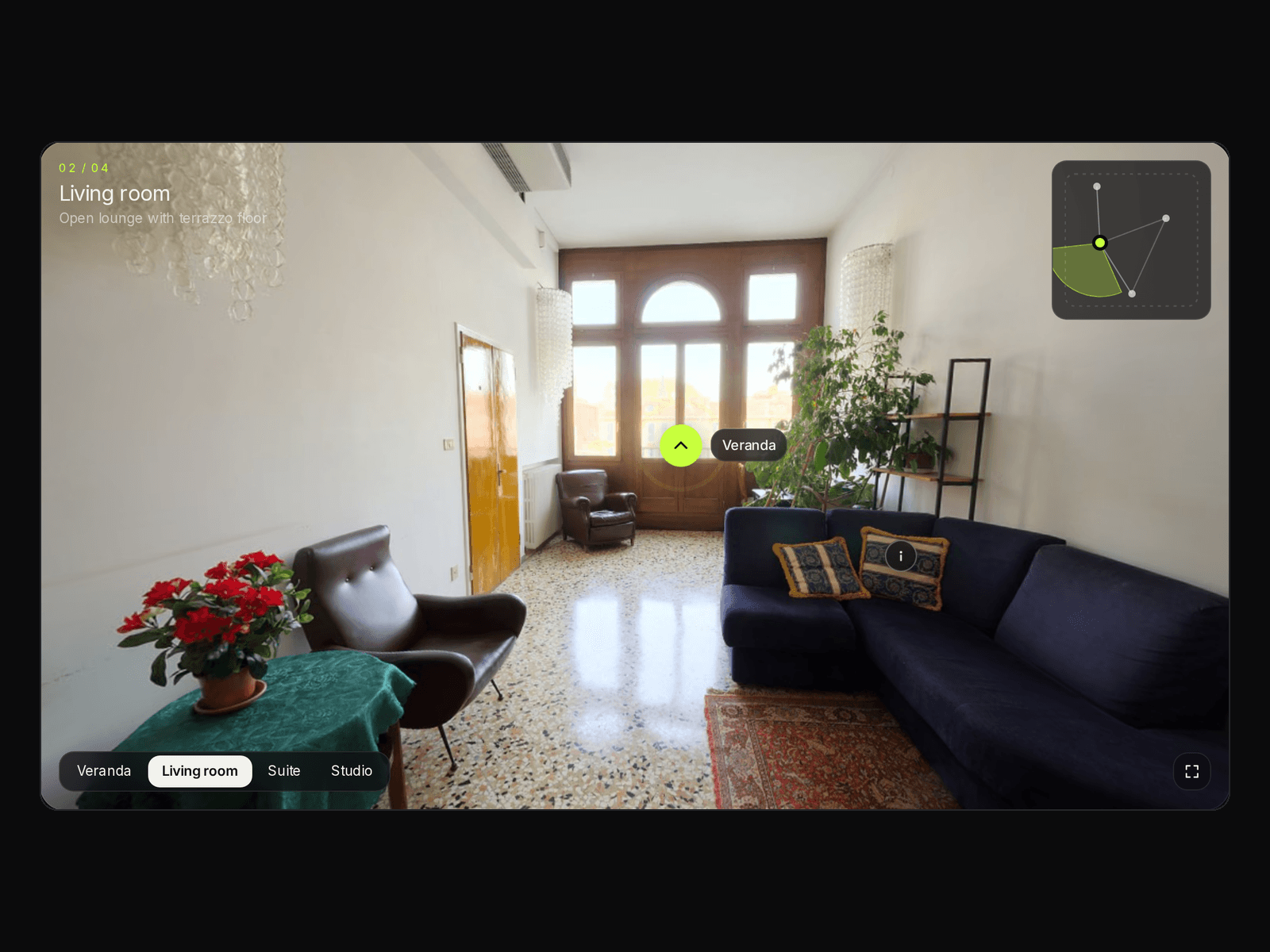
- Real estate, venues and interiors
- Museums, heritage and art collections
- Portfolio pieces from photogrammetry and 3D scanning
## How to use
1. **Insert Splat Stage** - Drag it from Assets onto a section, set width to Fill and give it a height (for example 640 px or 100vh).
2. **Add your capture** - Upload a .ply, .spz, .splat or .ksplat file in Source, or paste a URL. Add a lighter Mobile URL for phones if you have one.
3. **Pick a camera** - Scroll follows the page, Cursor leans with the mouse, Orbit turns slowly, Static holds one frame.
4. **Frame the shot** - Set Yaw, Pitch and Distance From and To, the lens FOV and the look-at height. Flip Upright fixes upside-down exports.