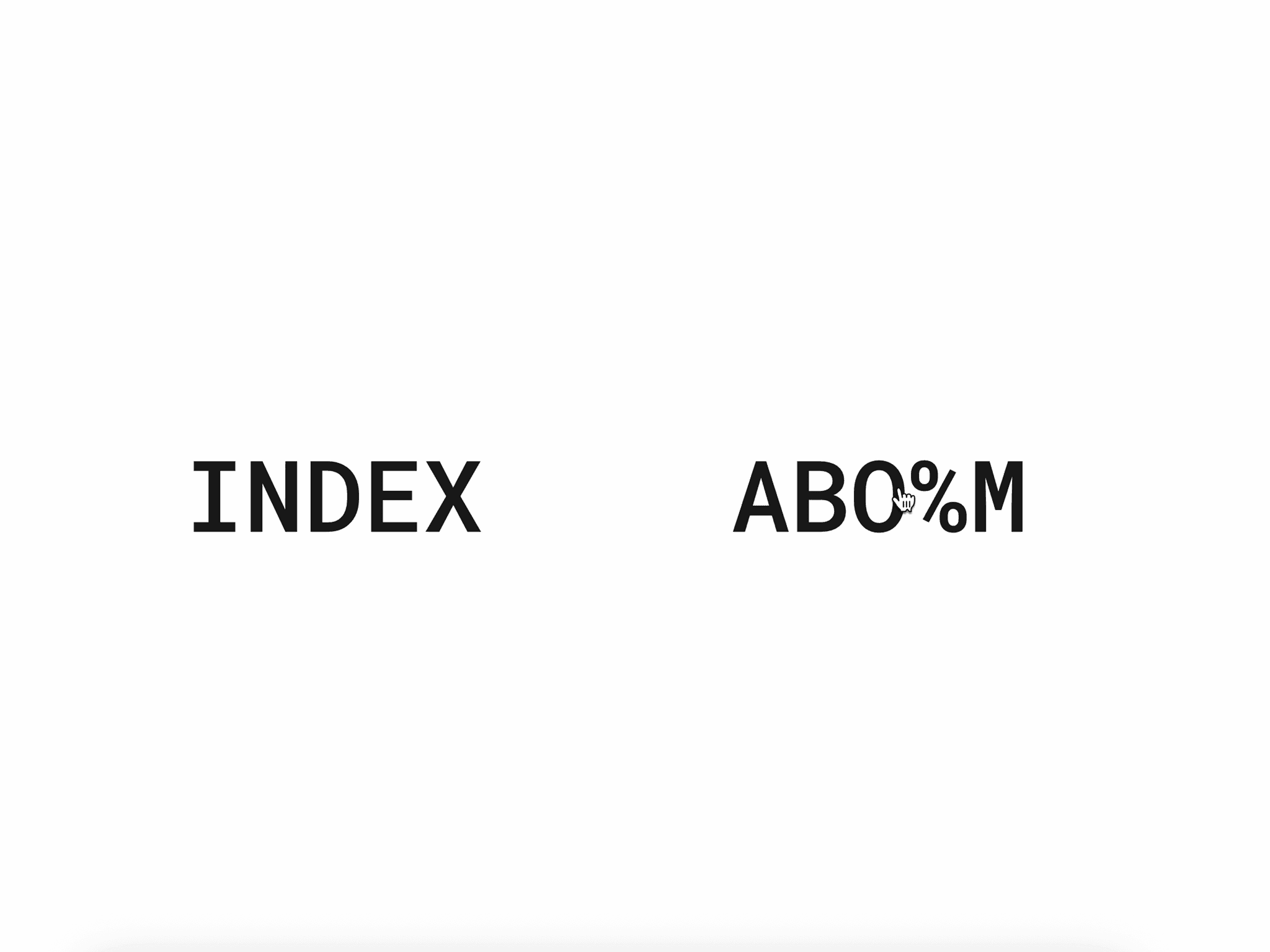
About Spoiler Text
Spoiler Text hides your text behind a beautiful animated blur and particle effect, unveiling it only when users interact — through hover or click.
The component adds curiosity, playfulness, and a modern touch to any design. The reveal animation feels smooth and purposeful — drawing users to explore what lies beneath.
What Makes It Stand Out
Dynamic blur reveal effect with adjustable intensity (0–100px)
Particle animation layer for a lively, futuristic aesthetic
Smooth transitions between hidden and revealed states
Click or hover triggers with optional replay for hover reveals
Fully customizable text and particle colours to fit your brand
Responsive typography controls for font, alignment, size, and spacing
Performance-optimised rendering with device pixel-ratio precision
Engagement booster — turns passive reading into active participation
Customisations
Set reveal trigger: click or hover
Enter and style the text content
Choose font family, weight, size, and colour
Adjust blur intensity
Control particle count
Customise particle colour
Set up
1. Copy and paste the component into your Framer project.
2. Enter the text you’d like to hide using the properties panel.
3. Adjust the customizable properties to suit your design.
4. And you’re done. An interactive “spoiler” effect is ready to engage users.
After completing your purchase, you will receive a link to the component.
Copy the URL and paste it into your Framer project to import it.