About Stack Reveal Scroll
Scroll Stack Panels – Full-Screen Color Panels That Slide In and Stack on Scroll
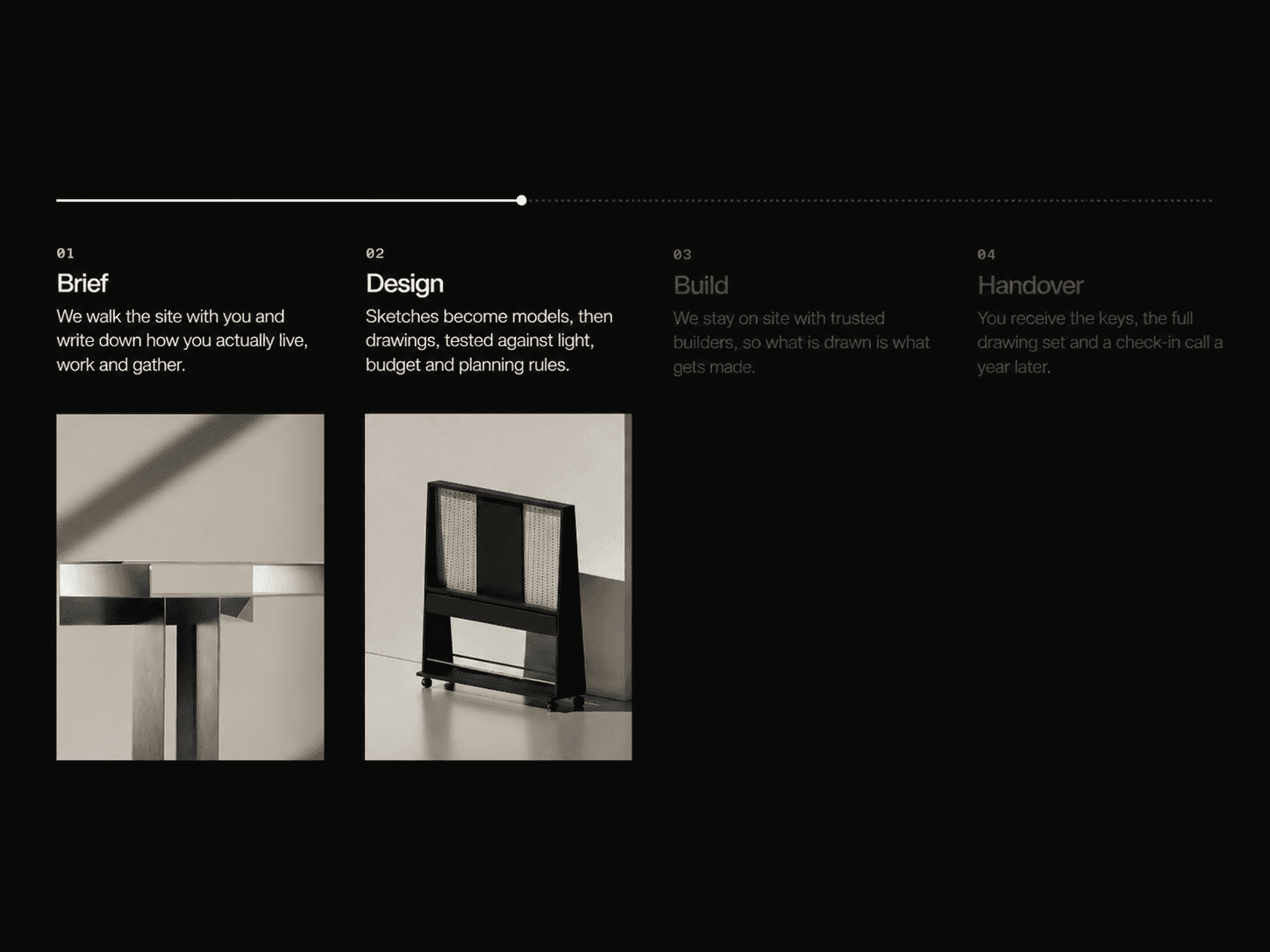
Full-screen color panels that slide in from the right as visitors scroll. Each earlier panel leaves a thin strip visible on the left edge, so the stack builds up as you go. Every panel has a big number, a heading and a short description. Add your own panels, set a color for each one, and tune the scroll feel with a smooth spring.
What you get
Full source code (.tsx), ready to paste
Framer remix link with the demo project
README with step-by-step setup
Free lifetime updates
Support within 24 hours
Customizable
Panels: add as many as you need, each with a title, text, big number or text, background color, title color and text color
Sliver: the strip width of earlier panels, set separately for desktop, tablet and mobile
Layout: scroll length per panel, slide-versus-hold ratio, heading width, text width, number-to-text gap, title-to-text gap, padding on all four sides, left border width
Style: number font, heading font and text font, each with its own family, size, weight and line height, plus border color and container background
Scroll Smoothing: spring settings (stiffness, damping, mass) so the slide feels as soft or as tight as you like
How it works
Remix or paste the code into Framer
Drag the component onto your page canvas
Edit your panels, colors, fonts and scroll feel directly in the properties panel
Good to know
Code component for Framer, not a standalone download
No external libraries to install
Uses the page’s own scroll, so there’s no scroll hijacking. The section pins to the screen while the panels stack, then the page carries on as normal
The total scroll length is the number of panels times the scroll length per panel
License: Unlimited personal and client projects. No resale or redistribution.
Refunds: Not working? Email us first and we’ll fix it within 24 hours. If we can’t, you get a full refund.
Questions? support@russetsupply.com