About Team Proofs
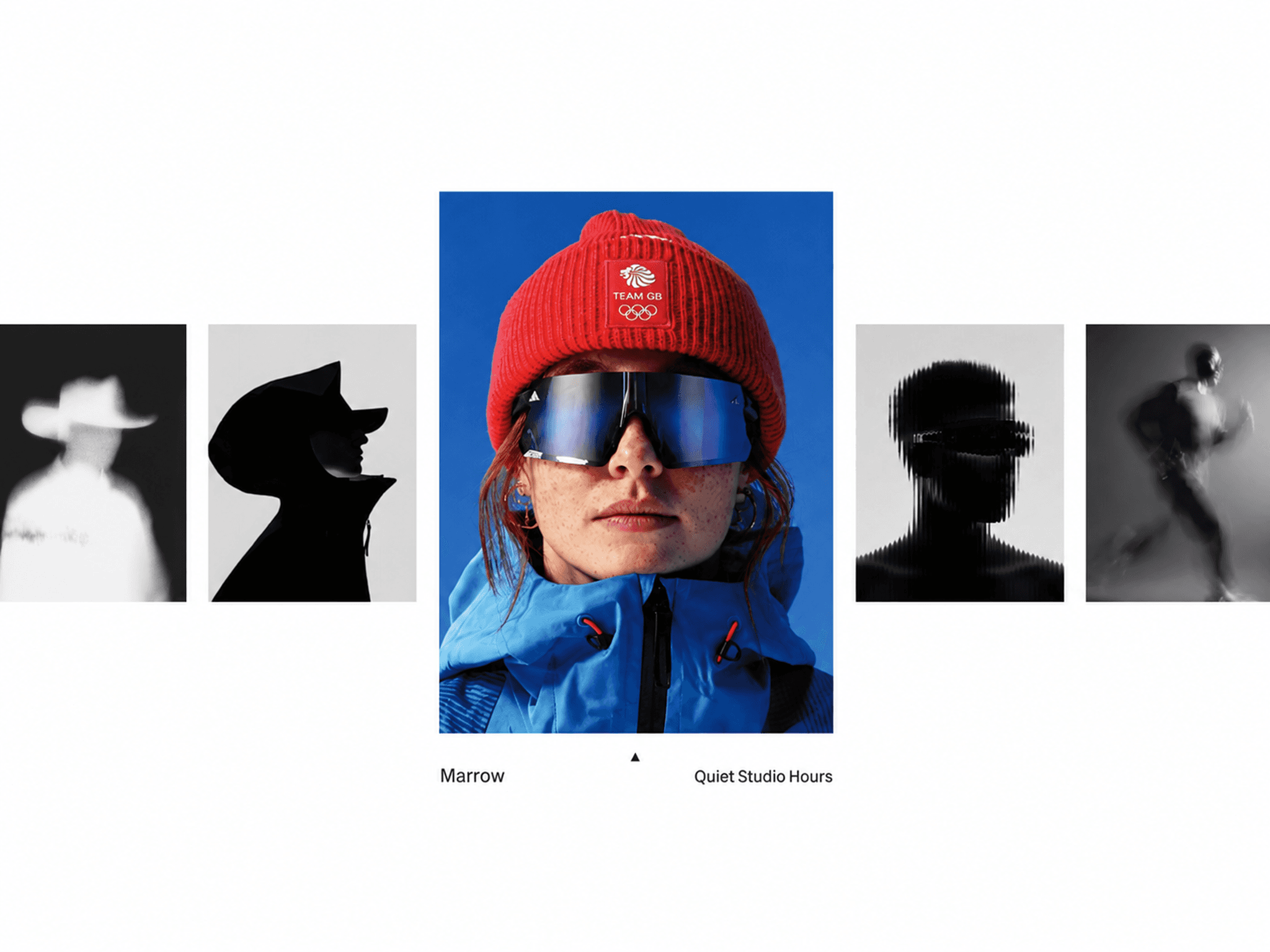
Team Proofs is a free team carousel for Framer. Hover over a face and the ring turns to bring that portrait to the top. Every photo stays upright. The selected portrait grows slightly as the person’s name and role settle into the space at the center.
Two ways to meet the team
In Glide to Top, the selected portrait takes the shortest route to the top. Move to someone else mid-turn and the motion eases into the new direction. Center Only keeps each face in place while you explore. Above the name, a small dial turns until the selected person’s color reaches the top.
Choose who appears first, let Auto Orbit introduce the group, or leave the first selection to the visitor. Show up to six people together. Larger teams are split into groups, with a range selector to move between them.
Art direct the portraits
Match a set of headshots to your studio’s identity. Adjust the crop and focal point of each photo, then set a common size, rim and corner radius. Choose the backdrop and caption fonts, italicize the last word of each name, or put your studio logo in place of the dial.
Give each portrait its own profile link, or link the whole section to your team page. Choose how much the linked name fades on hover and how long the fade takes. The role and counter can each be hidden.
Set the pace
Let the portraits appear in sequence as the section scrolls into view. Set the delay, stagger and direction, start the entrance on interaction, or show the full group immediately. Visitors can browse by keyboard or tap a face on mobile. With reduced motion enabled, the portraits hold their positions as the caption changes.
Where it fits
Introduce the partners on an architecture studio’s About page, credit the cast and crew behind a film, or give conference speakers a portrait that opens their bio.
Made by Frame Agency