About Text-Link copy btn
Haptic enable Copy Button
Make copying feel effortless.
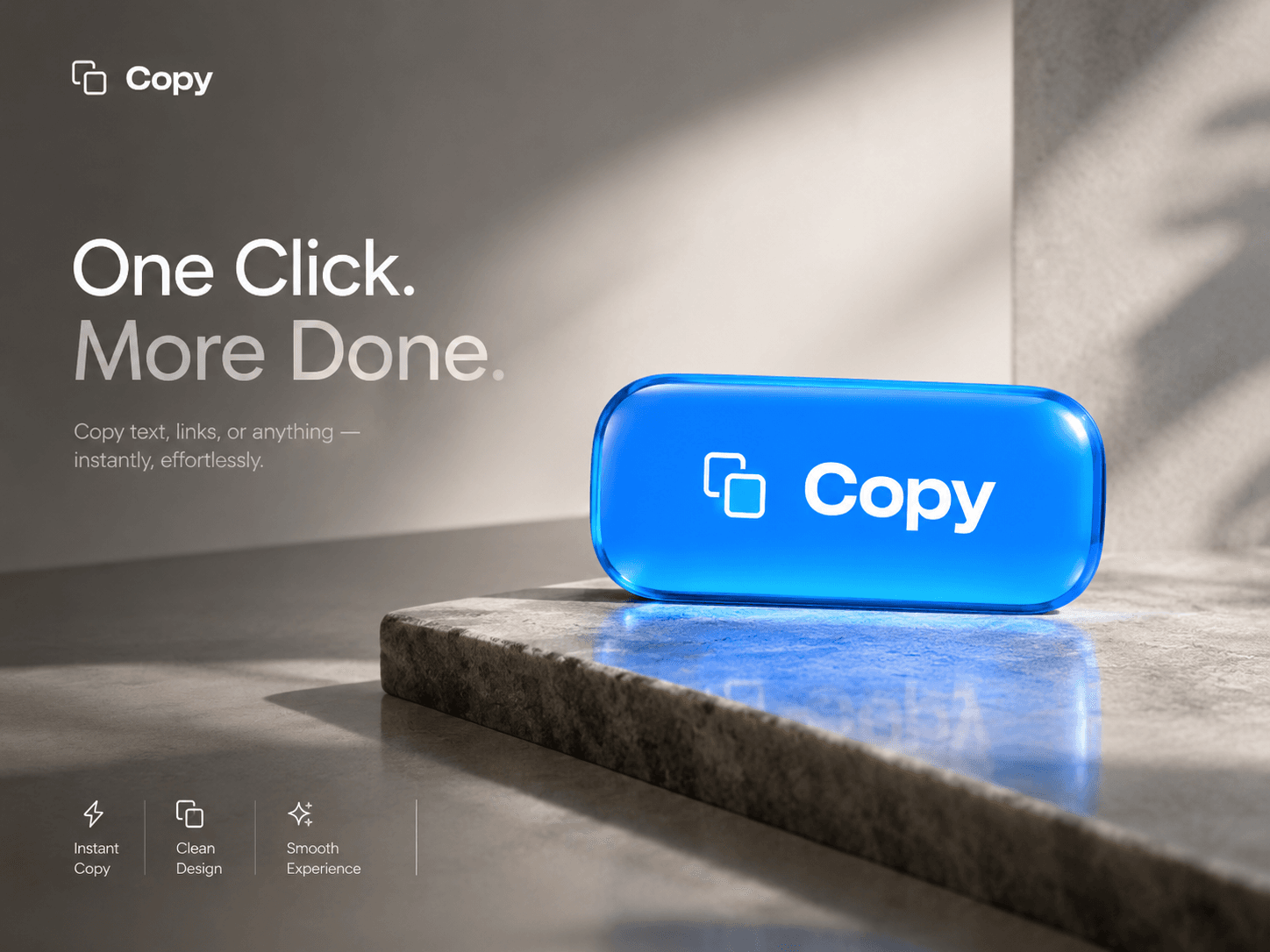
Copy Button is a customizable, animated button component for Framer that brings smooth interactions to one of the web’s simplest actions. With spring-powered motion, an animated checkmark, click-origin ripples, and automatic state transitions, every copy interaction feels responsive and polished.
Designed for real-world use, it combines a reliable clipboard experience with accessibility features, responsive layouts, and flexible styling controls — all without external dependencies.
Features
One-click copying — Copy custom text to the clipboard with automatic fallback support for older browsers.
Smooth animations — Spring-based hover and press effects, animated checkmarks, pulsing success halos, and fluid text transitions.
Automatic reset — Transitions through idle, success animation, and copied states before resetting automatically.
Fully customizable — Configure button labels, success text, colors, typography, border radius, icons, spacing, and success duration.
Accessible by design — Keyboard navigation, visible focus indicators, screen-reader announcements, and reduced-motion preferences.
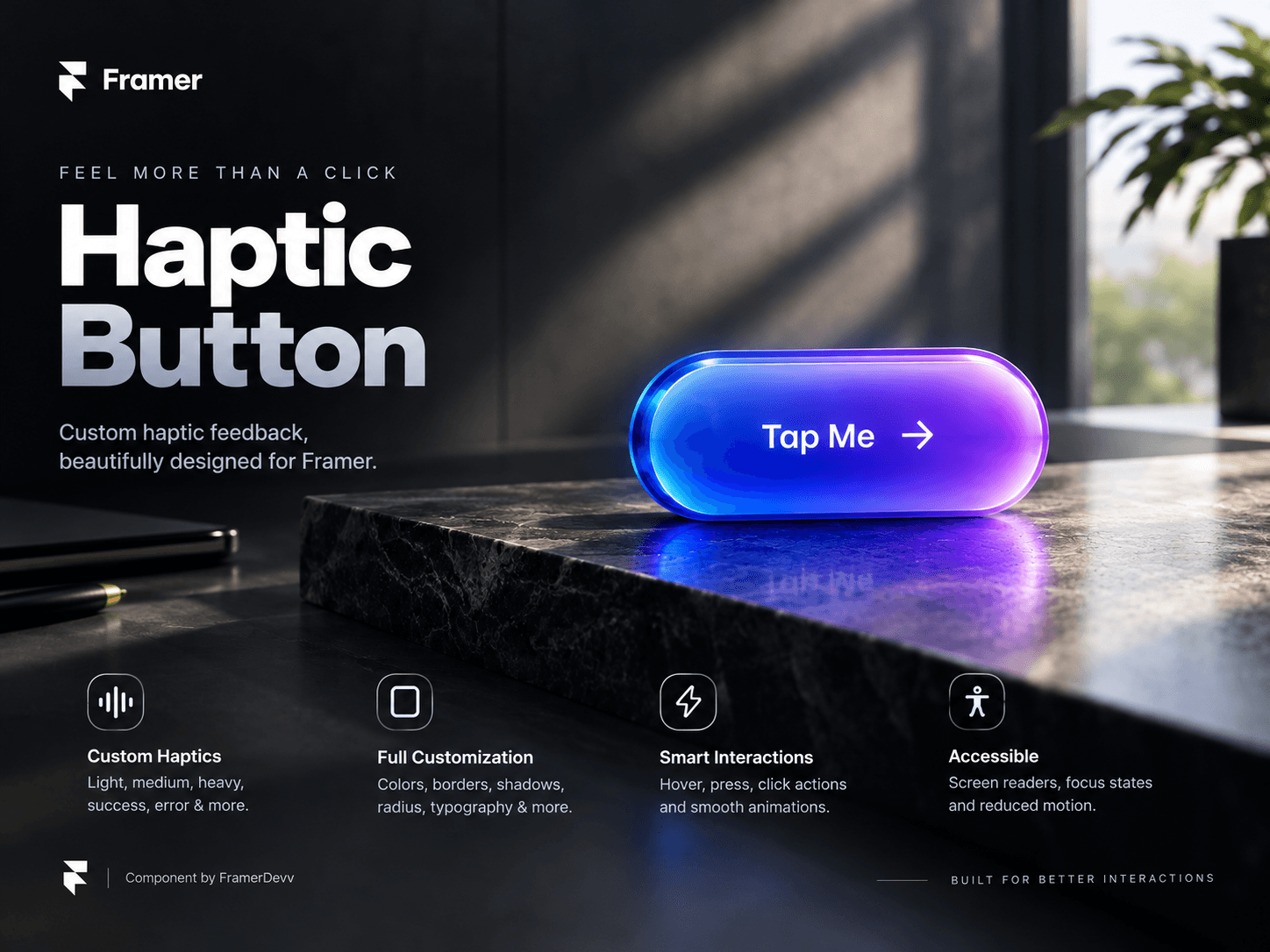
Haptic feedback — Optional success and error vibration patterns on supported devices.
Responsive by default — Works with Fixed, Fill, Relative, and Fit Content sizing in Framer.
Developer-friendly — TypeScript props, copy event callbacks, namespaced animations, and automatic timeout cleanup.
Lightweight — Zero external dependencies.
Built for Framer
Customize the component directly through Framer’s property controls to match your design system. Use it for code snippets, invite links, coupon codes, API keys, contact details, and any interface where users need to copy text quickly.
From the first click to the final success state, Copy Button makes a familiar interaction feel noticeably better.
Designed for smooth interactions. Built for real-world interfaces.