About Timezone Clock
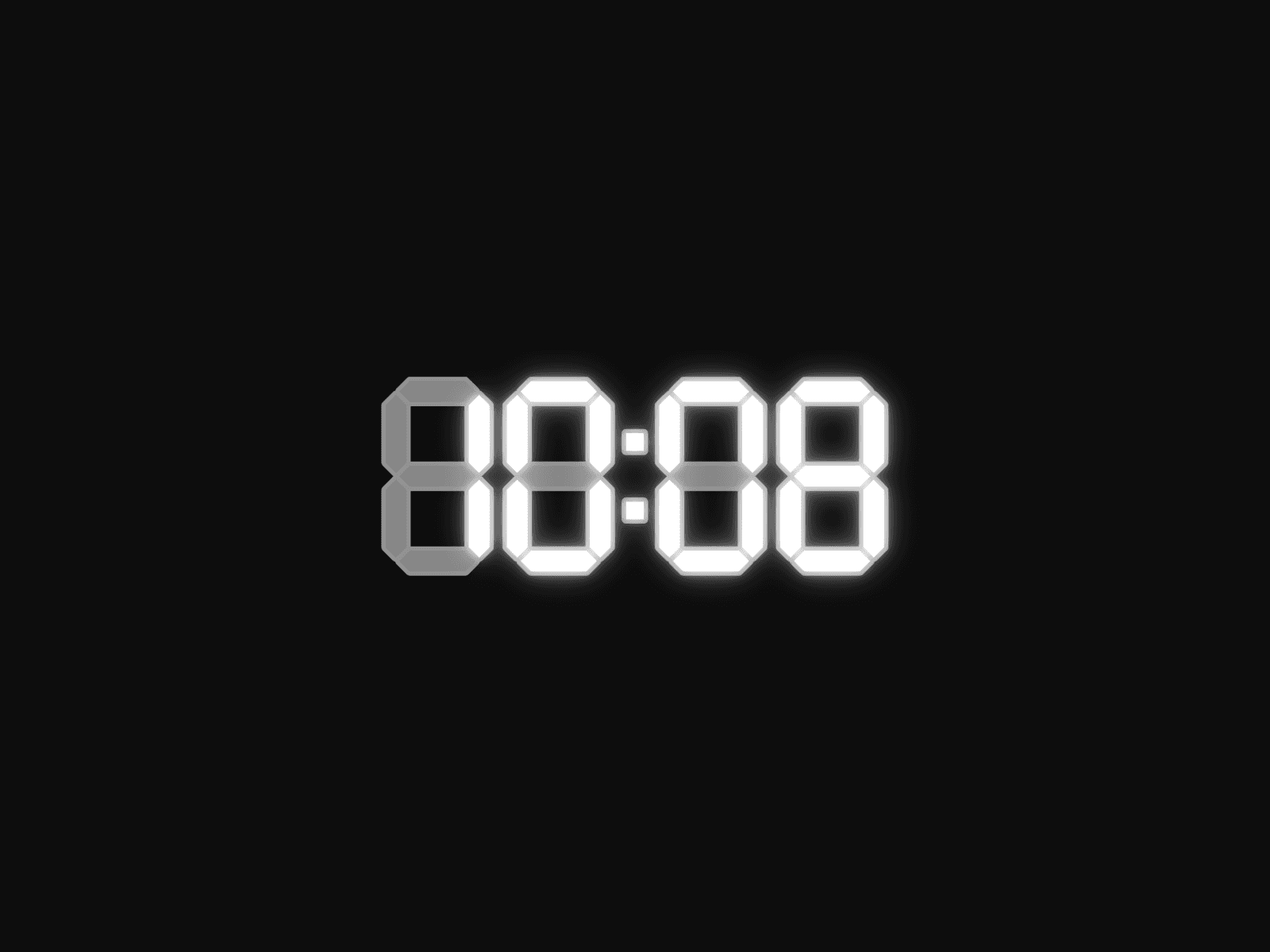
A clean, customizable live clock component for Framer with full timezone support, 12/24-hour format, optional seconds and day, stable layout with no digit shift, and complete styling control. Perfect for portfolio websites, agency pages, and any site where showing live time adds a personal touch.
About this Component
A lightweight, real-time clock component built for designers who want to display the current time for any location in the world without touching any code. Drop it into your Framer project, pick your timezone, and it just works.
Whether you're a freelancer wanting to show clients what time it is where you are, or building a site that needs a live time display, this component handles it cleanly and stays out of your way.
Features
Live time updates every second
Full IANA timezone support, choose any major city or timezone in the world
Stable layout, no width shift when digits change, works with any proportional font
My Location option that auto-detects your local timezone
12-hour and 24-hour format toggle
Leading zero toggle, available in 12-hour mode
Show or hide seconds
Show or hide the day
Change the separator (default is ":")
Change the text case (Normal, Uppercase, Lowercase)
Full font control, works with any font in your Framer project
Full color control for the time display
Best For
Freelancer and agency portfolio websites
Personal websites and creative portfolios
Contact and availability sections
Any page where showing a live time adds context for visitors
How to Use
Click the "Copy Component" button and paste it into your Framer project
Select the desired timezone from the dropdown or use "My Location"
Set your preferred time format, 12h or 24h
Toggle seconds, day, and leading zero as needed
Change the separator as needed
Change the text case as needed
Match the font and colors to your design
Enjoy!