About Scroll Stack
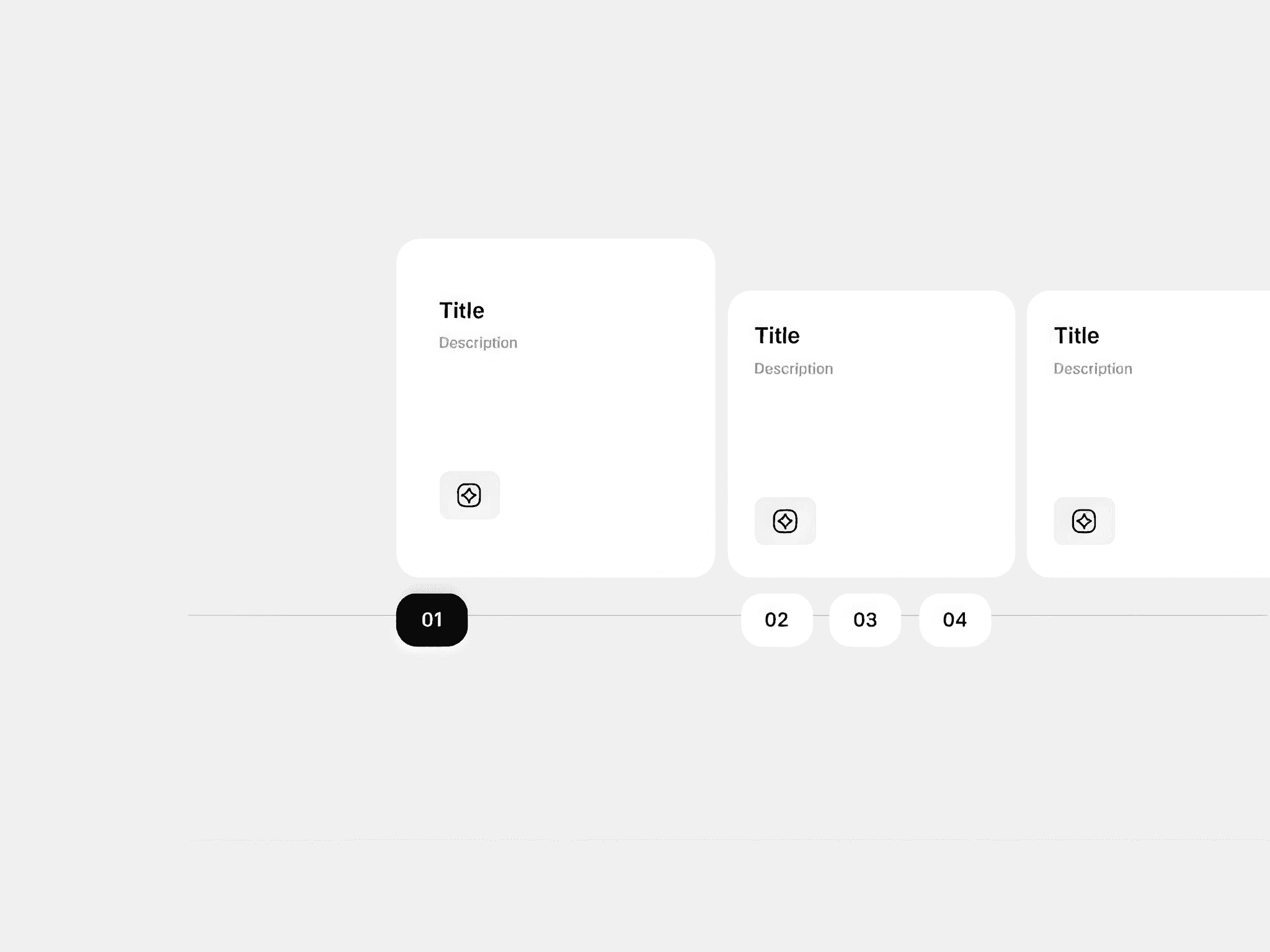
ScrollStack is a highly customizable Framer component that animates cards into a stack as you scroll vertically. The cards can be customized extensively to match any project. The final stack’s appearance can also be customized by changing the final rotation and horizontal movement of each card individually.
Key Features
Scroll-driven card stack animation built with Framer Motion, optimized for performance
Cards enter one by one and stay pinned to the top of the viewport until the stack is complete
Full control over content, colors, typography, rotation, and spacing from the properties panel
Show or hide the image and each text field independently
Change the gap under the image and each text field independently
Per-card background color, text color, rotation, and horizontal movement
Add, remove, and reorder cards directly from the properties panel
Responsive cards: each card is as wide as the component itself and the card elements can be changed depending on the breakpoint
Four ready-to-use card styles included (services, testimonials, process, and statistics/metrics)
Best for
This component works great for repetitive content like steps, testimonials, team members, services, statistics/metrics, product features etc. This comes as an interactive alternative to the boring grids.
Fully customizable
Cards have the same basic structure: 1 image, 3 text elements. By manipulating the visibility of these elements along with their size, spacing and styling, you can create cards that match any project. The following 4 example cards are created using this component. No code required, everything is changed from the Framer properties panel.
Individual card settings
These settings apply per card and can be configured independently for each one.
Image — upload an image for the card. Shown or hidden based on the visibility toggle in the general settings.
Text fields — edit the content of text 1, text 2, and text 3 individually per card.
Background color — set a unique background color for each card.
Text color — set a unique text color for each card. Applies to all three text fields.
Rotation — the angle the card settles at when it joins the stack. Set to 0 by default for a clean straight stack. Increase or decrease to create a more dynamic arrangement.
Horizontal movement — the lateral offset of the card when it joins the stack. Use positive values to shift right, negative values to shift left. Combine with rotation for a more natural stacked feel.
The card collection
You can add as many cards as you like and you can delete or reorder them very easily from Framer.
General component settings
These settings apply to the component as a whole and to all cards uniformly.
Gap — vertical space between cards. Controls how much scroll distance separates each card before it enters the stack.
Top offset — cards use sticky positioning and pin to the top of the viewport by default. Increase this value to pin them lower, for example to account for a fixed navigation bar.
Card padding — adjust padding on all four sides at once or set each side independently.
Card radius — adjust the corner radius on all four corners at once or set each corner independently.
Card border — add a border to all cards. Border width is set to 0 by default, so no border is visible until you change it.
Card shadow — add one or multiple box shadow effects to all cards.
Visibility toggles — show or hide individual card elements: image, text 1, text 2, and text 3.
Image size — sets both the width and height of the image. Images are square and cropped to fill.
Gap after — sets the vertical space below a specific element. Available for image, text 1, text 2, and text 3.
Text style — customize the typography of each text element individually. These settings apply to all cards.
How to use
Copy the component URL you receive after purchase and paste it into your Framer project.
Adjust the general settings to match the look and structure of your cards.
Add your card content and set the background and text color for each card.
Tweak the rotation and horizontal movement per card until the stack looks the way you want.
The component stretches to fill its container, so make sure to check and adjust your layout across breakpoints. All settings support responsive configurations.
Enjoy!
Using the pre-made demos
Along with the component, you'll receive a remix link for the demo page featured on the marketplace listing. It includes all four card demos — services, process, testimonials, and stats. If you want a head start, just copy the relevant instance directly into your project and customize from there.
Refunds and support
Due to the digital nature of this product, purchases cannot be refunded. I recommend reading the product details carefully and reaching out with any questions before buying. You can contact me at adipurdila@gmail.com or on x.com.
What's included in support
Direct access to the author for questions
Help with technical questions about features and settings
Assistance with reported bugs and issues
Support response time is up to 2 business days.