About Velocity Lens Image
Description
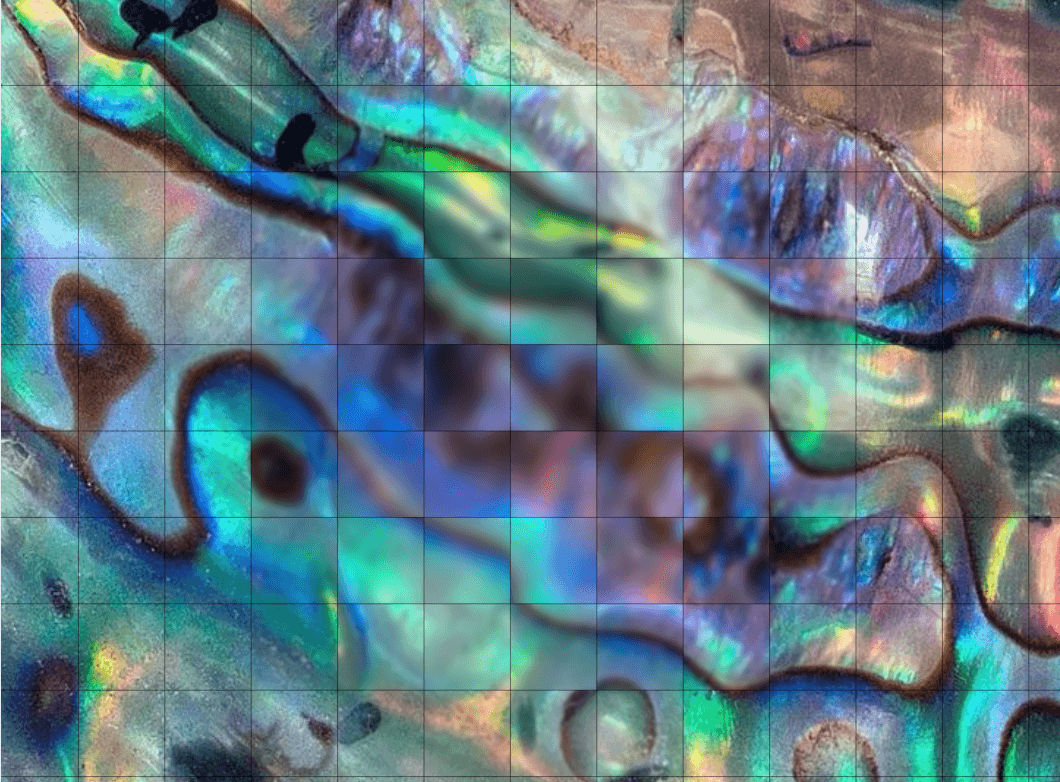
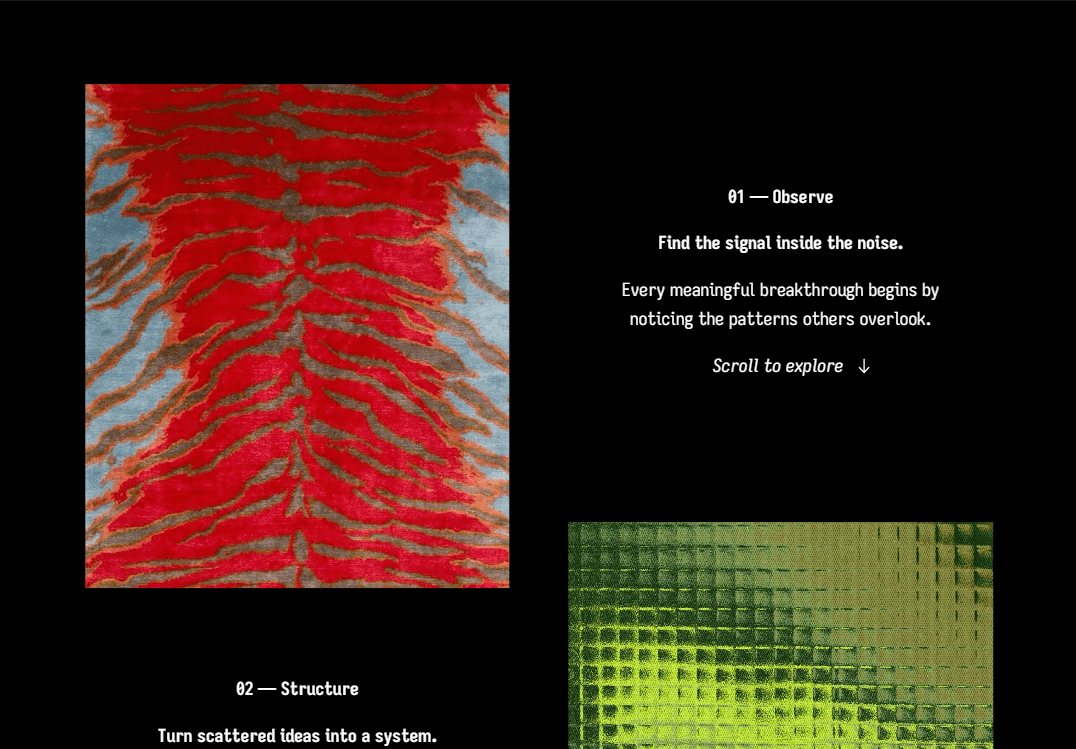
Velocity Lens Image bends the centre of an image in the direction of page-scroll velocity while granular refraction washes across the frame, then clears as motion settles. Moving a pointer or touch over the image creates a local focal region surrounded by progressively stronger grain.
The source-faithful mechanics are delivered through a clean six-row Framer API with responsive fitting, performance presets, reduced-motion behavior and a standard-image fallback.
Features
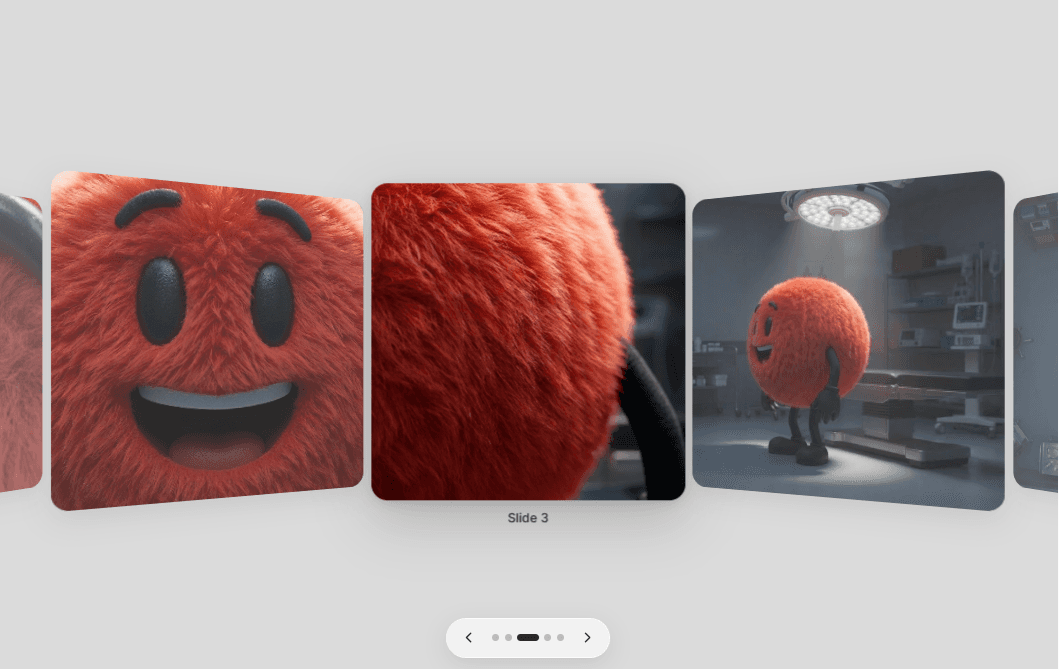
Responsive image with accessible alt text and Cover, Contain or Stretch fitting.
Direction-aware sine-profile mesh bend driven by native page-scroll velocity.
Pixel-coordinate simplex grain that appears during motion and clears at rest.
Pointer/touch focal field with editable strength, size and smoothing.
Independent Scroll Effect and Pointer Focus controls.
Grouped Image Setup and Performance presets for a clean Property panel.
Component-local native scroll measurement without Lenis or scroll hijacking.
Offscreen pausing and settle-to-idle GPU rendering.
Reduced-motion, static Canvas and non-WebGL fallback behavior.
One TSX file with no Three.js, GSAP or runtime npm dependency.
Setup
Paste the Component URL into a Framer project.
Upload an image, add alt text and set fit/focal position under Image Setup.
Tune Scroll Effect, Pointer Focus and Performance.
Open Preview and test page scrolling plus pointer movement; Canvas/export intentionally shows a stable image.