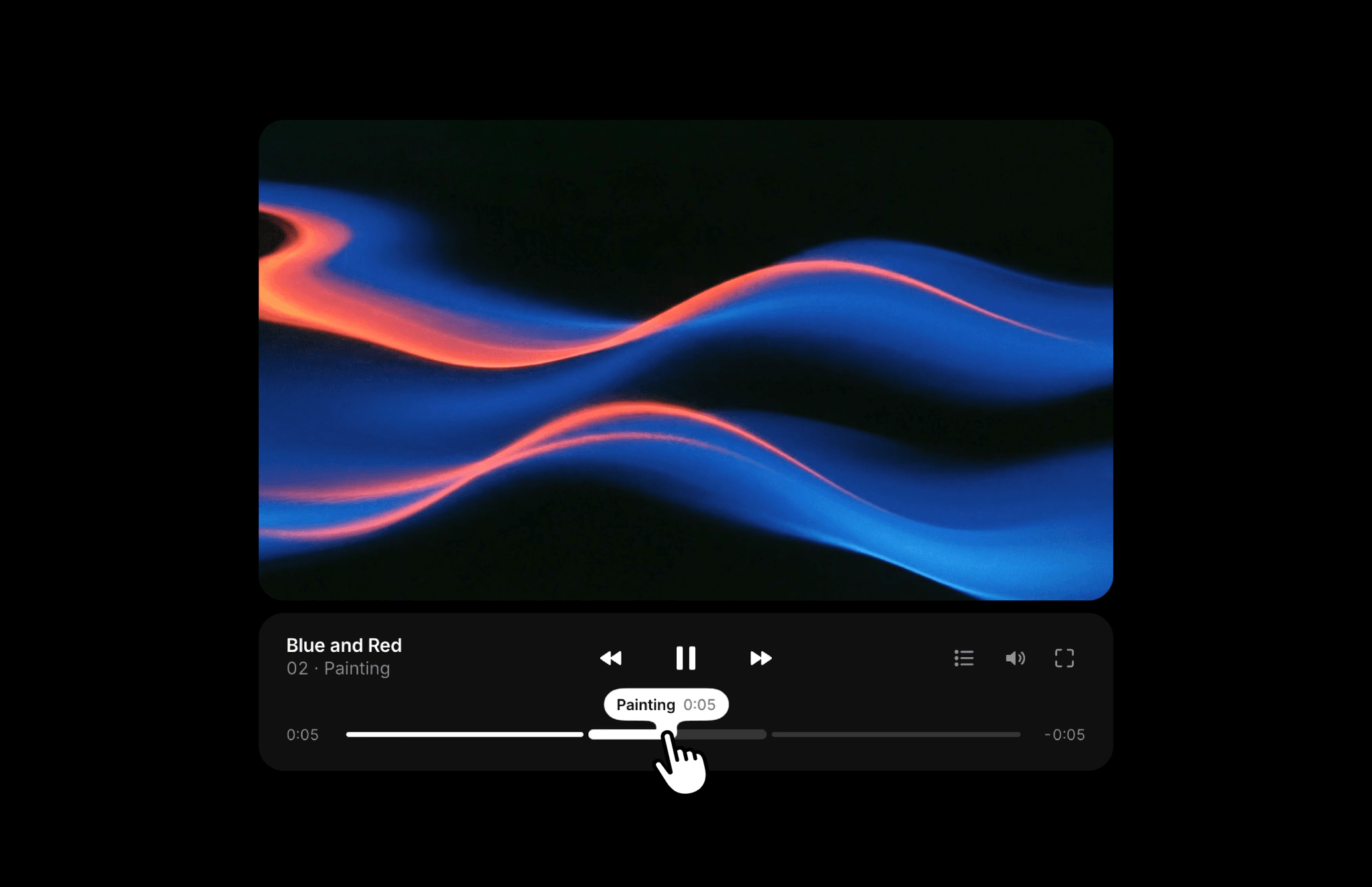
About Video Chapters
Video Chapters pairs a video with labeled chapters so visitors can jump straight to a specific moment. It makes demos, tutorials, and longer stories easier to browse without scrubbing through the full video.
What you can customize
Choose the video, upload a poster, and edit the title. Add or remove chapters with their labels and start times.
Set autoplay, looping, muted playback, aspect ratio, and Cover or Contain fit. Customize the font, accent, surface, text, secondary text, and track colors, along with corner radius and spacing.
How to use
Copy the component from the Marketplace and paste it onto the canvas
Choose a Video, upload a Poster, and set the Title
Open Chapters to add labels and their matching start times
Set Ratio, Fit, Autoplay, Loop, and muted playback
Adjust the font, colors, Radius, and Gap
Preview playback and check that each chapter starts at the right moment
Great for
Product demos with feature chapters
Tutorials and walkthroughs
Interviews with separate topics
Longer videos with key moments to revisit