About Sendtim
Connect your Framer website to SendTim in just a few clicks.
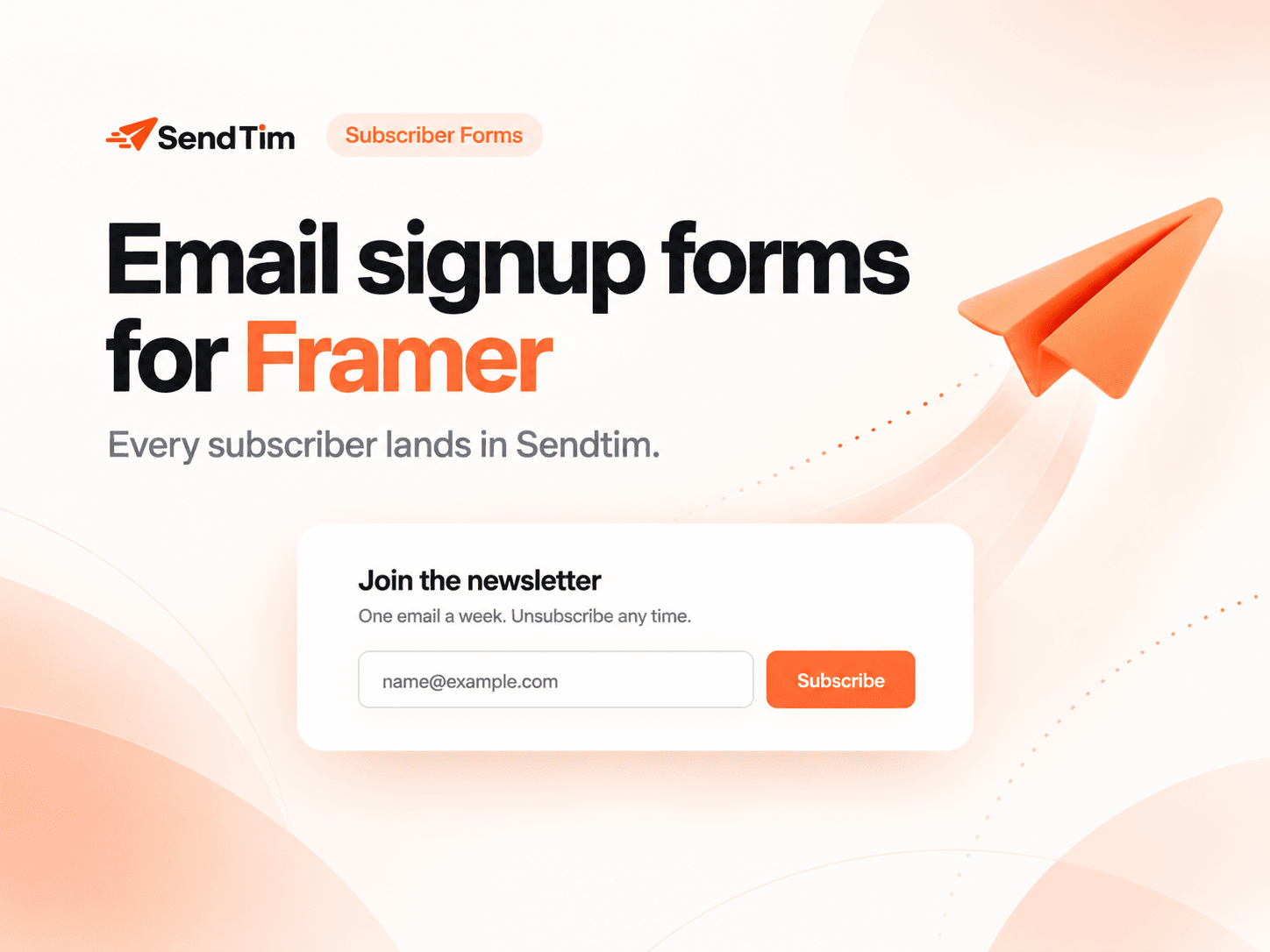
SendTim Subscriber Forms lets you add a ready-to-use email signup form directly to your Framer canvas and send every new subscriber straight to your SendTim audience using a Contact Webhook.
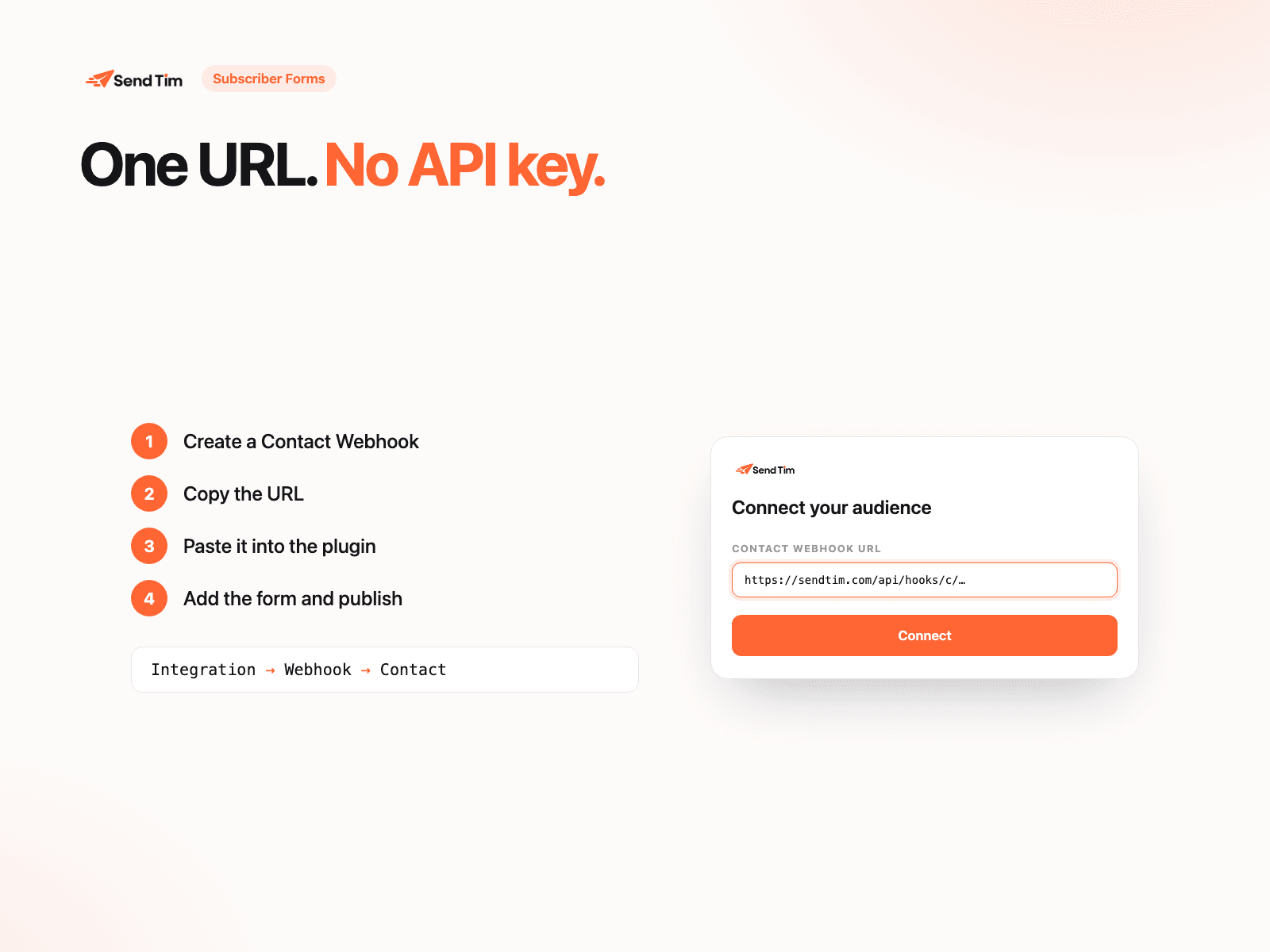
No API key. No backend. No code.
How it works
Open the plugin in your Framer project.
In SendTim, go to Integration → Webhook → Add Webhook → Contact → Create.
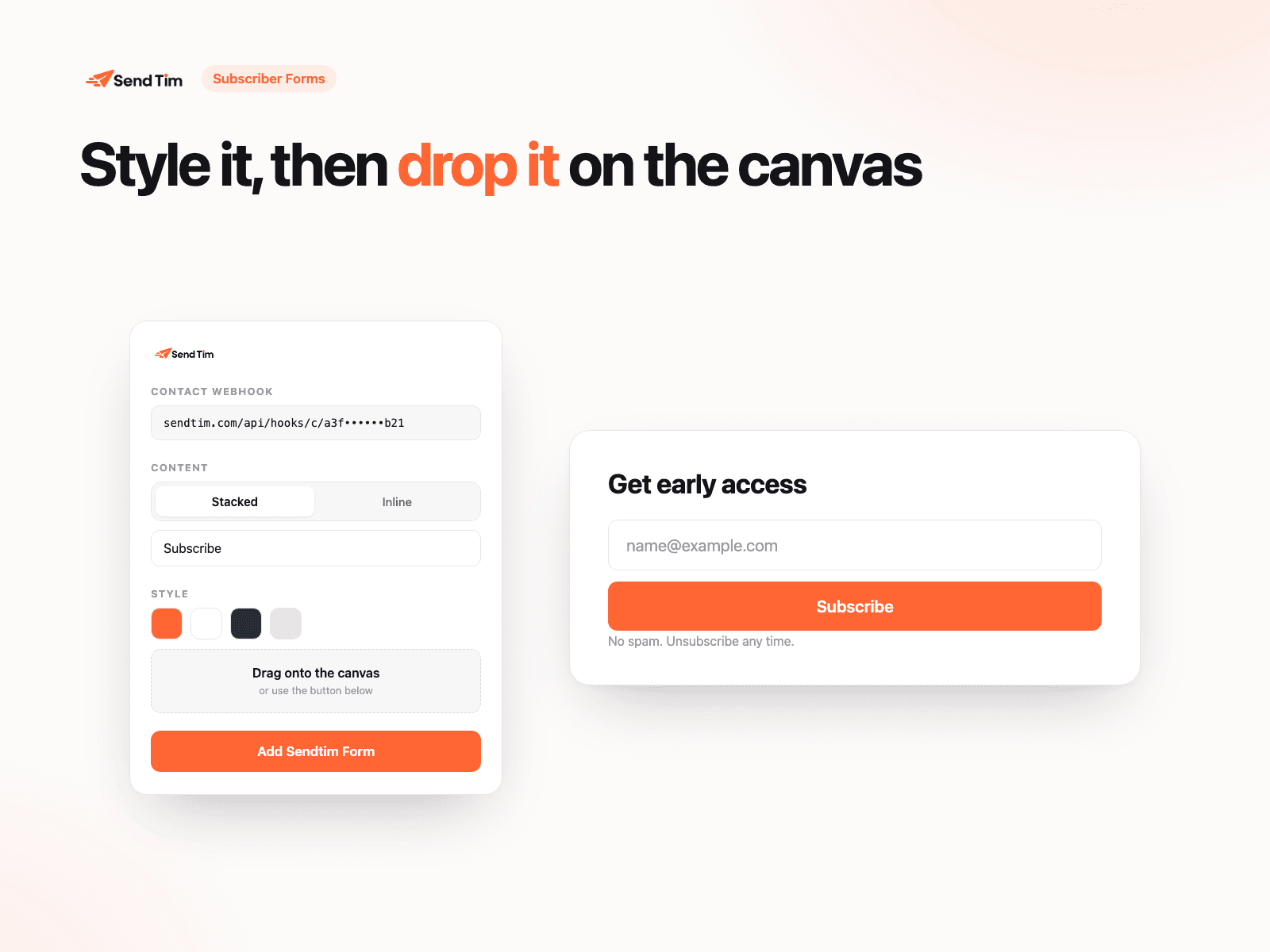
Copy your Webhook URL and paste it into the plugin.
Customize the text, colors, corner radius, typography, and layout using the live preview.
Click Add SendTim Form or drag the form directly onto your canvas.
Publish your site. Every submitted email address is automatically added to your SendTim audience.
Features
Add a SendTim subscriber form directly to your Framer canvas
Connect using only your SendTim Contact Webhook URL
Automatic webhook configuration for every form you add
Add forms with one click or drag and drop
Simple email-only subscriber capture
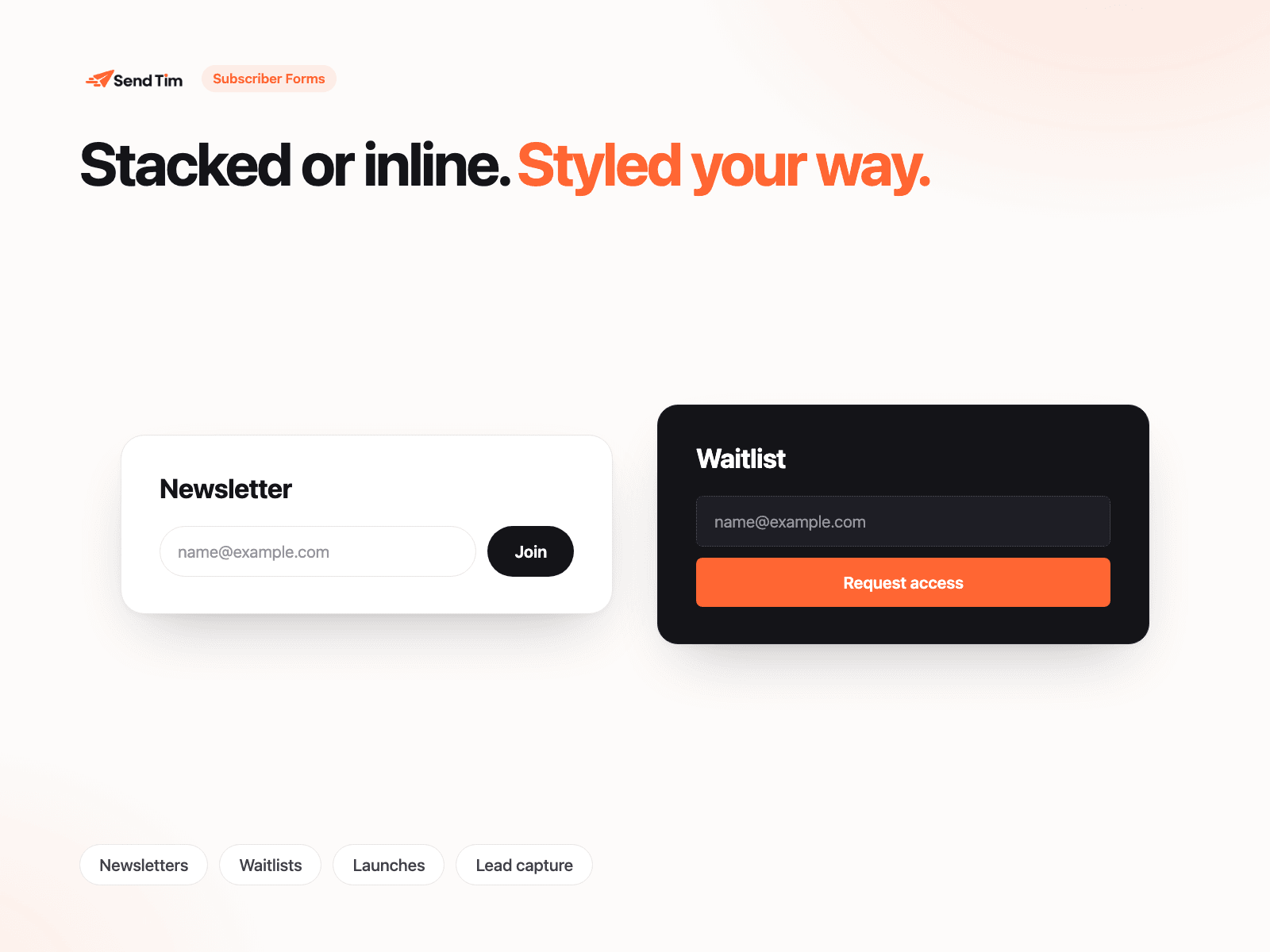
Responsive stacked or inline layouts
Customize colors, corner radius, font size, text, and layout
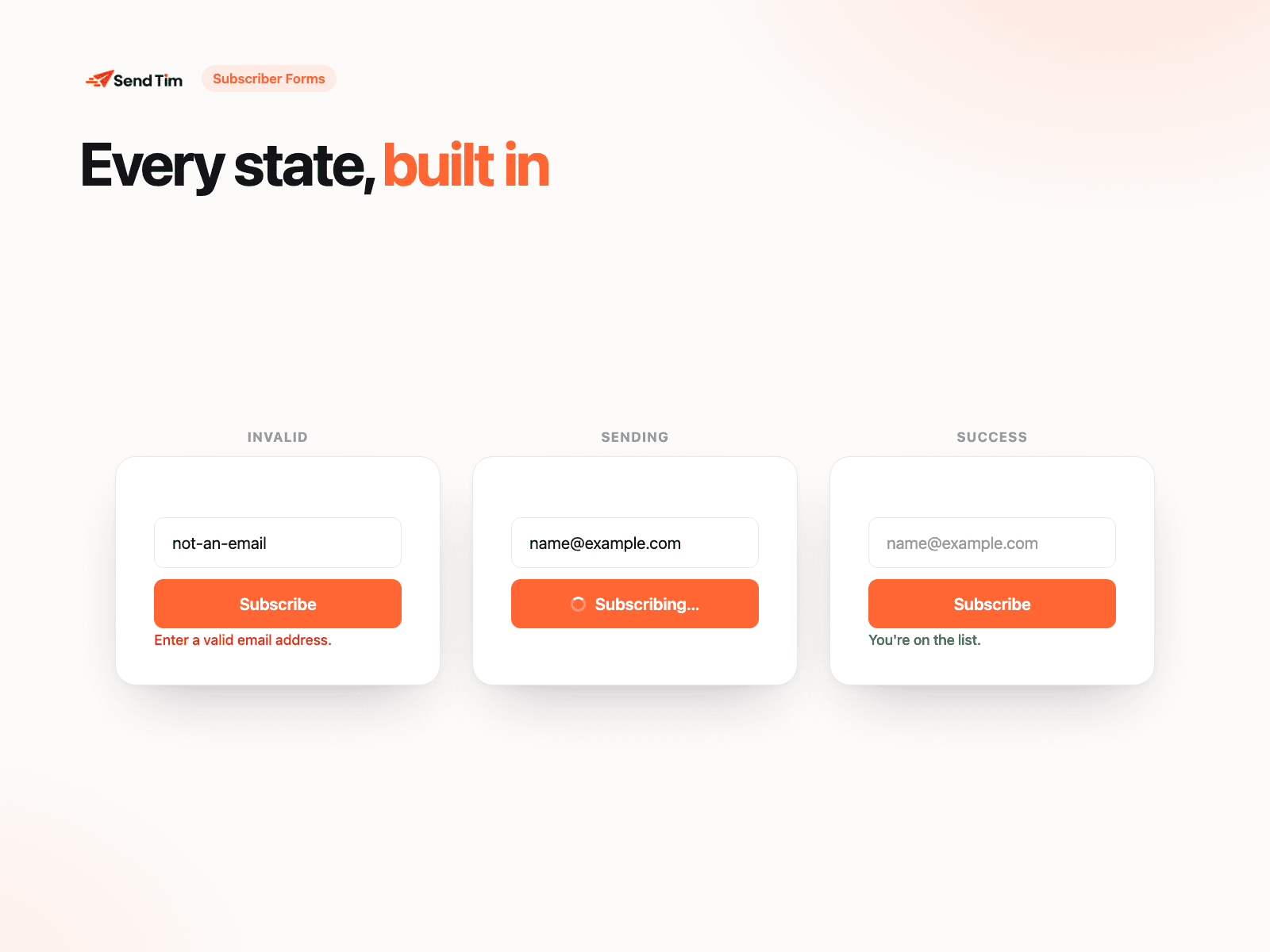
Built-in email validation
Silent bot protection
Built-in loading, success, and error states
Edit every property directly on the Framer canvas
No SendTim API key required
No custom backend or code required
Perfect for
Newsletter signups, product launches, waitlists, early-access campaigns, lead generation, and growing your email audience.
Build your Framer site. Capture your audience. Let SendTim handle the email marketing.