About Autocomplete
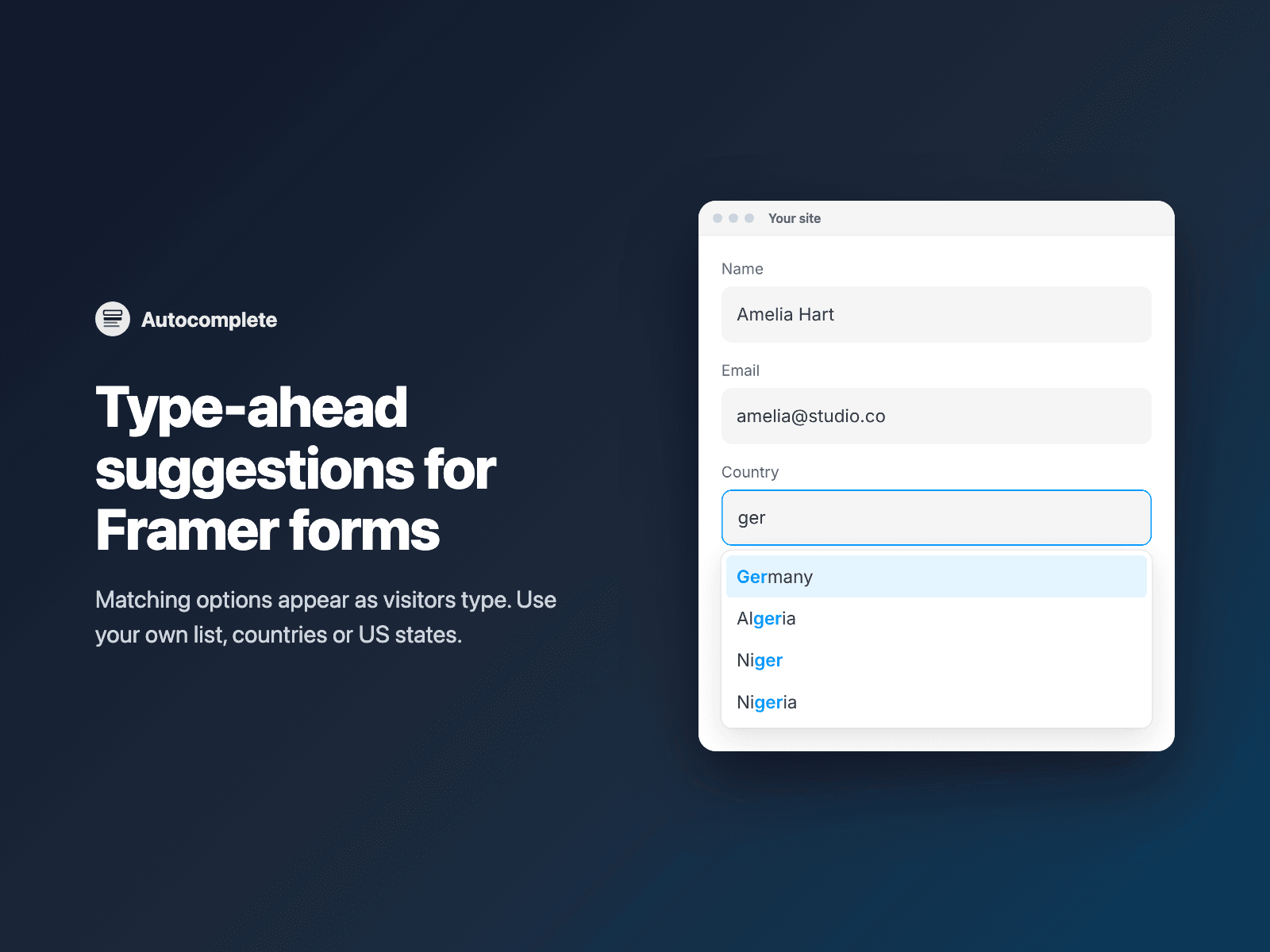
Add a text field with type-ahead suggestions to your native Framer form.
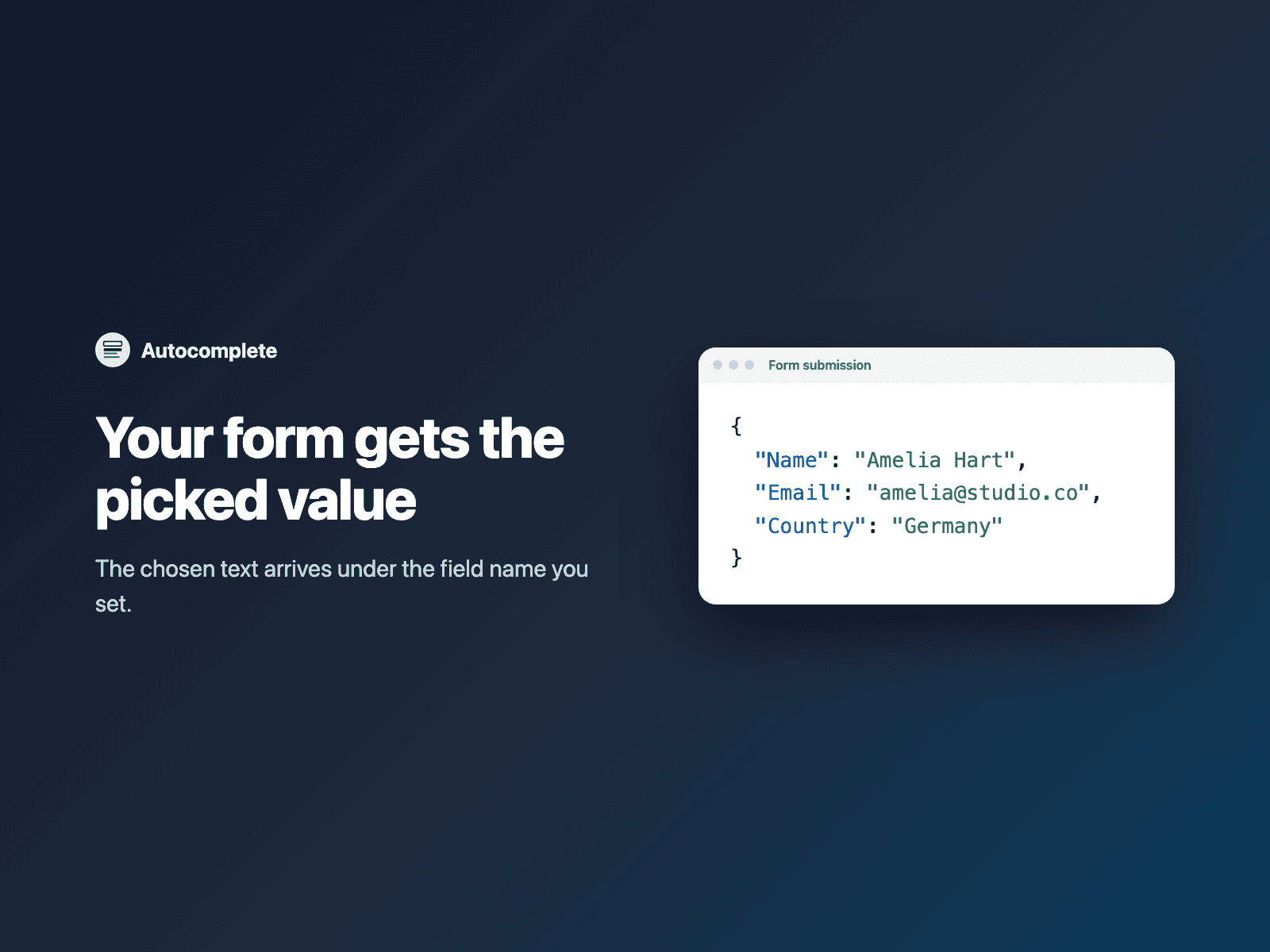
As visitors type, matching options appear in a list below the field. Matching ignores upper and lower case and accents, and the typed part is highlighted. Visitors can pick with the mouse or the keyboard (arrow keys, Enter, Escape). Your form receives the chosen text under the field name you set. It works with every form destination: email, Google Sheets, webhooks, or FramerSend.
Suggestions come from your own list (one option per line, or comma-separated), a built-in list of countries, or US states.
How it works:
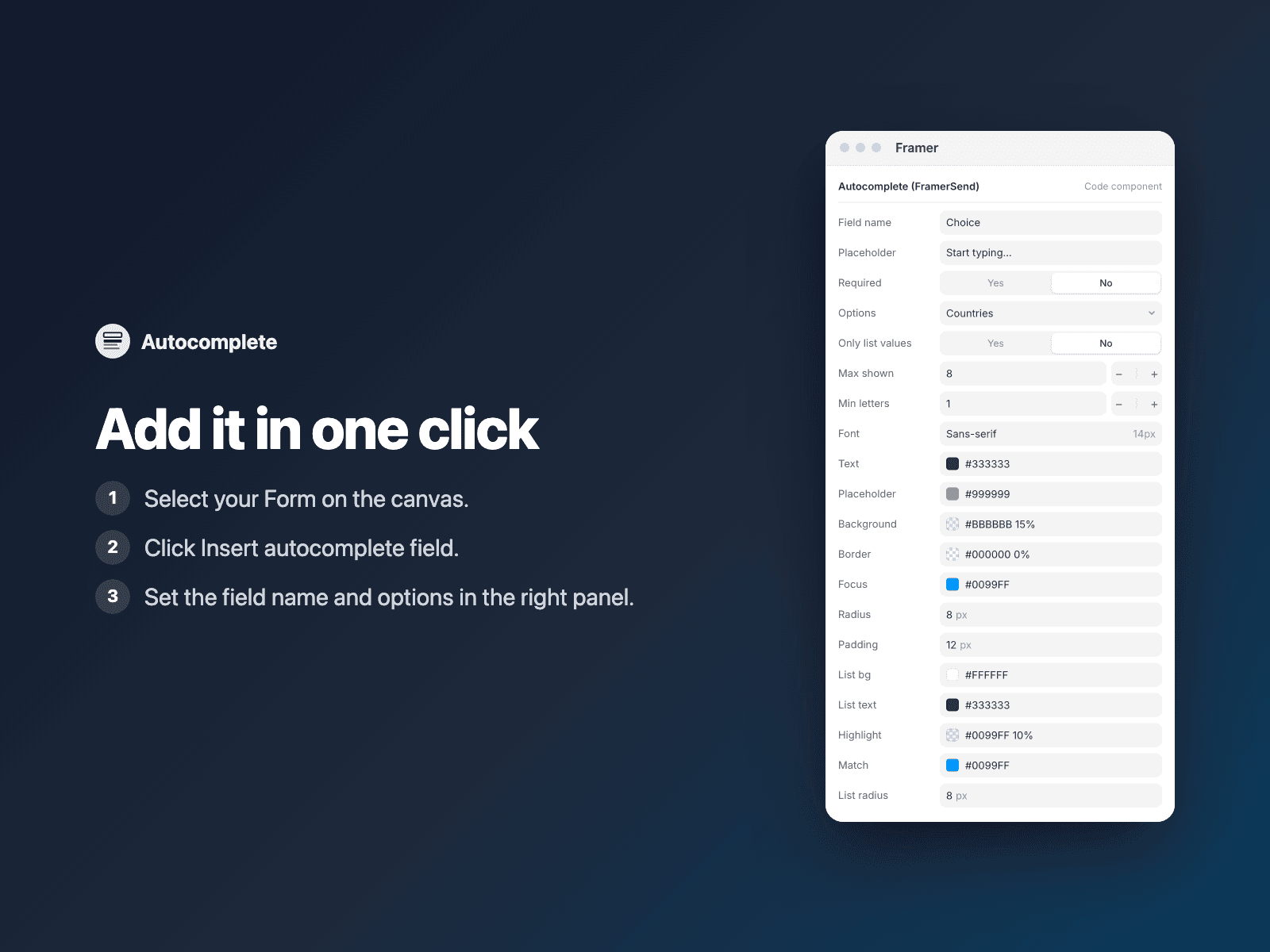
1. Select your Form on the canvas.
2. Open Autocomplete and click Insert autocomplete field. It is added above the submit button at full width.
3. In the right panel, set the field name and choose the options.
Options: required, only allow values from the list with your own error text, how many suggestions to show, how many letters before the list opens, font, colors, radius and padding for the field and the list.
The field is a code component written into your project. It loads no external scripts and makes no network requests on your site.
Pricing: included in every FramerSend plan. Free for 14 days with no card, then from $5/month. Details at framersend.com/pricing.