About Cells Cart
Cells Cart
A native shopping cart system for Framer — designed to feel like part of the canvas, not bolted on.
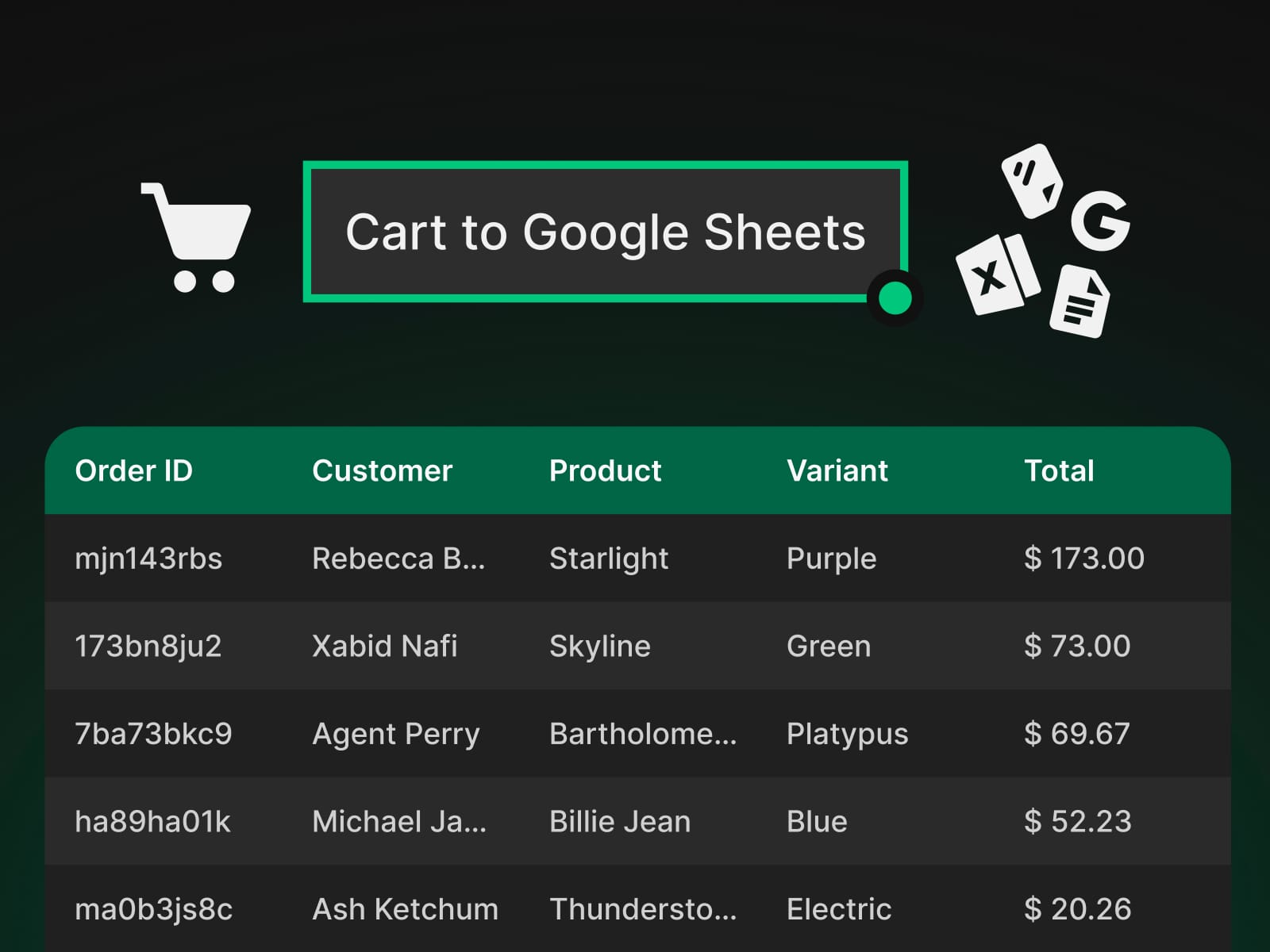
No external checkout. No headless commerce platform. No webhooks.Install the Cart Engine into your project's `<head>`, drop the components onto your pages, and you have a working cart. The cart lives in the visitor's browser, orders log to your Google Sheets, and confirmation emails send through Google Apps Script.
What's included
Scripts
Cart Engine -the head script that powers everything
Apps Script - enables Google Sheets integration
Triggers
Add To Cart Hitbox - invisible click area that turns any frame into a buy button
Variant Selector - pill-style picker for Size, Material, Fit, etc.
Color Selector - circular swatch picker
Quantity Selector - number stepper
Display
Cart Badge - live item count, perfect for nav bars
Cart Display (Manual) - full cart + checkout panel; orders log to Google Sheets
Cart Display (Auto Mail) - same as Manual, plus auto-sends branded confirmation emails via Gmail
Cart Display (Pro Mail) - confirmations sent from your branded domain via Brevo, Mailgun, Resend, SendGrid, or Postmark
How it works
Install the Cart Engine once per project.
Drop Triggers onto your CMS-bound product cards and bind ID, Name, Price, Image.
Add a Cart Display to your cart drawer or checkout page.
Connect a Google Apps Script to log orders to Google Sheets and send confirmation emails.
Why Cells Cart?
Zero infrastructure — no Stripe, no Shopify, no headless commerce platform required.
CMS-native — every component binds straight to Framer CMS fields.
Brandable emails — full control over banner, copy, colors, and template variables.
Variants + stock — multi-variant products with per-variant stock tracking.
Charges & discounts — flat or percentage adjustments based on quantity, price, or any custom field.
Documentation
Full setup guides and component references: cellscart.framer.wiki