About Chat Bubbles
One Chat Bubble. 19+ Ways to Connect on Framer.
Give visitors a direct way to ask questions and connect with your team without filling out a contact form.
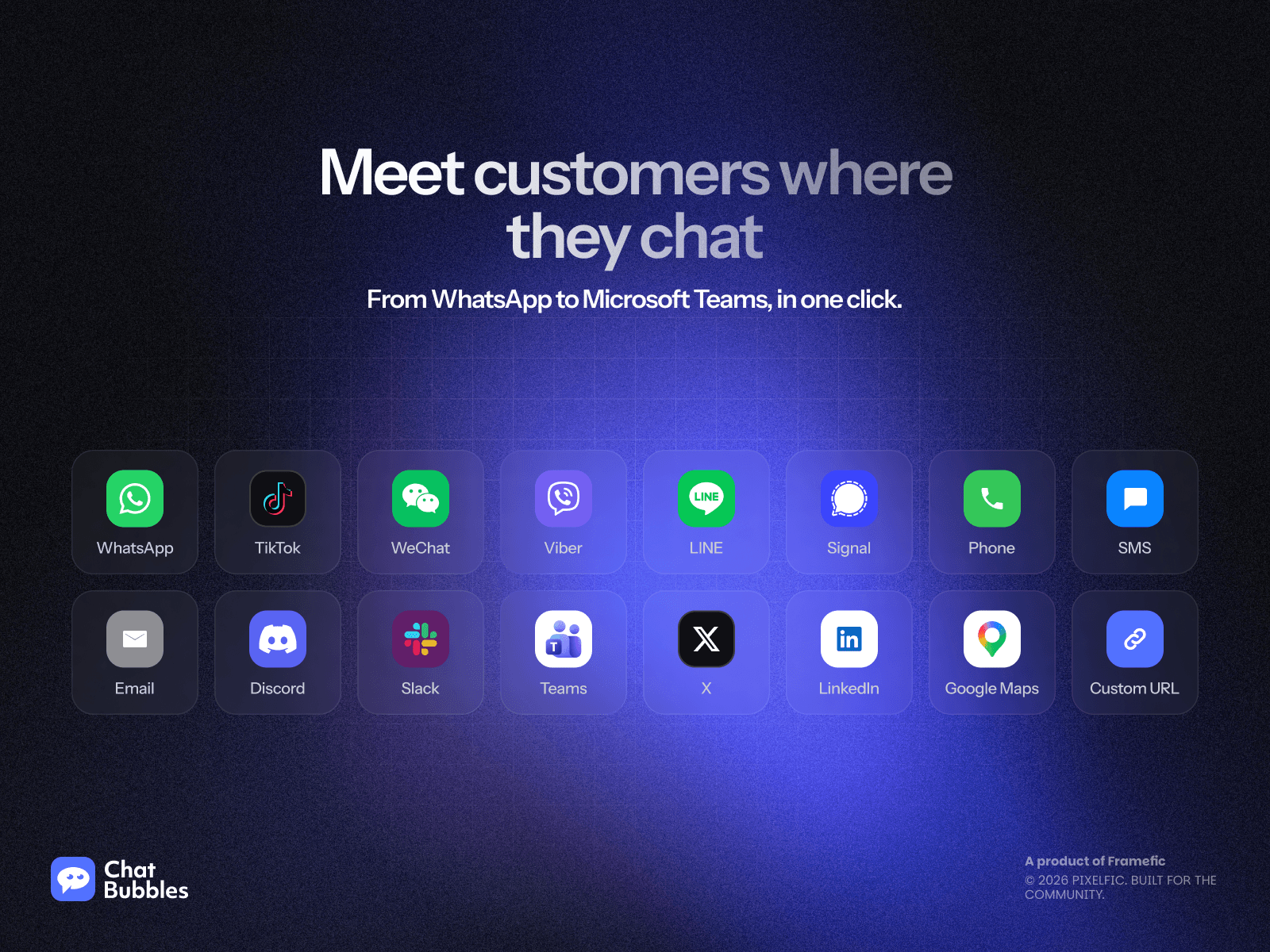
Chat Bubbles brings 19+ messaging apps and direct contact channels to your Framer site, including WhatsApp, Messenger, Telegram, Instagram, and email. Customize your widget, insert it into your canvas, and publish. No coding required.
Key Features
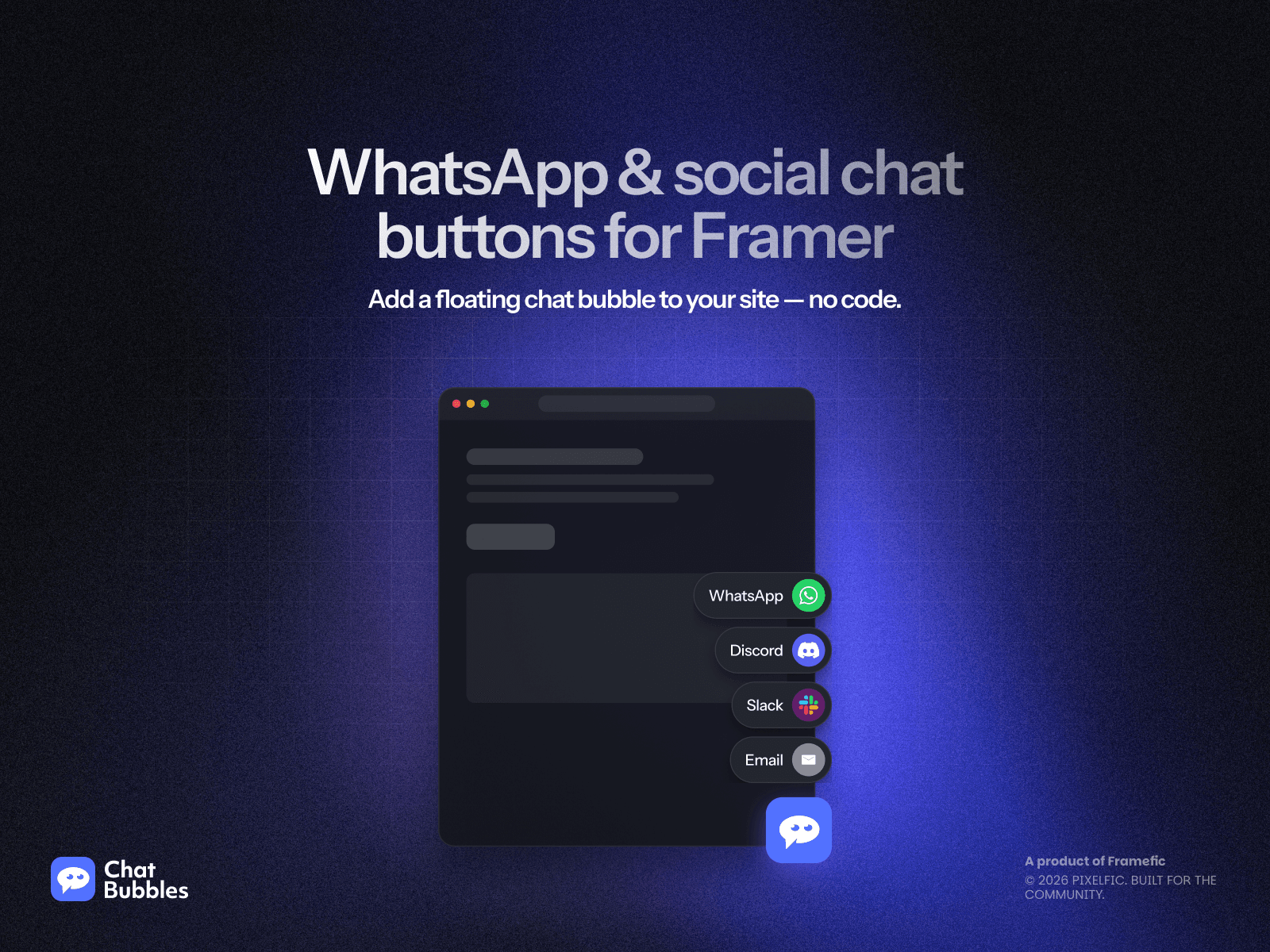
Multi-Channel Floating Chat Widget: Connect with visitors across 19+ popular messaging apps and direct contact channels from one floating button.
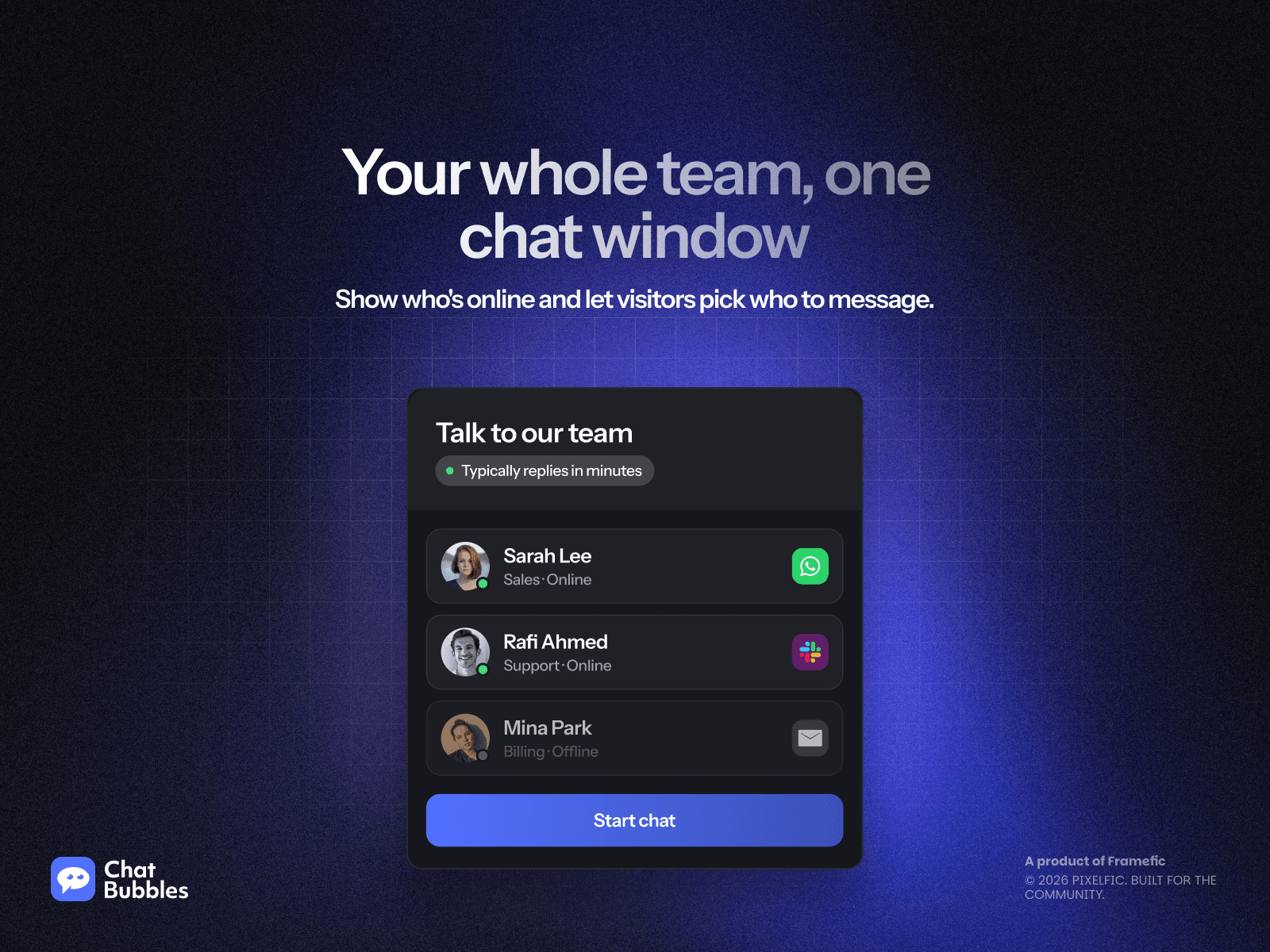
Interactive Support Team Roster: Introduce your real team members with custom avatars, department titles, and personal direct chat links.
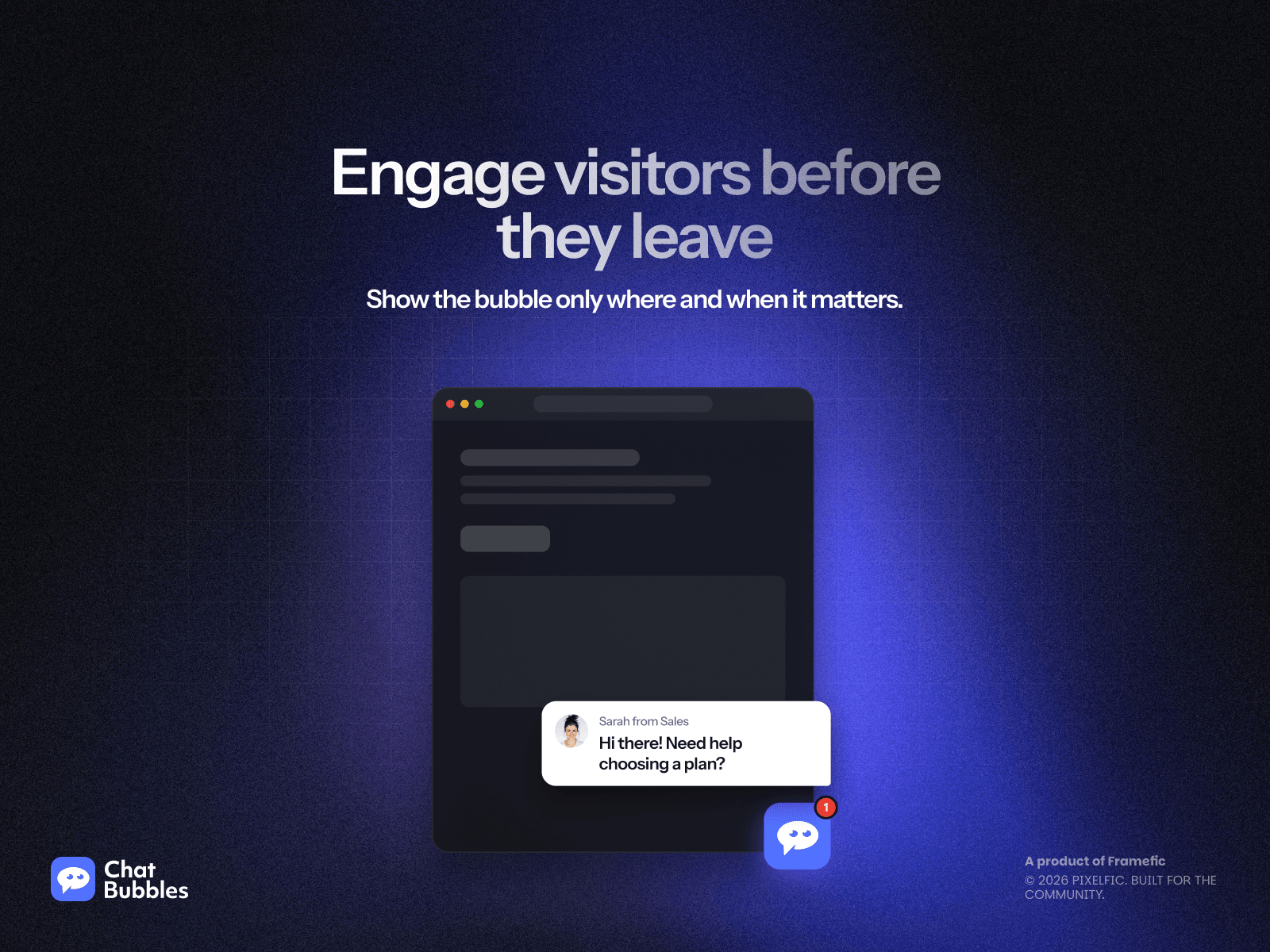
Smart display triggers: Catch visitors at the perfect moment using scroll depth detection and desktop exit-intent triggers.
Real-Time Conversion Analytics Dashboard: Track widget views, channel clicks, and conversion rates to understand which channels visitors prefer.
Business Operating Hours and Schedule: Set your active office hours and automatically display offline notices or hide the widget outside work times.
Mobile-Optimized Clean Display: Keep mobile screens clutter-free with custom corner offsets and an automatic four-channel expansion cap.
Customizable design: Match your brand with flexible layouts, colors, gradients, and mobile positioning.
Use Cases
Online stores: Help shoppers ask product questions before they buy.
Agencies and freelancers: Make it easy for potential clients to discuss a project.
SaaS websites: Connect visitors with the right sales or support contact.
Local businesses: Let customers ask about services, availability, or bookings through familiar apps.
Get Started
Design your widget in the plugin, click Insert into Canvas, and publish your Framer site.
Free trial available, with monthly, yearly, and lifetime plans.
Add Chat Bubbles and make your next customer conversation easier to start.