

About Draw
Draw — Sketch, Diagram & Prototype in Framer
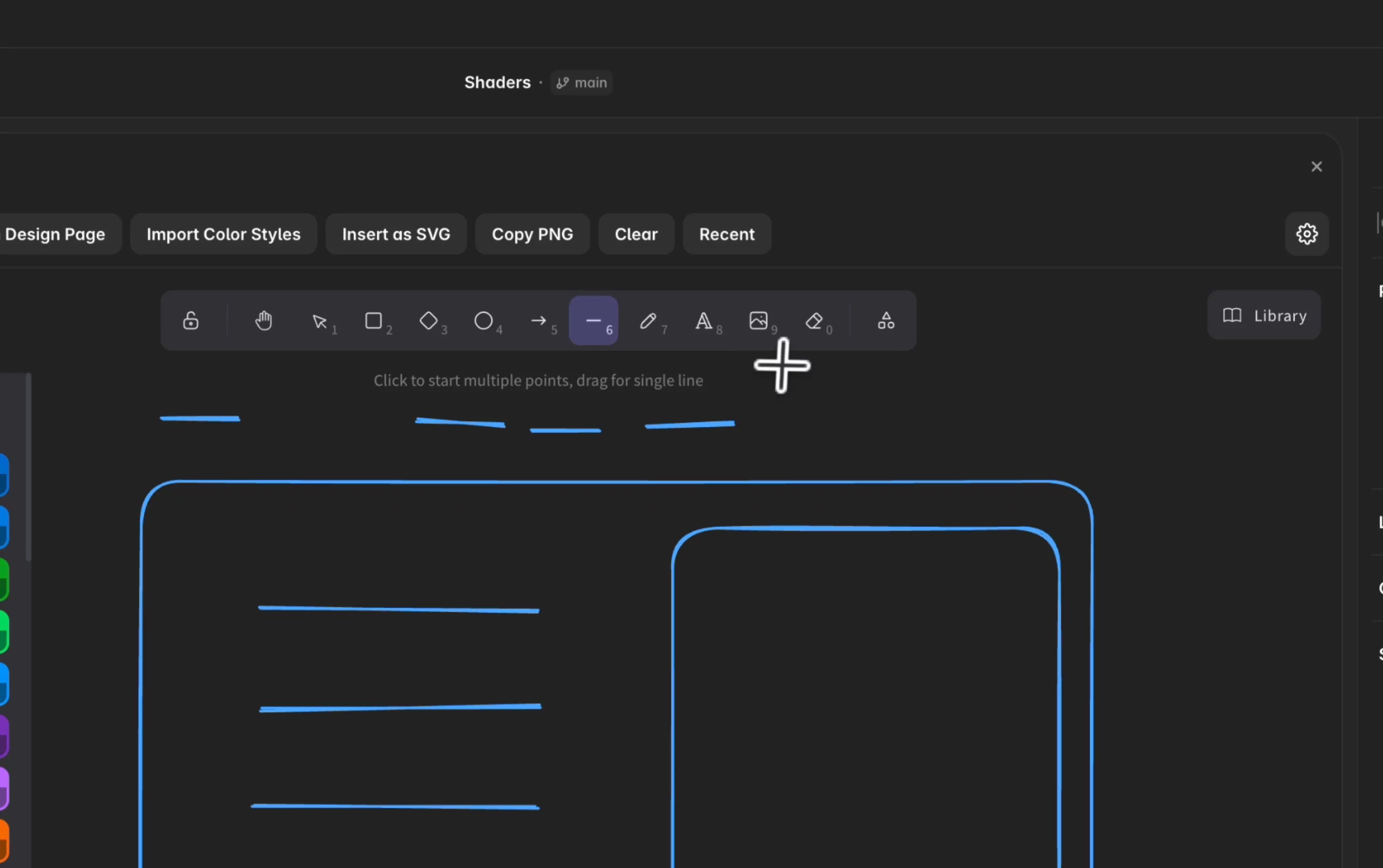
Turn Framer into a lightweight drawing studio. Draw embeds the full Excalidraw editor in your project so you can sketch wireframes, flows, and UI ideas — then place them on your canvas in seconds.
Why designers use Draw
Insert to Canvas — Export as PNG onto the current page (⌘↵ supported)
Paste in Design Page — Create a new design page and drop your sketch there instantly
Import Color Styles — Pull document color styles into Draw for on-brand strokes and fills
Insert as SVG — Vector export for simple graphics
Copy PNG — Share sketches in Slack, Notion, or docs without leaving Framer
Built for real Framer workflows
Syncs with Framer light & dark mode
Insert at selection — Match size and position of a selected layer
Export selection only — Export just what you need
Transparent PNG for clean overlays
Recent inserts — Re-use exports quickly
Use cases
Wireframe → Framer Agent — Draw a rough page layout, insert it on canvas, and send it to the Framer Agent. The agent reads your sketch and builds a real page from it — from napkin idea to structured layout in minutes.
Faster landing page prototyping — Explore hero sections, CTAs, and content blocks before you design in detail. Sketch multiple concepts, paste each as a design page, and compare directions without starting from a blank canvas.
Conception & alignment — Use hand-drawn flows and annotations in workshops, then keep the same file in Framer for dev and stakeholder review.
Also great for User flows, sitemap diagrams, UI annotations, workshop sketches, and quick ideation — without FigJam or a separate whiteboard.
Free & straightforward Powered by Excalidraw (MIT). No account. No external API. Your work stays in your Framer project.
Draw, sketch freely, and move from wireframe to page — faster.