About Video Optimizer
Your Framer site is slow. Here's why:
When you add a video to your Framer website, it needs to
load every time someone visits your page.
Most videos are way too large — and that makes your site
slow, uses up your bandwidth, and can hurt your Google ranking.
Video Optimizer fixes this in seconds.
What does this plugin actually do?
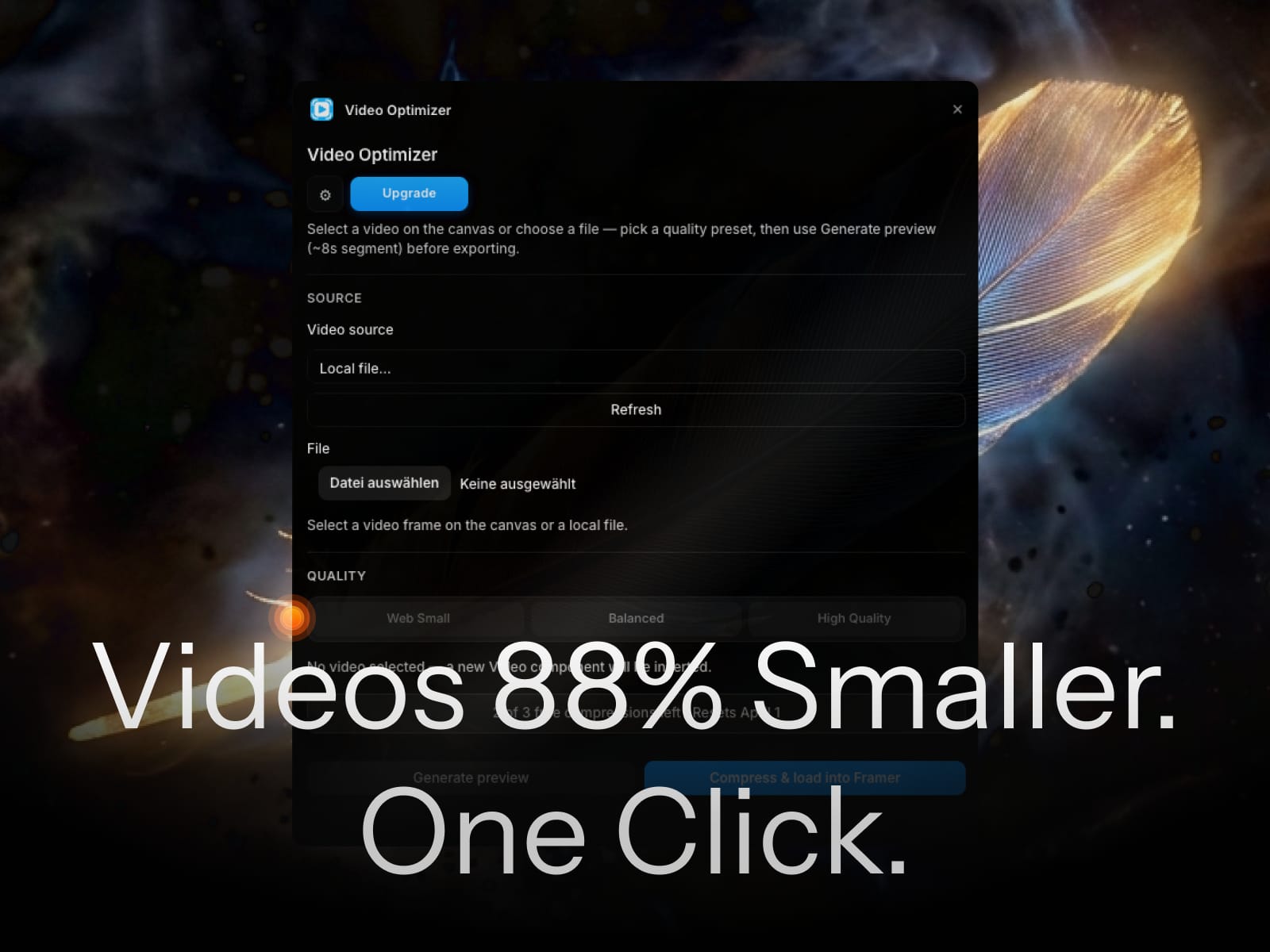
It makes your videos smaller — up to 88% smaller —
without making them look bad.
A video that was 4MB becomes 500KB.
Your site loads faster.
Your visitors don't wait.
Your bandwidth stays low.
And it all happens right inside Framer.
You don't need to open another app,
upload anything to a website,
or learn any technical tools.
How to use it (it's simple)
1. Open the plugin inside Framer
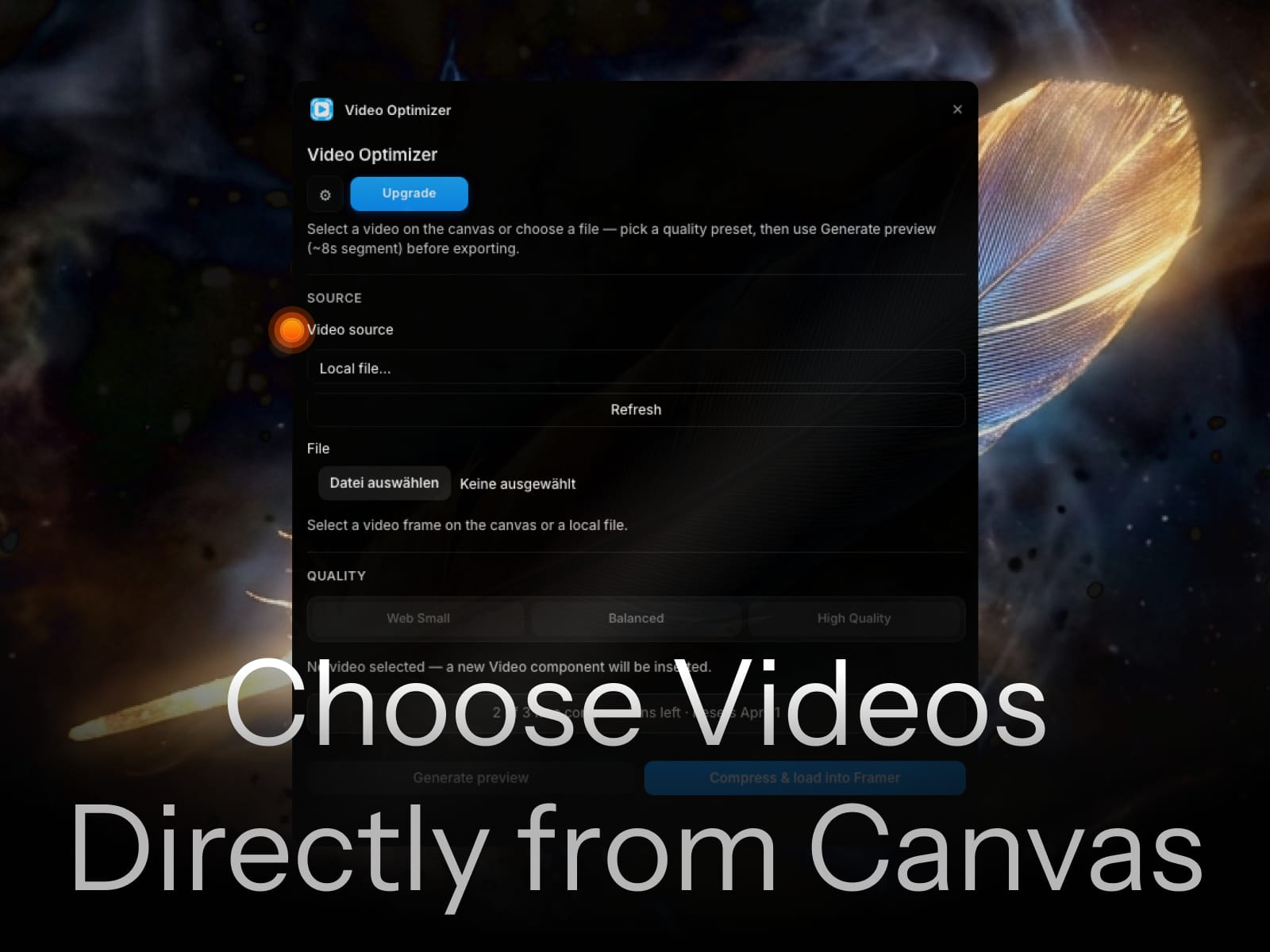
2. Select a video on your canvas — or upload one from your computer
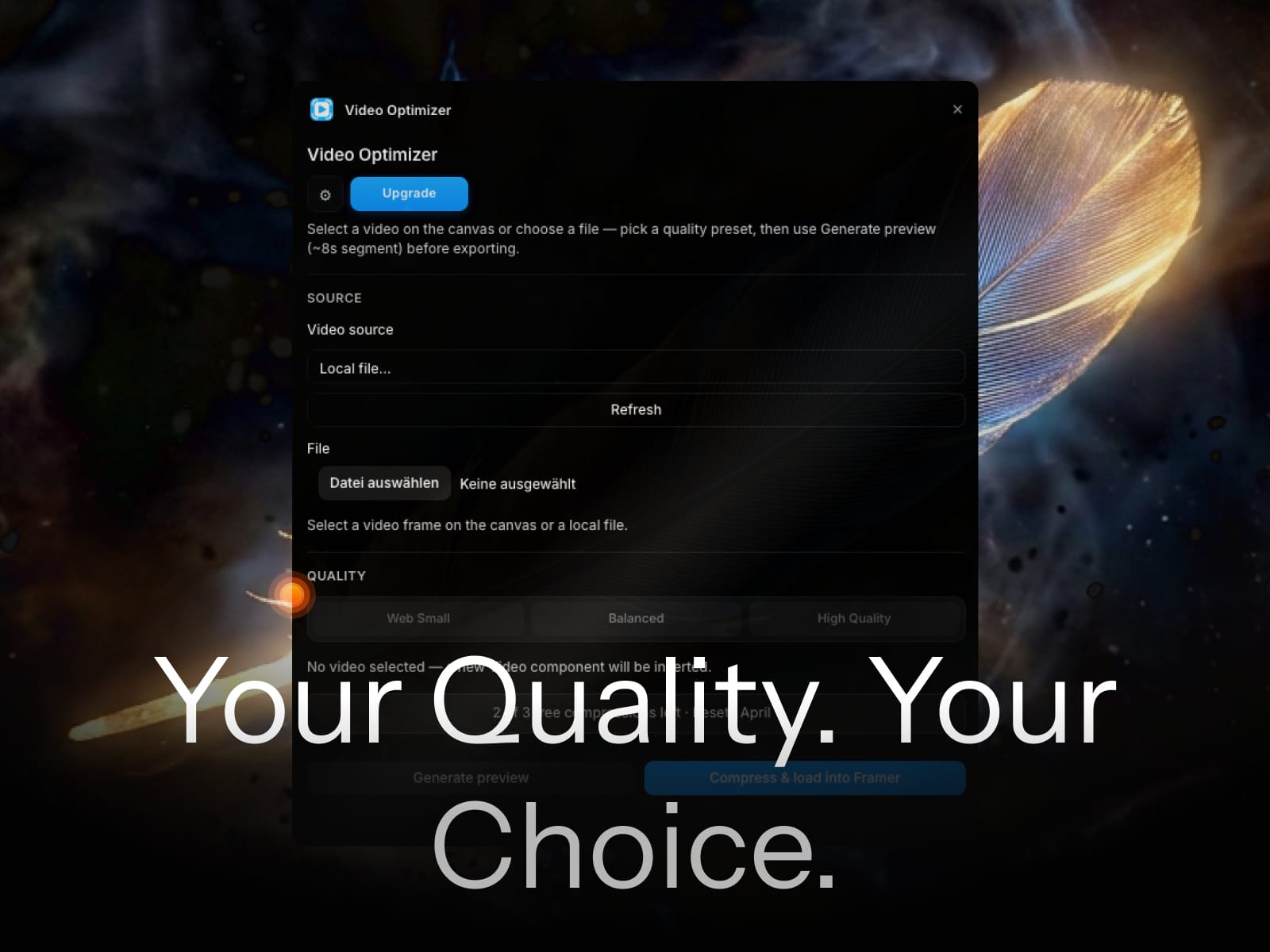
3. Choose a quality setting (we recommend Balanced for most sites)
4. Click "Generate Preview" to see how small the file will get
5. Click "Export" — done. Your video is replaced automatically.
That's it. No technical knowledge needed.
Why does video size matter on Framer?
Framer gives you a limited amount of bandwidth each month
depending on your plan. Bandwidth is how much data your
site sends to visitors.
One uncompressed 4MB video × 1.000 visitors = 4GB of bandwidth.
Compress that same video to 500KB and you use only 500MB.
That's the difference between staying on your current
Framer plan — or having to pay more.
This plugin can save you $20 per month in Framer costs.
It pays for itself the first time you use it.
Key Features
- Compress videos up to 88% smaller
- Works 100% inside Framer — no external tools
- Your video files never leave your computer (WebAssembly)
- Three quality settings: Web Small / Balanced / High Quality
- Preview estimated file size before exporting
- Automatically replaces the video on your Framer canvas
- Upload local files or compress videos already in your project
- Works with MP4, MOV, WebM and more
---
Free vs Pro
Free — 3 video exports per month, all quality settings included
Pro ($19 one-time payment)
→ Unlimited exports
→ Lifetime license
→ All future updates
→ No monthly fees, ever
One payment. Use it forever.
Who is this for?
- Framer beginners who want a faster site without the technical hassle
- Freelancers building websites for clients
- Designers who keep hitting their Framer bandwidth limit
- Anyone who wants their Framer site to load faster