About Facebook Shop & Catalog Sync
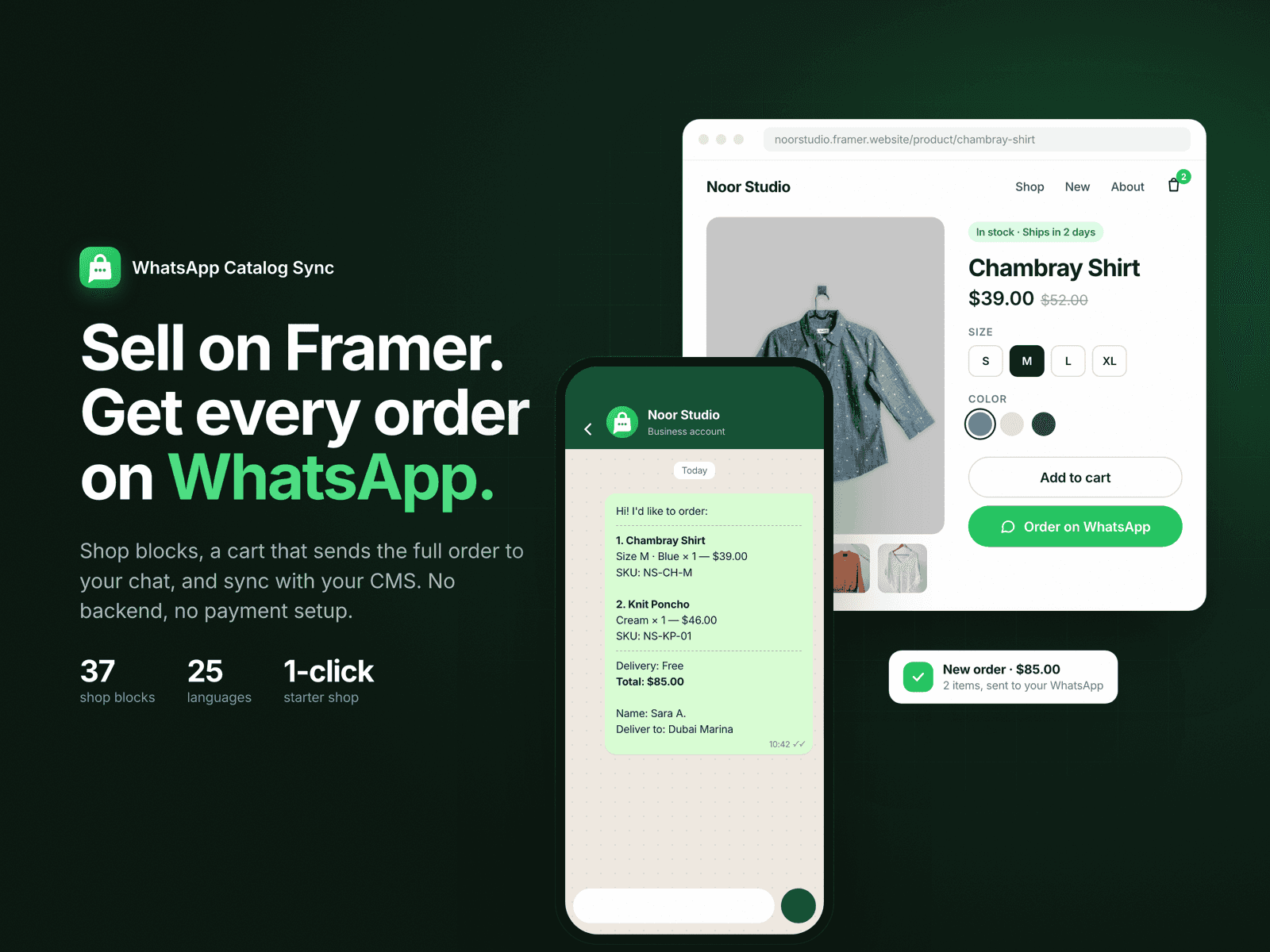
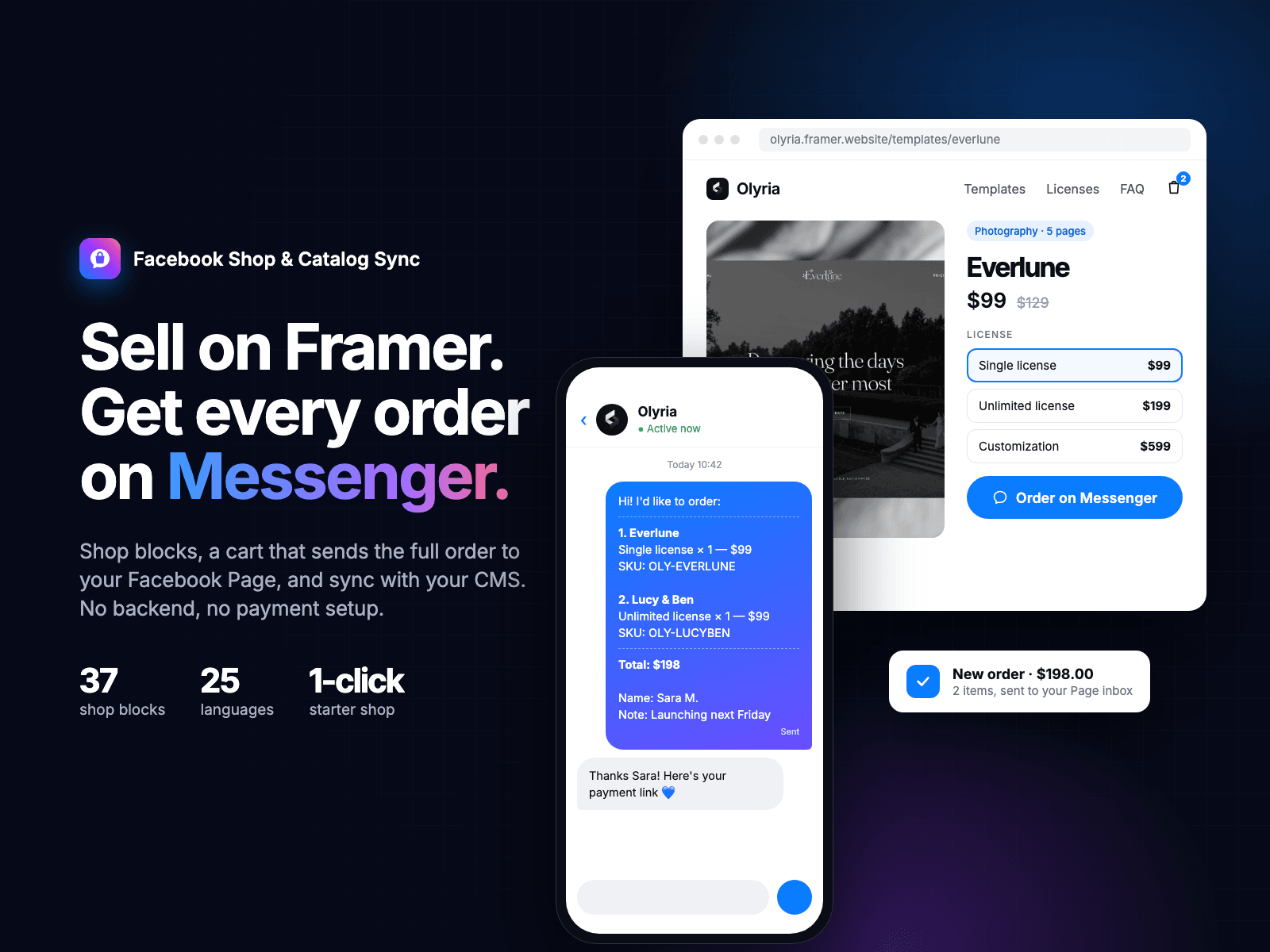
Turn any Framer site into a Facebook shop that takes orders on Messenger. Visitors add products to a cart, and the whole order arrives in your Facebook Page inbox: items, size, color, license, SKU, quantity and total. No backend, no payment gateway, no code.
What's inside
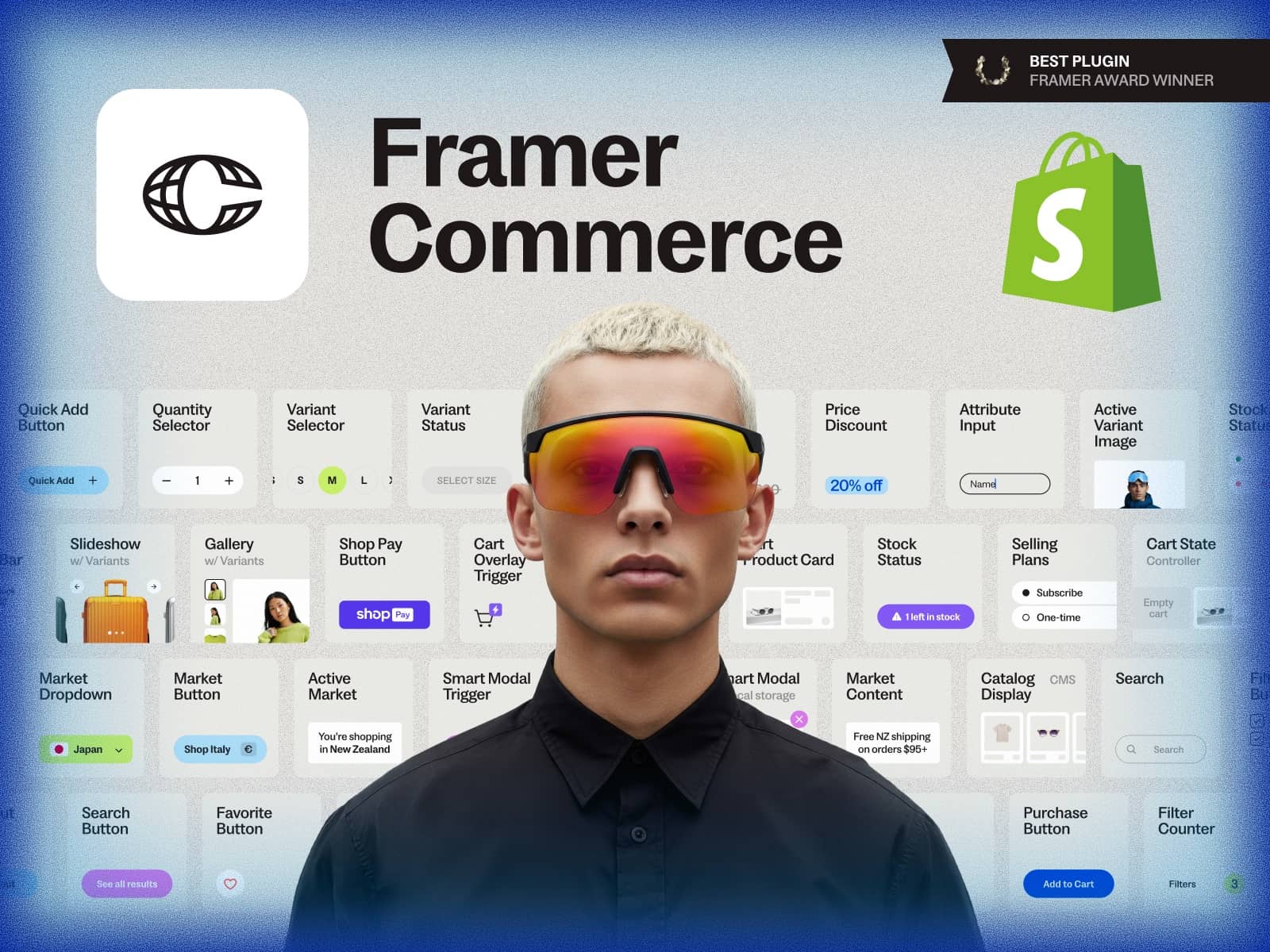
37 shop blocks in 8 groups: buy buttons, cart drawer, product details with variants and colors, gallery, wishlist, floating chat, order form, trust badges and headings
Click a block or drag it onto the canvas. It arrives sized and filled in with your Page, shop name and currency
Enter your Page as a username, a facebook.com or m.me link, or a Page ID. Change it later and every block on the site updates
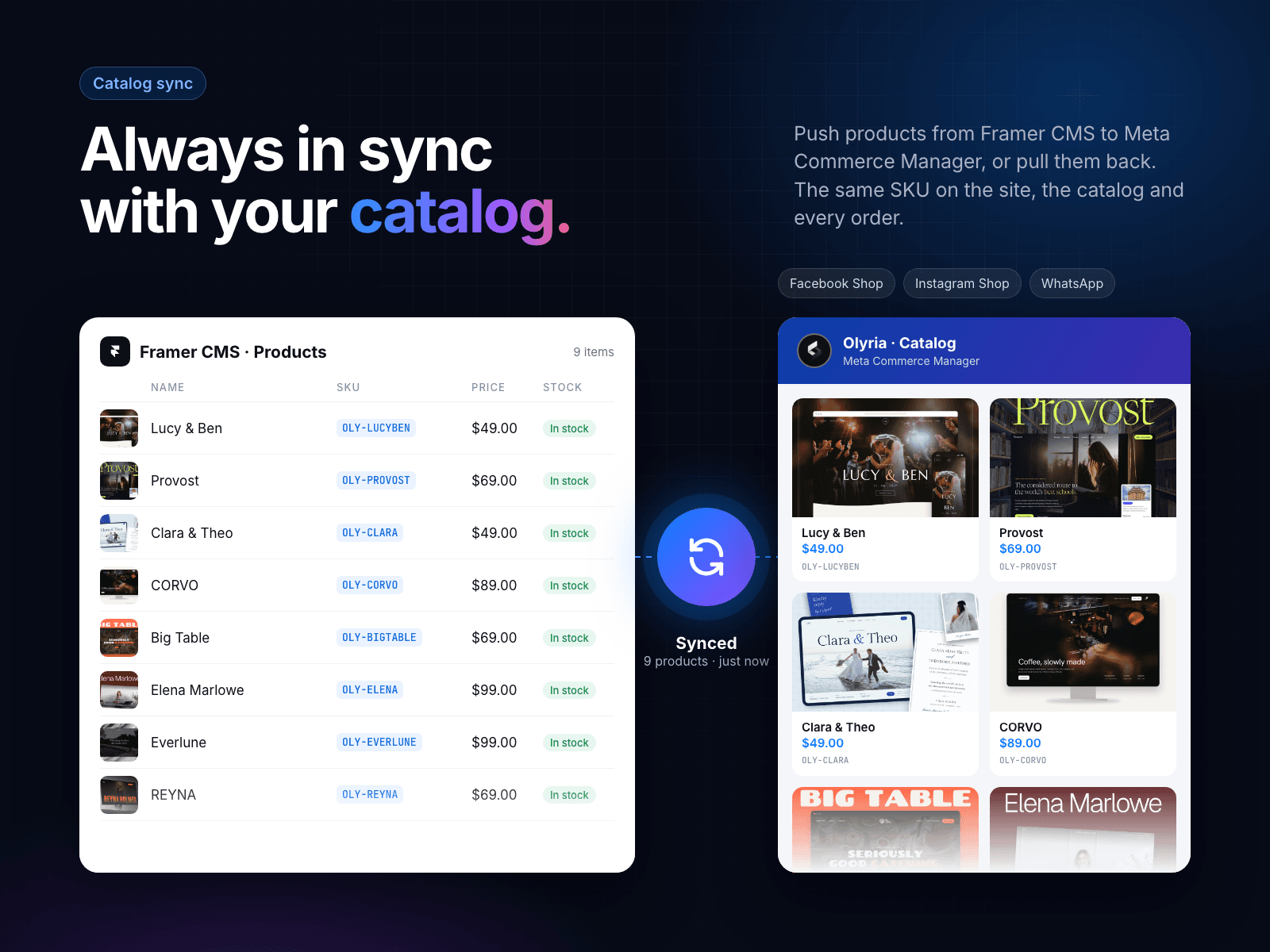
Bind SKU, name, price and image to your CMS, so each order carries the same SKU as your Facebook catalog
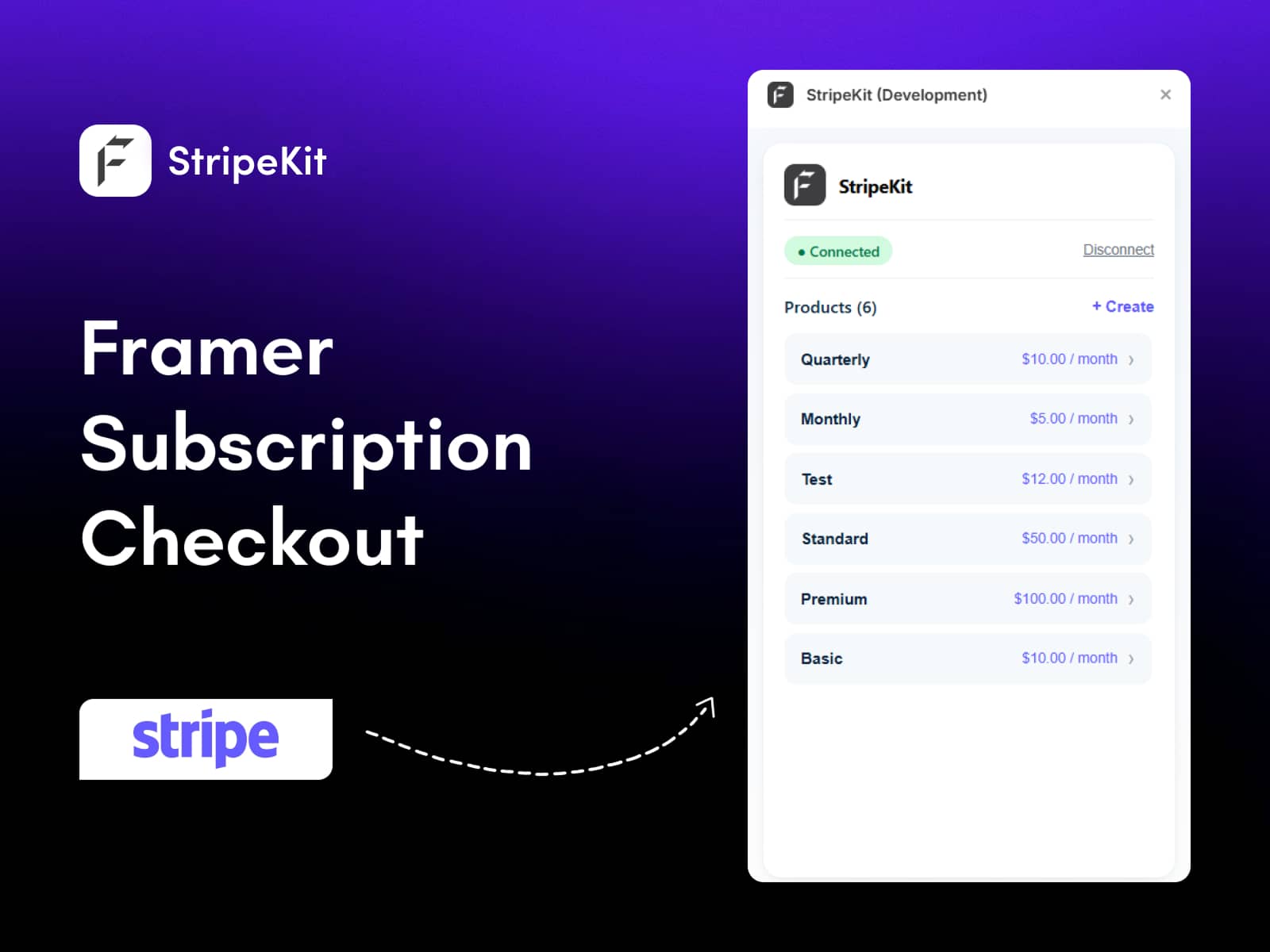
Catalog sync: keep your Framer CMS products and your Facebook Shop catalog (Meta Commerce Manager) in sync. The same catalog feeds Facebook, Instagram and WhatsApp
Share buttons open Messenger on phones and the Facebook share dialog on desktop
PRO
6 ready-made sections: shop grid, product page, cart page, reviews, contact and announcement bar
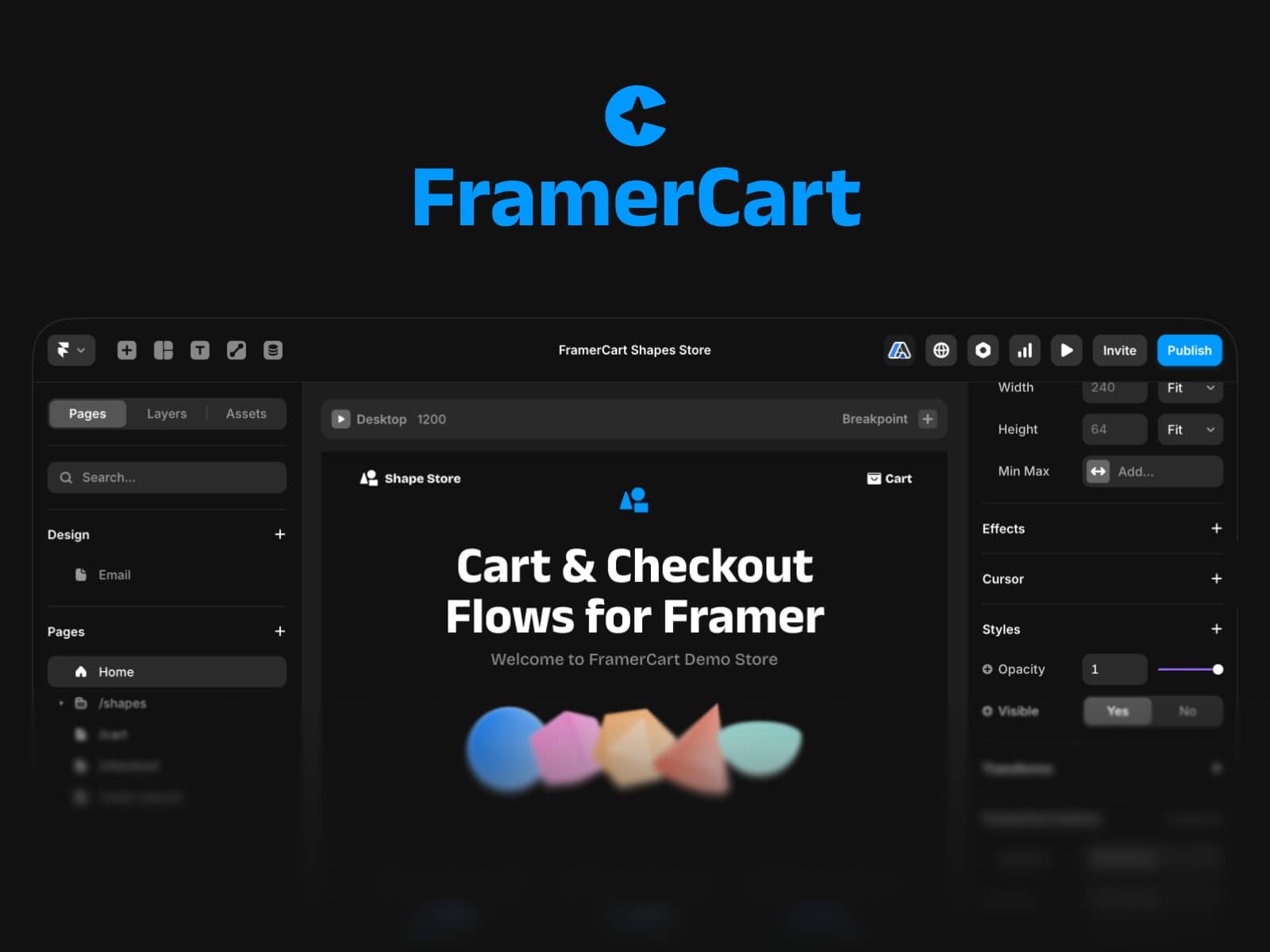
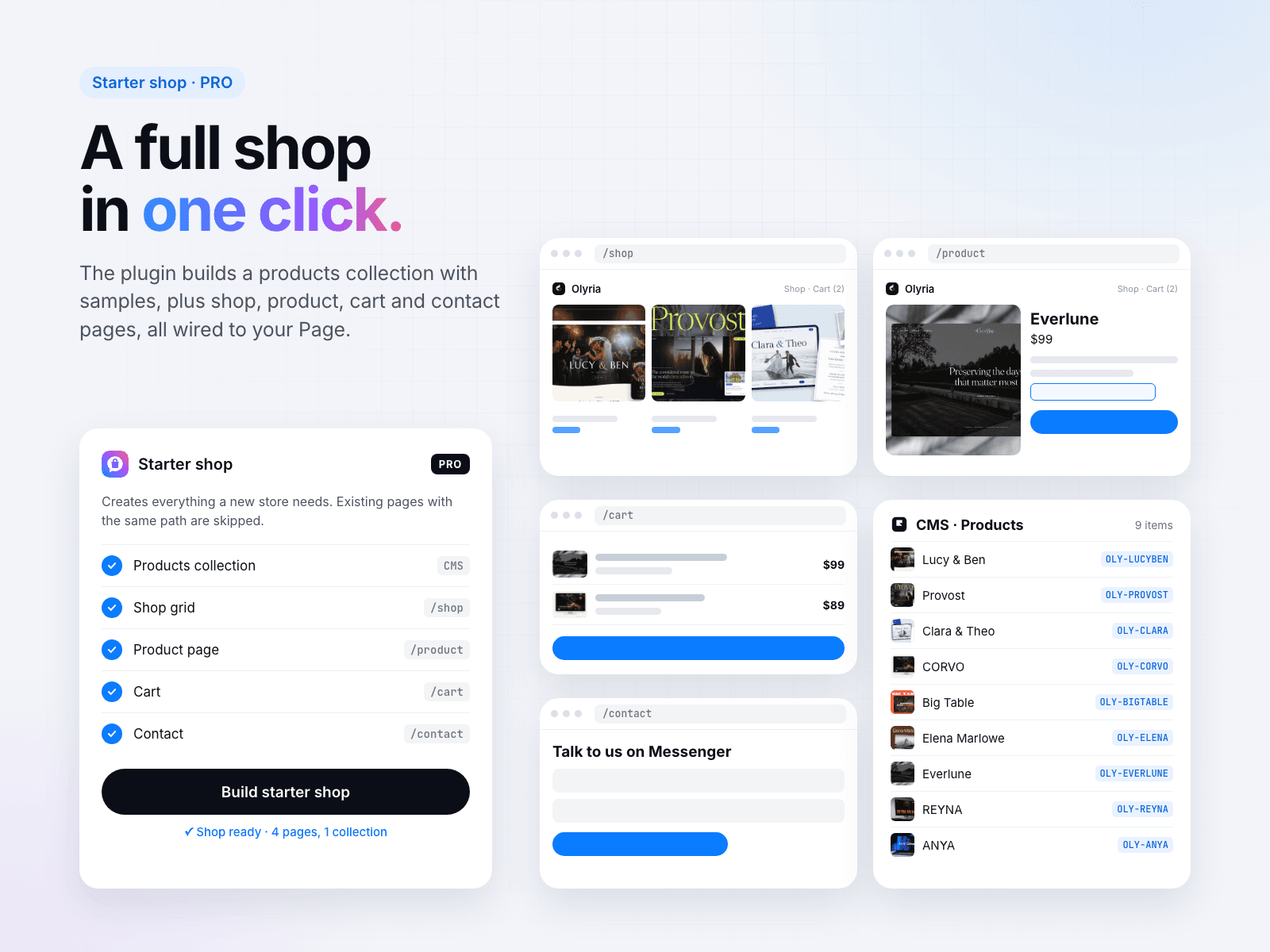
One-click starter shop: a products collection with samples, plus /shop, /product, /cart and /contact pages
Shop-wide style: accent color, dark color and corner shape on every block, and one click restyles blocks already placed
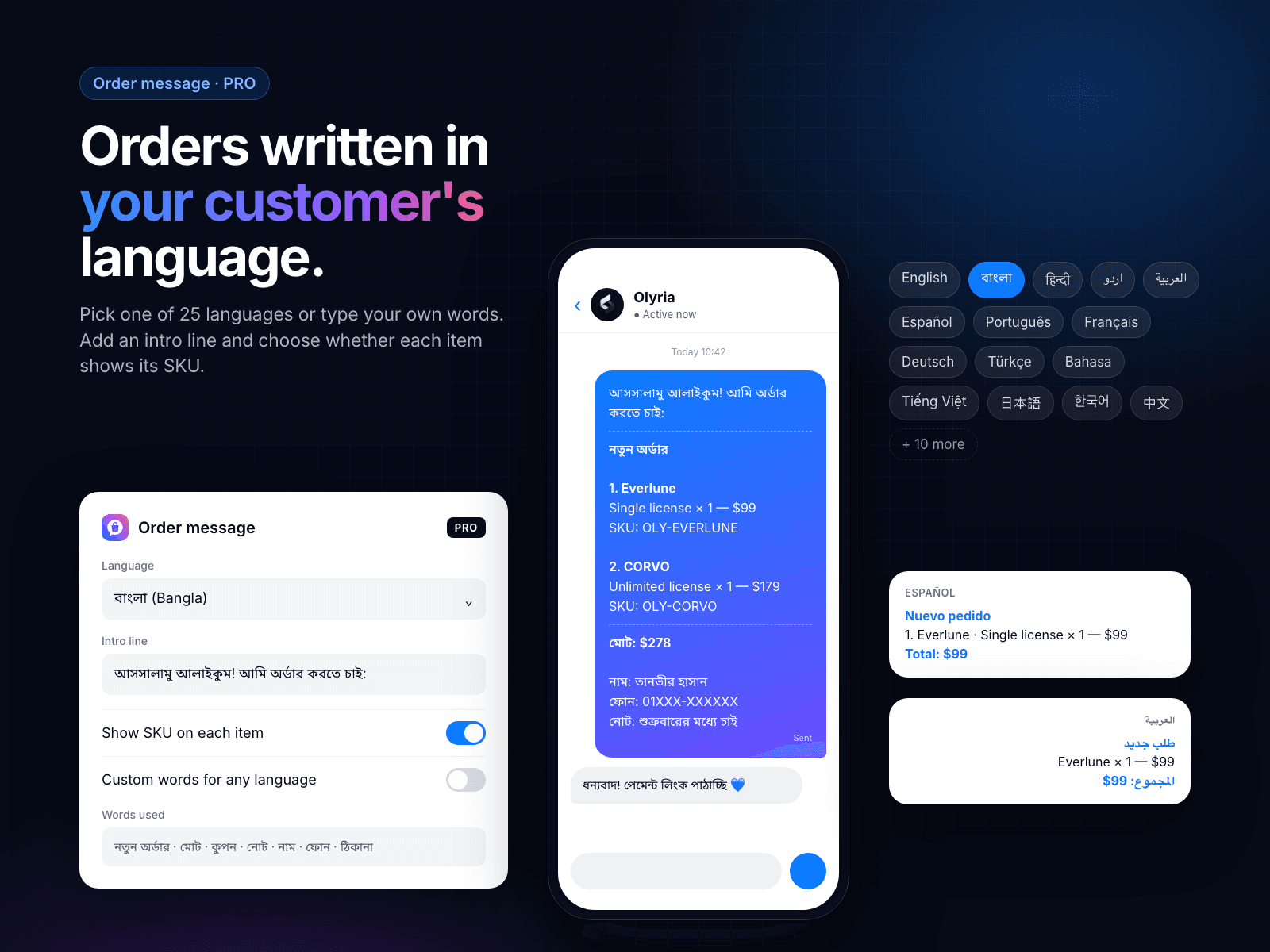
Order message in 25 languages, or your own words for any language, with an intro line and SKU on/off
Advanced blocks: product details, coupon, free-delivery bar, delivery estimate, order note, wishlist, team chat, before/after, image zoom and chat testimonials
Removes the "Unlicensed store" badge from your published site
How it works
Open the plugin and enter your Facebook Page, shop name and currency.
Add blocks or sections to your pages.
Publish. Checkout opens Messenger with the order already written. The message is also copied, so the customer can paste it if a desktop browser leaves the chat empty.