About FramerSend
Connect your Framer forms to the tools you already use, without Zapier and without putting API keys in your site.
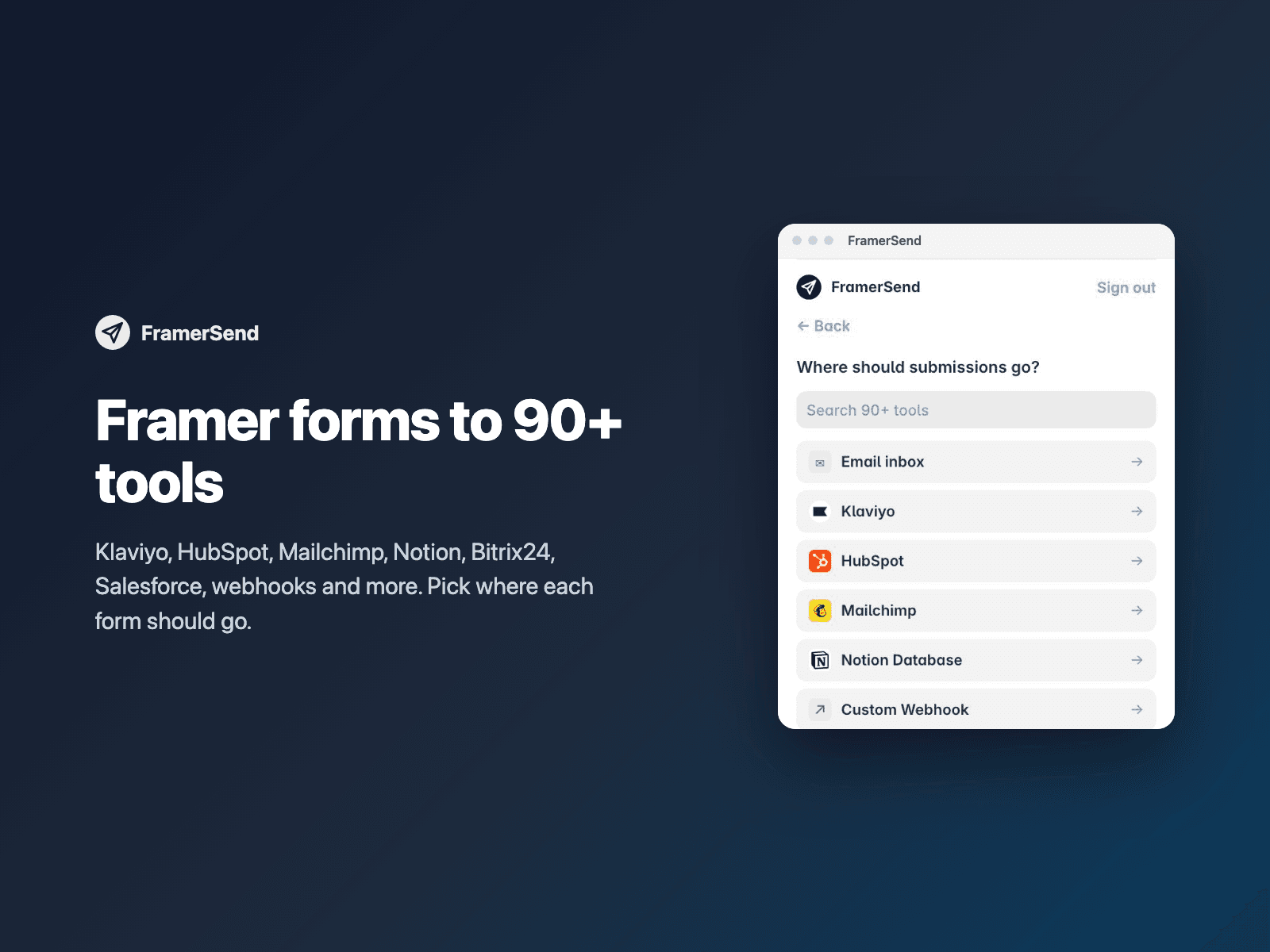
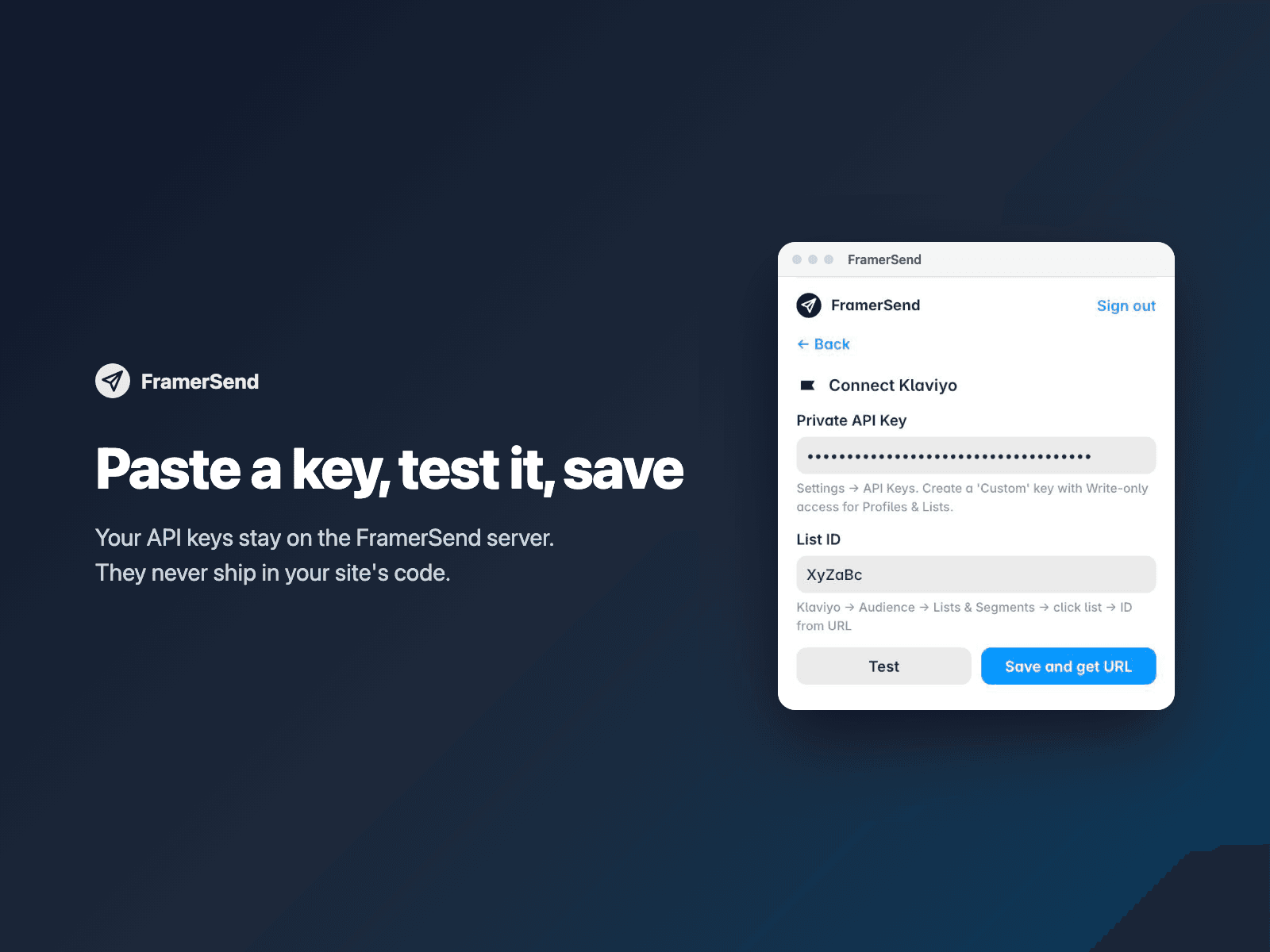
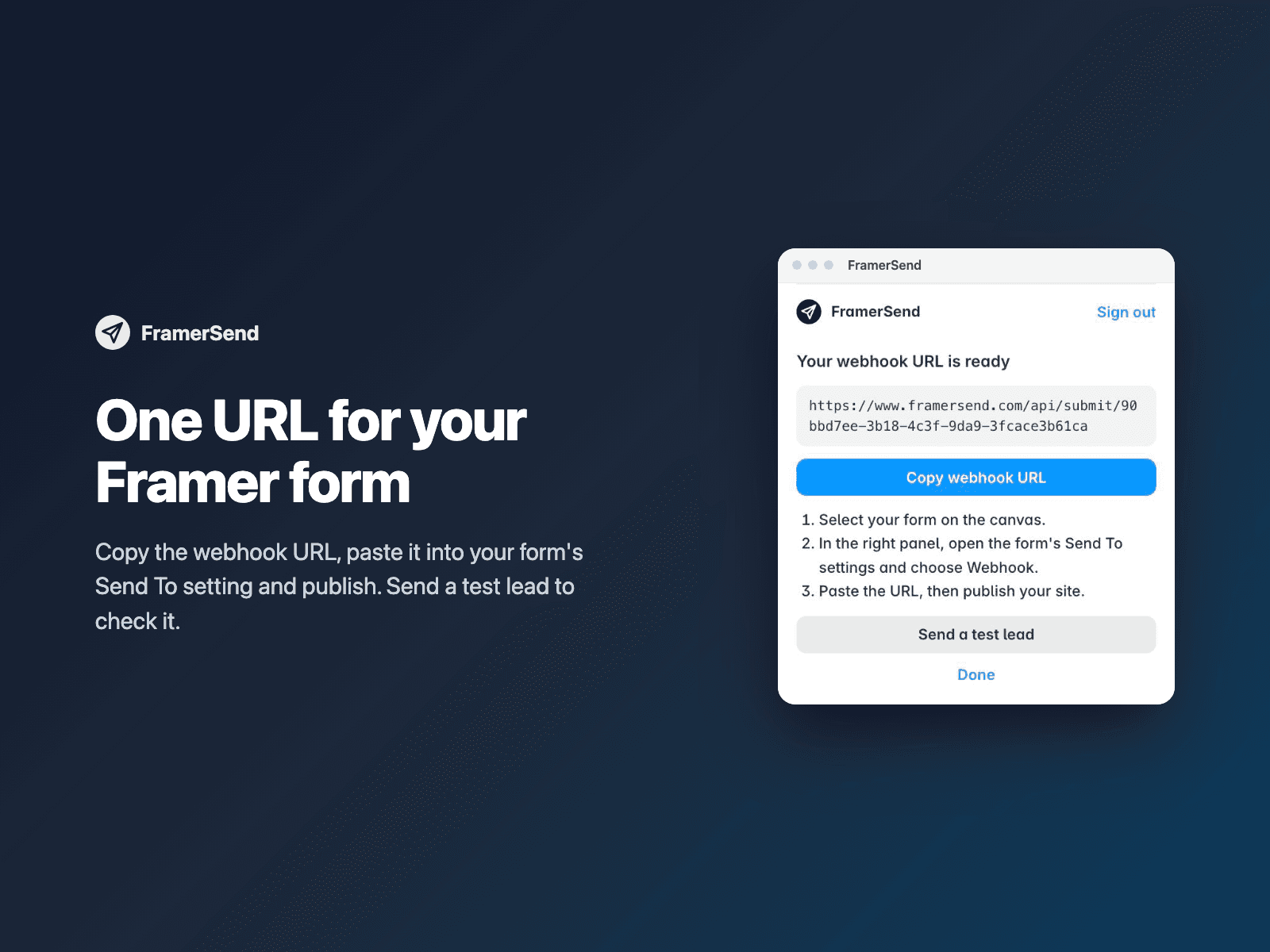
How it works: 1. Sign in to FramerSend from the plugin (14-day free trial, no card needed). 2. Pick a destination: Klaviyo, HubSpot, Mailchimp, Notion, Brevo, Kit, Pipedrive, Bitrix24, Airtable, Slack, a custom webhook and 90+ more. 3. Paste your API key and click Test. 4. Copy the webhook URL the plugin gives you. In your form's settings, open Send to, click Add, choose Webhook, paste the URL and publish.
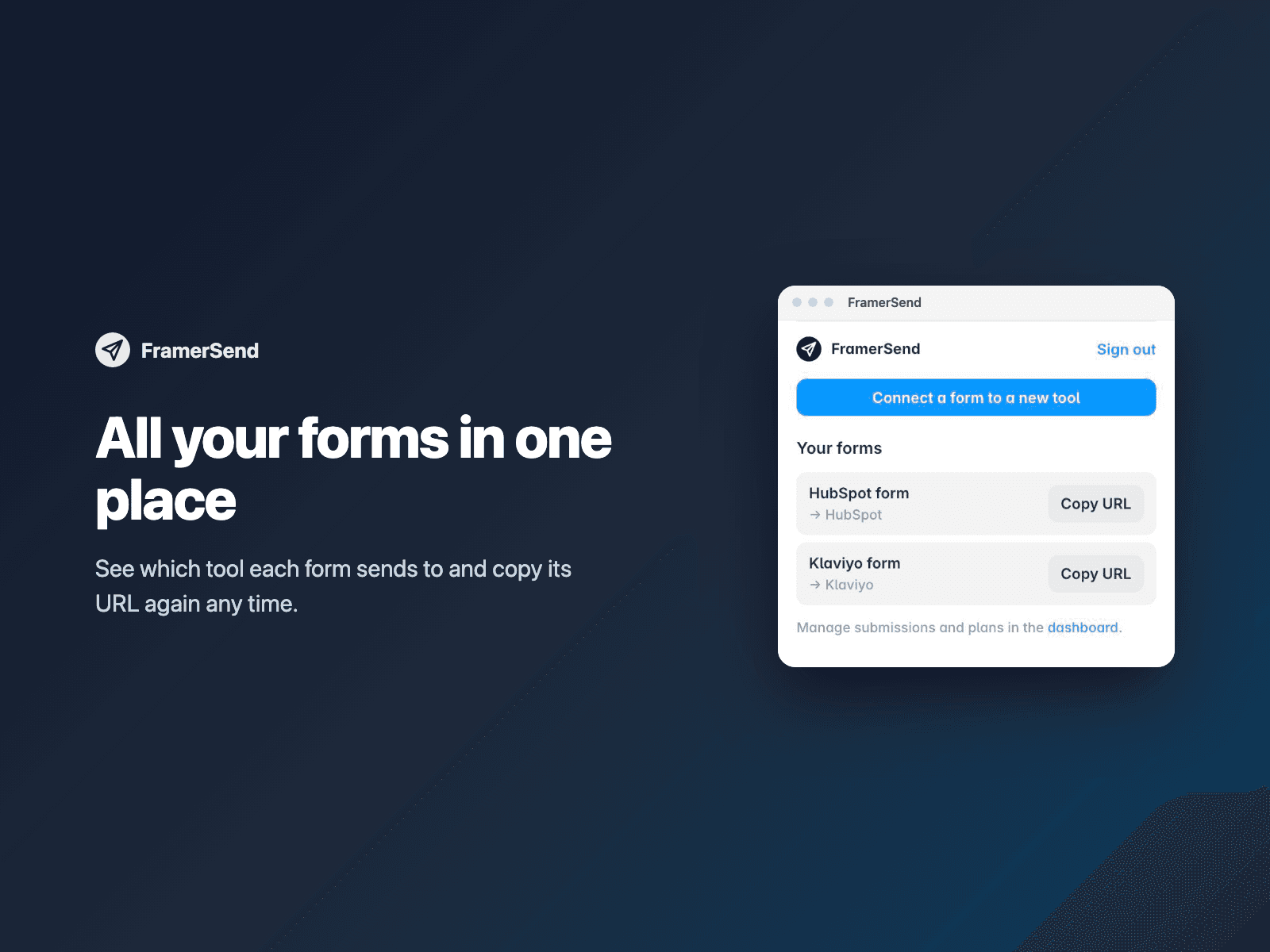
Your API keys are stored on the FramerSend server, never in your Framer project or your published site. Every submission is logged in your FramerSend dashboard, with an email alert if a delivery fails.
Salesforce and Google Sheets sign in through their own windows, so you connect those in the FramerSend dashboard. The plugin then shows their webhook URL like any other form.
Pricing: requires a FramerSend account. Every plan includes every connector. Free for 14 days with no submission limit and no card. After that: $5/month, $39/year or $89 once for one site; 5-site and unlimited-site plans are available. Details at framersend.com/pricing.