About LayerRelay — AI Design to Framer
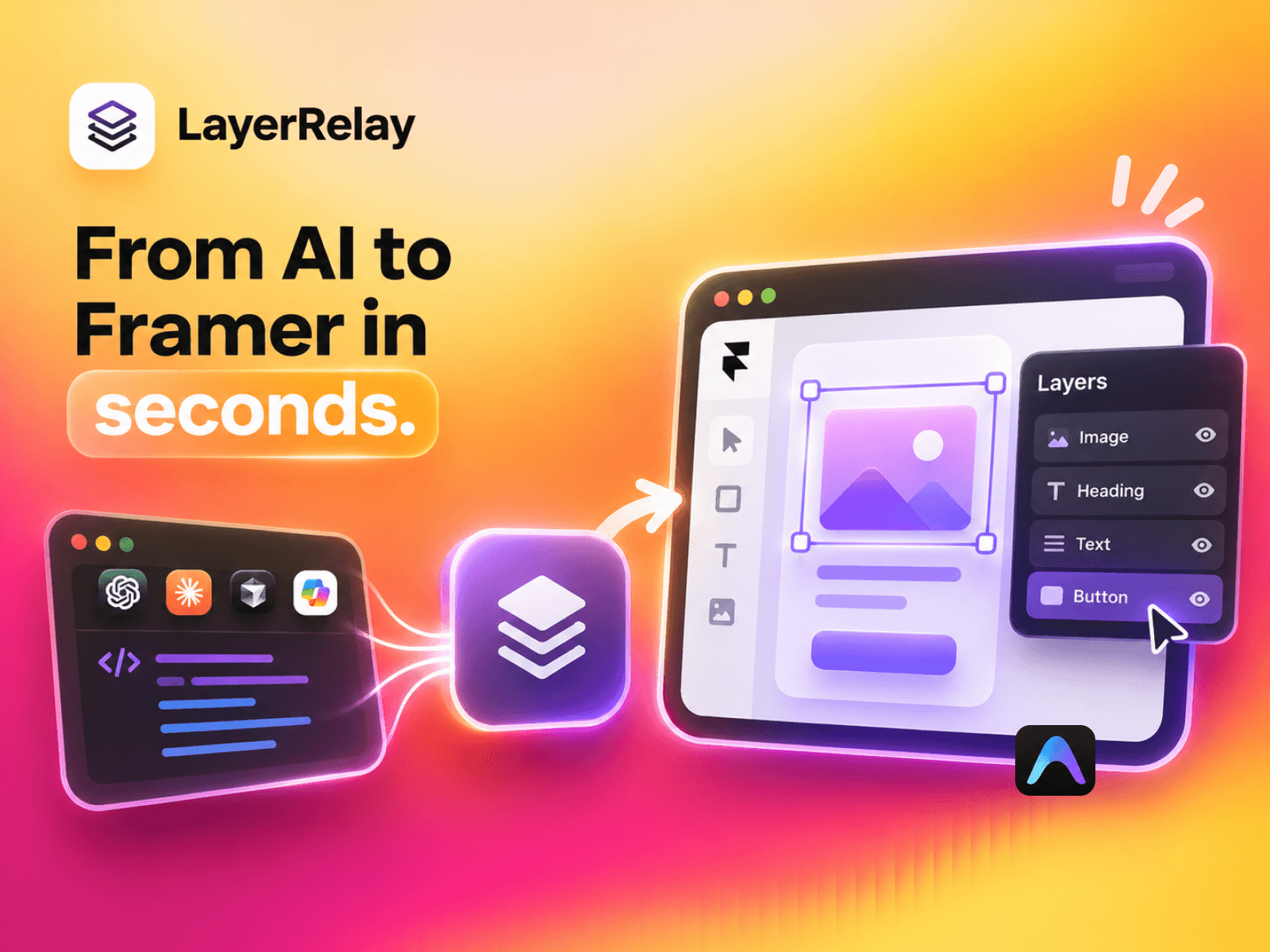
Bring your design into Framer without rebuilding it
AI tools can generate a page in seconds. LayerRelay helps you bring that work into Framer as editable frames, text, images, stacks, and grids. Start with the design you already have and refine it directly on the canvas.
What you can import
HTML, JSX, and TSX from tools like Claude and v0
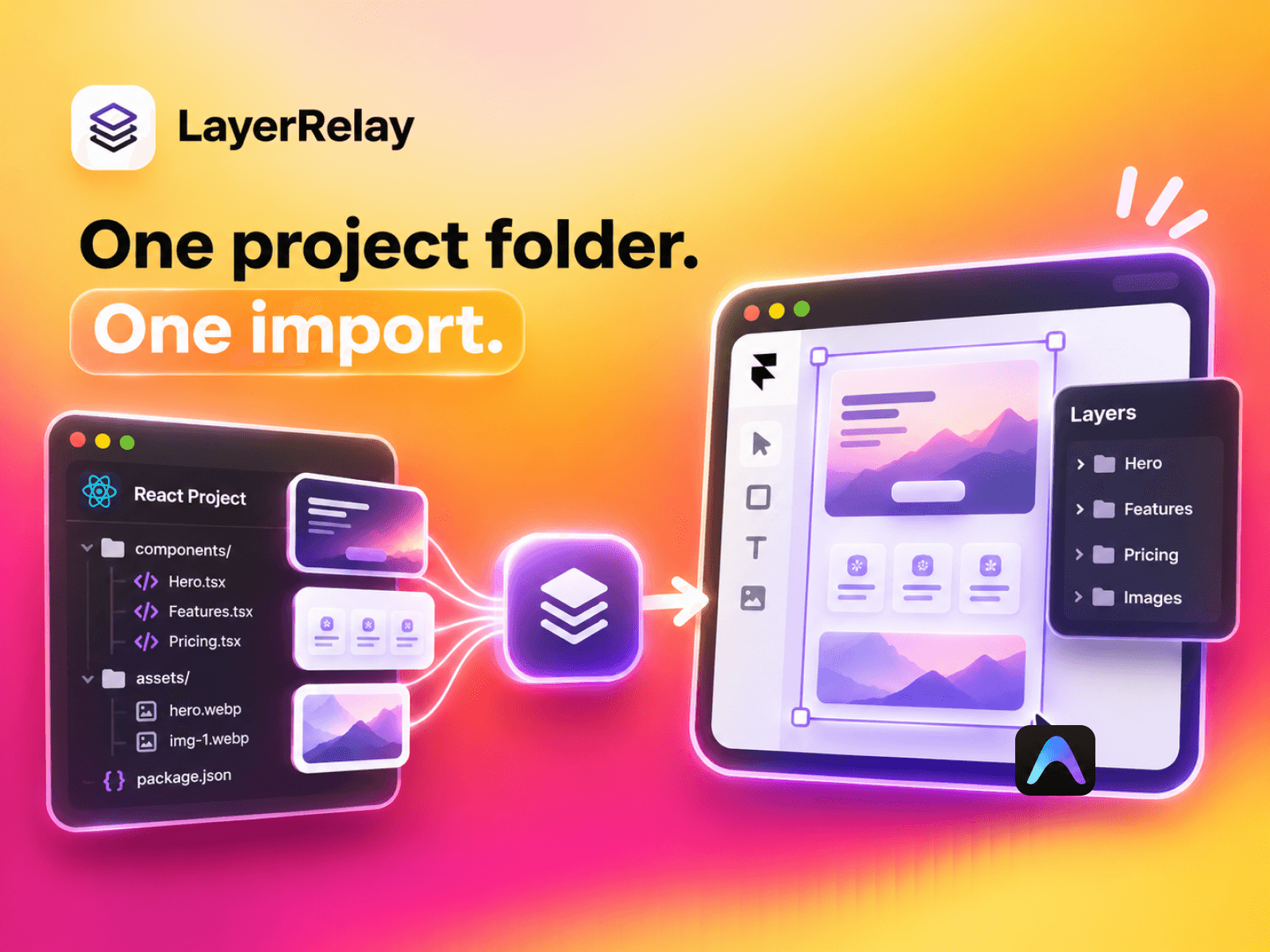
React project folders with multiple components, stylesheets, and local images
Rendered page snapshots that include content populated by JavaScript
How it works
Paste your code, upload a file, or choose your project folder.
Select the entry file for a project and set the canvas width to match your design.
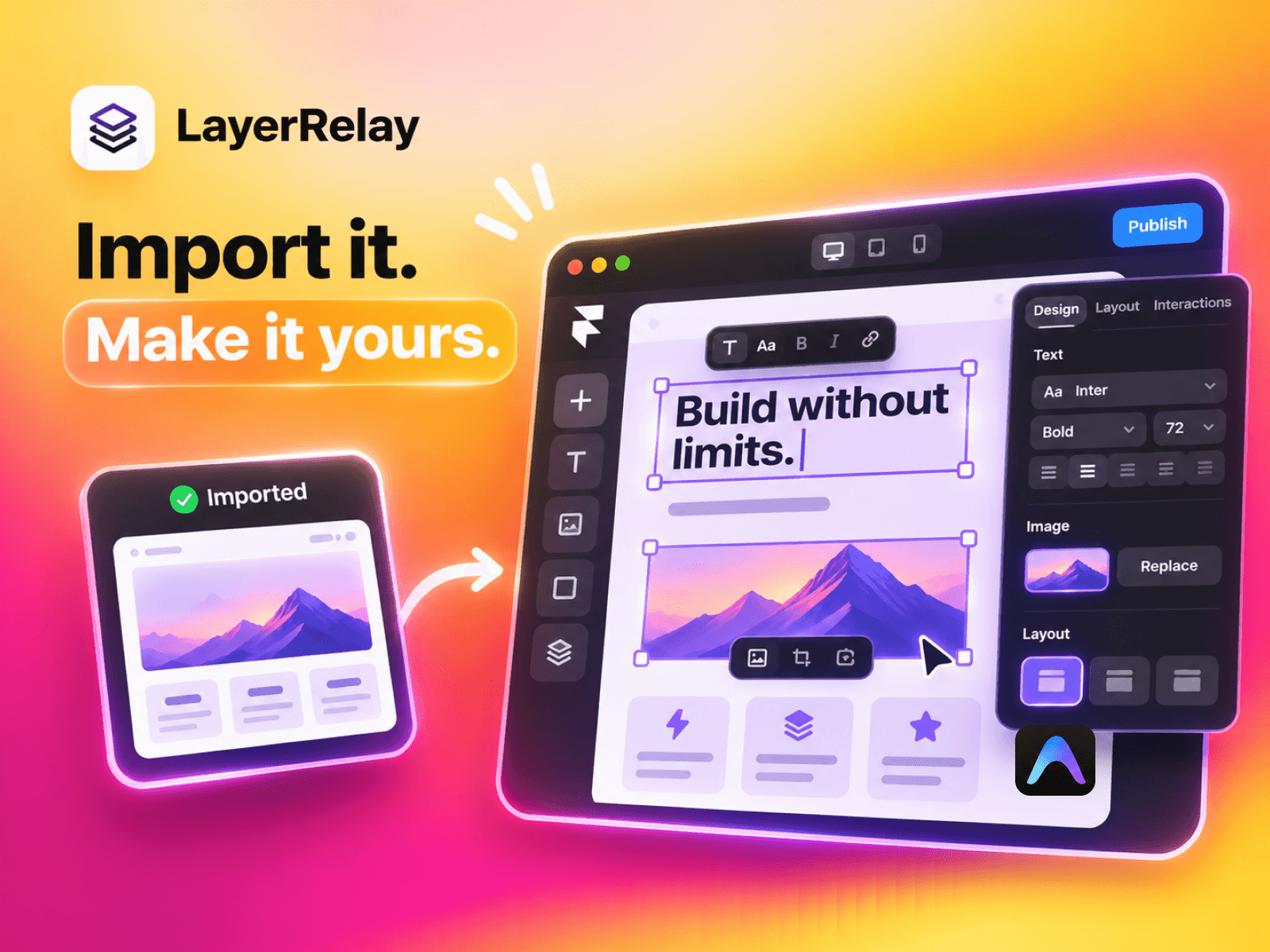
Click Import to Framer and edit the resulting layers.
LayerRelay supports inline styles, Tailwind utilities, CSS Modules, and custom theme colors and spacing. Complex effects and unavailable fonts may need touch-ups. A rendered capture brings in the visible page state as a static design.
License A paid license is required to import. After checkout, activate the key emailed by Dodo Payments inside the plugin.
Support madebypixels3@gmail.com