Most people setting up the Razorpay payment gateway end up bouncing between three tabs: Razorpay dashboard, their website builder, and a notes app full of pasted URLs. RazorpayKit removes that whole loop.
Here's what makes it different:
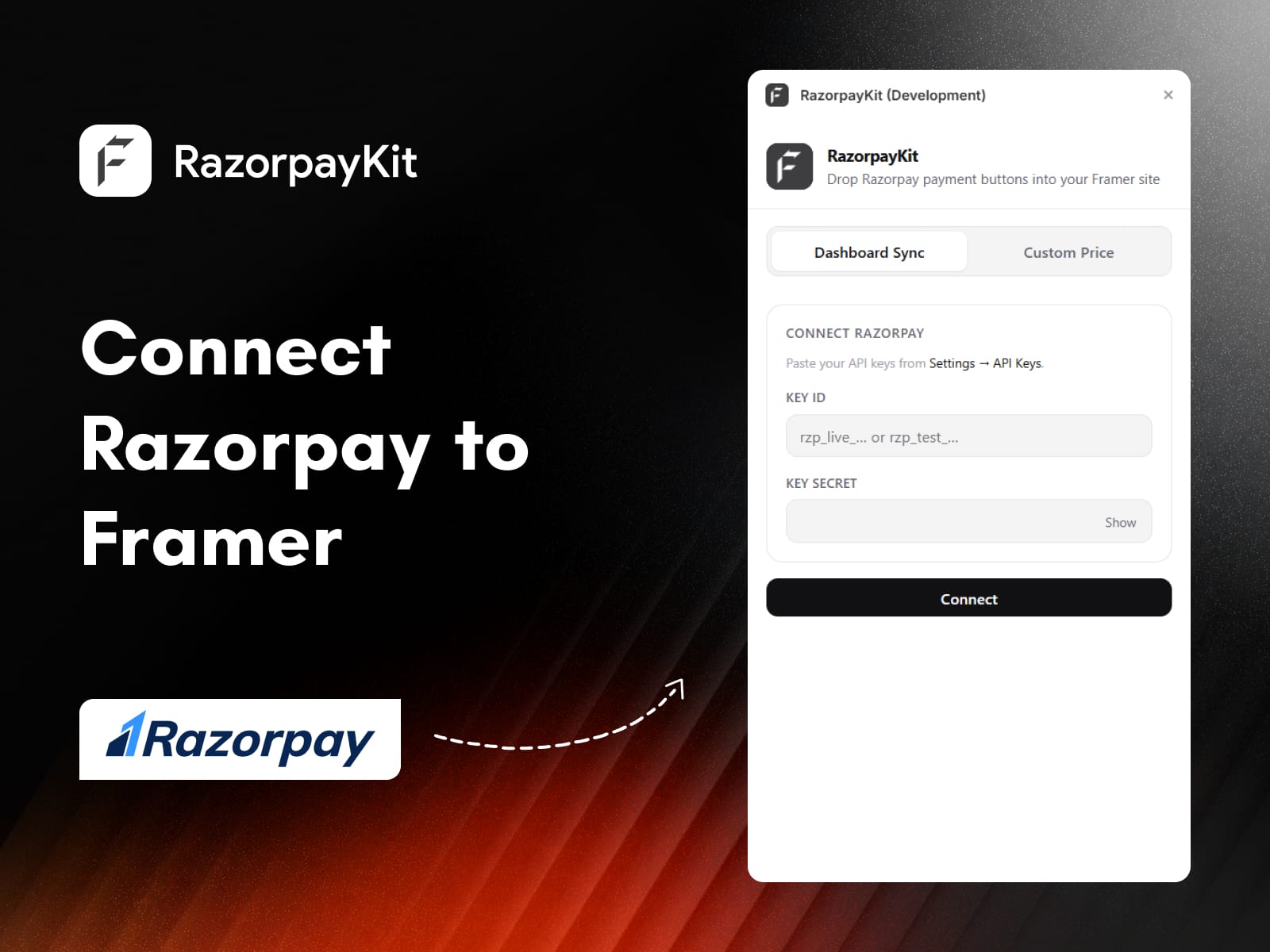
Direct connection to your Razorpay account using Key ID and Key Secret
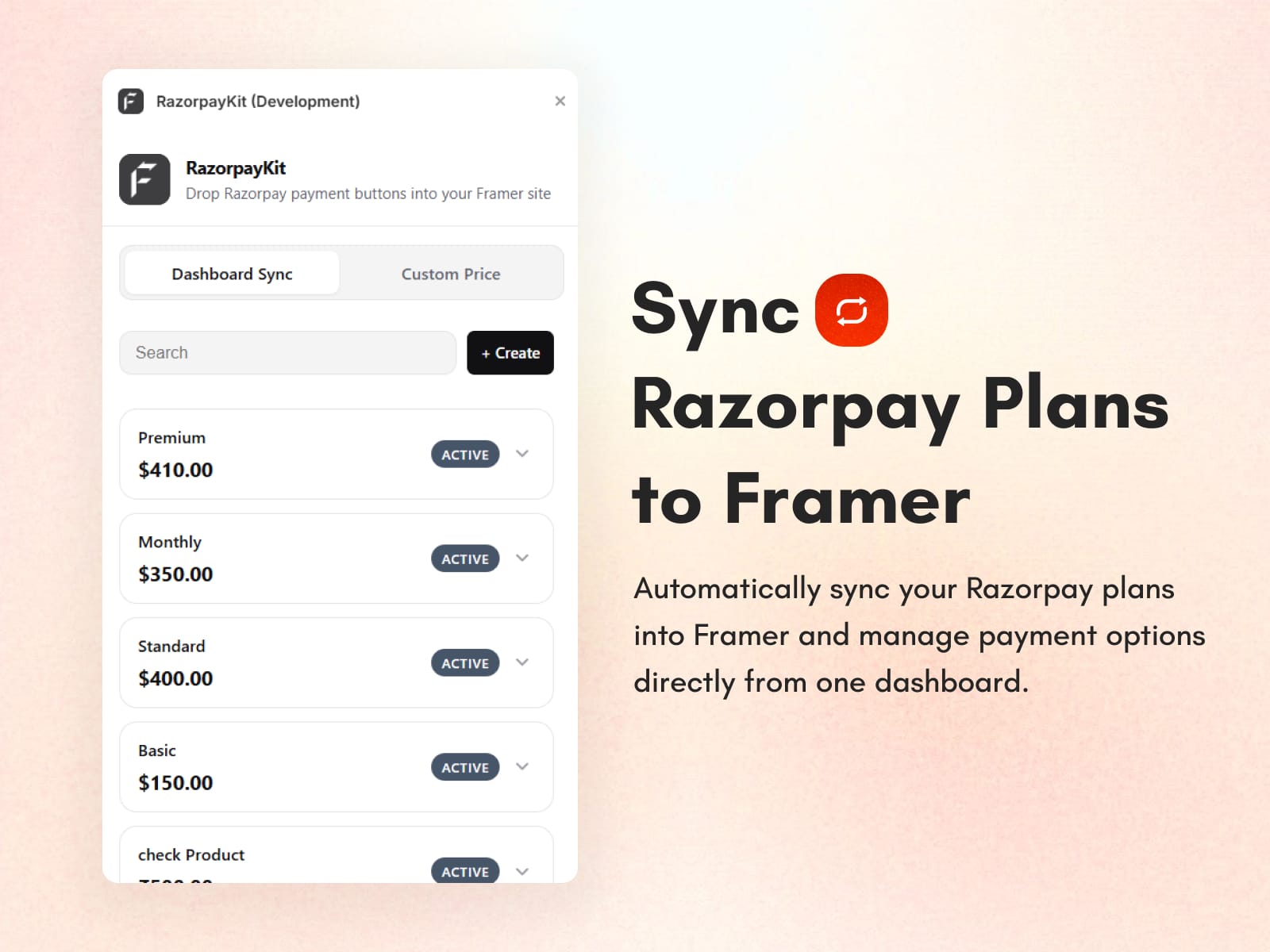
Live sync of your Payment Links into the Framer plugin.
Filtered view that hides cancelled and expired links automatically
Create new links without ever opening the Razorpay dashboard
Two checkout styles - hosted Payment Links or modal Standard Checkout
Real Framer components, not static images or iframes
It's the fastest path from "I need to take payments" to "my site is live and selling."
Key Razorpay Payment Gateway Features Inside the Plugin
The plugin includes the Razorpay payment gateway features most creators and founders actually need - without the bloat of a full developer setup.
Dashboard Sync Tab
Pulls all active Payment Links from your Razorpay account
Shows price, currency, and live status at a glance
Search bar to find the right link quickly
Auto-filters expired and cancelled links so your canvas stays clean
Create New Links Inside Framer
Spin up a new Razorpay Payment Link without leaving the plugin
Set product name, amount, and currency in a few clicks
New links appear in your sync list instantly
Custom Price Tab (Standard Checkout)
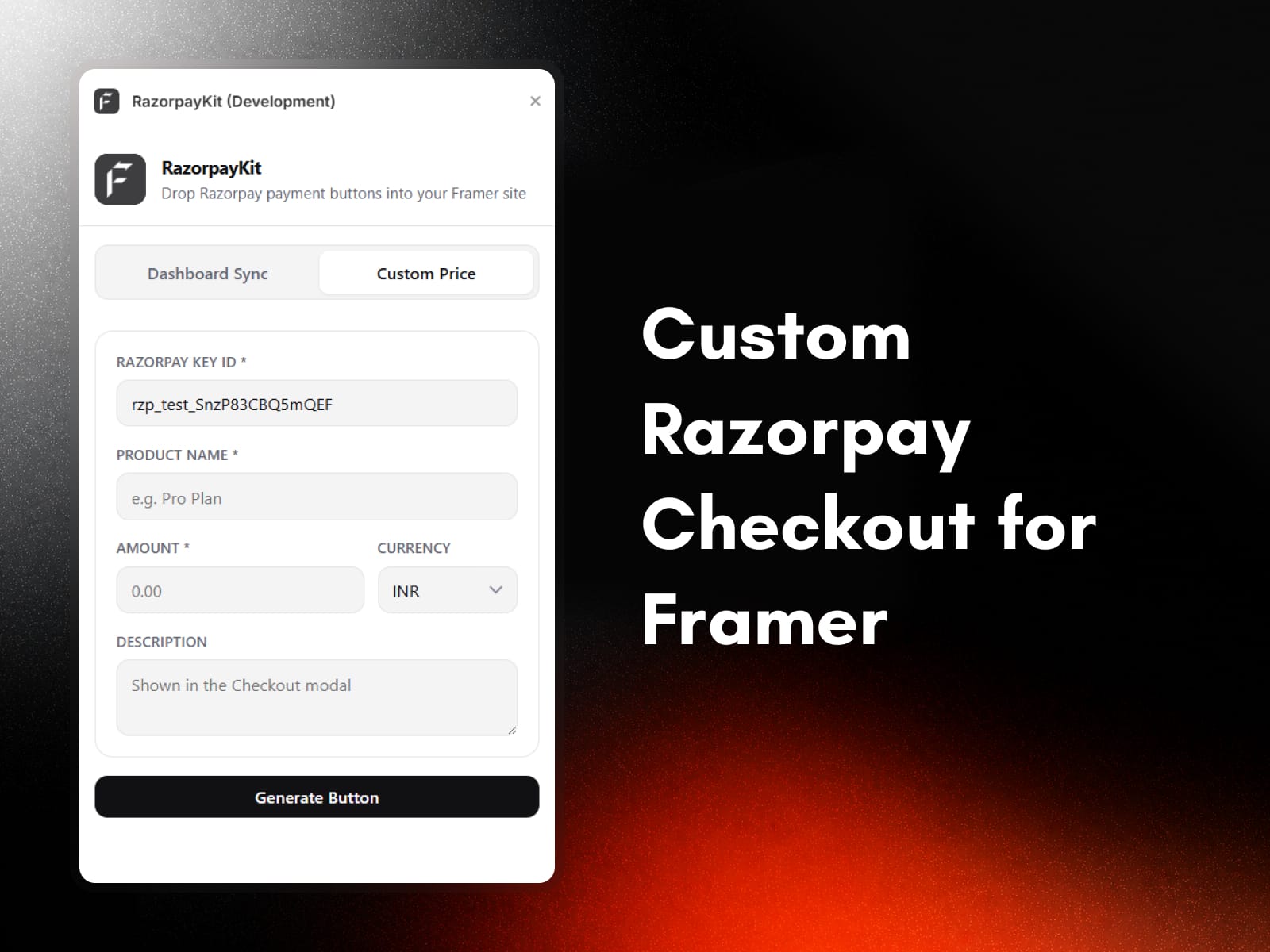
Generates Razorpay Standard Checkout buttons that open the Razorpay modal on click
Amount, currency, and product name are baked in at generation time
Perfect for one-off products or quick checkout buttons
Fully Editable Framer Components
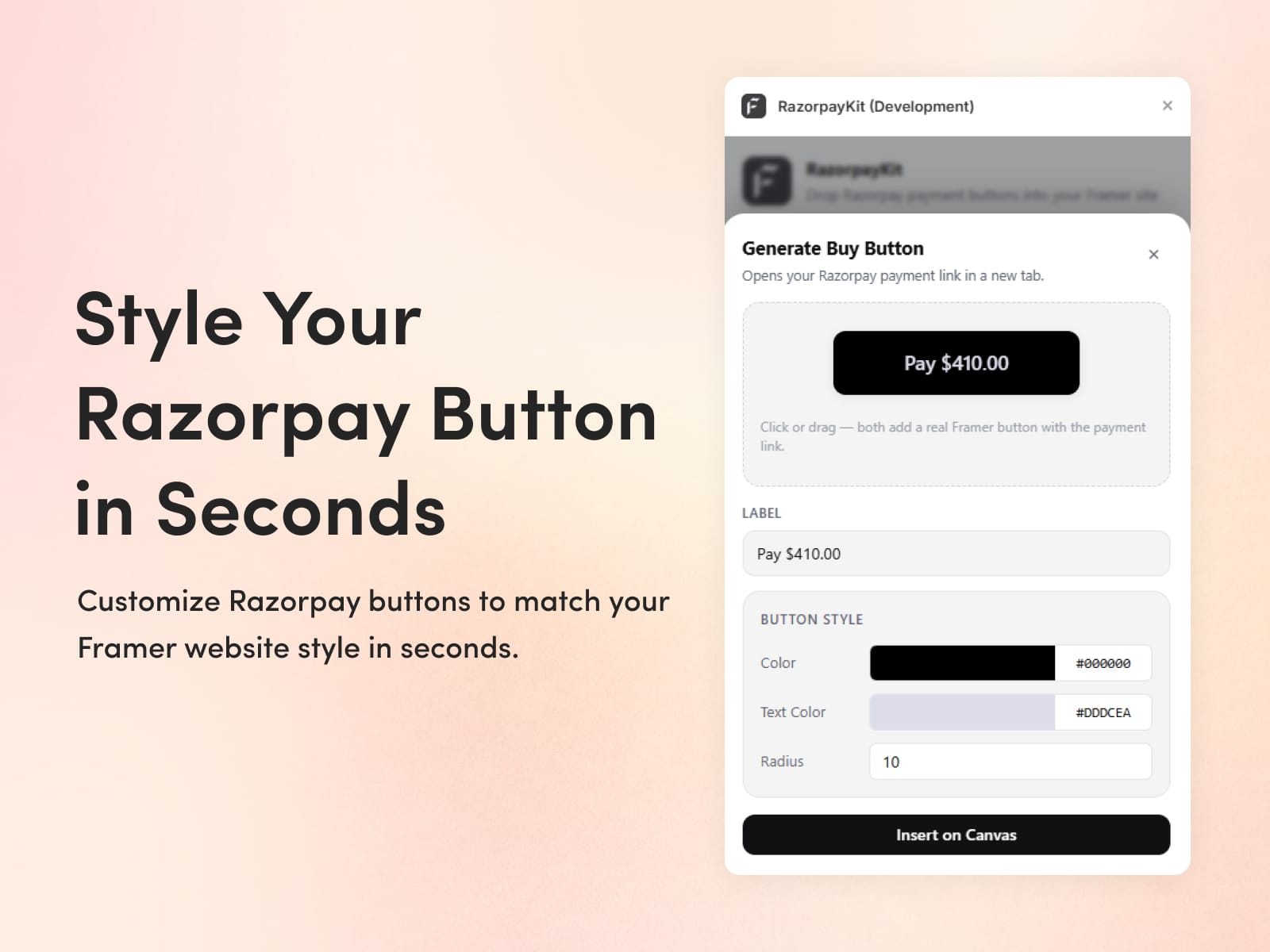
Customize labels, colors, border radius, spacing, font weight, and dimensions
Light and dark mode that follows Framer's active theme
Property controls let you match the button to your brand exactly
This plugin fits anyone selling something online through a Framer site:
Creators selling digital products, templates, or courses
SaaS founders building marketing sites with paid plans
Agencies shipping client sites that need a real checkout
Coaches and consultants taking bookings or deposits
Small businesses moving from a landing page to a paid product
If you can drag and drop, you can take payments.
1) What is RazorpayKit?
RazorpayKit is a Framer plugin that connects your Razorpay account to Framer and turns your Payment Links into drag-and-drop checkout buttons on the canvas.
2) Do I need a backend to use the Razorpay payment gateway with this plugin?
No. RazorpayKit handles the connection through your Razorpay API keys directly. There's no backend, no OAuth setup, and no Cloudflare configuration required.
3) How does Razorpay payment gateway integration work inside Framer?
You paste your Razorpay Key ID and Key Secret into the plugin. It then syncs your active Payment Links and lets you drop them onto the canvas as editable Pay Now buttons.
4) Are the buttons fully customizable?
Yes. Every dropped element is a real Framer component with property controls for labels, colors, border radius, spacing, font weight, and dimensions.
Here's why creators, founders, and agencies choose RazorpayKit:
No backend required - connect your Razorpay account using API keys and you're ready to sell
Built for Framer - every button is a real, editable Framer component, not a static embed
Live Payment Link sync - your Razorpay dashboard and Framer canvas stay in sync automatically
Two checkout styles - hosted Payment Links or Razorpay Standard Checkout modal, your choice
Create links inside Framer - spin up new Razorpay Payment Links without switching tabs
Full design control - customize labels, colors, radius, spacing, and font weight to match your brand
Multi-currency support - accept payments in INR, USD, EUR, GBP, AED, SGD, AUD, and CAD
Saves hours of setup - what usually takes a developer days takes you minutes
One-time setup, lifetime use - connect once and reuse across every Framer project
If you want a website that looks great and takes real payments without the technical headache, RazorpayKit is built for exactly that.