About Lens Opticians
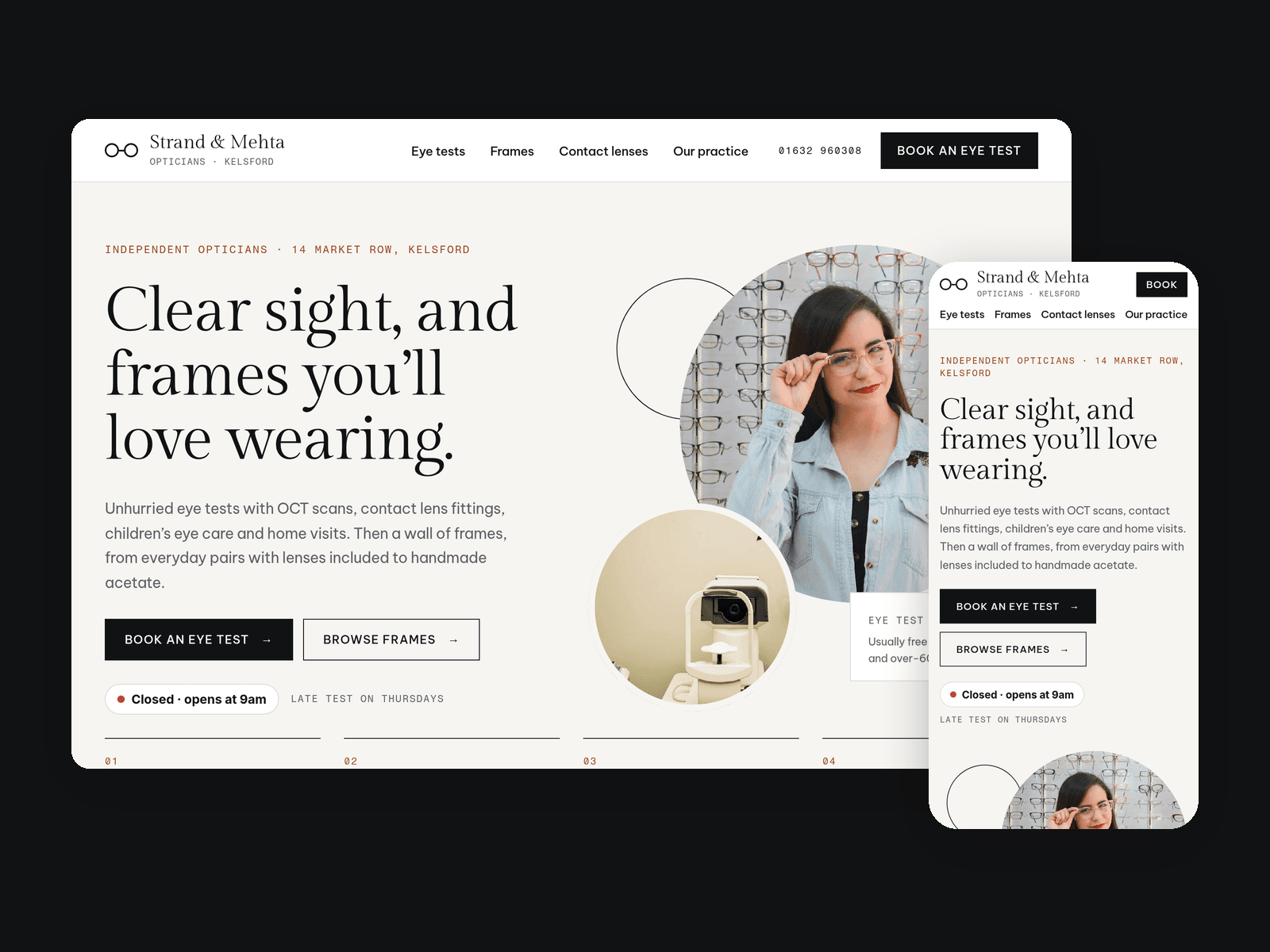
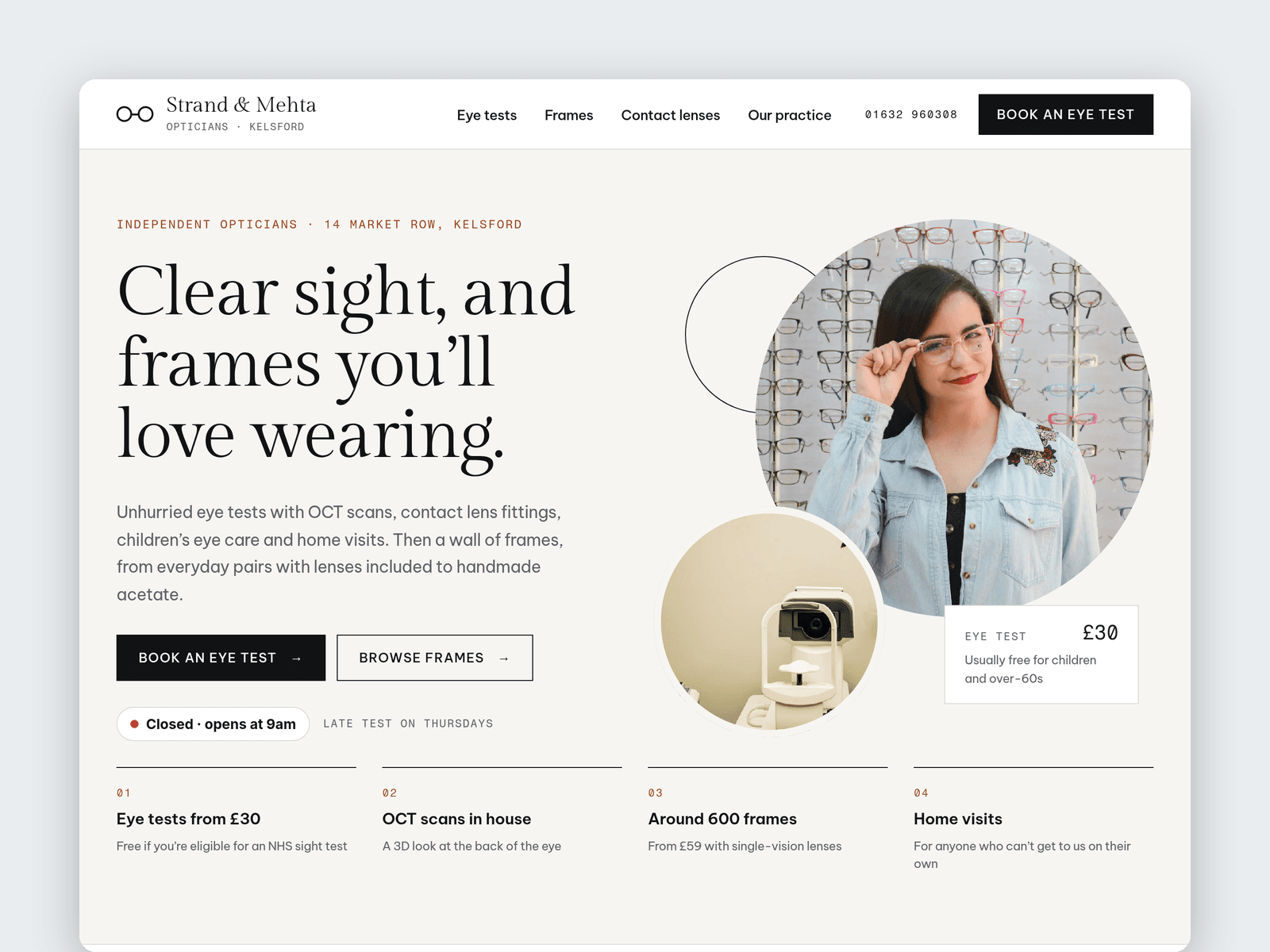
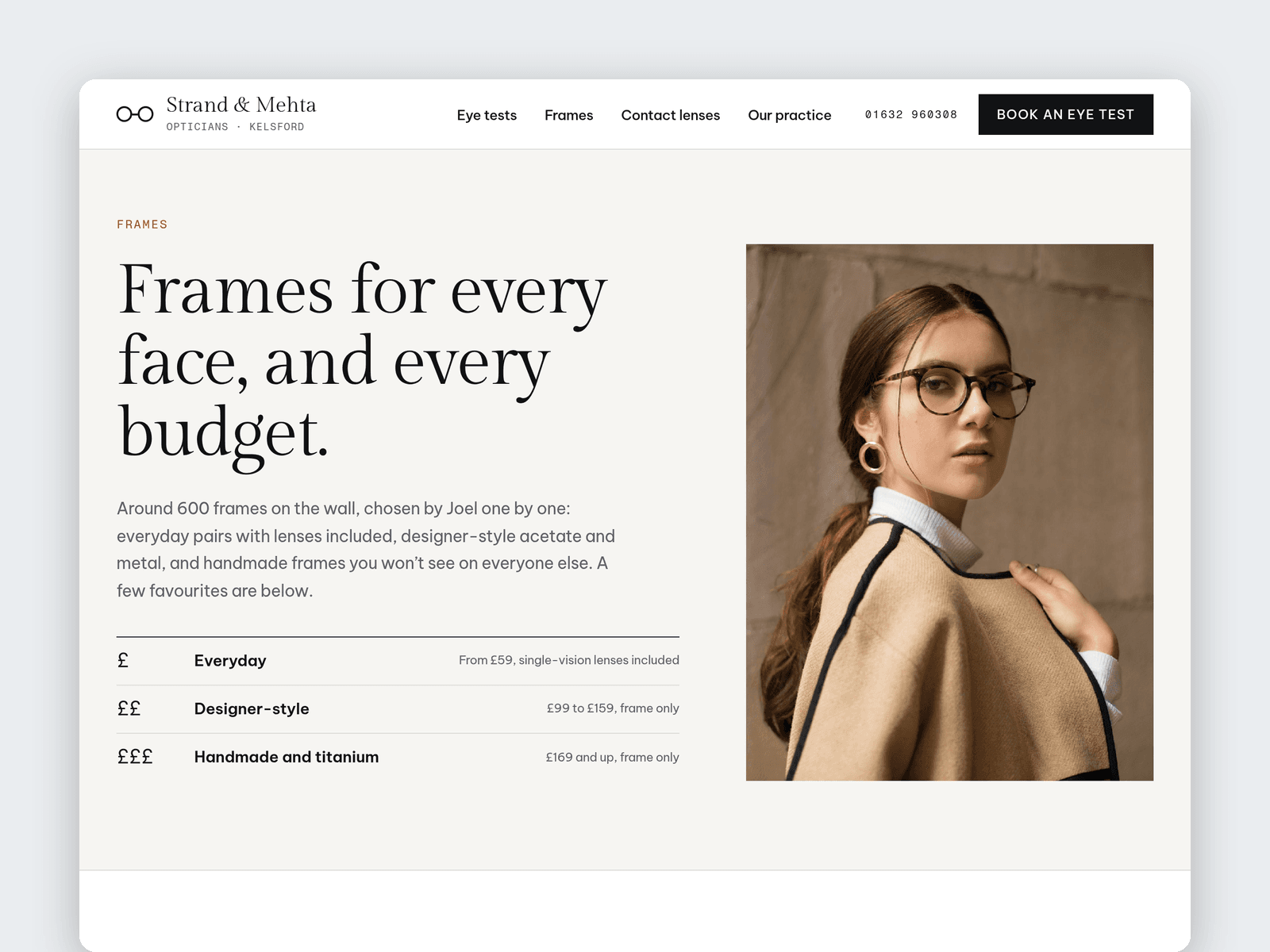
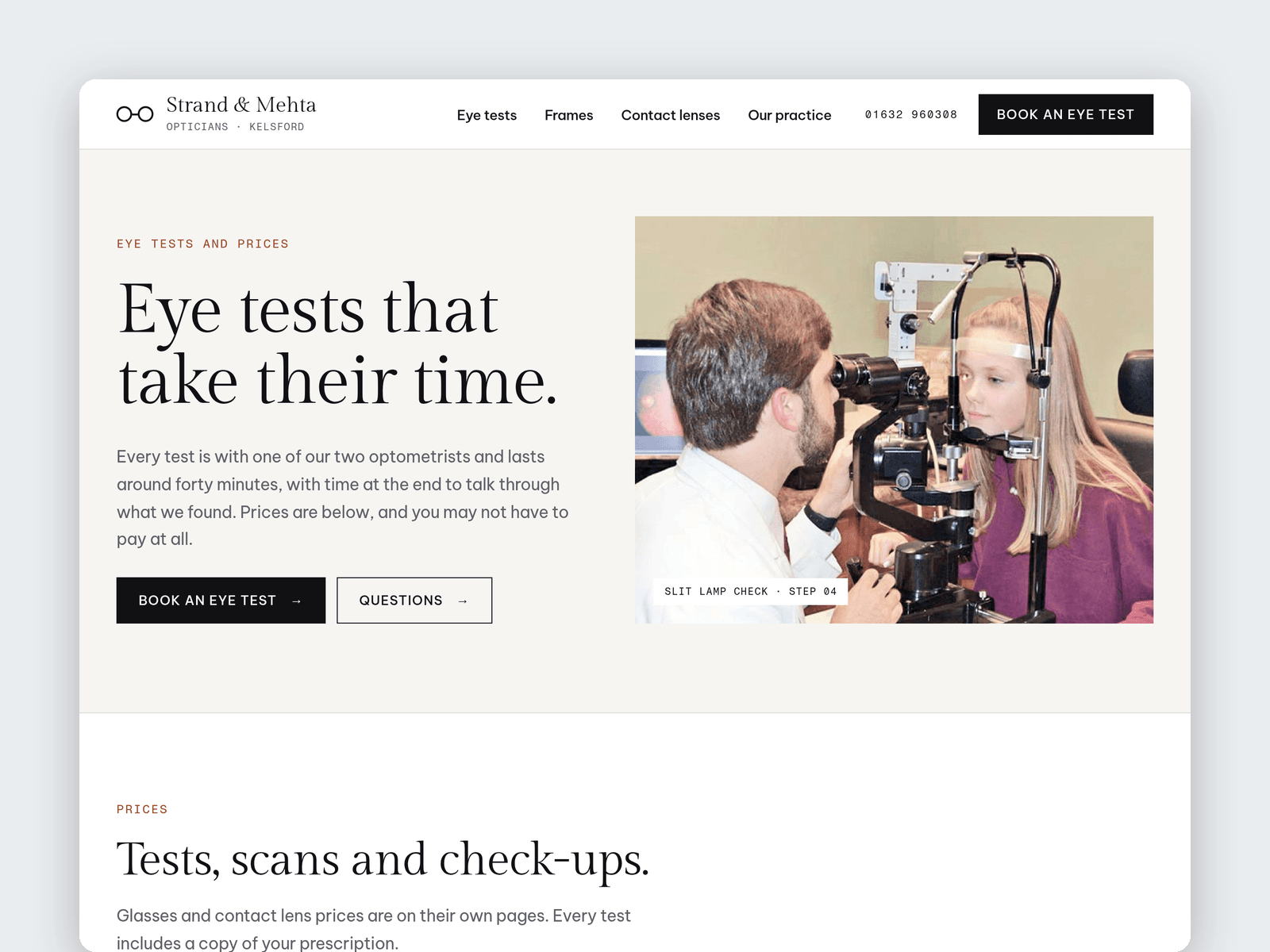
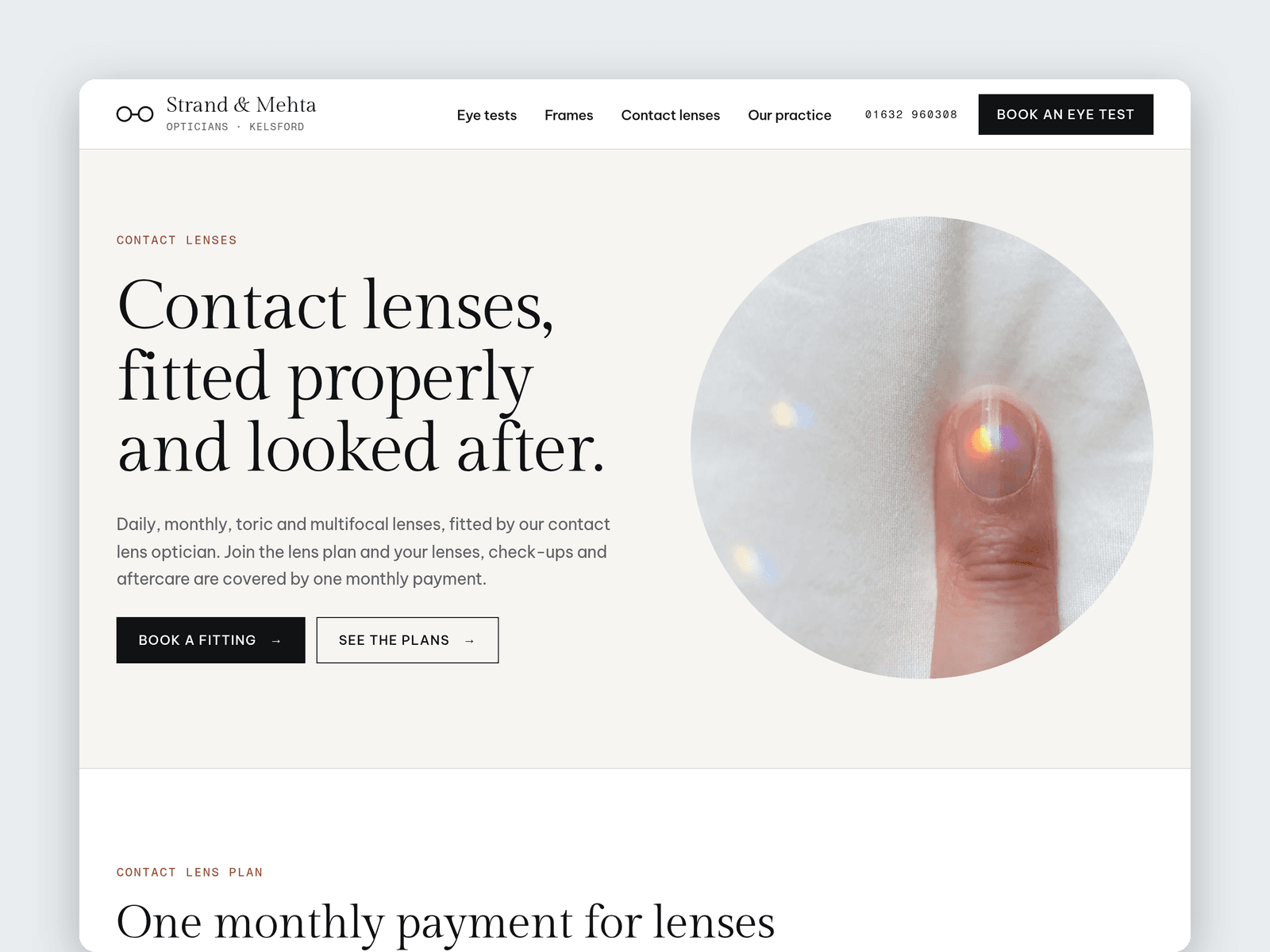
Lens is a website template for independent opticians and optometrists. It's light, crisp and a little fashion-minded: square buttons, an elegant serif, round "lens" photos and an eye test chart drawn in type.
Services, frames and the team run from the CMS. Each service has a price, a price note, a duration and a summary. Each frame has a name, style, material, price band, price and photo. Each team member has a role, specialisms, years in practice, a bio and a GOC number placeholder.
The "Open now" badge reads your opening hours in your time zone. It shows "Open now · until 5:30pm" or the next opening time, such as "Closed · opens at 9am", and updates every minute.
The Book page has an eye test request form (new or existing patient, type of test, preferred days and time, glasses or contact lenses, a free NHS test check box and contact details) with loading, success and error states.
Pages: Home, Eye tests (prices, a minute-by-minute eye test timeline, children's eye care, OCT scans, home visits and an FAQ), Frames (collection, frame shape guide and lens prices), Contact lenses (lens plans and fitting steps), Our practice (team, hours, access and map), Book, Licenses and 404. Every page has its own search title and description, and all are laid out for desktop, tablet and phone.
Getting started:
Change the colours in Assets → Colors (all named Lens/...) and the fonts in Assets → Text Styles.
Replace the services, frames and team in the CMS, including the GOC number placeholders.
Set your opening hours on the "Open now" badges and in the footer.
Open the form on /book and choose where requests go.
Check the NHS wording and your prices, plans and FAQ answers against your own practice.
Swap the photos for your own, and put your address in the map on /practice.