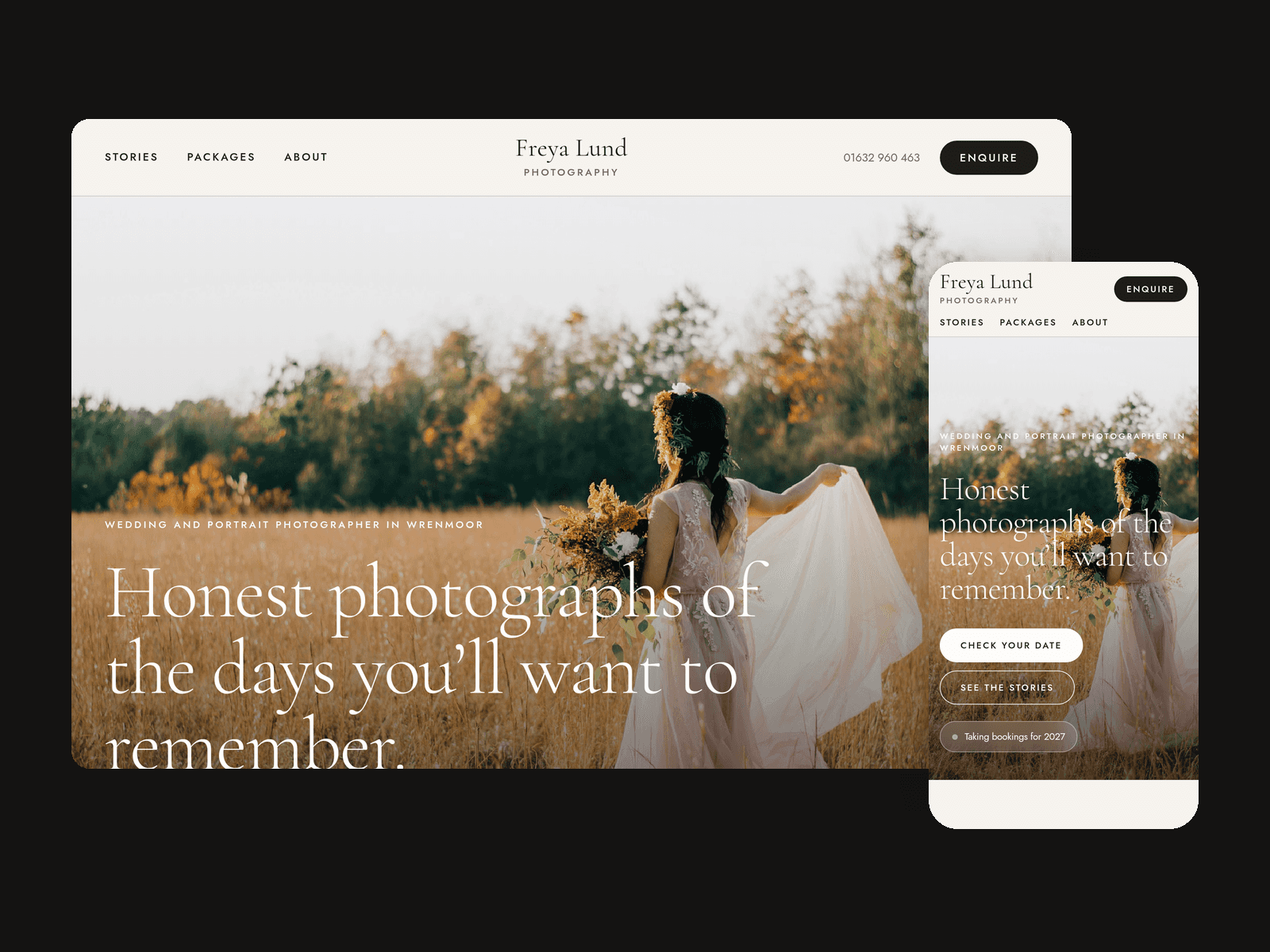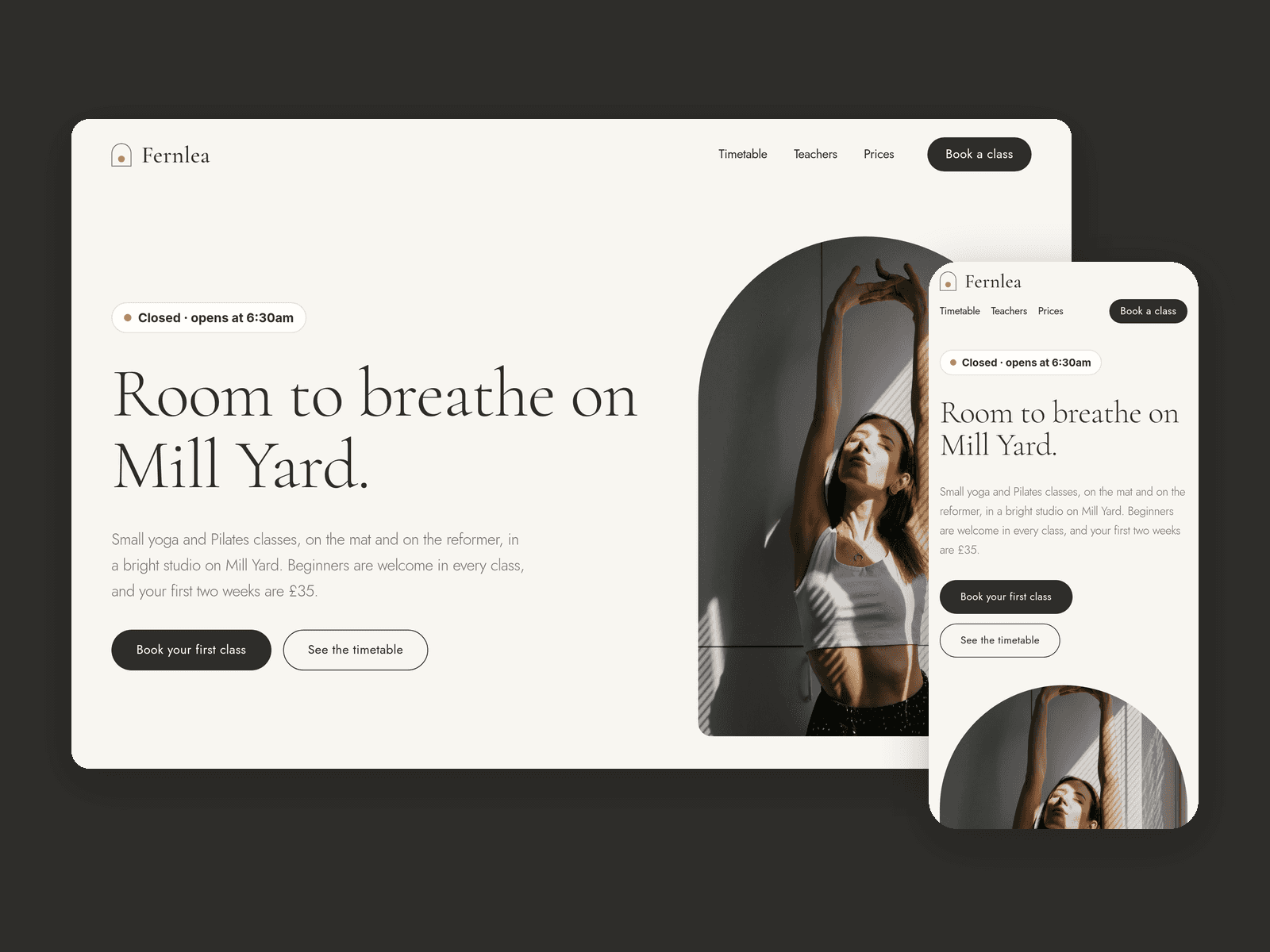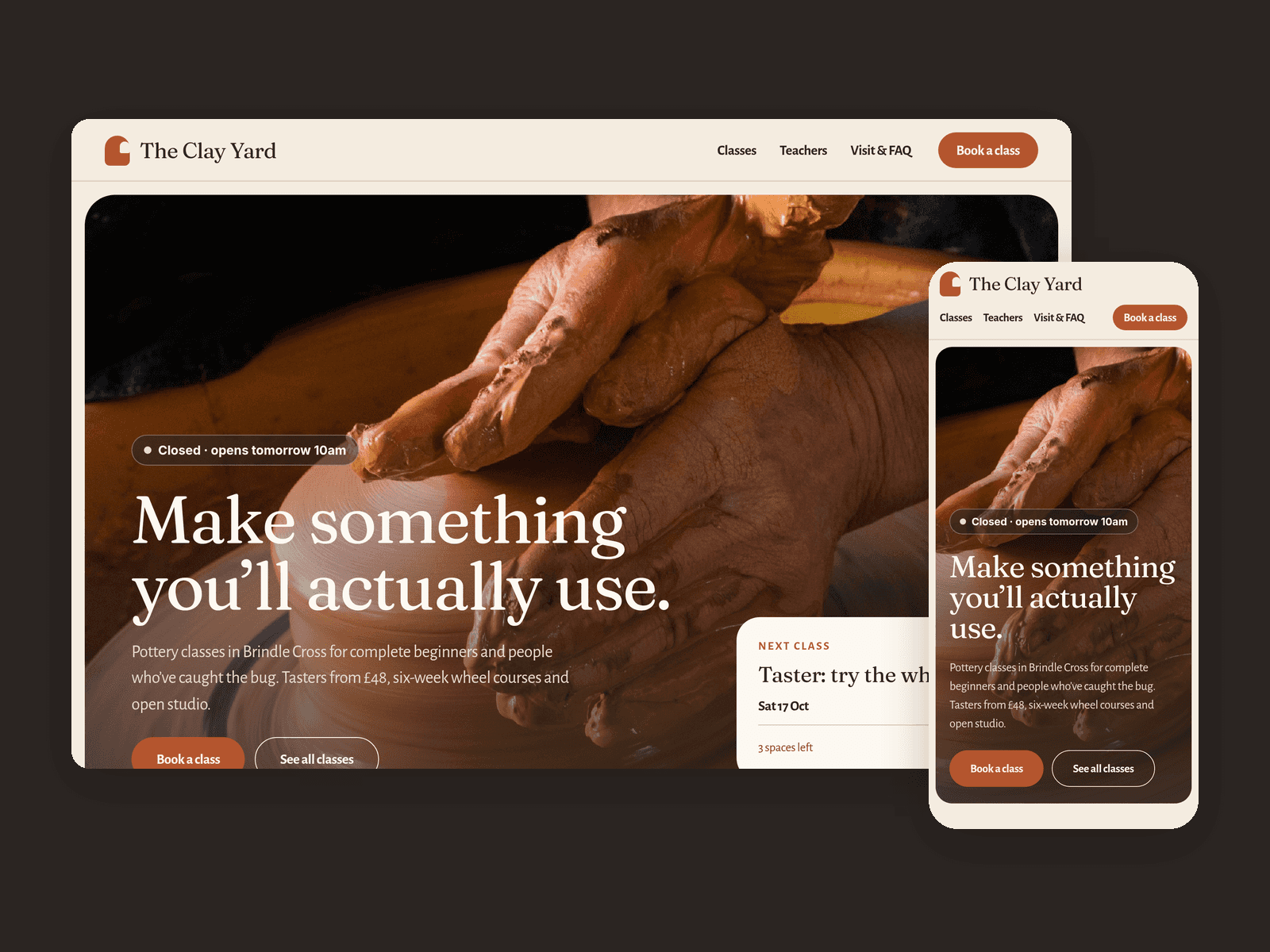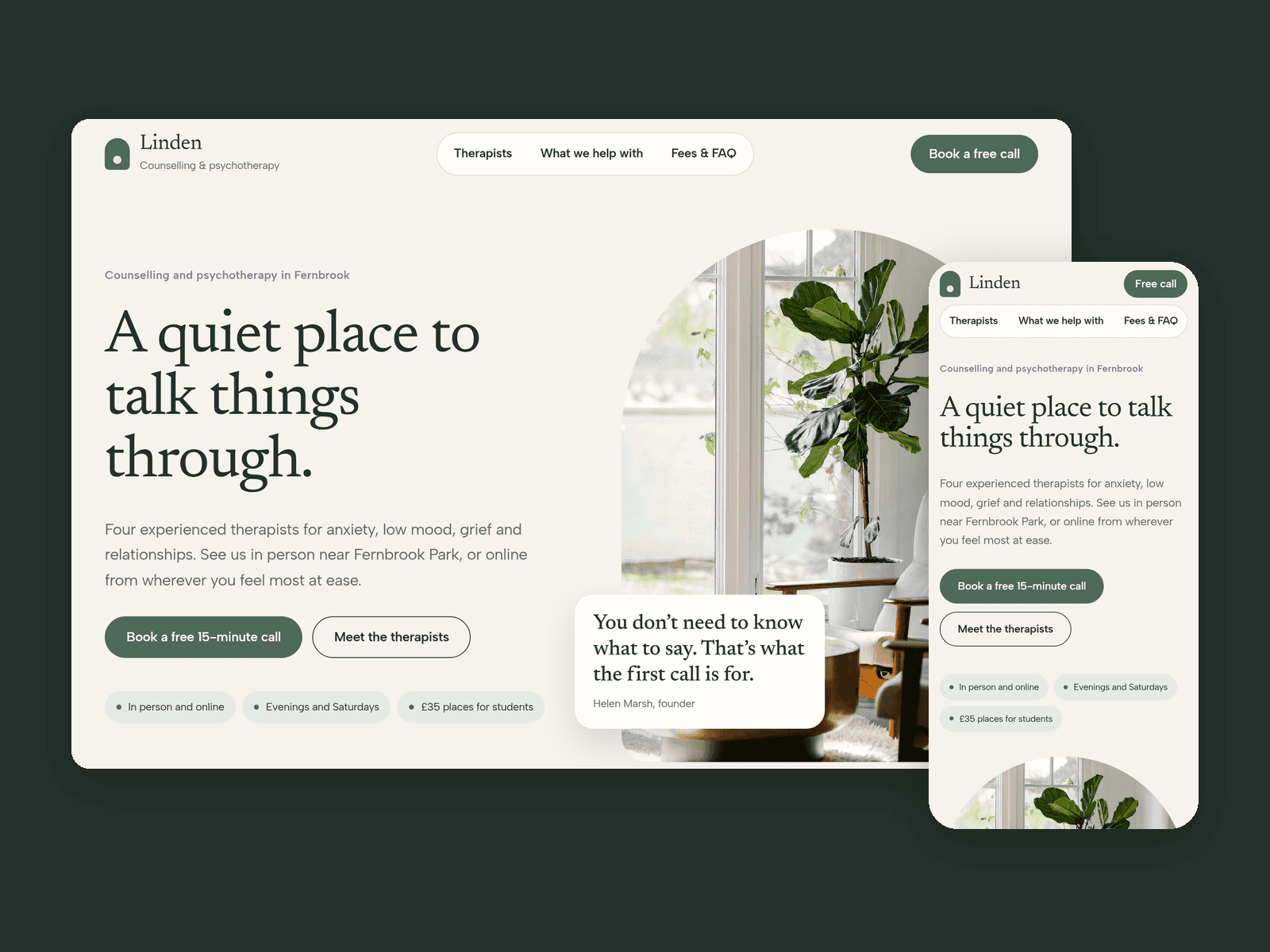
About Plinth Practice
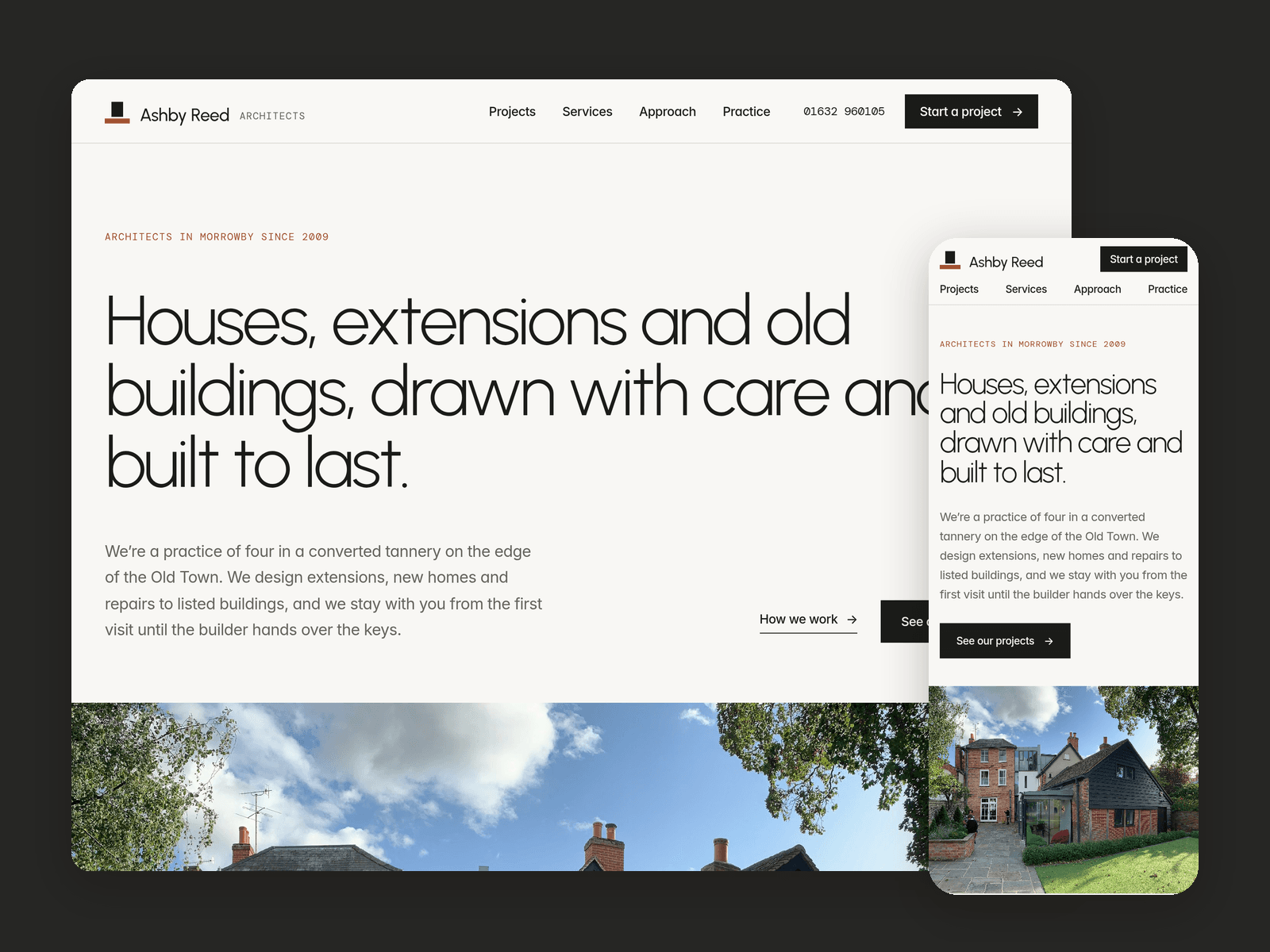
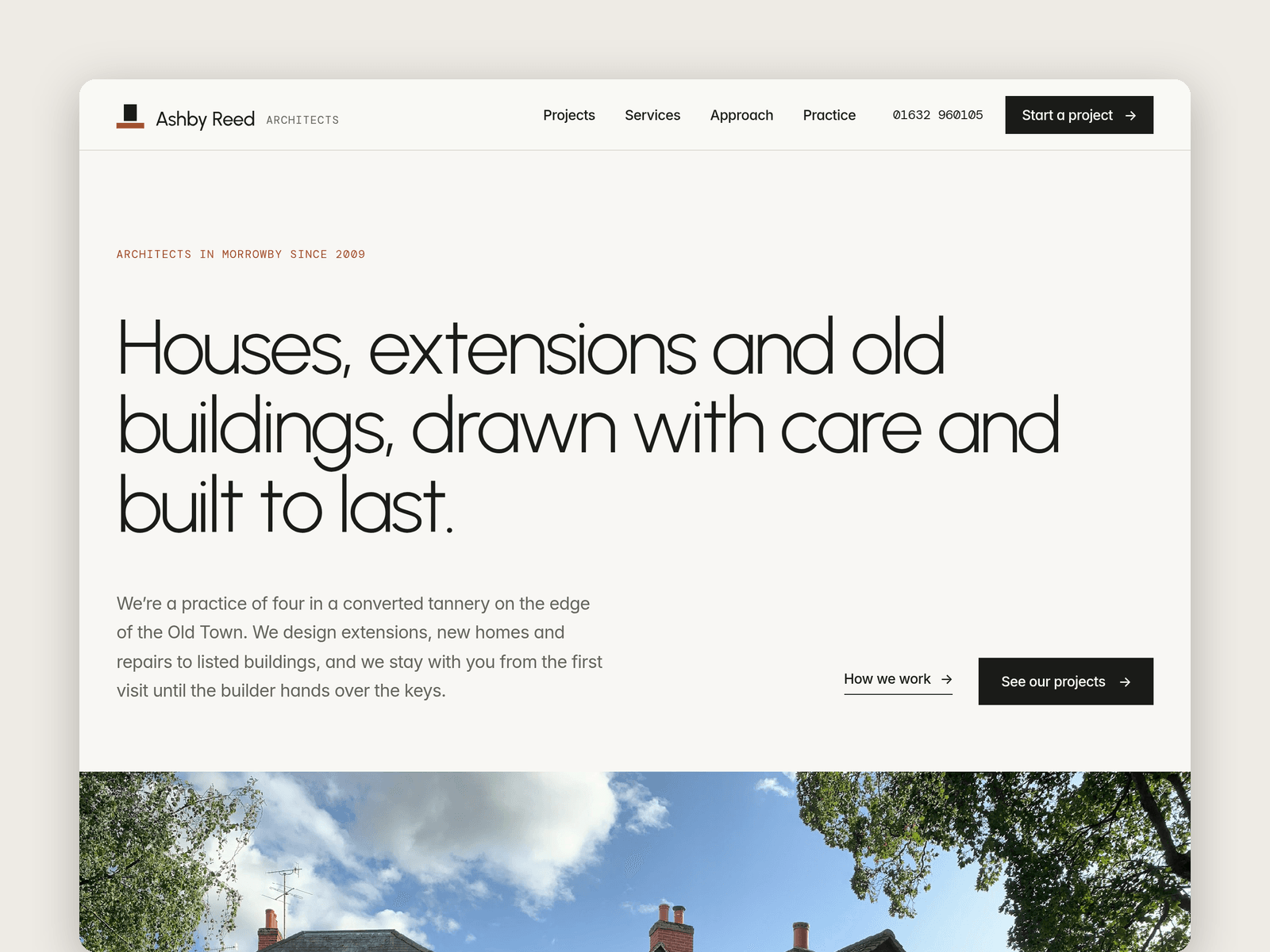
Plinth is a website template for small architecture practices: house extensions, new homes, conservation and listed building work, and planning applications. It's light and quiet, like a gallery wall, with big photos and plenty of space.
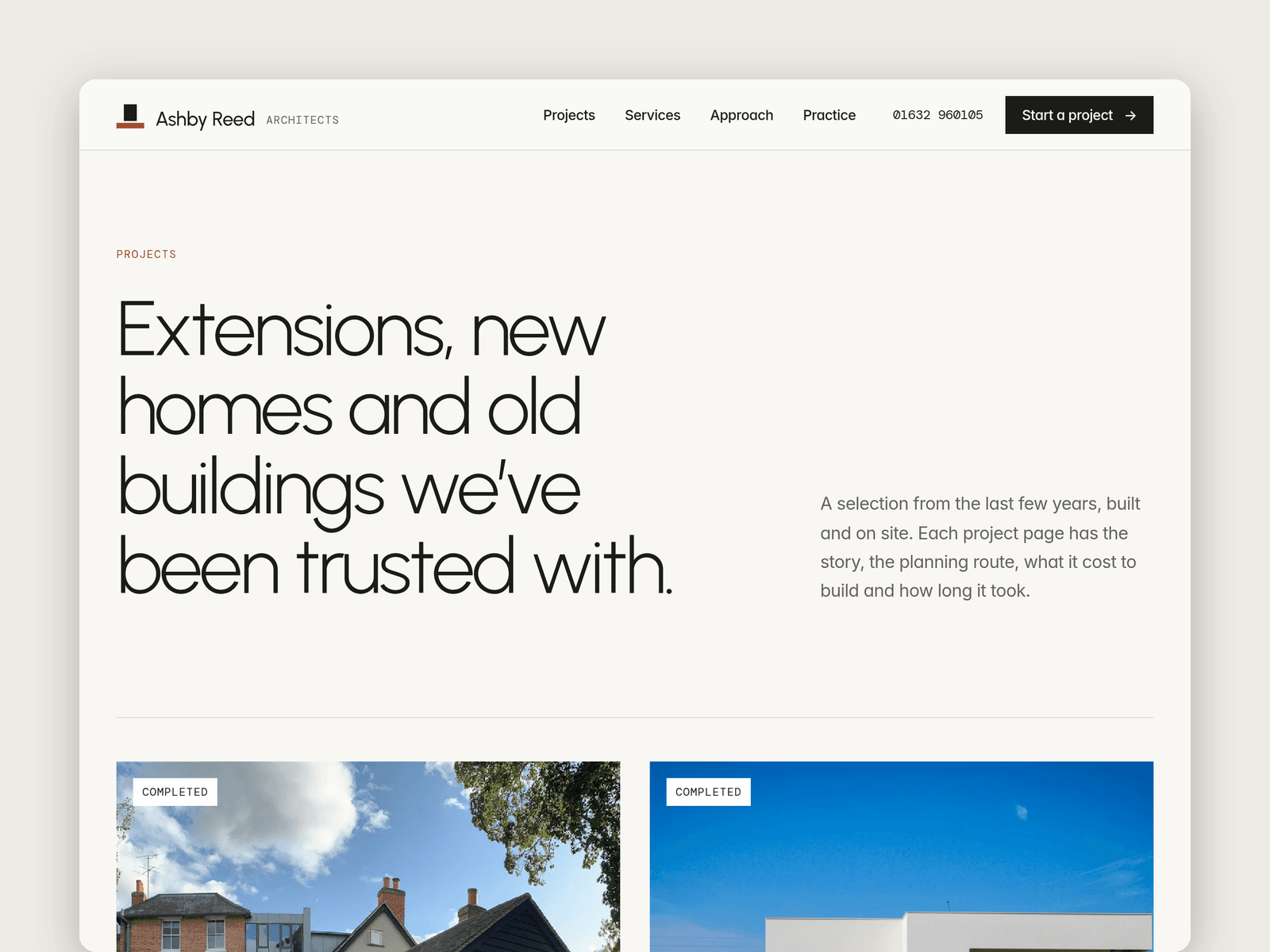
Projects run from the CMS. Each one has a title, type, location, year, size in m², stage (Completed, On site, Planning approved or In design), a cover photo, a gallery, a short story and a list of key facts. Every project gets its own page with previous and next links, and the featured ones show on the home page.
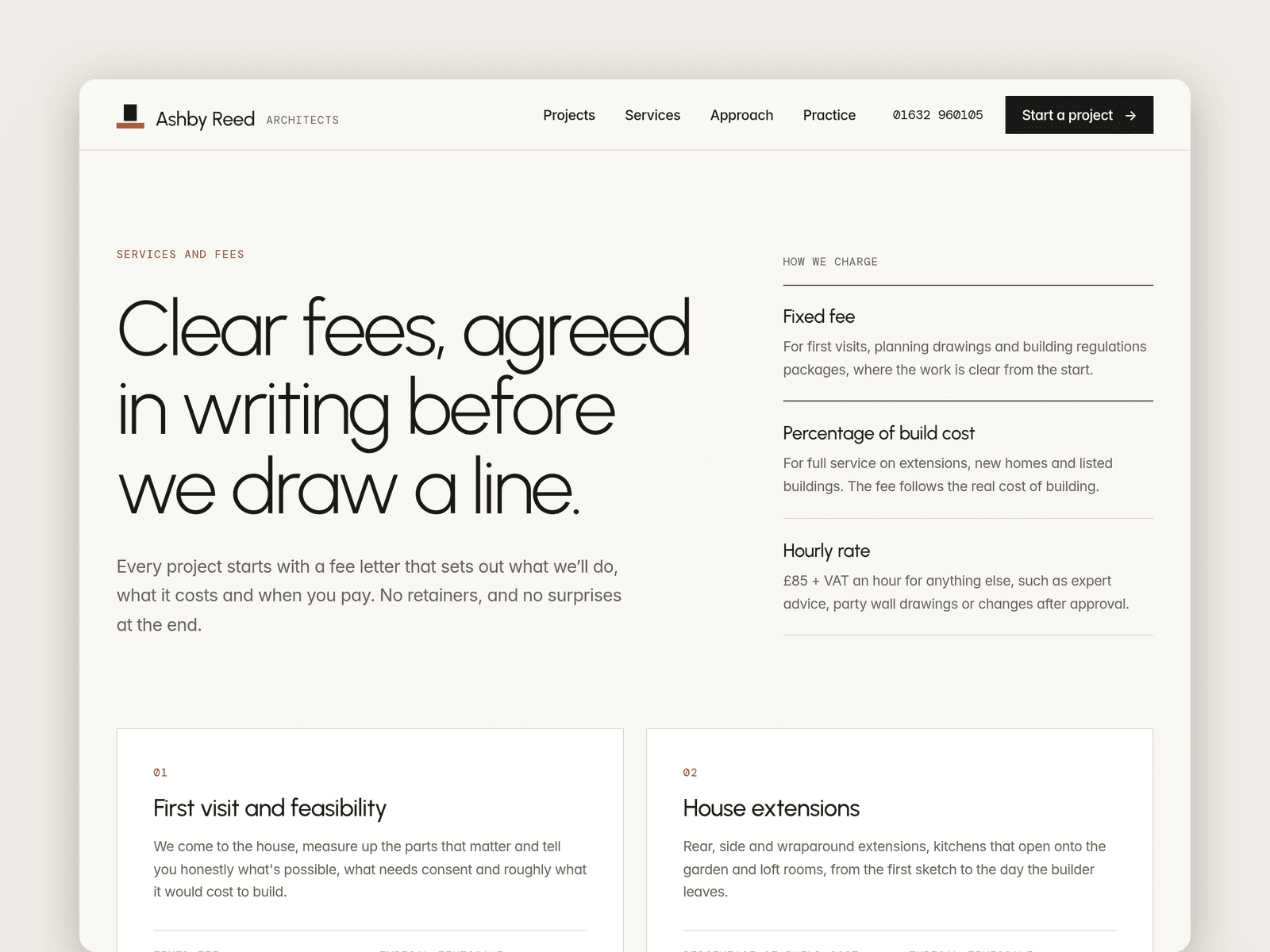
A Services collection holds each service with its fee basis (fixed fee or a percentage of build cost), the fee, a typical timescale and what's included. A Team collection holds portraits, roles, registration lines and short bios.
The Start a project page has an enquiry form (project type, postcode, build budget, timescale, whether they own the property, a short brief and contact details) with loading, success and error states.
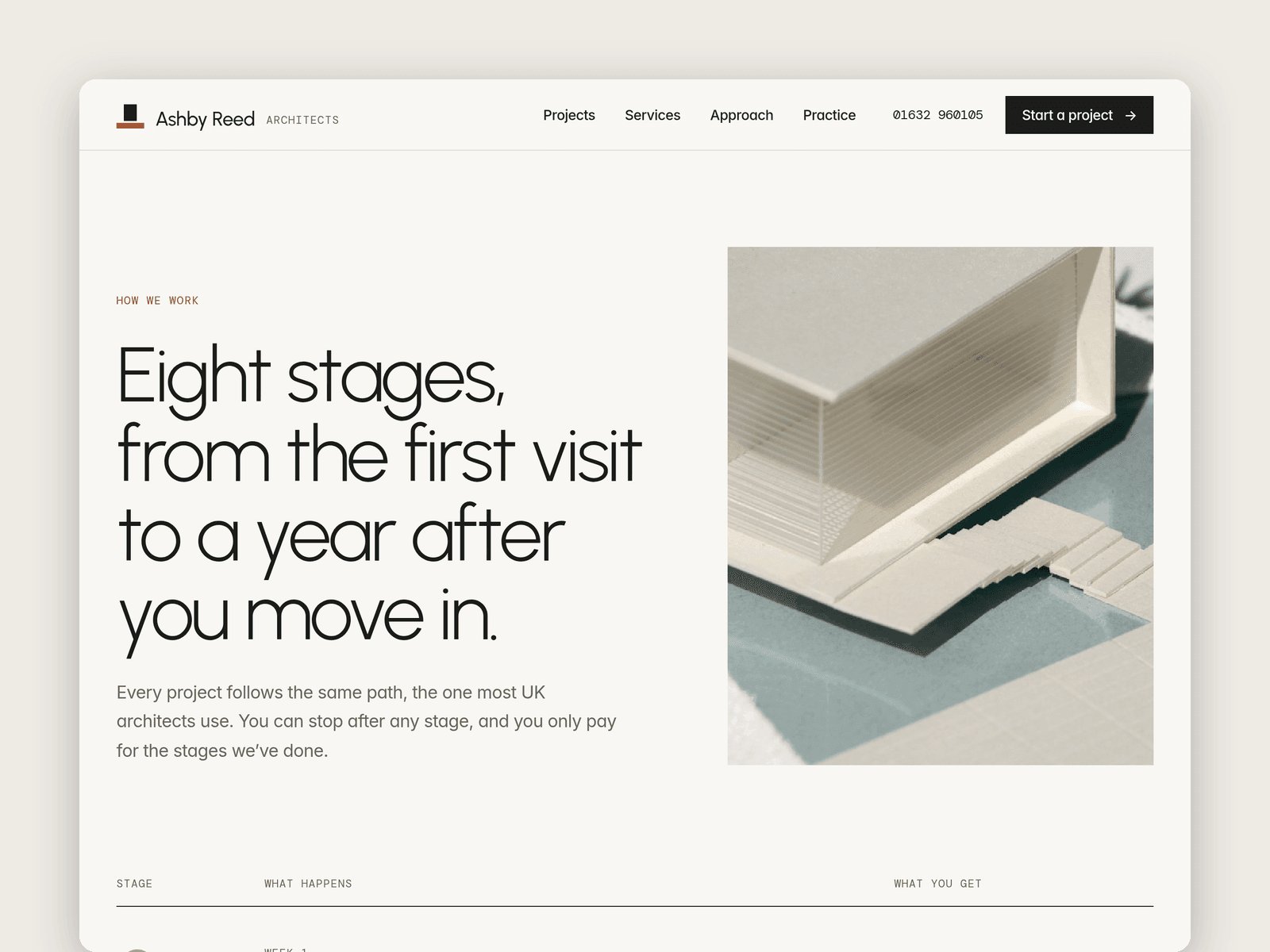
Pages: Home, Projects, a project page, Services and fees (worked fee example and costs paid on top), Approach (an eight-stage timeline and a planning permission FAQ), Practice (team, principles and studio details), Start a project, Licenses and 404. Every page has its own search title and works on desktop, tablet and phone.
Getting started:
Change the colours in Assets → Colors (all named Plinth/...) and the fonts in Assets → Text Styles.
Replace the projects, services and people in CMS → Projects, Services and Team.
Open the form on /enquire and choose where enquiries go.
Put your own fees on /services and check the planning answers on /approach against your area.
Add your registration and company details in the footer.
Swap the photos for your own and update the page titles in Page settings.