About Mortar Builders
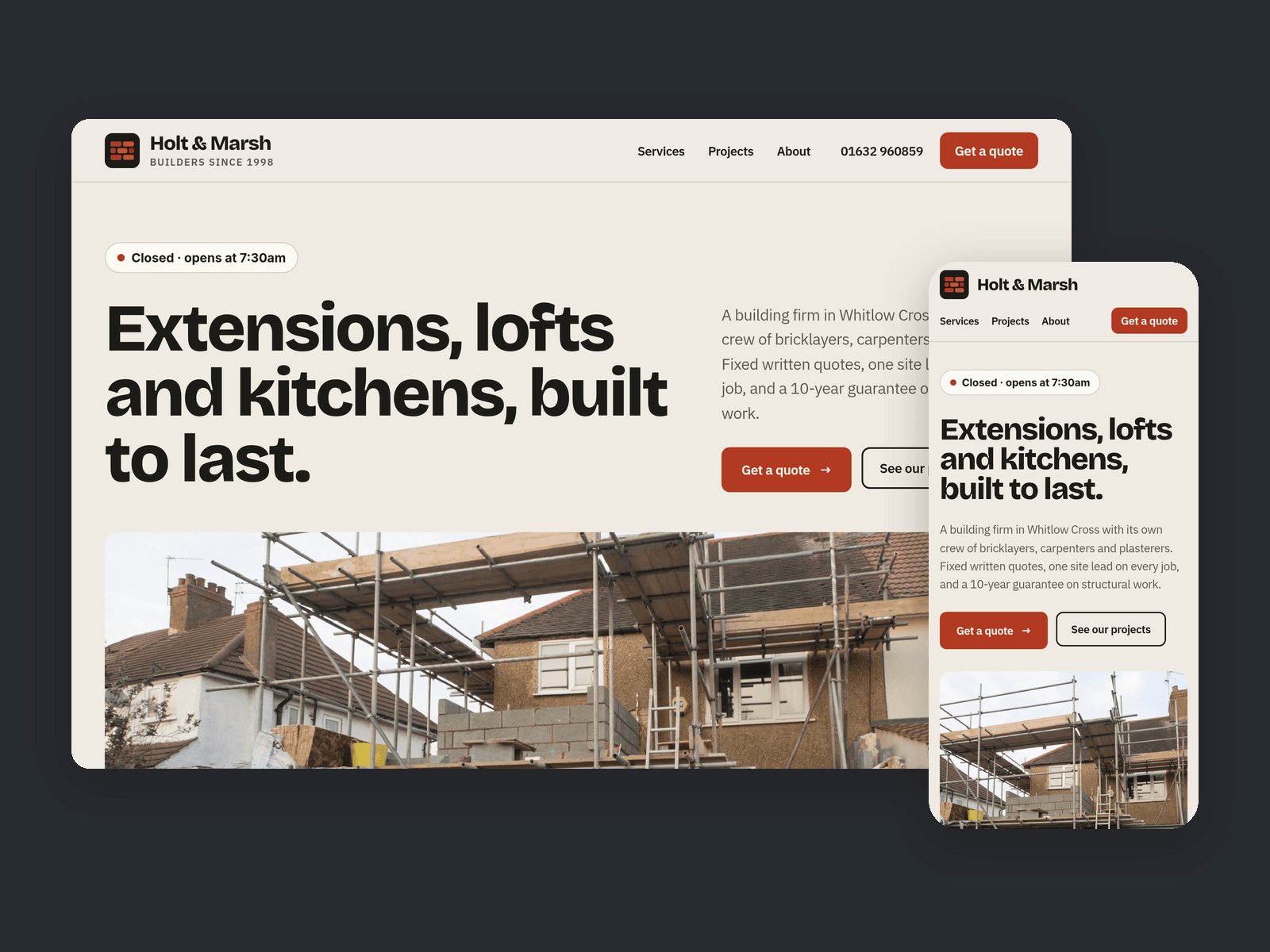
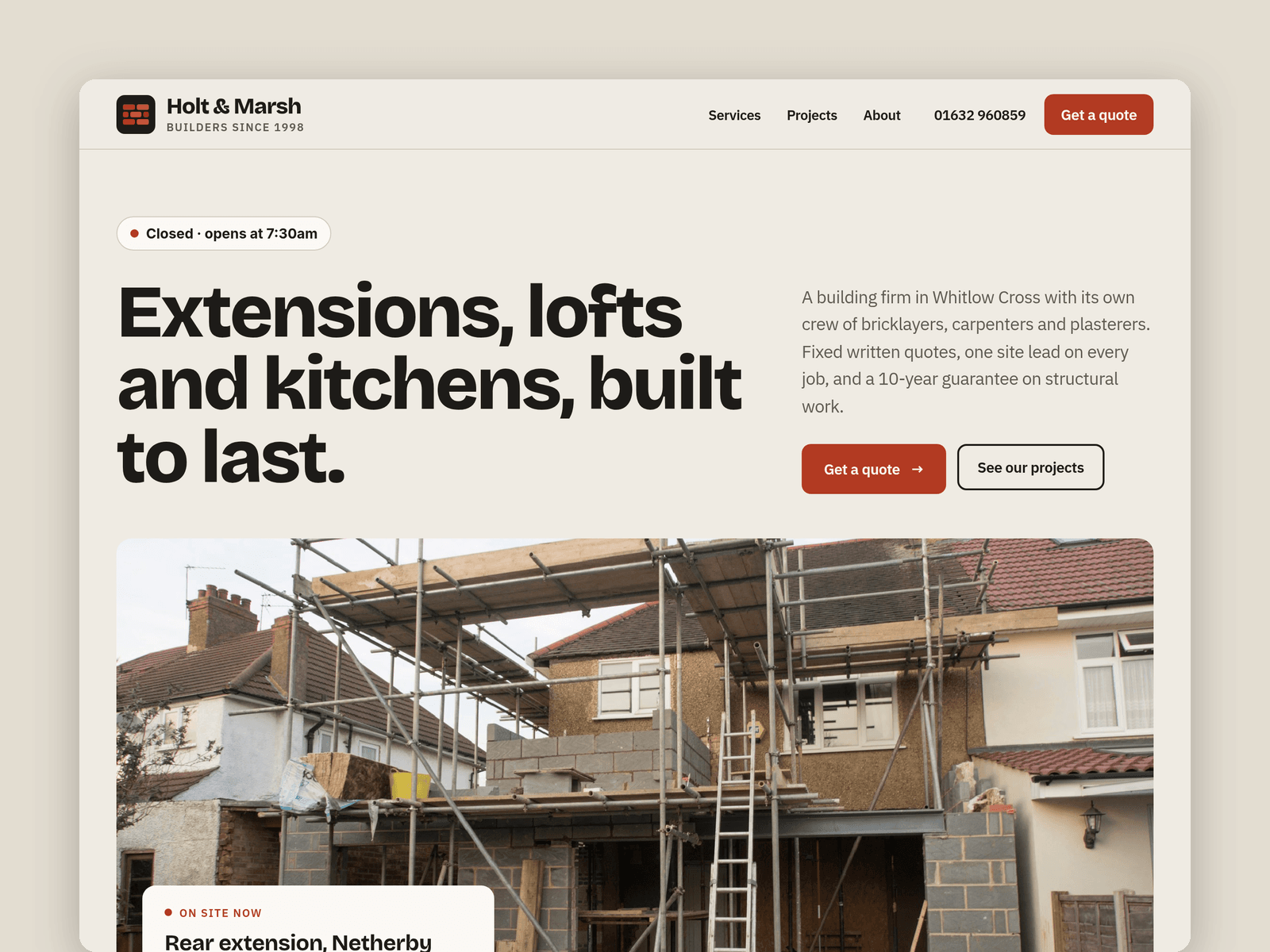
Mortar Builders is a website template for small building firms: extensions, loft conversions, kitchens, renovations and brickwork. Big type, before and after photos and a clear way to ask for a quote.
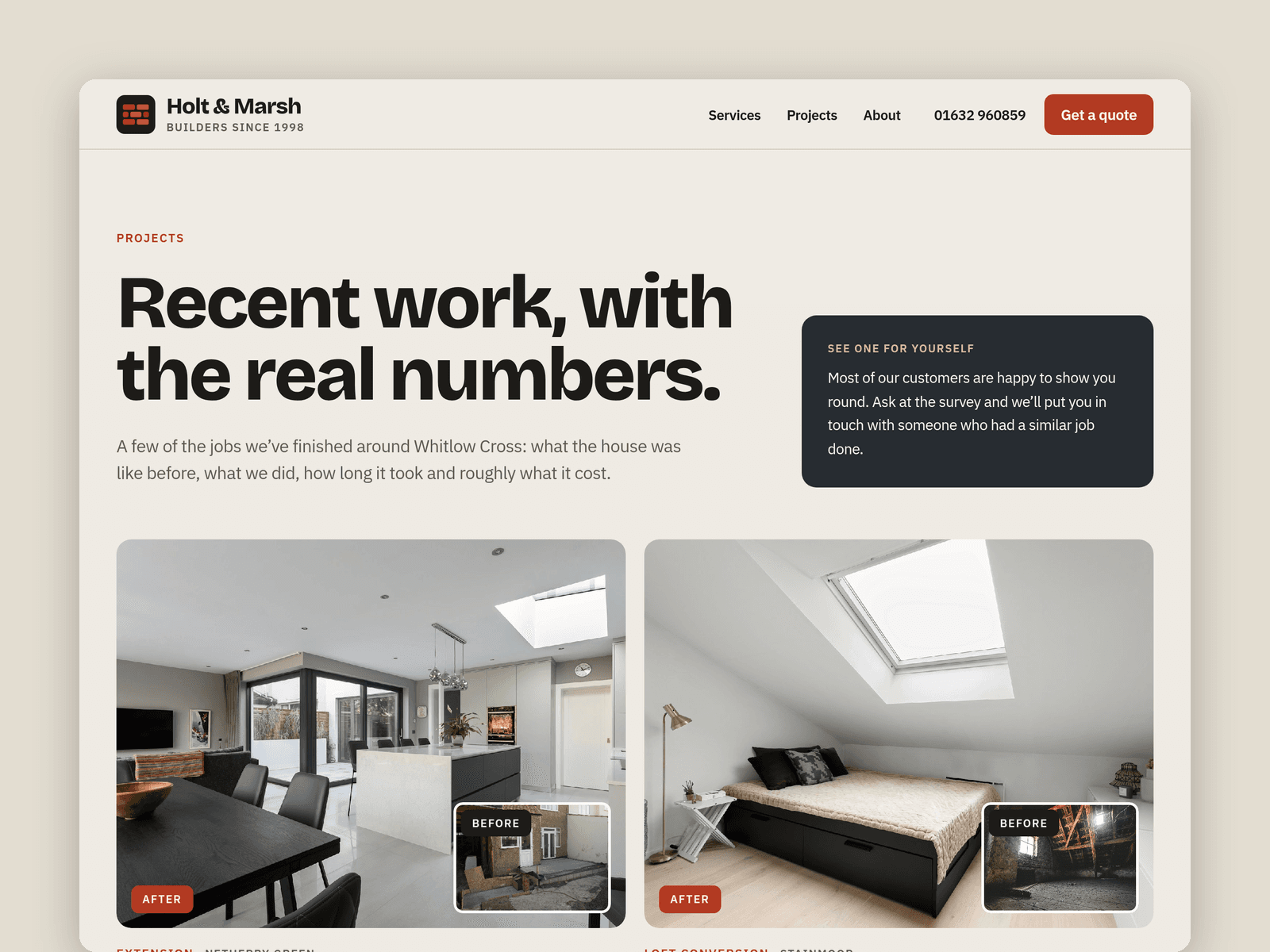
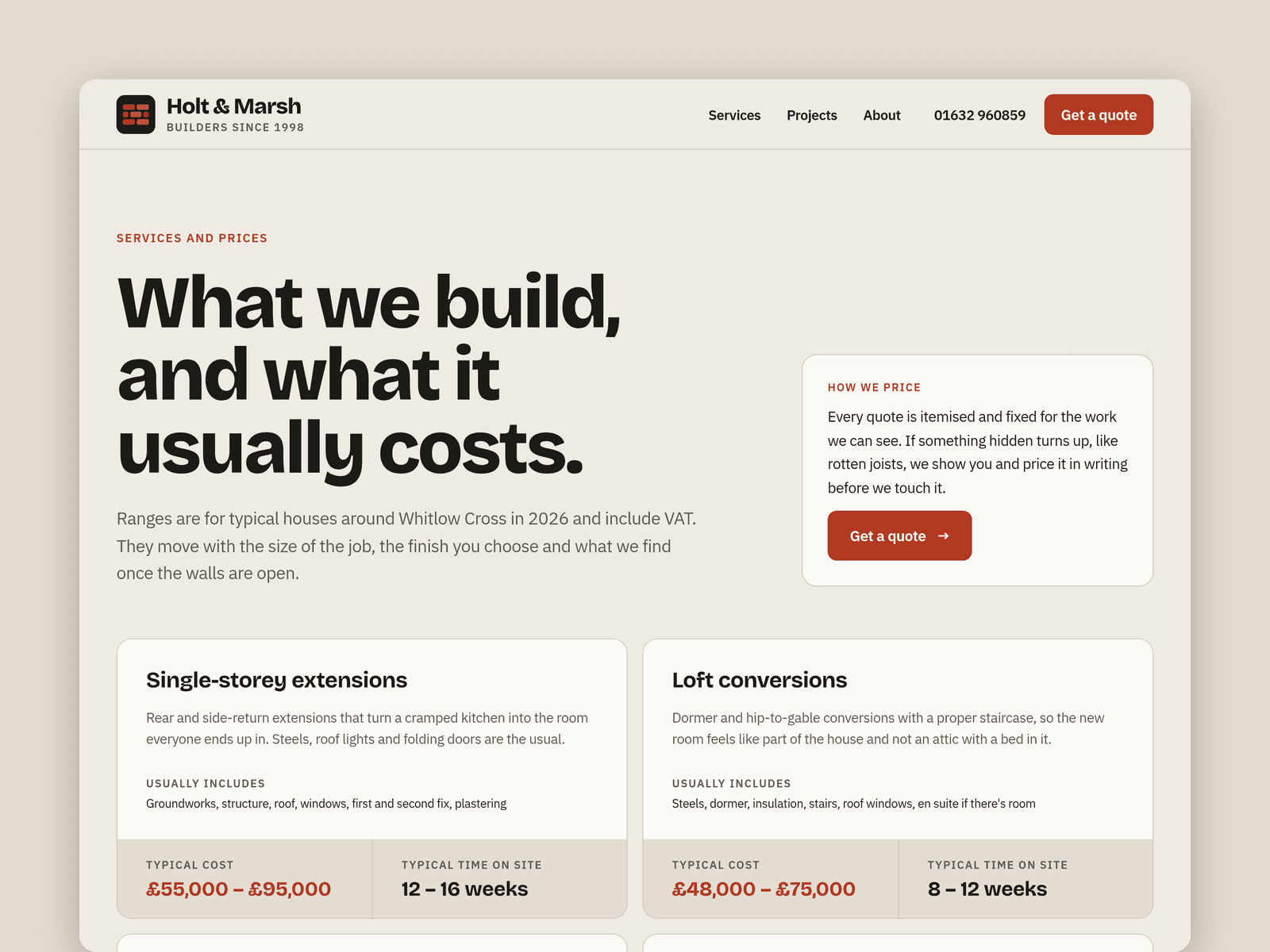
Two CMS collections run the site. Services hold a typical cost, time on site, description and what's included. Projects hold the type, area, duration, budget band, floor area, before and after photos, a gallery and a write-up. Every project gets its own page with the pair side by side, the gallery and previous and next links. Tick "Featured" to show a project's before and after pair on the home page.
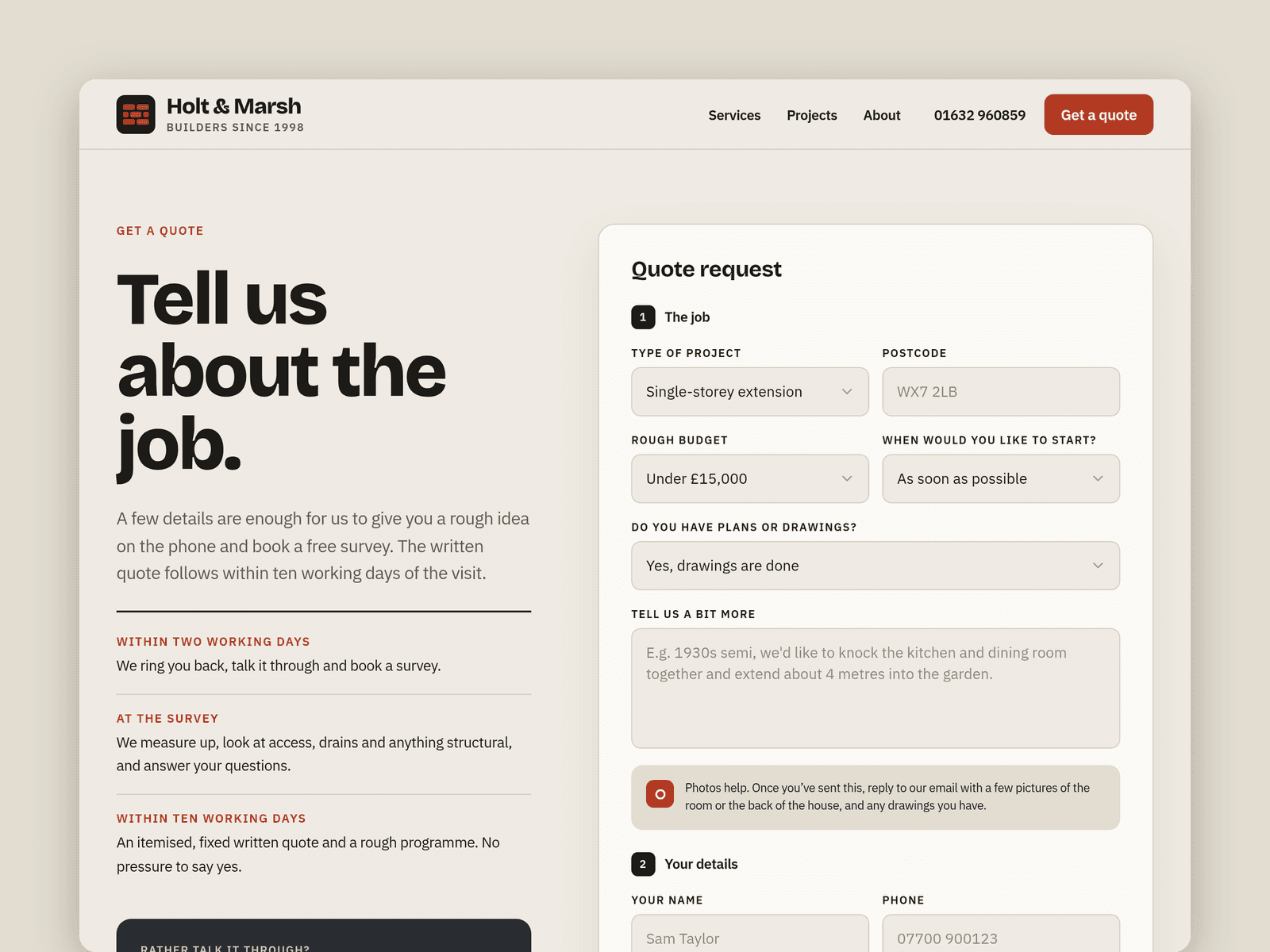
The Get a quote page has a native Framer form asking for the project type, postcode, rough budget, start date, whether there are plans yet and contact details, with a note about photos. The submit button has loading, success and error states.
The "Open now" badge reads your office hours in your time zone and shows "Open now · until 5pm" or the next opening time. There's also a five-step build timeline and a guarantees strip with placeholders for your policy numbers.
Pages: Home, Services, Projects, a project page, Get a quote, About, Licenses and 404. Every page has its own search title and description and works on desktop, tablet and phone.
Getting started:
Change the colours in Assets → Colors (all named Mortar/...) and the fonts in Assets → Text Styles.
Put your firm's name, phone and email in the nav, footer and About page.
Edit your services in CMS → Services and add your own jobs with before, after and gallery photos in CMS → Projects.
Replace the guarantee, insurance and trade body placeholders on the home and About pages with your real details.
Set your office hours on the "Open now" badges, then open the form on /quote and choose where submissions go.
Swap the photos for your own and check the titles in Page settings.