Bode Chris
Bode Chris

Bode Chris

I build AWWWARDS quality Framer components, templates, and plugins that help ambitious businesses flourish online. bodilum.com

Creator43 Components
Bode Chris
Bode Chris6h

Still can’t get enough of my 3D Hero Builder Pro! 😁

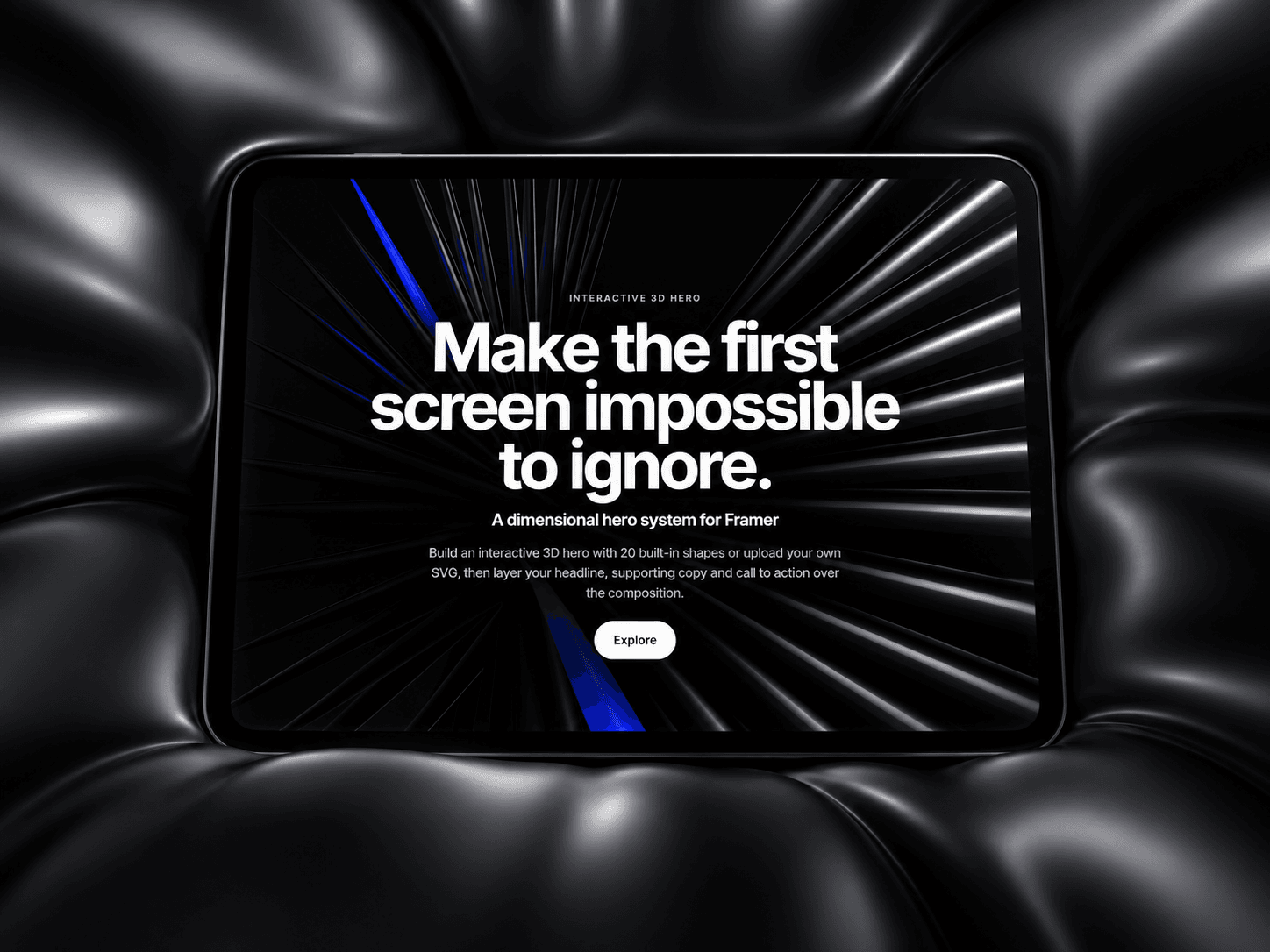
Did you know you can upload an SVG shape, turn it into a 3D object, and repeat it to build a striking hero composition?

One simple shape, so many possibilities. I’ve been exploring different looks, and this is one of my favourites so far.

And you still have more than 10 preloaded 3d shapes to try instantly.

Which one would you try first?

Check it out → https://shorturl.at/6Nf8w

Bode Chris
Bode Chris1d

Just settling down to complete my template target for this month, and looking back at some of my best components, I can't deny that Opposite Gallery is one of them.

It's a simple concept, but the visual experience is what makes it special. A bold, immersive gallery that brings images/videos together in a way that feels more like an interactive exhibition than a traditional website gallery.

I've been spending a lot of time experimenting with interactions, motion, and creative layouts in Framer, and one thing keeps becoming clearer to me: sometimes the smallest ideas, executed thoughtfully, create the biggest visual impact.

Still learning, still experimenting, and building as much as I can.

Would love to hear what you think of this one!

Explore Opposite Gallery → https://shorturl.at/1d4Ah

#Framer #FramerComponents #WebDesign #CreativeDevelopment

Bode Chris
Bode Chris2d

Been busy building this non-framer, multiplayer, multiwatch desktop-web-based casual game platform. https://jekasere.bodilum.com/games/draughts/live ... Ludo and Draughts is live now...

This has been a long time dream of mine to digitally recreate memorable moments where you play your favorite games with family, friends, colleagues, and your tribe, and they watch you play it, make commentaries, roasts, and love.

You can play, watch, any available games anytime and from anywhere.

I create over 70 custom emoticons to socially engage in a custom way.

We're still very early but it's a significant milestone for me.

Looking forward to see how this turns our in the next 6months. I'll be adding more games weekly.

Bode Chris
Bode Chris1w

Celebrating the small wins!

Our optical glass buttons https://shorturl.at/NLeUe is #2 in buttons

You should try it out!

We'll be releasing our first free #framer template this week

Bode Chris
Bode Chris2w

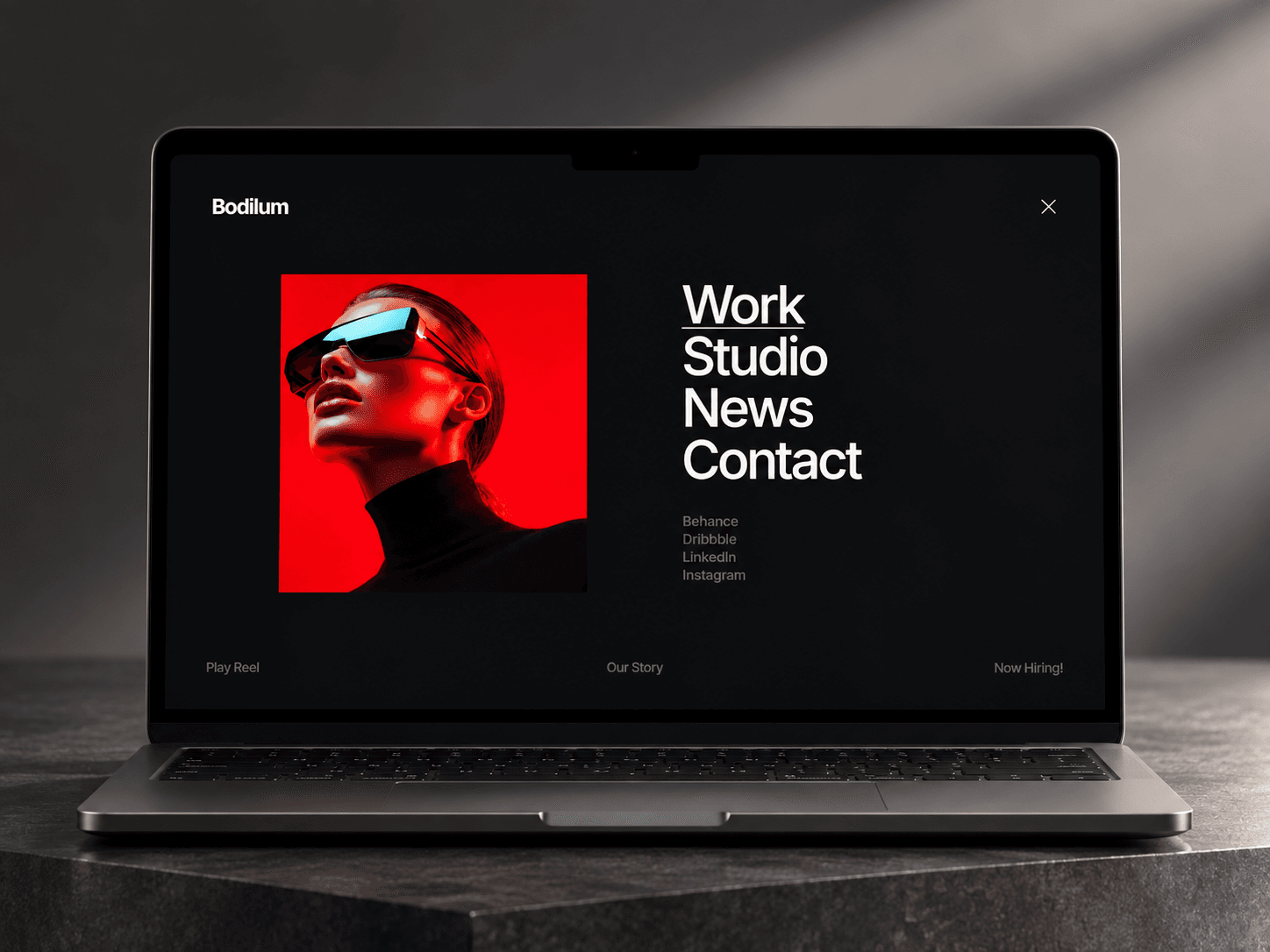
Just made a quick demo of Fullscreen Menu Pro 👀

A full-screen navigation experience built for portfolios, studios, agencies, and creative websites that want the menu to feel like part of the design — not just a utility.

Hover the links. Bring the project imagery to life. Add smooth underline interactions. Give every section its own visual moment.

Clean, immersive, and fully customizable in Framer.

Fullscreen Menu Pro is live on the Framer Marketplace. 🚀

Bode Chris
Bode Chris2w

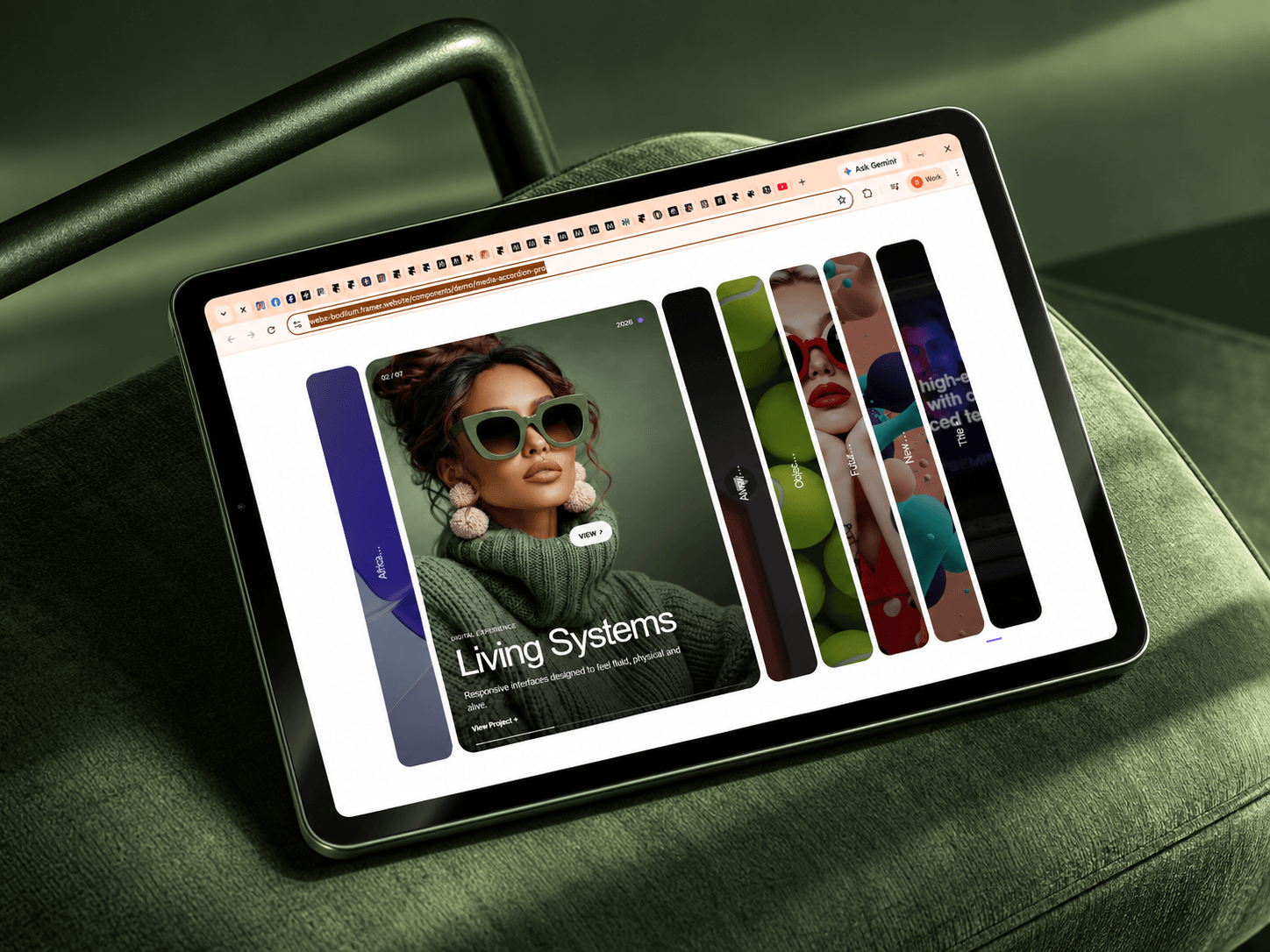
https://shorturl.at/ra8RS

A simple way to turn images, videos, projects, or portfolio content into a more interactive browsing experience.

You can also add inbound and outbound links to you according items.

Smooth expansion. Responsive interactions. Clean transitions. Built for Framer.

This quick demo shows how it feels in use — not just how it looks.

Media Accordion Pro is now available on the Framer Marketplace. 🚀

Bode Chris
Bode Chris2w

Built a quick demo showing how I use 3D Hero Builder Pro to turn a simple hero into something much more immersive.

Pick a shape, style it, add motion, and make it yours — without starting from scratch.

https://shorturl.at/3XvmR

Bode Chris
Bode Chris2w

I wanted to build a hero component where you don’t start with a fixed animation.

You start with a shape.

Then you decide what that shape becomes.

Introducing 3D Hero Builder Pro for Framer.

https://shorturl.at/3XvmR

Choose from 20 built-in 3D shapes — or upload your own SVG and turn it into real 3D geometry.

Then arrange it with 20 procedural compositions:

Spirals. Helixes. Waves. Arcs. Tunnels. Ribbons. Blooms. Vortexes. Infinity curves.

Or switch to Custom Math and build your own composition using sine, cosine, Gaussian, sinc, Lissajous and other wave functions.

Then add:

• Cursor interaction

• Drag rotation

• Scroll motion

• Materials + reflections

• Camera presets

• Huge headline

• Description

• CTA

And if you want people to experience the component, enable the built-in Playground.

The goal was simple:

Make it easy to create a hero that doesn’t look like everybody else’s hero.

3D Hero Builder Pro.

Built for Framer. Built with Three.js.

Bode Chris
Bode Chrisin Marketplace·2w

I wanted to build a hero component where you don’t start with a fixed animation.

You start with a shape.

Then you decide what that shape becomes.

Introducing 3D Hero Builder Pro for Framer.

Choose from 20 built-in 3D shapes — or upload your own SVG and turn it into real 3D geometry.

Then arrange it with 20 procedural compositions:

Spirals. Helixes. Waves. Arcs. Tunnels. Ribbons. Blooms. Vortexes. Infinity curves.

Or switch to Custom Math and build your own composition using sine, cosine, Gaussian, sinc, Lissajous and other wave functions.

Then add:

• Cursor interaction • Drag rotation • Scroll motion • Materials + reflections • Camera presets • Huge headline • Description • CTA

And if you want people to experience the component, enable the built-in Playground.

The goal was simple:

Make it easy to create a hero that doesn’t look like everybody else’s hero.

3D Hero Builder Pro.

Built for Framer. Built with Three.js.

Bode Chris
Bode Chrisin Marketplace·2w

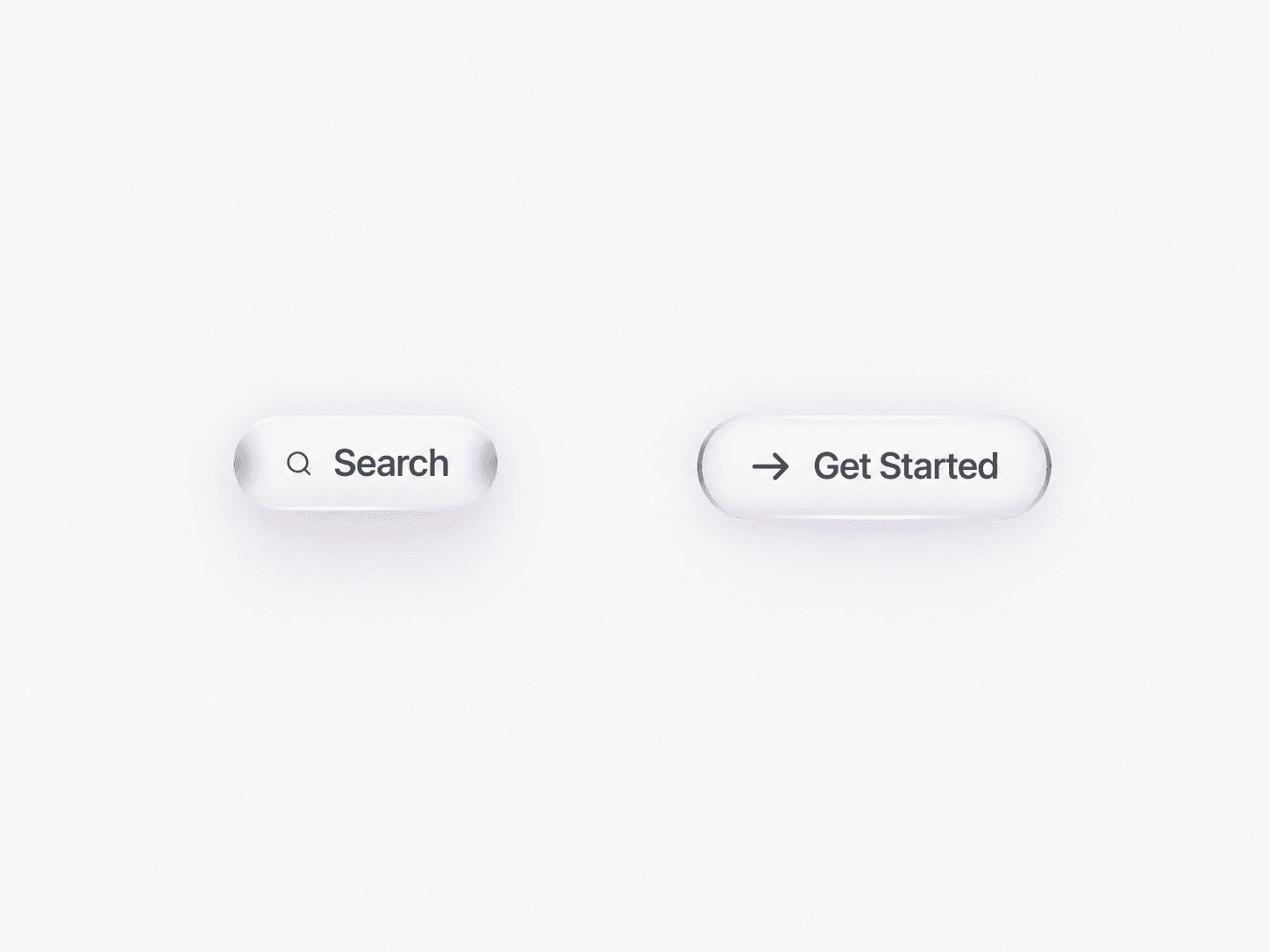
I may have gone a little too far with this button 😅

Meet Optical Glass Button.

I wanted a glass button where the effect wasn't just blur + transparency.

The top and bottom edges catch moving light. The sides curve into darker optical shading. Hovering lights the glass from within, lifts the button and releases a soft colored glow underneath.

Then I added controls for inner light, inner shadow, edge masking, custom SVG icons, soft highlights, secondary shadows and a tiny playground to experiment with it.

And because I can't stand snappy motion, the whole interaction uses long, buttery-smooth transitions.

Built entirely for Framer.

This is one of the components where I kept adding “one last detail” and somehow every detail made it better.

Bode Chris
Bode Chrisin Marketplace·2w

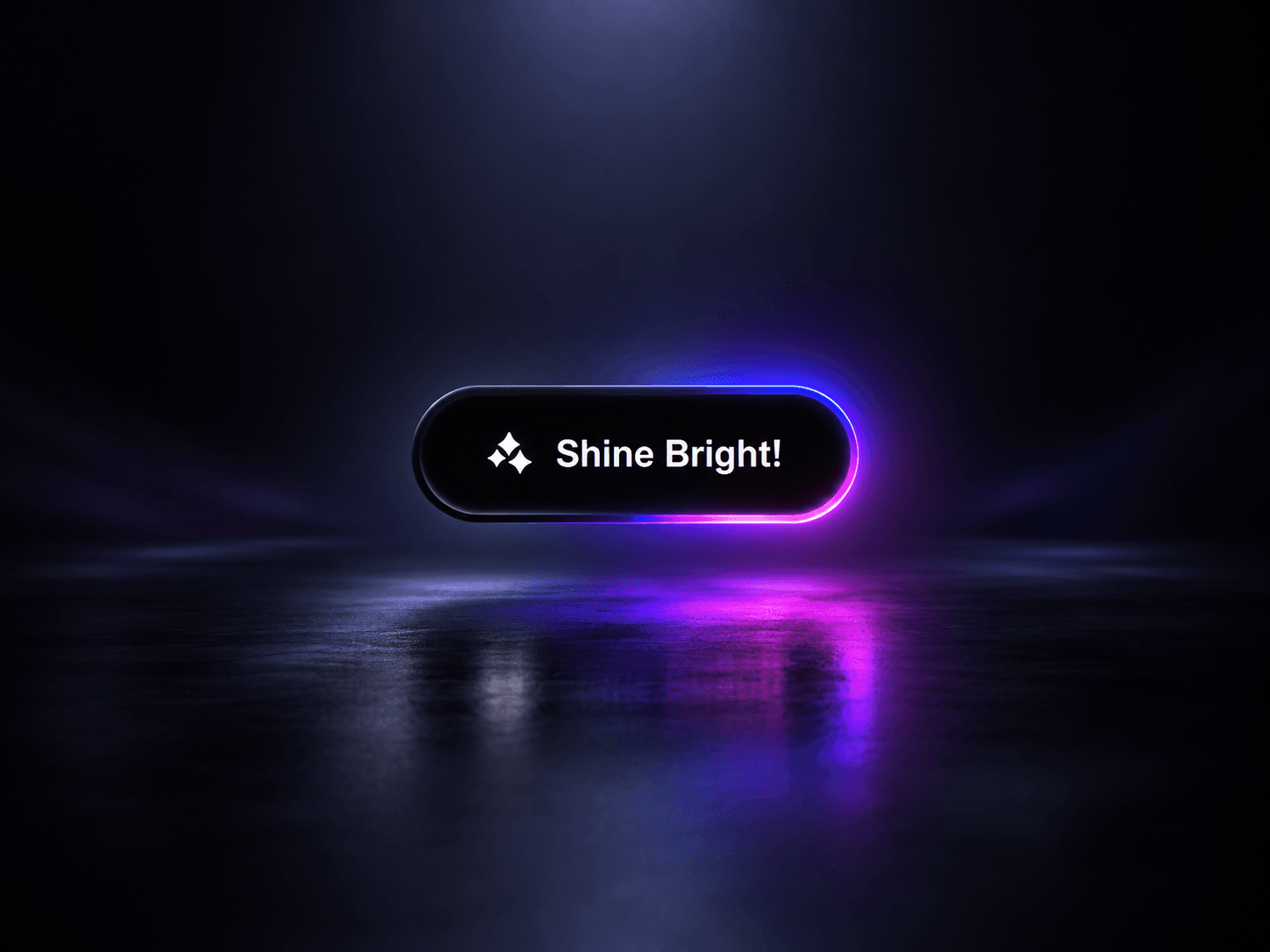
A little light can change the whole CTA. ✨

Just finished Glow Border Button — a Framer component with a travelling neon border, soft ambient bloom, buttery interaction, and a surprisingly deep set of customization controls.

You can change the glow palette, border, speed, direction, typography, padding, and choose from 20 built-in SVG icons with left, right, top, or bottom positioning.

I also added a small Glow Lab playground so you can experiment with presets, intensity, speed, and direction directly in the preview.

Built to stay simple where it matters: drop it in, resize it like a normal Framer layer, connect your link, and make it yours.

Glow Border Button — $5

Would love to see how you use it. ✨

Bode Chris
Bode Chrisin Marketplace·2w

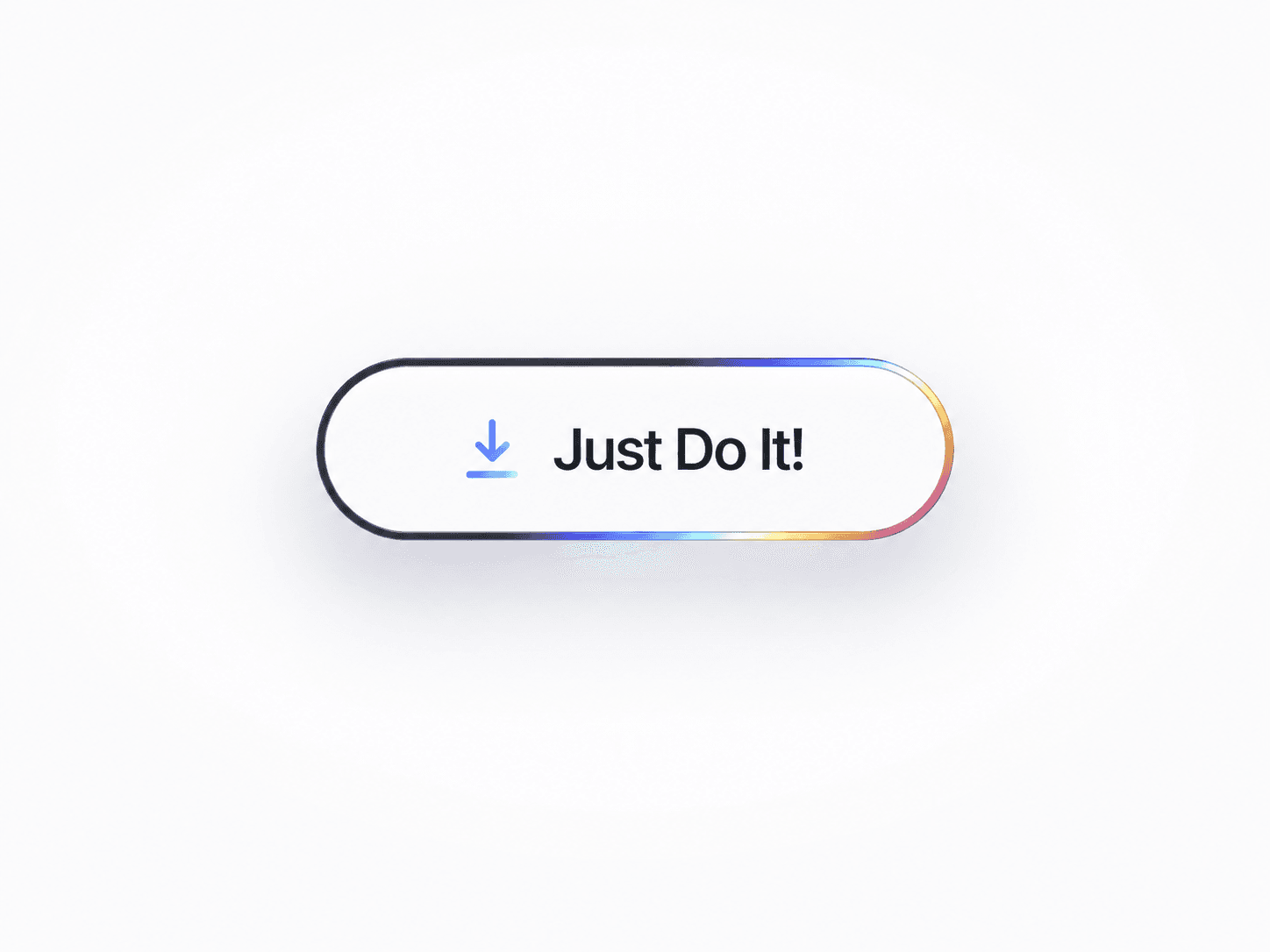
I wanted an iridescent button that didn't look like another spinning rainbow border.

So I built Iridescent Button (Free).

Hover it and the light slowly wipes from the top-left to the bottom-right of the stroke, pauses, travels back, pauses again and loops.

The animation is masked entirely inside the border, while the icon gets its own subtle iridescent treatment.

You can:

• Change the label

• Choose from 10 icons

• Upload your own SVG

• Adjust the iridescence

• Control animation speed

• Tune the soft shadow

• Add links

• Enable an interactive Playground

Simple at rest. A little bit magical when you interact with it.

Iridescent Button — now available for Framer (Free).

Bode Chris
Bode Chris2w

Yesterday I shared how we went from 0 to 30 Framer components in about 3 weeks, with roughly 11K views, 8K+ unique visitors and close to 200 installs.

Someone asked which niches are performing best, so I looked at the numbers more closely.

There isn’t one obvious winning niche yet.

WebX Logo Marquee is currently my strongest performer with 70 installs from 765 unique visitors — roughly a 9% visitor-to-install conversion.

Cursor Spotlight follows with 28 installs from 682 visitors.

Some of the more experimental components are getting strong attention but converting less. That makes me think utility + immediate clarity may matter more than complexity.

I’m also paying less attention to views alone.

The funnel I care about more now is:

visibility → unique visitors → installs

Then there’s ranking.

This is interesting because ranking and installs don’t seem to move together.

Scroll Stack Pro is around #148 with 320 visitors and 4 installs.

Tilt Cards 3D is around #168 with 700+ visitors and only a few installs.

But Logo Marquee, my strongest install performer, is around #1,887.

So I’m not sure optimising directly for rank is the right goal.

My current thinking:

Ranking matters for discovery. Conversion tells me whether that discovery was valuable.

A high-ranking component with low conversion may already have exposure, so the issue could be the use case, cover, demo or component itself.

A lower-ranked component with strong conversion may be more interesting because the people who find it clearly want it.

So instead of chasing rank, I’d rather optimise for:

better component → clearer use case → stronger demo → more qualified visitors → more installs

Still, this is only 3 weeks of data, so I’m definitely not claiming to have figured out the marketplace yet.

For now I’m just building, observing and letting the numbers show me where to focus.

Curious: are your best-ranked components also your best-converting ones?

Bode Chris
Bode Chrisin Marketplace·2w

Navigation can be more than a list of links.

Just finished Fullscreen Menu Pro — a cinematic fullscreen menu for Framer where every main link can reveal its own image, with smooth zoom-to-rest motion, directional underline hovers, social/footer navigation, and a built-in fullscreen reel player.

The trigger can be text, icon, or both, with 5 menu icon styles and left/right positioning. Everything is configurable in Framer and the layout adapts for mobile.

I also built in the boring-but-important parts: keyboard accessibility, Escape-to-close, focus handling, reduced motion, static Canvas safety, and scroll locking.

Would you use this on a portfolio, agency, fashion, or studio site?

Bode Chris
Bode Chrisin Marketplace·2w

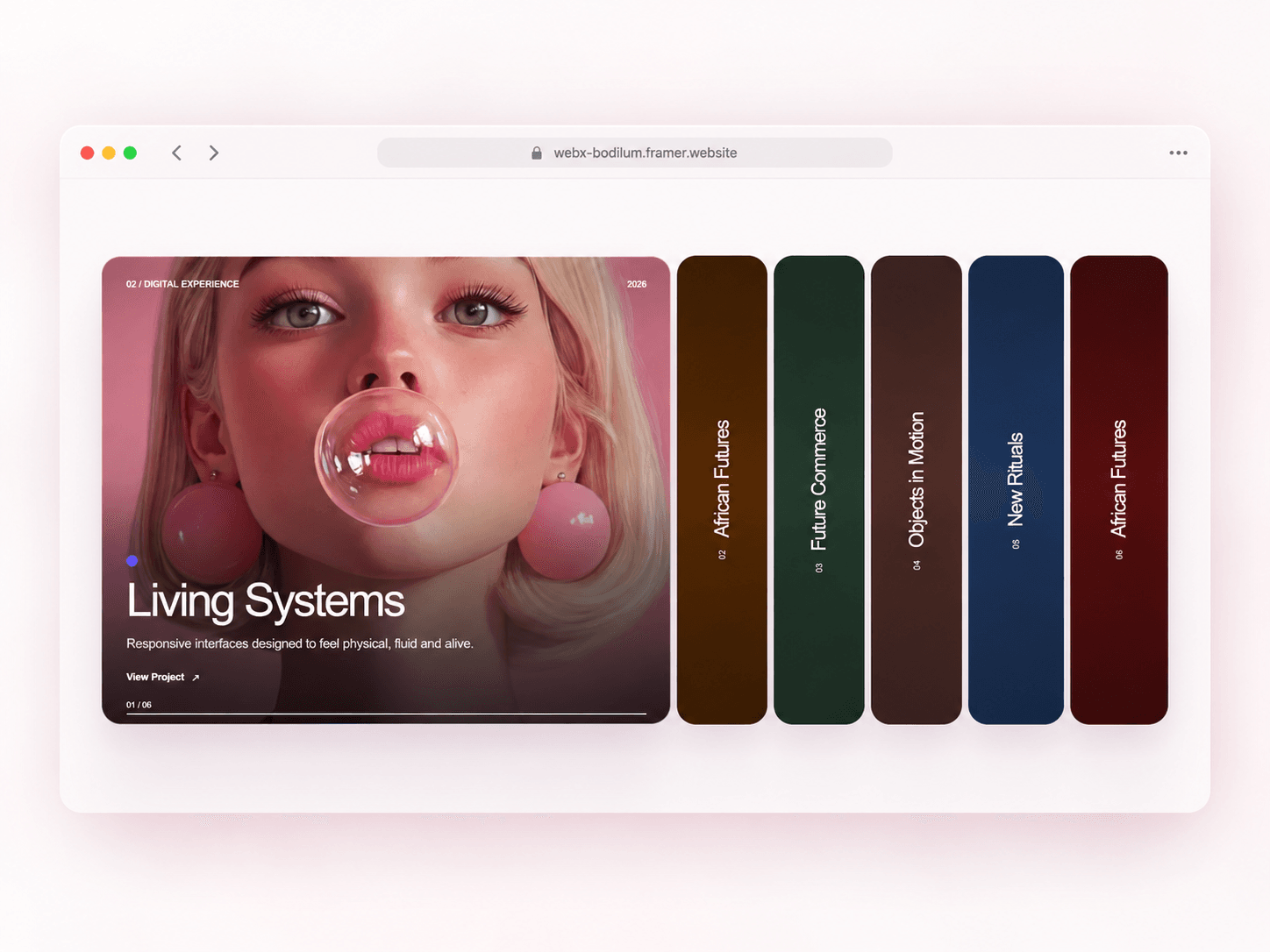
A portfolio accordion is nice.

But what if every panel could become a complete little experience?

Introducing Media Accordion Pro.

Add images, uploaded MP4s, YouTube or Vimeo videos and let visitors move fluidly through your projects.

Active videos automatically play and loop. Move to another panel and the previous one pauses.

Then click the active project to open a full project overlay — or send visitors directly to an internal page or external website.

I also added an optional mini Playground so visitors can browse projects, toggle autoplay and motion, and open the project details themselves.

Built for portfolios, agencies, photography, architecture, fashion, products and visual case studies.

Media Accordion Pro — now available for Framer.

Bode Chris
Bode Chrisin Marketplace·2w

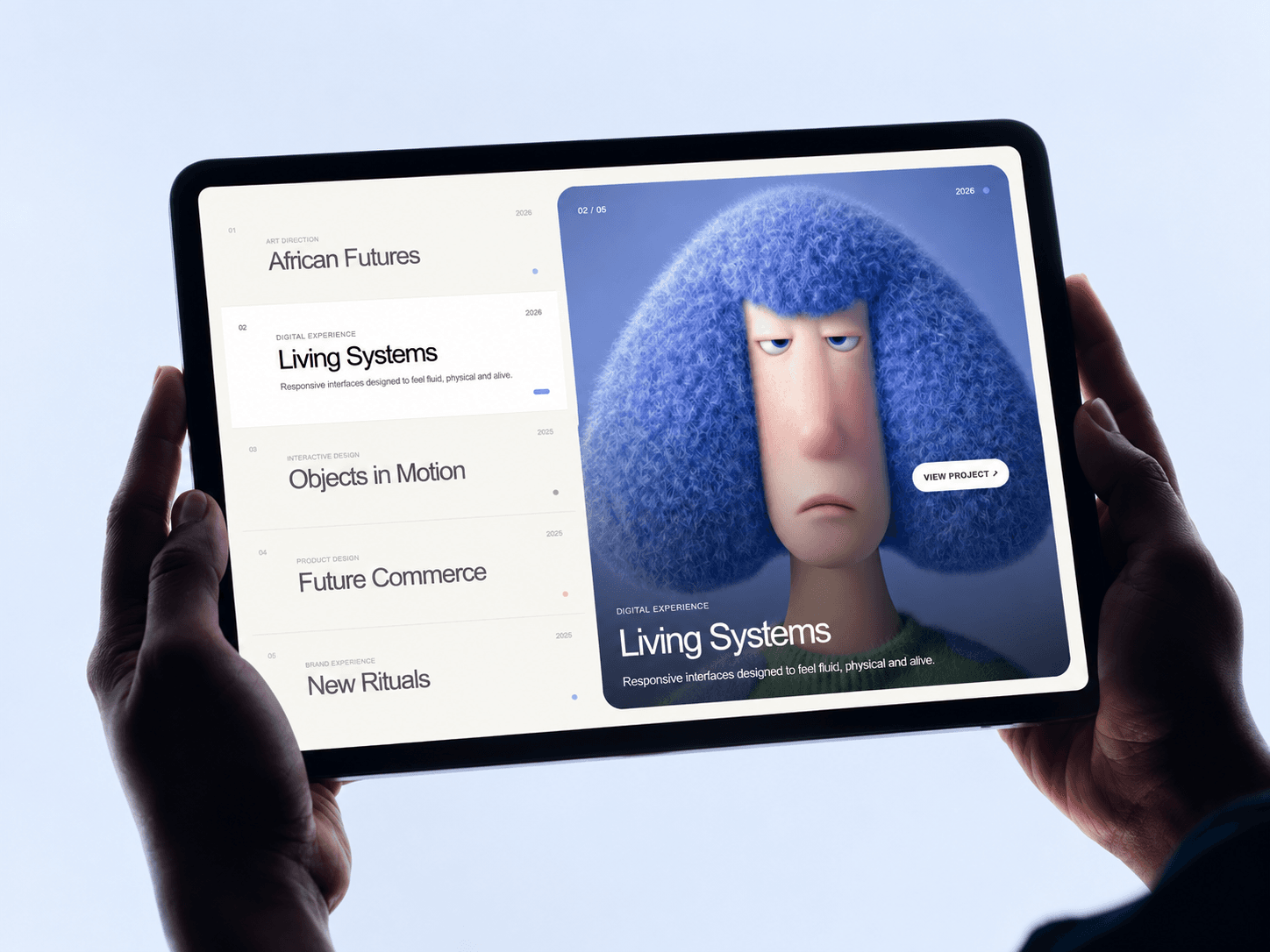
A simple portfolio shouldn’t make visitors choose between looking at the work and reading about it.

So I built Split Portfolio Pro.

Your projects live in an interactive editorial list on one side while the selected work takes over the visual panel beside it.

Hover through projects and watch the imagery transition smoothly with parallax, subtle depth and vertical or horizontal reveals.

You can customize the projects, typography, colors, image treatment, motion, layout, autoplay and responsive behavior directly inside Framer.

I also added an optional mini Playground so visitors can switch the layout, change the reveal direction and play with the motion themselves.

Built for designers, agencies, studios, photographers, architects and anyone who wants their portfolio to feel more like an experience than a grid.

Split Portfolio Pro — now for Framer.

Bode Chris
Bode Chrisin Marketplace·2w

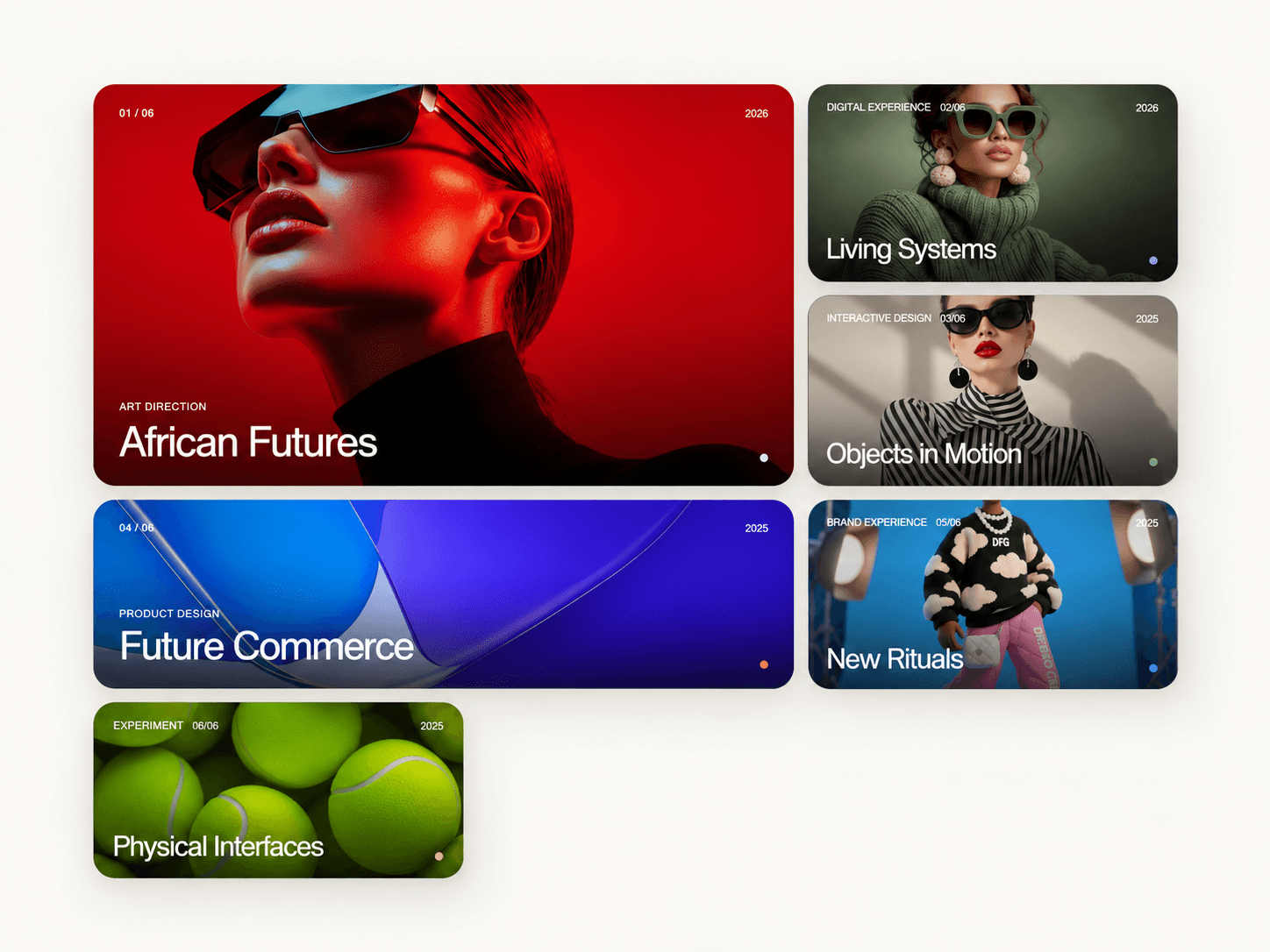
What if your portfolio grid didn't have to send visitors somewhere else just to experience the project?

Introducing Expanding Portfolio Gallery ✦

Click a project and watch the card expand from its exact position into a full-screen project experience.

Editorial. Grid. Masonry.

Smooth hover interactions, fullscreen navigation, mobile swipe, project details, links, responsive layouts — and a little Playground so you can experiment with the experience yourself.

Built for portfolios, creative studios, photographers, architects and agencies that want the work to feel as good to explore as it looks.

Made for Framer.

Bode Chris
Bode Chrisin Marketplace·2w

Your portfolio shouldn't feel like a stack of static cards.

Meet Portfolio Accordion Pro ✦

I wanted each project to feel like it was waiting to be discovered — folded quietly into the layout, then smoothly expanding into a full visual story when you interact with it.

Hover. Click. Explore.

Images shift into focus, typography reveals, colours change, subtle parallax kicks in, and every project gets its own moment.

And on mobile? The whole experience automatically transforms into a touch-friendly vertical accordion.

I also added a tiny optional Playground so you can quickly move through projects and switch the interactive FX on and off.

Perfect for portfolios, agencies, studios, case studies, photography, architecture and editorial websites.

Built for Framer.

Portfolio Accordion Pro

Bode Chris
Bode Chrisin Marketplace·2w

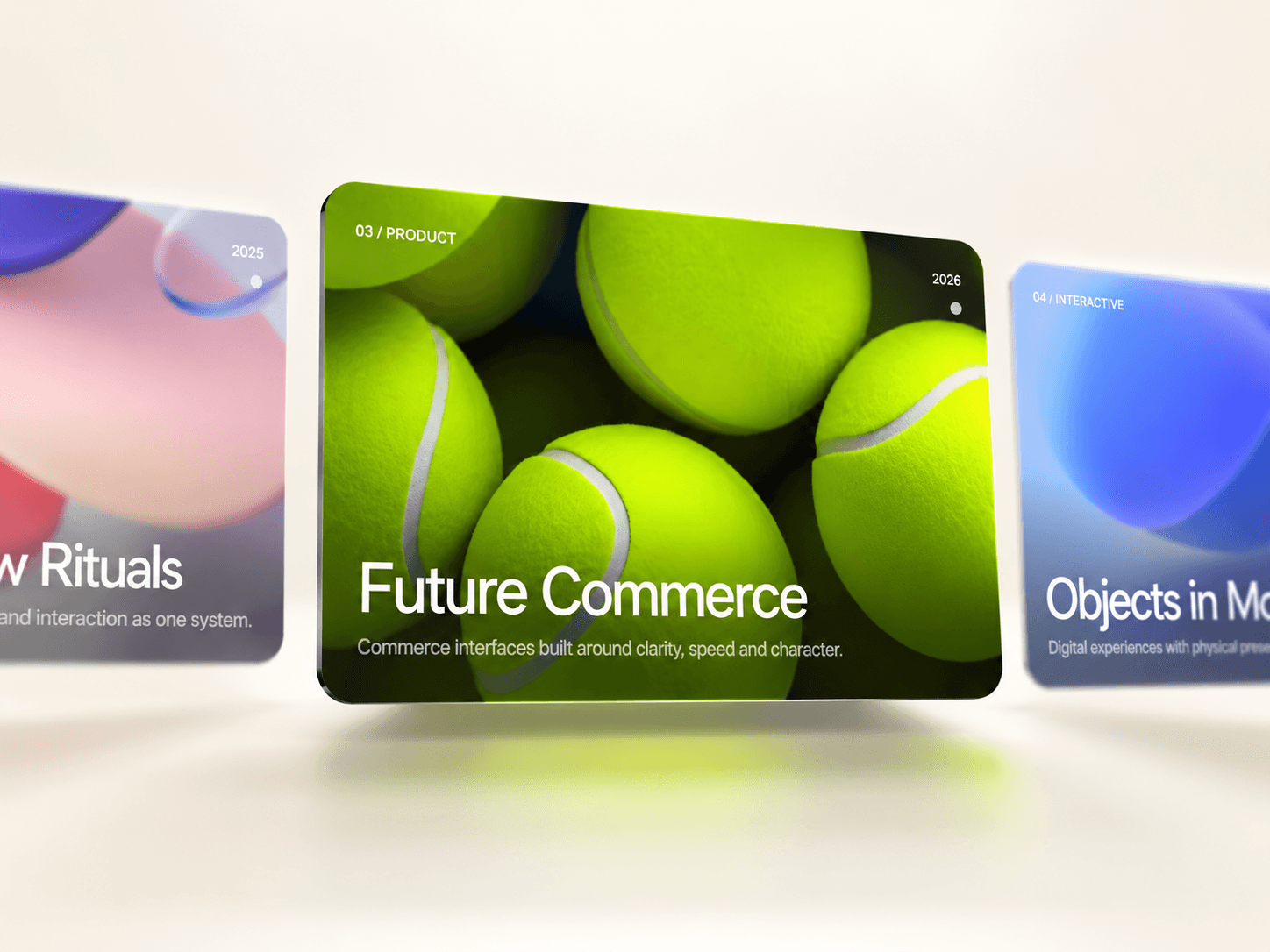
What if scrolling down your website could move your portfolio sideways?

Meet Horizontal Scroll Showcase Pro.

A pinned, cinematic project showcase that turns normal vertical scrolling into a smooth horizontal journey through your work.

As each project moves into focus, the surrounding cards scale, fade, rotate and blur while the images respond with subtle parallax and pointer depth.

And because I wanted the experience to be fun before you even customize it, I added a little Playground where you can instantly switch between Cinema, Editorial and Compact layouts, change the depth, or reverse the entire scroll direction.

Desktop gets the full cinematic pinned experience.

Mobile automatically switches to a native swipeable, snapping gallery.

Built for portfolios, studios, agencies, photographers, architects, product showcases and anyone who wants their work to feel less like a grid and more like an experience.

Horizontal Scroll Showcase Pro — now available for Framer.

Bode Chris
Bode Chrisin Marketplace·2w

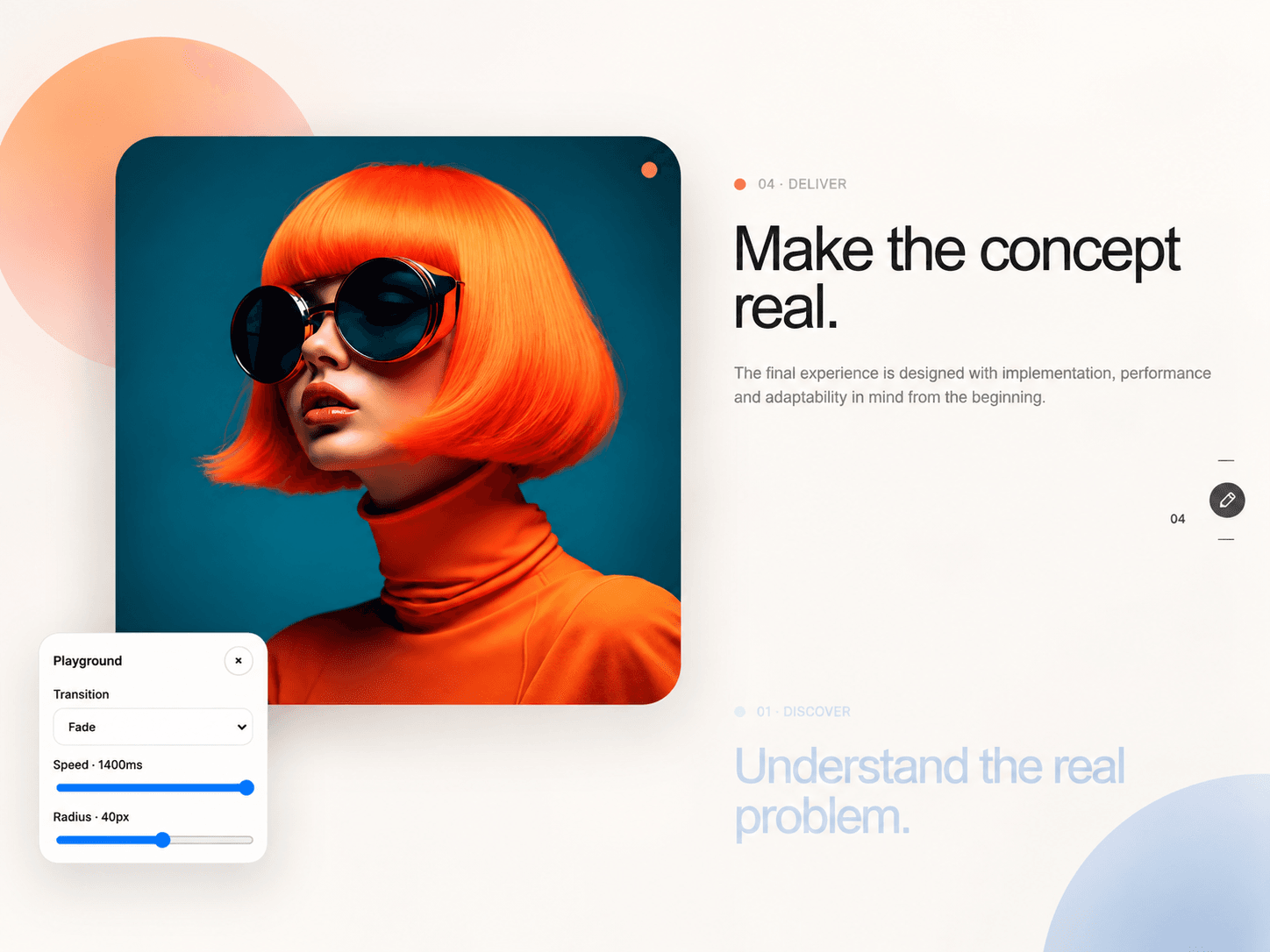
Some stories deserve more than another stack of sections.

Sticky Media Story Pro turns scrolling into the storytelling experience itself.

Your media stays pinned while every new chapter brings in a fresh visual, headline and story — with smooth Fade, Scale, Slide or Cinematic transitions.

I also added a tiny optional Playground so you can let visitors experiment with the transition style, speed and radius themselves.

Perfect for: Product walkthroughs · Case studies · Agency processes · Portfolios · Editorial stories · Launch pages

Built for Framer. Responsive. Fully customizable. And ridiculously satisfying to scroll through.

Sticky Media Story Pro