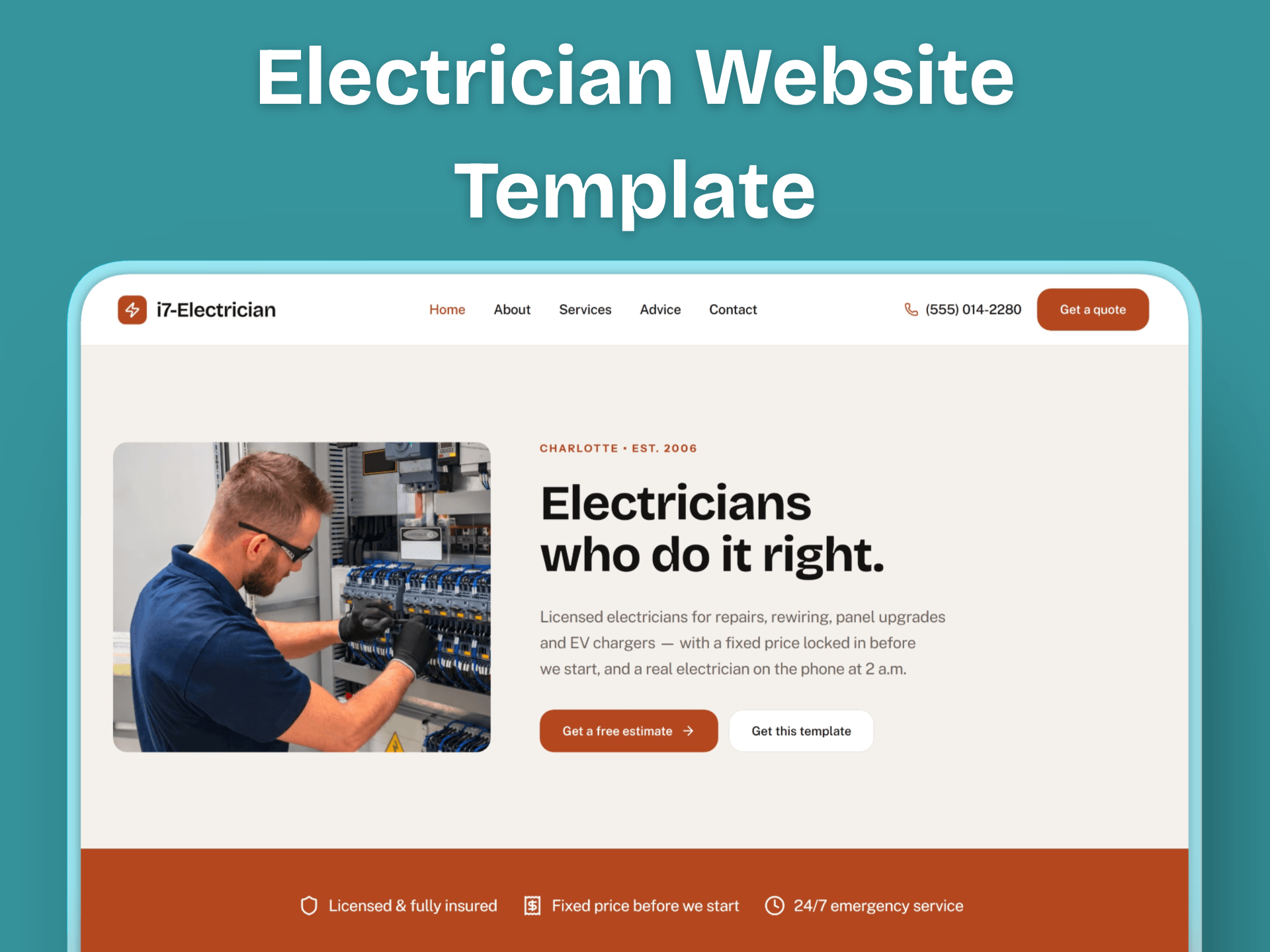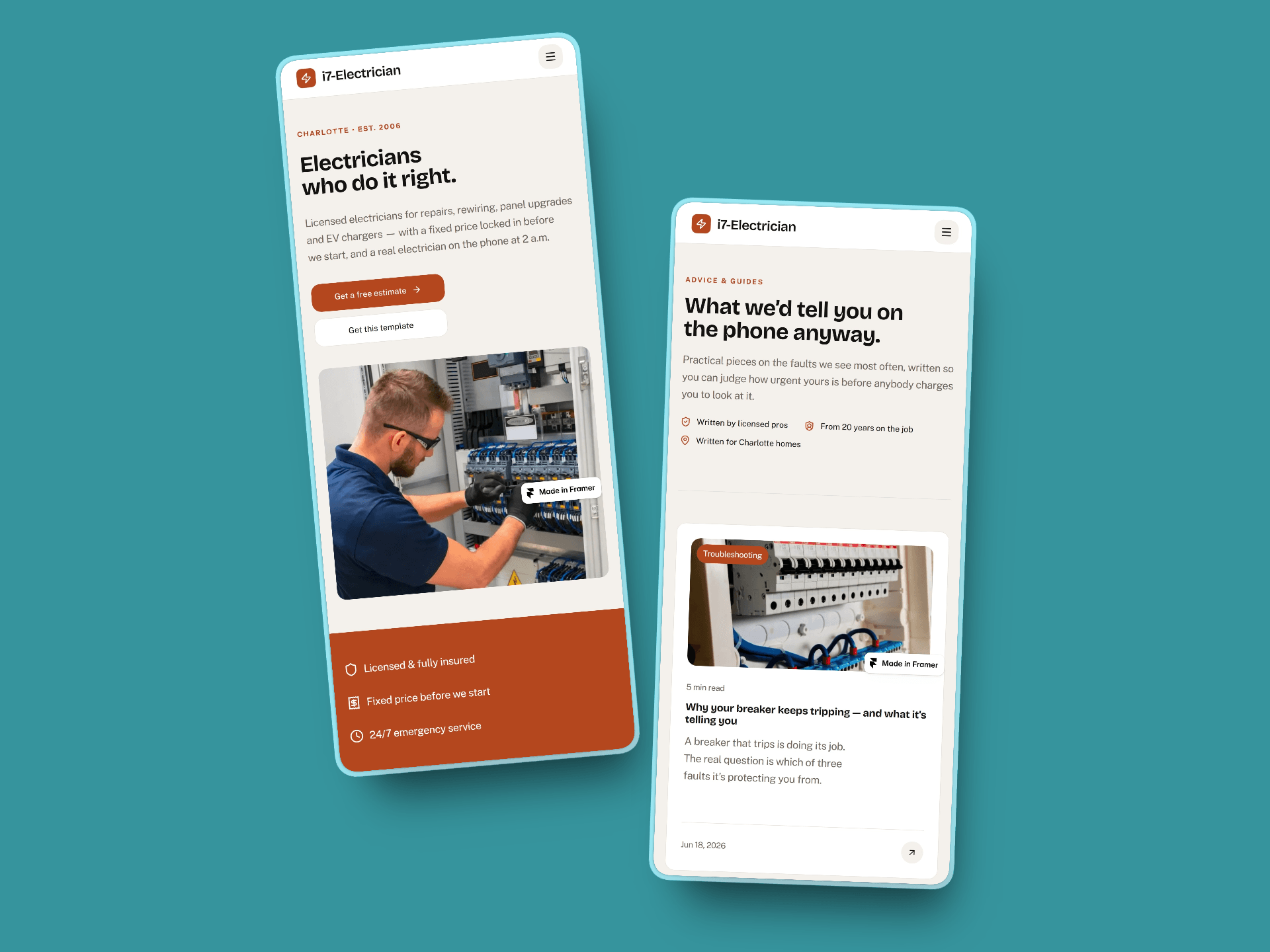
I just optimized the PageSpeed score for my newest template, i7-Electrician. Thrilled to hit 100/100 on three metrics and 98/100 on the fourth!

Building conversion focused Framer templates.
I just optimized the PageSpeed score for my newest template, i7-Electrician. Thrilled to hit 100/100 on three metrics and 98/100 on the fourth!
Just improved the Desktop Page Speed score of my template i7-Plumbing. It's now 98%.
The fastest way to lose a Framer template buyer: messy layer names.
A polished template can still feel broken the second a buyer opens it. Not because the design is weak, but because the layers read Frame 412, Group 7, Copy of Copy 3.
Buyers do not admire your template. They edit it. If they cannot find the hero heading in ten seconds, all your polish is invisible.
Before I publish anything, I do one pass:
1. Rename every layer to what it is: Hero heading, Pricing card, Footer CTA.
2. Make text and image slots obvious, so swapping content never breaks the layout.
3. Delete hidden and orphaned layers so the file is not a maze.
Twenty minutes of work. It is the difference between a refund and a five-star review. The build is what you show. The handoff is what you actually sell.
Hit 98 on Google PageSpeed Desktop today after spending some time optimizing the i7-Advisory template! The post-launch polish continues.
A small template detail that quietly costs trust: stat counters that animate up from zero.
I keep seeing studio and portfolio templates where the numbers block reads 0+ projects, 0 clients, 0 years. On a fast connection the count-up hides it. On a slow load, or when a buyer forgets to edit the defaults, the live site just sits on 0 clients. That is the opposite of what the section is there to do.
Two fixes I use:
1. Seed real-looking defaults in the template itself (40+, 6, 12), never 0. It demos well, and a rushed buyer still ships something credible.
2. Start the count-up near the end value instead of from 0, so a slow frame never parks on nothing.
Same logic covers empty CMS states, placeholder testimonials, and Lorem that sneaks to production. Design the default for the person who forgets to change it.
If you build templates, what is your rule for placeholder content?
New Template: i7-Advisory
A premium Framer template for consulting firms.
+ Executive Copy: Pre-written, professional text built-in—no placeholders.
+ Built to Convert: Designed specifically to capture premium leads.
+ Easy Editing: Swap content instantly without breaking the layout.

After the Framer 3.0 Marketplace launch, I saw a lot of big creators talking about dramatic drops in sales. But over the last few days, I’ve also been seeing smaller creators sharing what look like unusually strong sales. Do you think the marketplace is finally stabilizing, or is it still just an algorithmic casino?
Just launched: i7-Advisory
A premium Framer template built specifically for business consultants and advisory firms.
No more generic "Lorem Ipsum." It ships with sharp, executive-level copy already in place so you can launch faster.
✨ Highlights:
Done-For-You Copy: Confident, professional text built-in.
Built to Convert: Structured to capture high-ticket leads.
Effortless Editing: Swap content instantly without breaking the professional layout.
Launch a site that actually sounds like a firm worth hiring.


Hello everyone! Can I move an existing pro plan to my published Framer template? I want to use the branching feature when editing it, or must it remain on the free plan?

Just noticed this update in the Framer community where older posts can resurface if they had strong engagement.
I remember thinking, "It would be great if Framer had something like this."
And... here it is.
It's a small feature, but I think it gives good discussions a second life instead of letting them disappear after a few days.
Great work, @Framer 👏

It would be great if we could create a content draft or posting schedule for the @Framer community.

Great Update! 🙌
The next thing I'd love to see is Quote Reposts, so we can add our own thoughts while reposting.
Who agrees? Repost this post 🙌🏻

GPT 5.6 Terra and Luna are 50% off through August 14.
Plus 32 Agent updates and 14 Canvas updates.
All in the July update. Now in Framer.
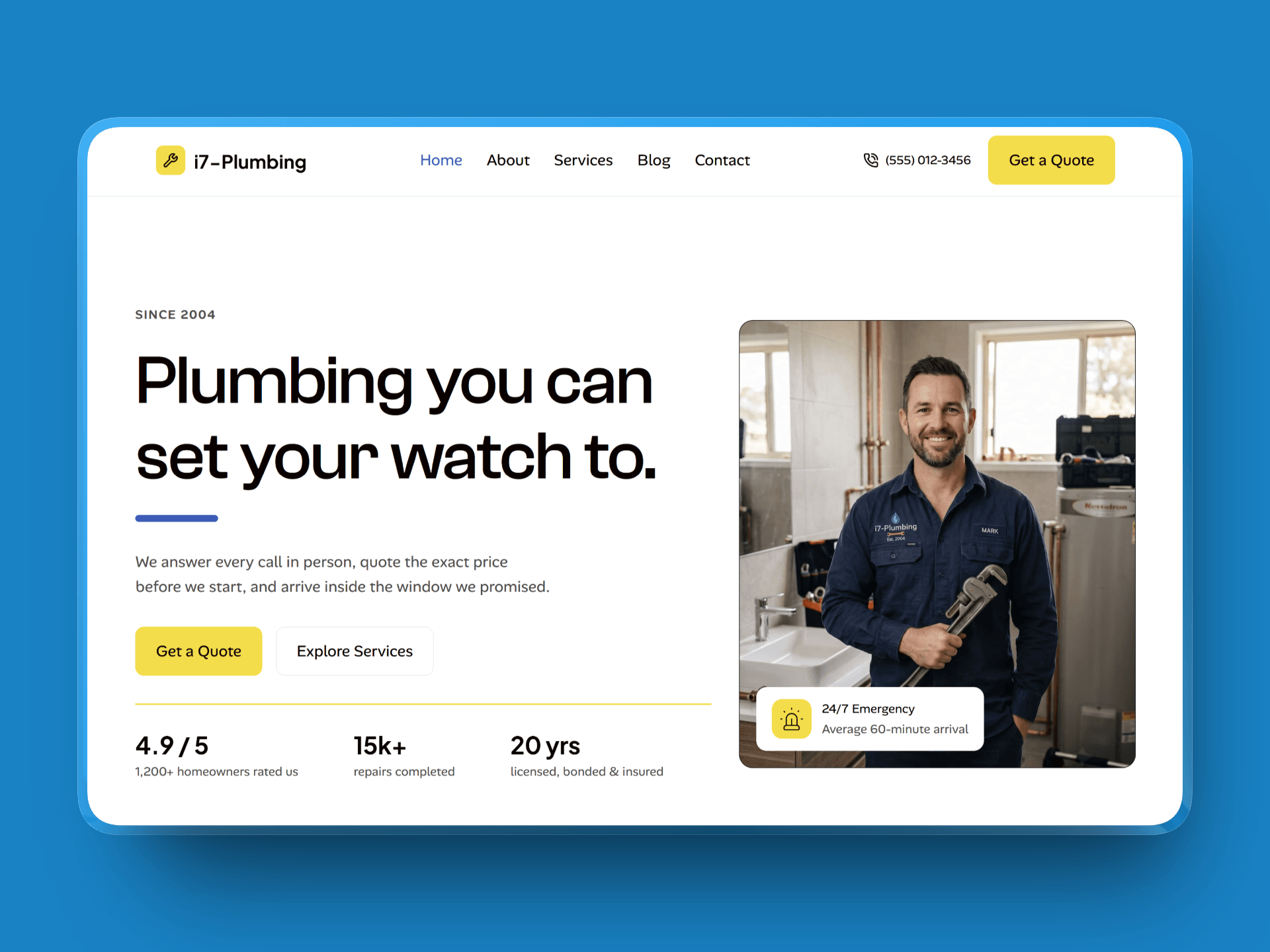
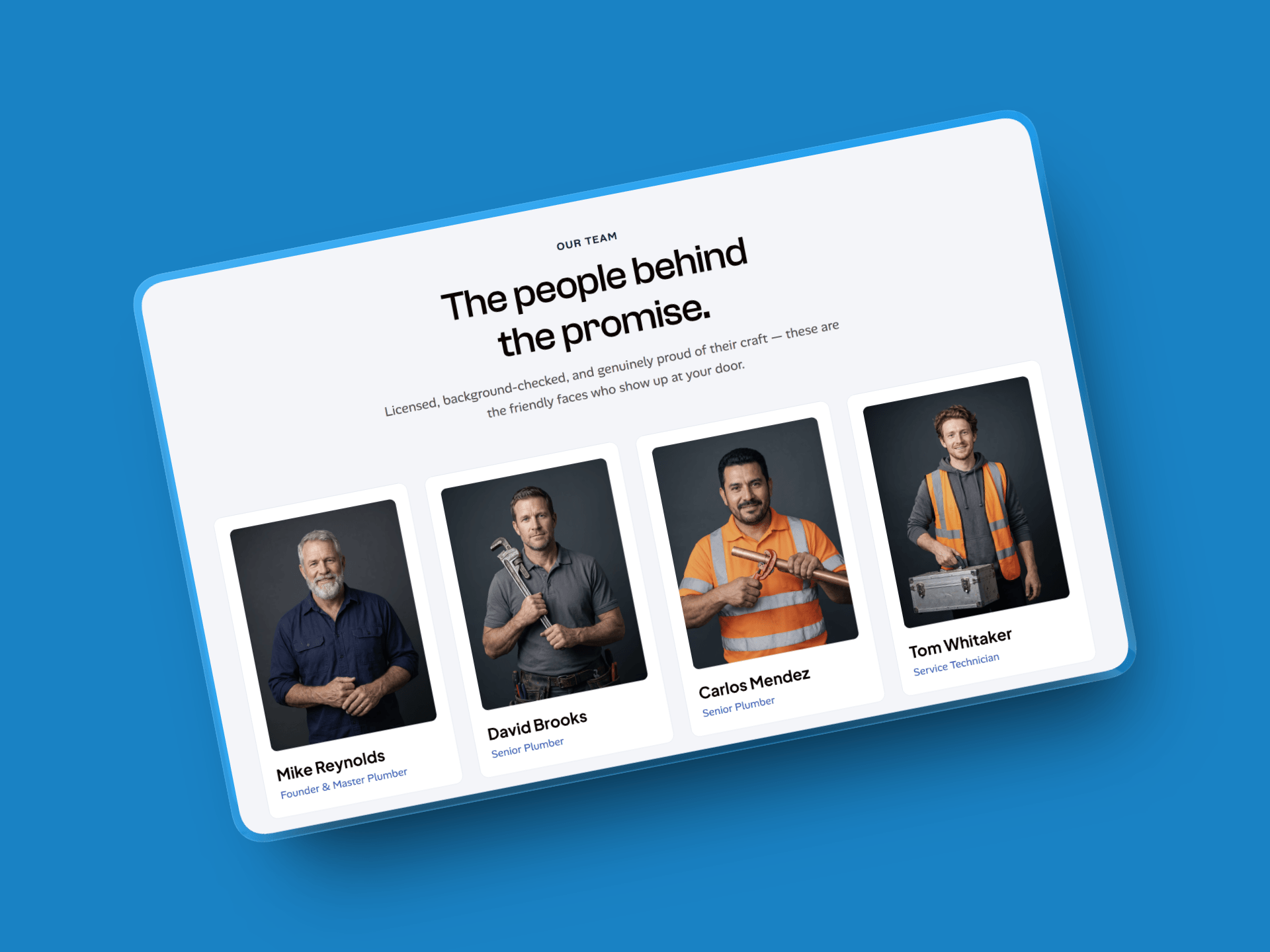
i7-Plumbing (New Free Framer Template)
🏆 Ranked Top 600 of 8,690 on Framer-Ranks in just 3 days!
Launch your pro plumbing site fast.
+ 8 editable pages + built-in CMS.
+ Framer Basic plan ready.
Thank you for the support.
i7-Plumbing: A new Free Plumber Website Template
Launch your site fast.
8 Pages & CMS: Easy management.
Budget-Friendly: Runs on Framer Basic.

Stop Using Pure Black in Every Design.
Here are my favorite alternatives👇
🌑 Charcoal Gray — #121212
🌌 Oxford Blue — #212A37
🌃 Dark Gray — #212427
Check out i7-Plumbing: A new free Framer Template: Launch a professional plumbing site fast.
+ 8 Editable Pages: From Services to 404.
+ Built-in CMS: Easy service & blog management.
+ Budget-Friendly: Runs on the Framer Basic plan.
Meet i7-Plumbing: Launch a professional plumbing website for free.
✅ 8 Editable Pages: Everything from Services to a 404 page.
✅ Built-in CMS: Easily manage your services and blog posts.
✅ Tap-to-Call Optimized: Built to get the phone ringing 24/7.
✅ Budget-Friendly: Runs perfectly on the Framer Basic plan.
Launch your new professional site this week!