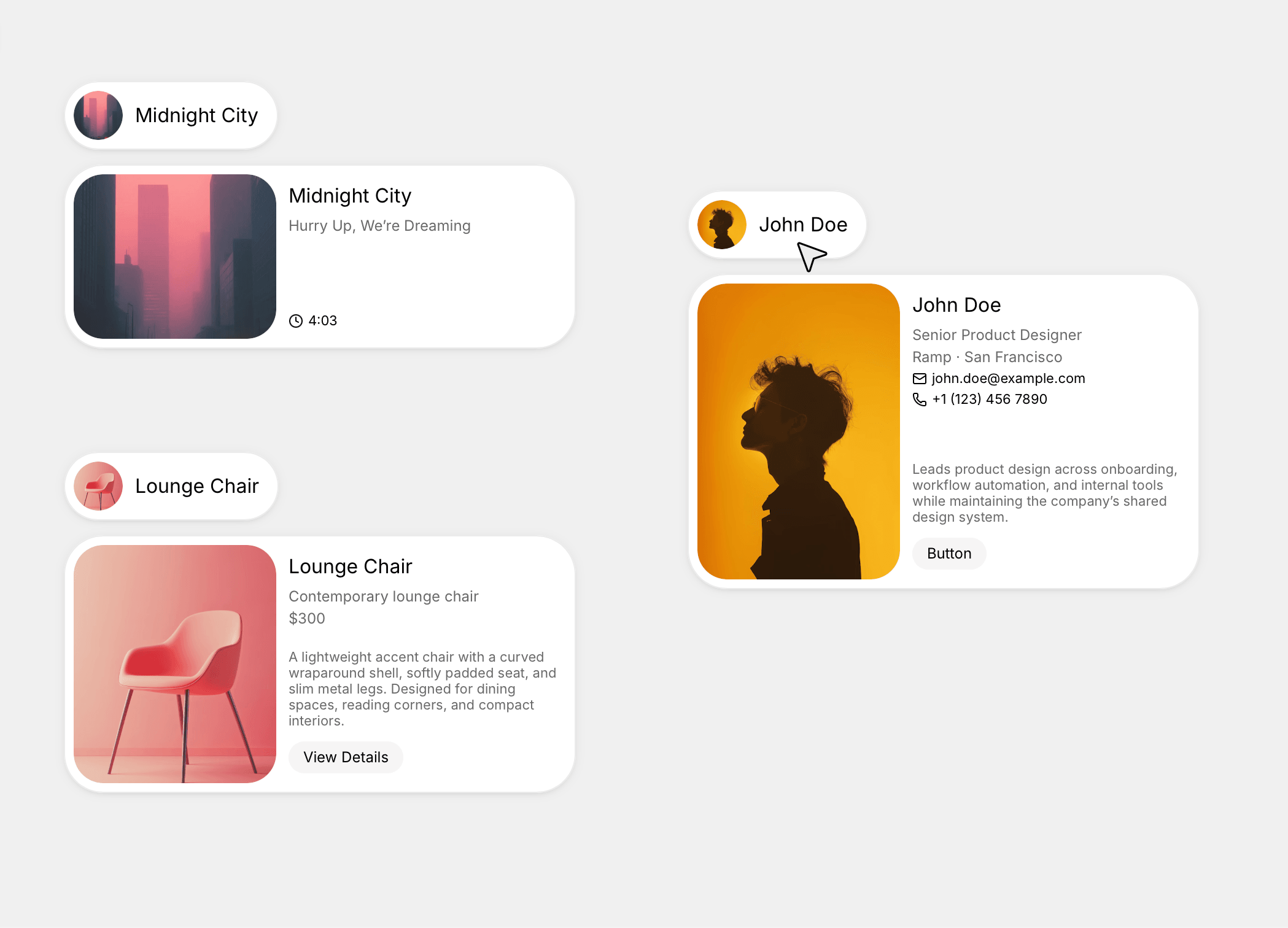
About Card Stack Reveal
Card Stack Reveal turns a list of profile or content cards into a compact, animated deck. Cards sit stacked with real 3D depth — each one slightly behind the last, softly blurred and scaled down — and fan open into a clean list on hover or click. Add an optional auto-play loop and the stack cycles on its own, one card at a time, pausing the moment someone interacts with it.
Key Features
Editable card list — image, title, and subtitle per card (3 to 8 cards)
Choose how it opens — Hover (mouse in, mouse out) or Click (tap to toggle) — with full keyboard support (focus, Enter/Space,
aria-expanded)Optional auto-play — cycles the stack on its own, with adjustable speed and interval; pauses on interaction and automatically when the browser tab is in the background
Fine-grained depth controls — overlap, perspective, blur, opacity, and scale per step
Native Framer controls throughout — Padding, Border Radius, Box Shadow, Font
Card height adapts to content — no fixed pixel height to fight with
Lightweight, self-contained, and ready to drop into any project.
How to Set Up
Drag Card Stack Reveal onto your canvas
Add your cards — image, title, and subtitle for each
Publish