About Language Scramble
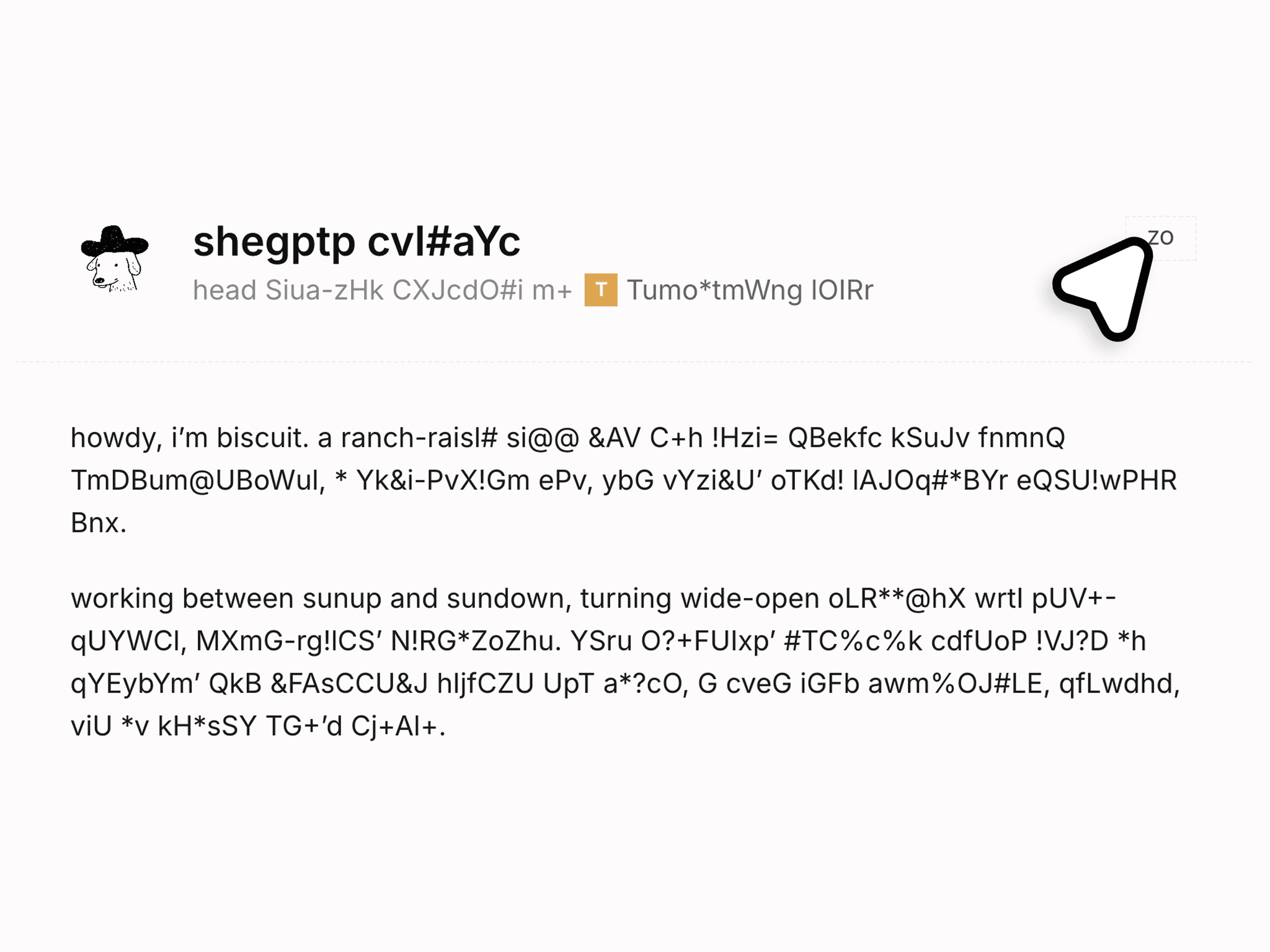
Language Scramble is a responsive Framer component that runs your language switch: text inside the frames you mark scrambles into the new language, resolving left to right. It's an invisible layer inside a button you design yourself, using Framer's native Localization as the only translation source. No APIs, no keys.
Use Cases:
Works well for:
Multilingual portfolios
Agency sites with international clients
Product pages localized per market
Perfect when you want a language switch visitors actually notice.
--------------------------------------------------------------
Customization:
Fully customizable via the properties panel:
Switch to
Target locale
Style (Scramble, Cascade, Center out, Edges in, Wipe)
Duration
Refresh rate
Characters
Custom set
Reduced motion
Scope
Max characters
Keep whitespace
Exclude selector
Canvas guide
Your button's look stays yours. The component adds no visuals and animates existing text in place, so links, bold spans, and rich text keep their styling.
--------------------------------------------------------------
Responsive Behavior:
Fills whatever button you place it in, at any breakpoint
Animates the rendered page text, no per-viewport setup
Reduced motion: instant switch, or a short scramble capped at 150 ms
Screen readers always get the final text
--------------------------------------------------------------
Preview: https://language-scramble.framer.website/
Tutorial: https://language-scramble.framer.website/tutorial
Code Override: https://framer.com/m/LanguageScrambleOverrides-cqlqq2.js@46JWH5GReZRyW5CuV2Wu#withScramble
Included: The component, setup steps on the preview site, the marking override, and support on X at @KullenJahnke.
Good to know: Needs Framer Localization with two or more locales, and the included withScramble override on the frames you want animated. Identical text in both locales stays still on purpose. Published sites navigate to the locale URL; the animation continues on the new page.