About Slider Studio
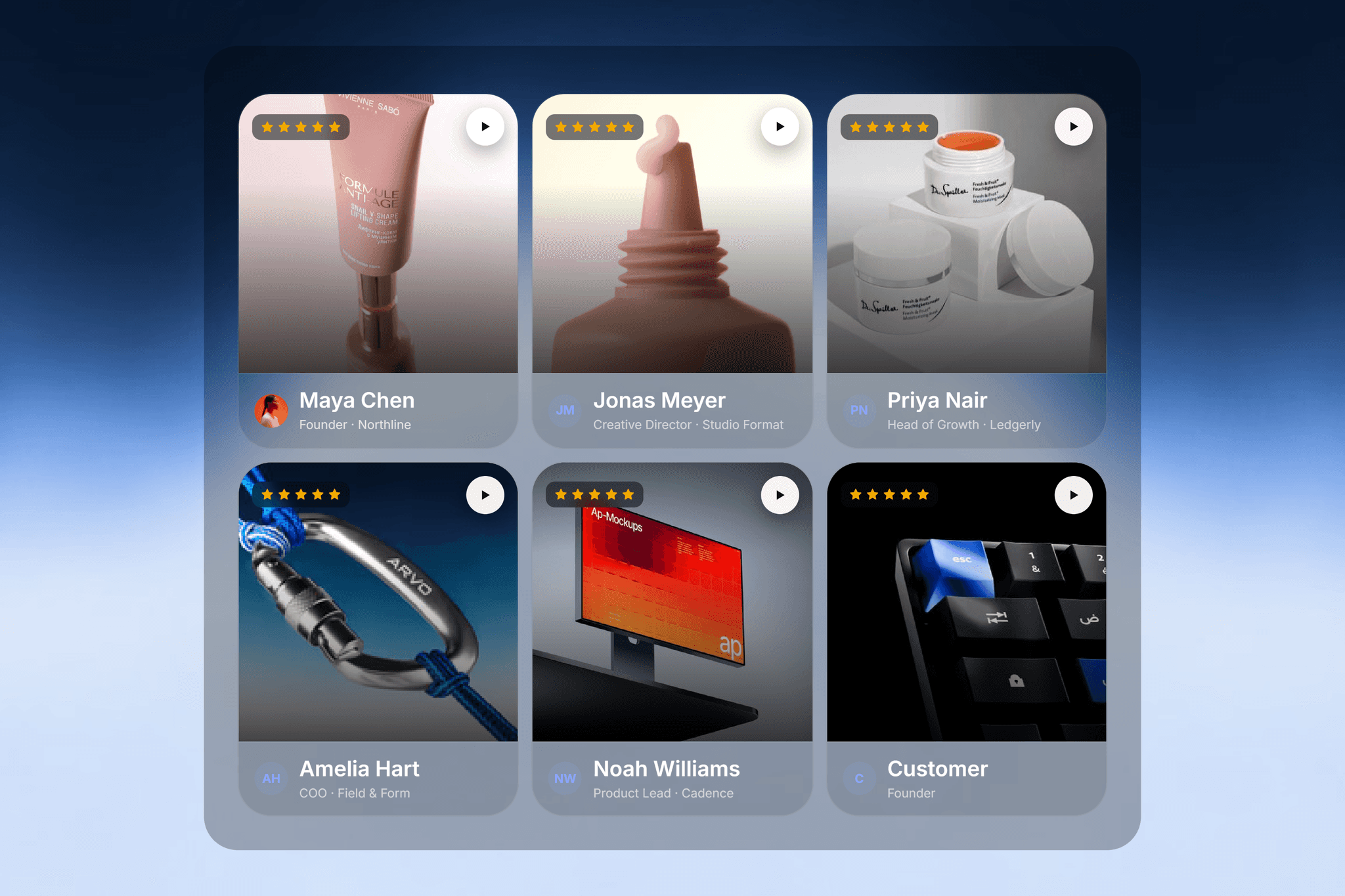
Slider Studio is a one-at-a-time snap carousel for Framer. Drop it on a hero, a products section, a testimonials block, or any place where one item should hold focus and the next should arrive cleanly. The transition and the hover treatment are fully in your hands.
Most sliders ship one transition. This one gives you seven, and an optional layer of WebGL hover effects on top.
Seven transitions
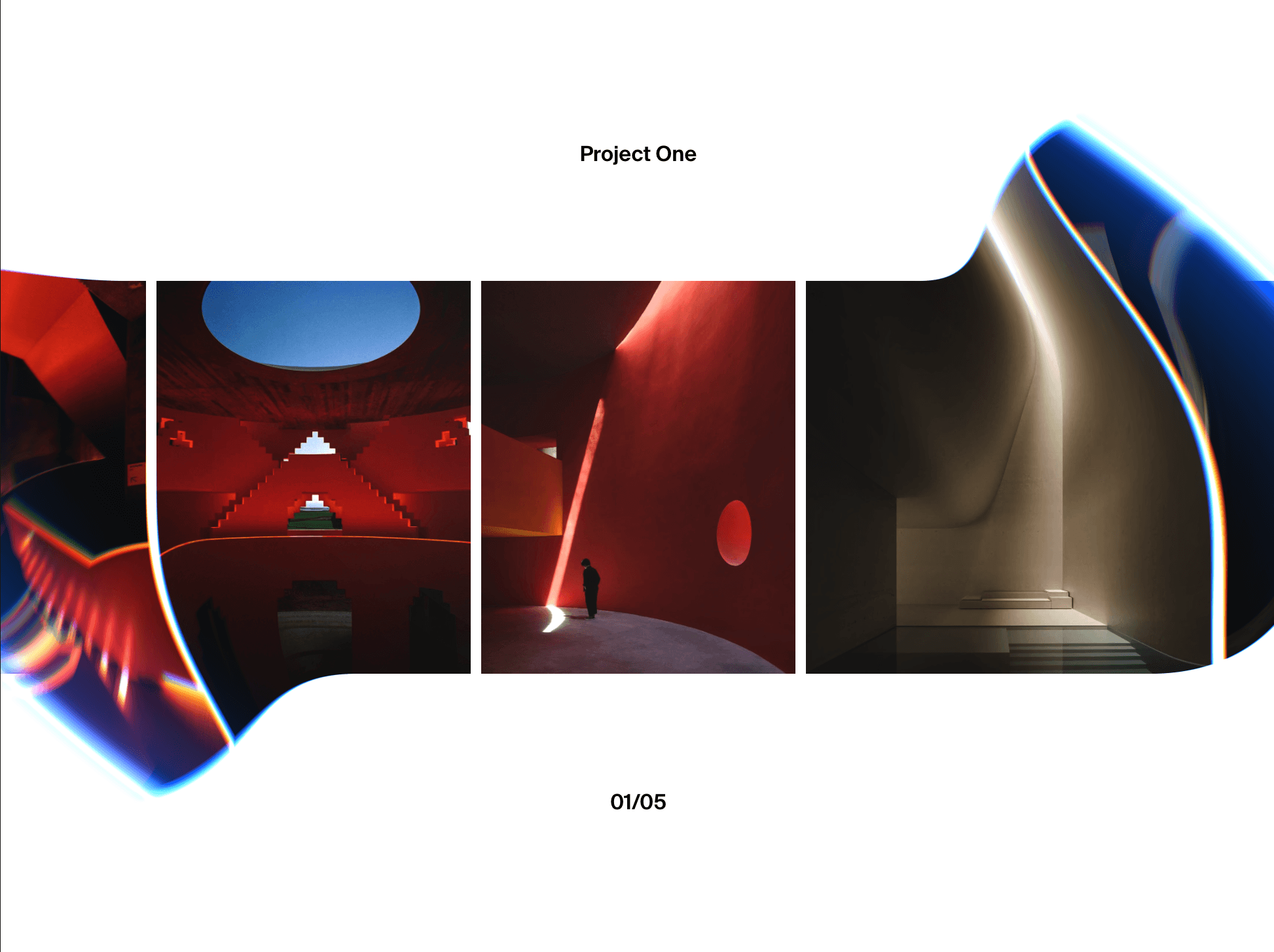
Slide, a clean track with a neighbour peek.
Fade, a crossfade in place.
Parallax, the photo drifts inside the frame.
Zoom, the centre pushes in with inner parallax.
Stack, slides deal like a deck.
Cards, upcoming slides fan out behind.
Flip, each card turns in 3D.
Optional WebGL hover effects
RGB Shift, Ripple, Zoom Lens, Glitch, Twist, Pixelate, and Shine. Turn one on and it plays on the centred image on hover, then clears the moment you leave. Built in raw WebGL, no dependencies, and invisible during drags and scrolls so they never fight the motion.
Manual or CMS
Add slides by hand, each with an image or video, a poster, a caption, and a link, or drop a Collection List into the slot and it maps every row automatically, click through links included. It ships with Framer hosted placeholders, so it looks complete on drop in.
Smooth by design
Drag has flick momentum, Scroll to Slide accumulates the wheel into an eased snap, and the easing is frame rate independent, so it feels the same on 60Hz and 120Hz.
Controls
Grouped for clarity: Source, Layout, Motion, Navigation, Hover FX, and Style. Every control carries its own one line description in the panel.
What you get
A snap carousel with seven transitions, seven optional WebGL hover effects, manual or CMS data, drag with momentum, arrows, dots, autoplay, smooth scroll, infinite loop, click through links, no npm dependencies, a calm static preview, and free updates within the version.