About Depth Wave Gallery
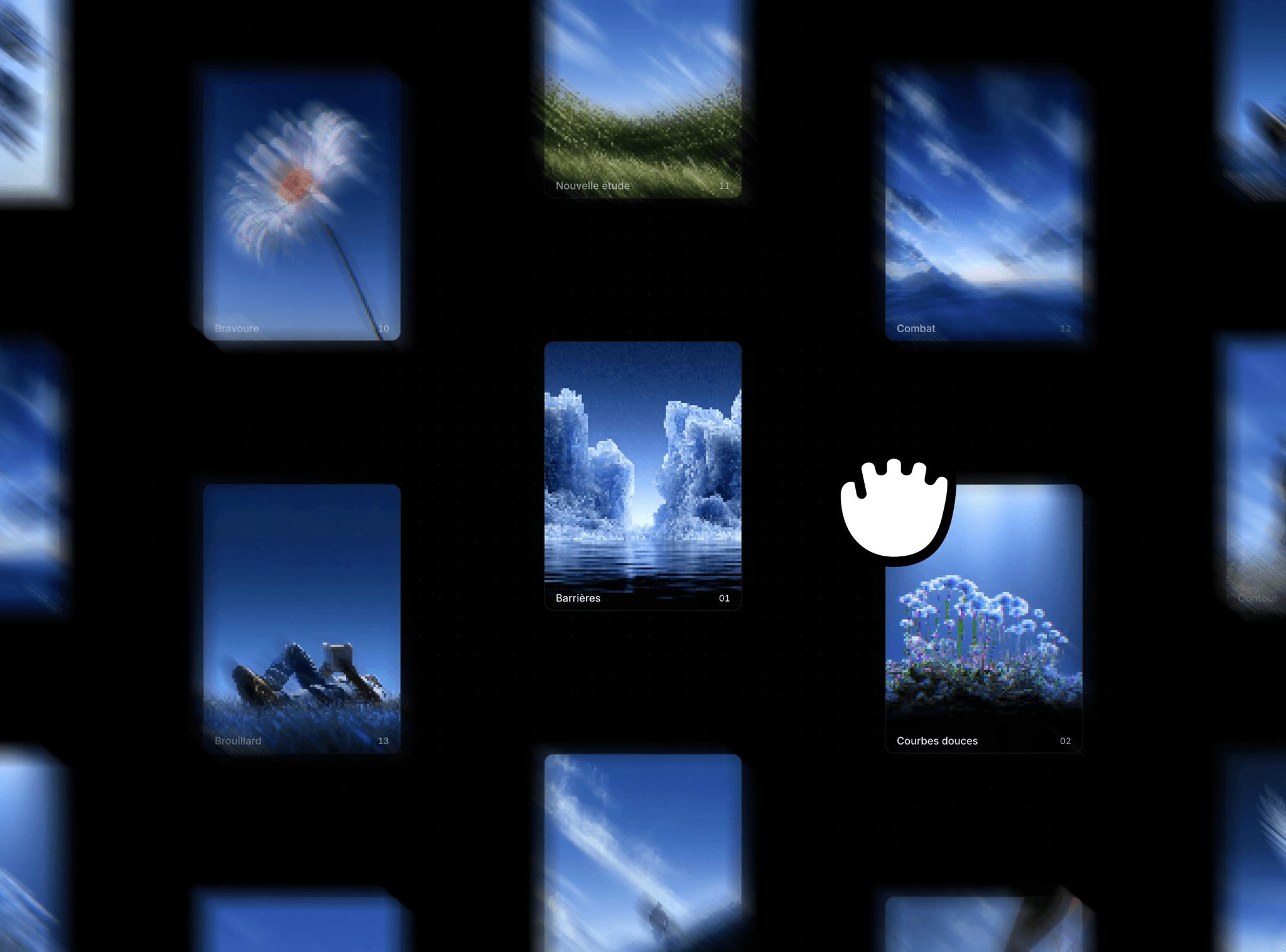
Depth Wave Gallery magnifies its items like a macOS dock laid on its side. The item at the center is largest, and the rest shrink and pack tighter toward the edges, fanning down on a gentle arc. Drop it on a work index, a project reel, or a product strip, and the row gains a center of gravity. It is structural and editorial, built to organize content rather than decorate around it.
Where to use it
Use it on a work index, a project reel, a homepage gallery strip, a product lineup, or a case study archive. It fits anywhere a row reads better with one item in focus than with all of them equal, and it lands hardest as a standalone section the visitor scrolls or drags through.
What it does
Two orientations. Horizontal lays the items in a row that fans down on an arc. Vertical stacks them in a column.
Loop or bounded. Loop wraps seamlessly as you drag. Bounded gives real ends with an elastic ease back.
Depth you can shape. Focus Spread sets how many neighbors stay large, Edge Size how small the far items get, Align sets a top, middle, or baseline, and Arc Drop adds a downward curve.
A title and description under each item, in the component's own typography, sitting outside the image box so they never break the magnification.
Manual or CMS. Manual takes a hand curated list with image or video, title, description, and link. CMS reads a Collection List you drop into the slot, mapping each row's media, title, description, and link. One instance binds the whole collection.
Controls
Grouped into Source, Layout, Depth, Motion, Text, and a trailing Style group. Drag with momentum, snap to center, optional scroll to pan, and auto drift. Every control carries its own one line description.
No dependencies. A calm static preview on canvas. Free updates.