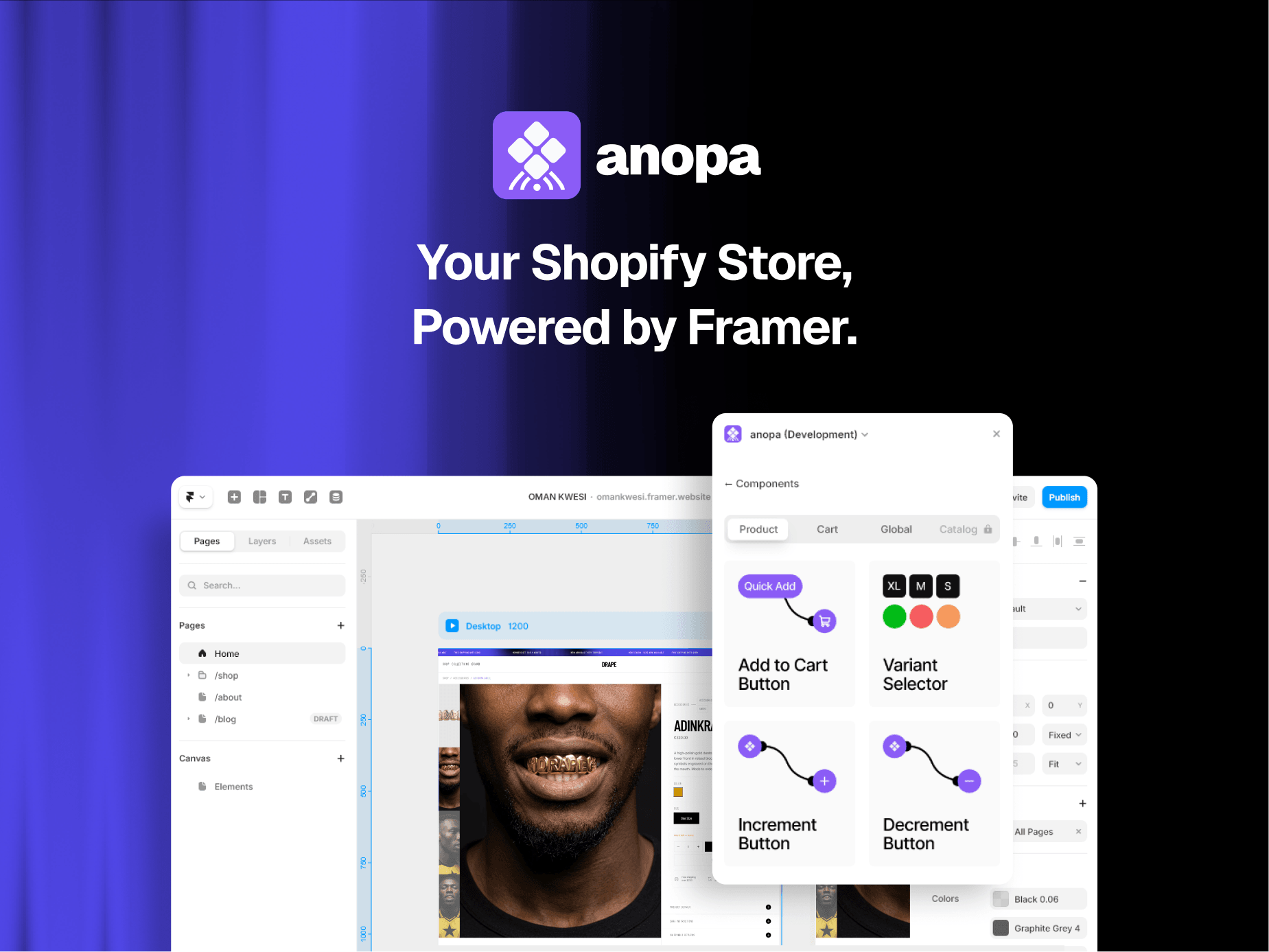
Shopify CMS Sync turns your Shopify catalog into a native Framer CMS collection. Design real product pages with real data — prices, images, variants, ratings, and any custom metafield you choose.
100% free. No catch.
Most Shopify-to-Framer tools charge a one-time fee, a subscription, or take a cut of every sale. This plugin costs nothing — no fees, no revenue share, no locked features, no account to create.
Private and self-reliant by design.
No third-party backend. The plugin talks directly from Framer to Shopify's official Storefront API — your data never passes through anyone else's server, and there's nothing external to break or shut down. It uses a read-only token (it can never modify your store or see orders and customers), stored only inside your own Framer project. Sync happens only when you press the button.
Set up in under 2 minutes.
1. In Shopify admin: Settings → Apps and sales channels → Develop apps → create an app, enable the unauthenticated_read_product_listings scope, install it, and copy the Storefront API access token.
2. In Framer: CMS panel → New Collection → Shopify CMS Sync.
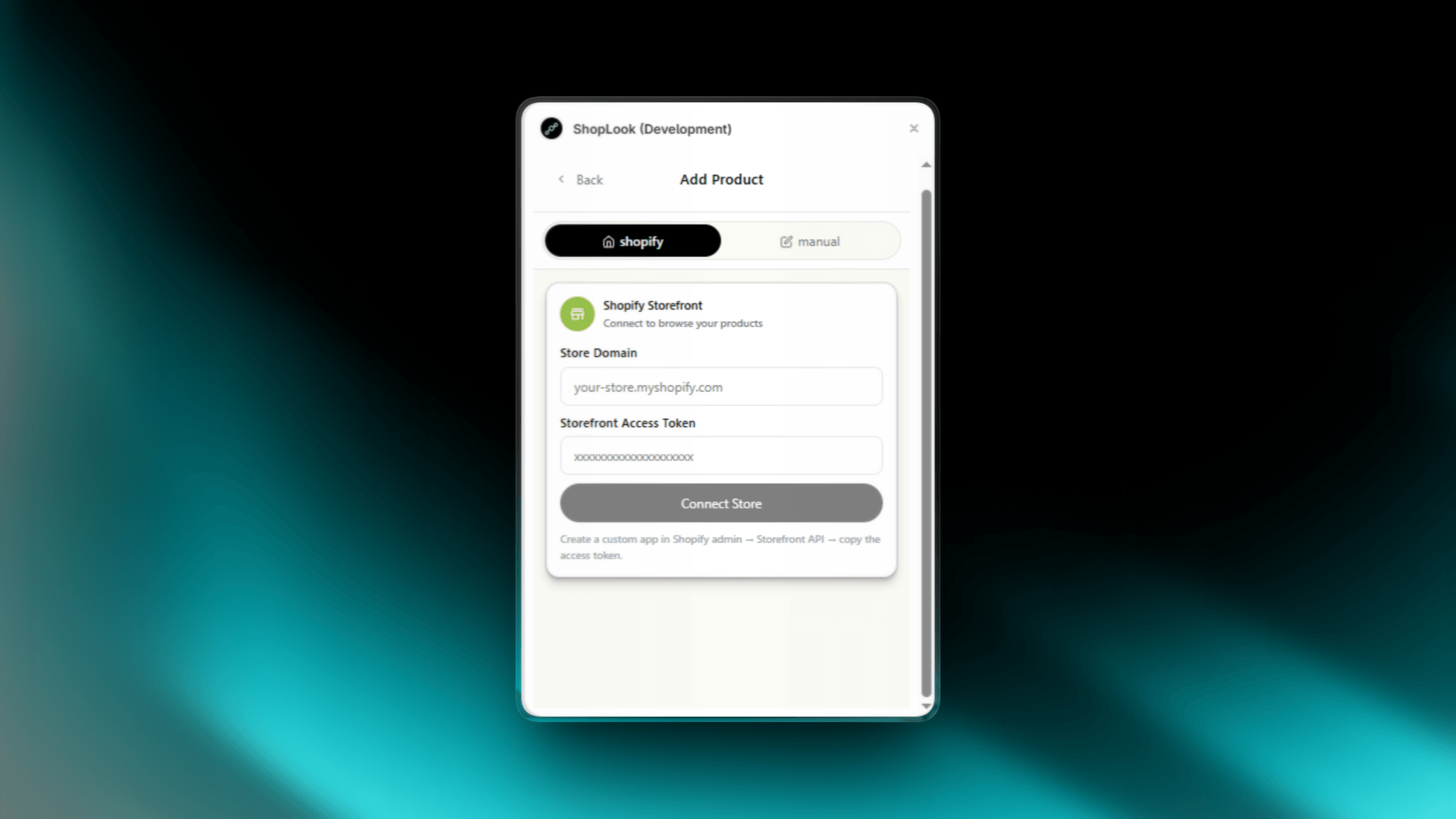
3. Paste your *.myshopify.com domain and the token, optionally add custom metafields as namespace.key, and hit Save & Sync.
Your products appear as CMS items ready to bind. Re-sync anytime with one click — items match by product ID, so canvas bindings never break and deleted products are cleaned up automatically.
What gets synced
- Title, handle, rich-text description, product URL
- Price min/max, currency, compare-at prices
- Featured image (native image field), full gallery as JSON
- Variants and options as JSON for custom selectors
- Vendor, product type, tags, category, collections
- Rating and review count from standard reviews metafields
- Any custom metafield, each as its own CMS field
Works with any store, supports multiple stores per project, light and dark mode included.