About 27 Treemap Chart
What it does
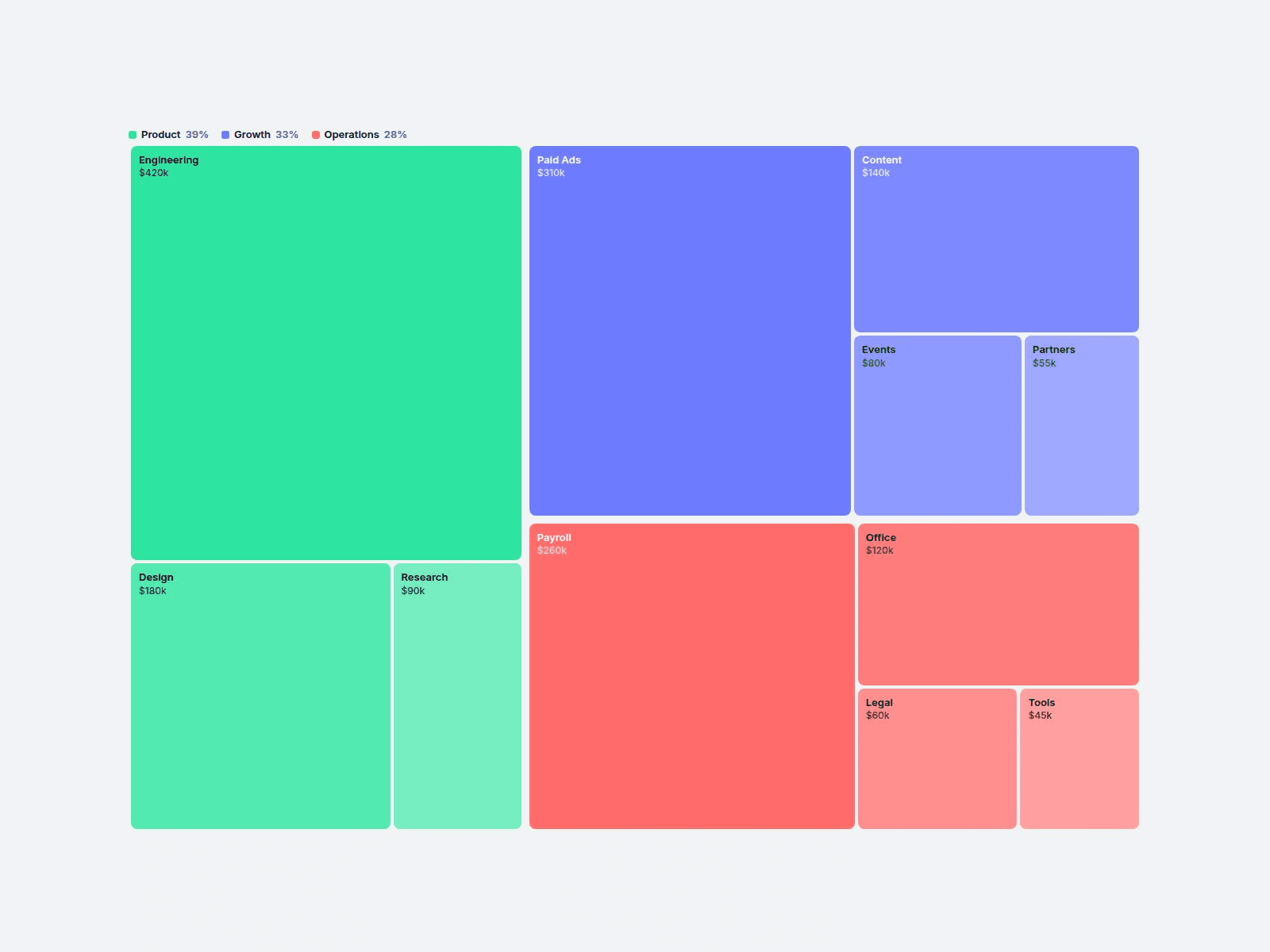
Treemap Chart turns a simple list into a treemap: each tile's area matches its value, laid out automatically. Type a label, a value and an optional group, and you're done.
Great for market share, budget breakdowns, portfolio allocation and traffic sources on SaaS, fintech and report pages.
Customizable properties
• Items — up to 30, each with label, value, group and optional color
• Layout — Grouped or Flat; Sort — by value or as typed
• Numbers — currency, suffix, thousands, decimals, k/M, show as number, percent or both
• Six group colors with automatic shading
• Legend, tooltip, hover highlight
• Gap, radius, border, padding, fonts, colors
• Animation — tiles pop in once on scroll
Why this component
• Groups made easy: same Group name, same color family. Smaller tiles get lighter shades.
• Tiny tiles handled: labels hide when too small, the tooltip still shows everything. Hover the legend to spotlight a group.
• Smooth updates: change a value or the sort and tiles glide into place.
• Calm by design: the entrance plays once, then nothing moves. The editor and reduced-motion visitors see the finished chart.
• Keyboard focus and screen-reader labels on every tile.
Need help?
Reach out anytime at hello@brandingupstudio.com. We usually reply within 1 business day.
Need more? All 10 paid BrandingUp components in one payment: All-Access Pass, $49 → https://brandingup.lemonsqueezy.com/checkout/buy/3391c106-6fbc-41b8-9cc8-b63365b95665
Built with code but fully customizable via property controls, no coding needed. Unlink is not provided so we can keep delivering updates. When an update is available, just click the Update button on the component.