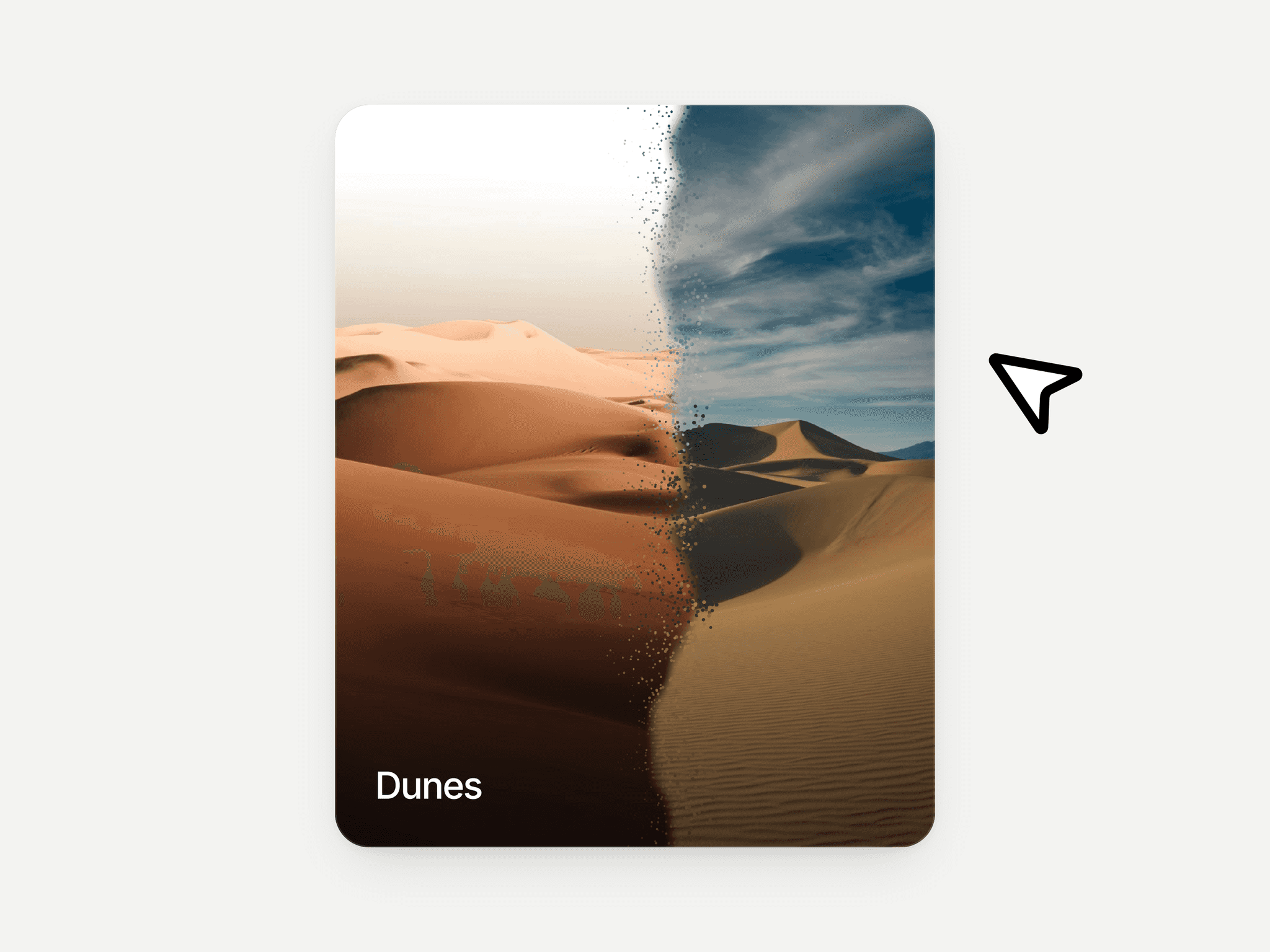
About 3D Tilt Card Hover
Make your cards feel alive
You've probably seen those cards that subtly move as you hover - not just scaling, but actually reacting to your cursor with depth and motion.
That's the difference between a flat UI and an interactive 3D card.
What makes this different from other tilt effects
Most card tilt effects are limited to a single flat layer - you get a basic hover animation, but everything moves as one piece.
This component goes beyond that.
You build your 3D parallax card directly on the Framer canvas with real layers, real content, and full control then the tilt card effect applies on top of it.
Instructions
Setting up the 3D Tilt Hover component takes less than two minutes:
Create a Stack (e.g. Tilt Card) to act as the outer container
Drop the 3D Tilt Helper component inside the stack and set its position to Absolute - it becomes invisible and takes no layout space
Place your Card (or any element you want to tilt) directly after the helper in the layer order
Select the Tilt Card stack and set Overflow → Visible
Match the Perspective value on the Card wrapper with the value in the component, then enable Preserve 3D → Yes
Select the 3D Tilt Hover layer and adjust behavior from the right panel
To create layered depth:
Select inner elements (image, text, logo)
Go to Transforms → + → Depth
Increase value to push elements forward
If depth isn’t visible, enable Preserve 3D → Yes on the parent
How It Works
The component includes 9 property controls in Framer’s right panel:
Properties Control
Tilt Mode: Switch between Follow (card tilts toward cursor) and Repel (card pushes away).
Tilt Intensity: Controls maximum rotation. Higher values create a stronger tilt effect.
Tilt Axis: Choose Free (X + Y), X-only, or Y-only movement.
Origin X / Origin Y: Defines the pivot point of the tilt (center by default). Adjust for asymmetric tilt behavior.
many more
Made with ❤ by Soyeb
Have questions or need a custom Framer component? Reach out at heysoyebali@gmail.com