About Scroll Skew
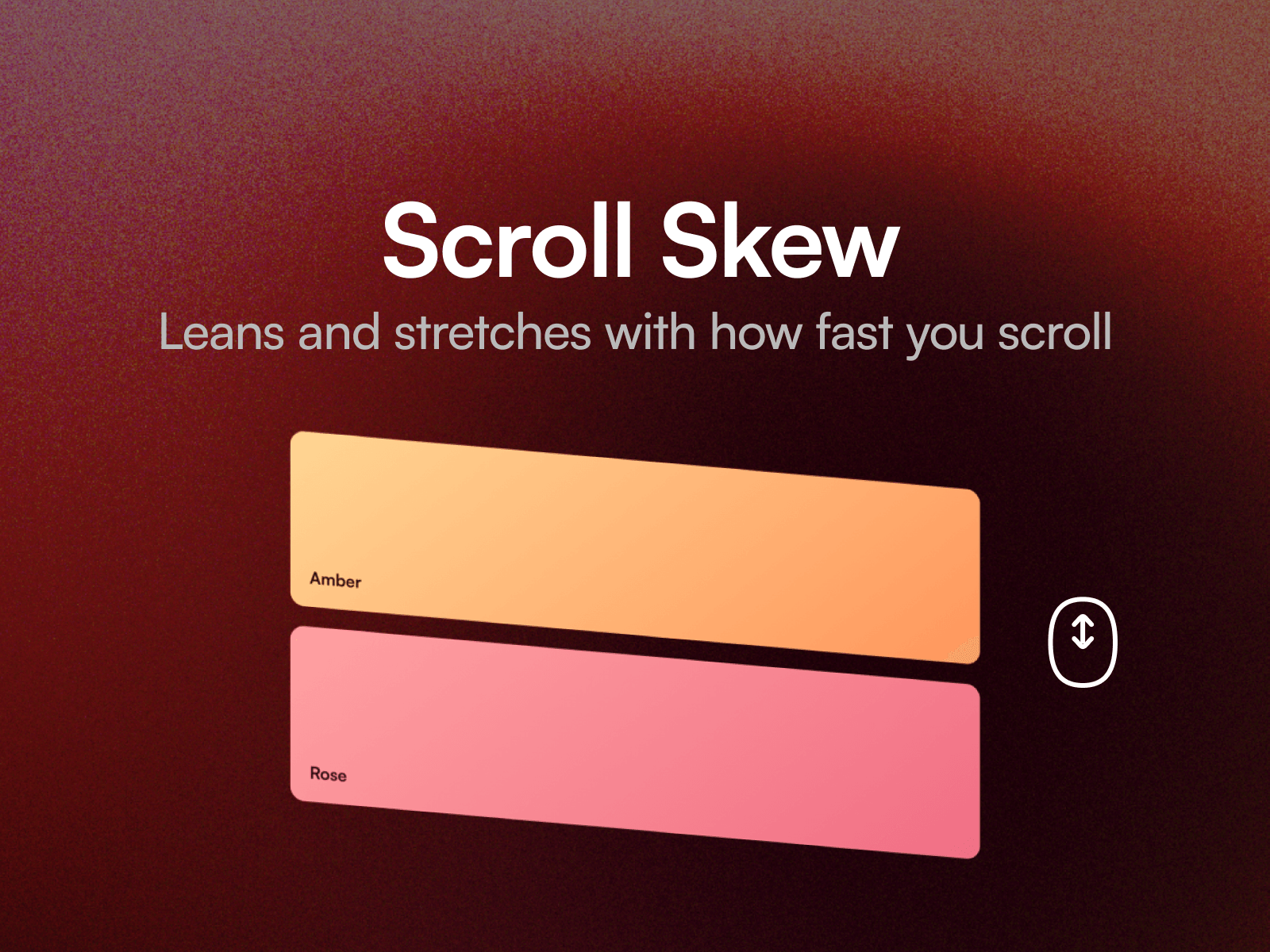
Scroll Skew makes a layer lean and stretch according to how fast the page is scrolling, then settle back to rest the moment scrolling stops. Headlines, image strips and section breaks all come alive with it.
Framer's own scroll effects respond to where the page is. This responds to how fast it is moving, which they cannot do. The lean is capped, so fast scrolling never makes content unreadable.
Eight property controls cover how far it leans, how much it stretches, how hard a scroll earns the full effect, smoothing, bounce as it settles, direction, and a phone guard.
Setting up
Paste the component link into your Framer project's Insert panel. Nothing to install. Drop a layer into the Content slot.
Good to know
The layer in the Content slot needs to sit at the top level of your page, alongside the breakpoint frame. That is how Framer slots work.
It is skipped on touch by default, where scroll speed is too jumpy to read well. Want the same idea on a moving row? Scroll Speed Marquee ties a whole marquee to scroll speed.